.avif)
When it comes to AI in schools, one question comes up again and again: Is it safe?
At Brisk, we take that question seriously, because we’re educators too. We know that trust isn’t just earned by the quality of the product; it’s earned through transparency and clear boundaries.
That’s why we tell you what Brisk checks, what it reads, and what you can turn off. Below, you’ll find an explanation of how Brisk works, how it handles data, and why your school or district can feel confident using it.
First, what is an extension?
As we dive into how Brisk works, it helps to understand what an extension is, especially in a school setting.
An extension is a small add-on that runs inside your Chrome or Microsoft Edge browser. It expands what the browser can do. Educators often use extensions to check grammar, block ads, or save resources with a single click.
Brisk is an extension too, but what makes it different is how seamlessly it fits into a teacher’s existing workflow. It’s not another platform to manage or learn. Brisk lives where teachers already work, in their browser, on the sites they’re already using, and offers time-saving support only when they need it.
And while it’s embedded in the browser, Brisk stays out of your way. It checks the structure of a page to see whether it can help there, but on most sites it does not read the page until you click. And on the AI platforms where it can do more, you decide whether to switch that on.
What Brisk reads, and when
Here’s how Brisk behaves in different scenarios.
Brisk is installed: When Brisk is installed, it checks the structure of a page, not what is written on it, to work out whether Brisk can help there, and where the Brisk button should go.

You ask Brisk to create, review, or adapt something: Brisk accesses only the content you're working with, for the time it takes to complete the task.
What Brisk can (and can't) read
What Brisk reads depends on what you’re doing and where you are.
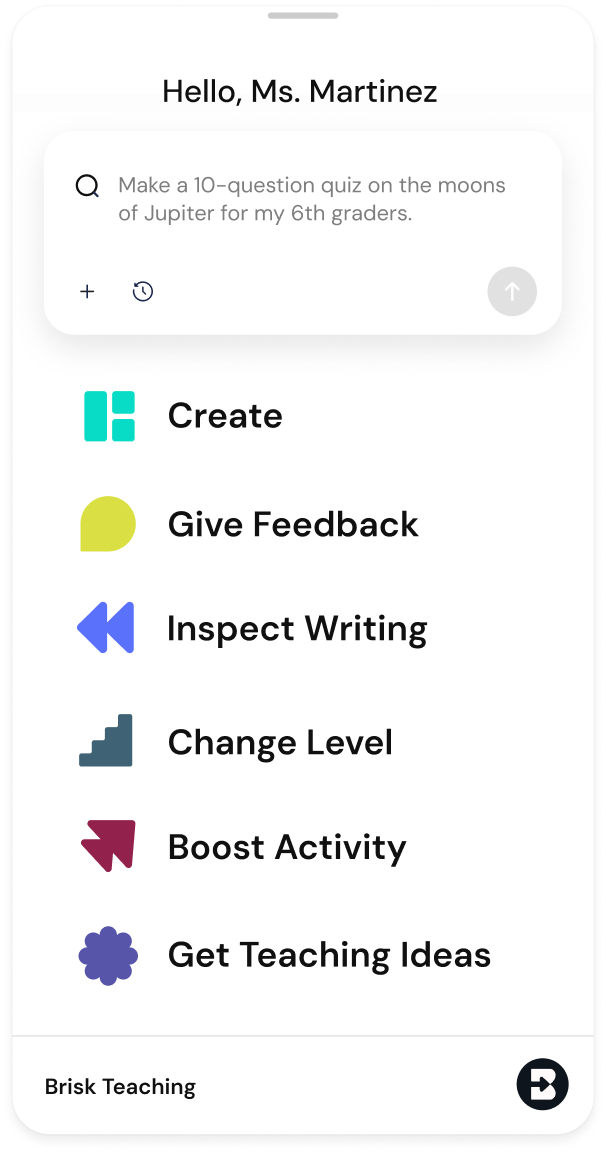
How Brisk works when you use it:
- On a webpage → Brisk reads the visible text
- On a video → Brisk uses the transcript
- On an uploaded PDF or image → Brisk reads the content uploaded
- In a Google Doc, Slide, or Form → Brisk reads the file only if you activate Brisk on that specific document
Understanding the Chrome Extension warning
When you install Brisk, Chrome shows a standard warning: “This extension can read and change all your data on all websites.”
We know that sounds intense. But this is the same warning Chrome shows for any extension that interacts with web content. In Brisk’s case, it simply means:
- Brisk reads content when a teacher uses it, or on supported AI platforms when AI Enhancement is turned on
- Brisk checks the structure of pages to work out where it can help, without reading them
- Brisk never makes changes unless you specifically request it
Data Security: How Brisk keeps you safe
Brisk was built with school privacy standards in mind from the start. Here’s how we protect teachers and students:
- All data is encrypted, whether it’s being sent or stored
- Routine security audits to maintain strong protections
- Automatic logouts after 30 days of inactivity
Brisk also supports secure, school-friendly login methods:
- Google OAuth 2.0, a trusted standard for secure sign-ins
- Magic Link login, password-free access via a secure email link
Once logged in, Brisk uses a browser cookie to identify your session. This is a standard, secure practice, and you can clear it at any time.
What Brisk collects — and what it doesn't
Brisk collects the information needed to support your work:
- Basic account info (like name and email address)
- Usage patterns (which Brisk tools you use, to help us improve)
We do not sell or share personal data. Ever.
What about student data?
Brisk is designed to keep teachers in full control at all times.
- Students only interact with Brisk when a teacher assigns them an activity, so they don’t use it independently
- Brisk does not collect sensitive student information like IEP data, health records, or family details
We’re aligned with the highest privacy standards
Brisk complies with the most important K-12 privacy frameworks, including:
- FERPA (Family Educational Rights and Privacy Act)
- COPPA (Children’s Online Privacy Protection Act)
- GDPR (General Data Protection Regulation)
- National Data Privacy Agreement (NDPA)
We’re committed to doing this the right way for every district, every school, every teacher, and every student. Learn more in our Privacy Center.
The bottom line
Brisk is built to stay out of the way. Nothing happens until you decide it should. And when you do, your data is encrypted, never sold, and protected by the privacy standards schools are held to.
If you’re a school or district evaluating Brisk, we invite you to learn more through our Privacy Center or by contacting our team directly at hello@briskteaching.com.
We’re always here to answer questions, and we’re committed to earning your trust.