
Brisk x Your AI tools
You've already got a great AI answer. Now turn it into something you can actually use in the classroom.
Brisk now works inside ChatGPT, Gemini, Claude, Copilot, Canva, Wayground, Adobe, and more so you can take your prompts further wherever you're already typing them.
Use Brisk where you're already working
If you’re already in ChatGPT, Gemini, Claude, or Copilot, Brisk is there too. One click turns your AI response into a presentation, a quiz, or something you can actually hand out to your students.
Boost your prompts with Brisk
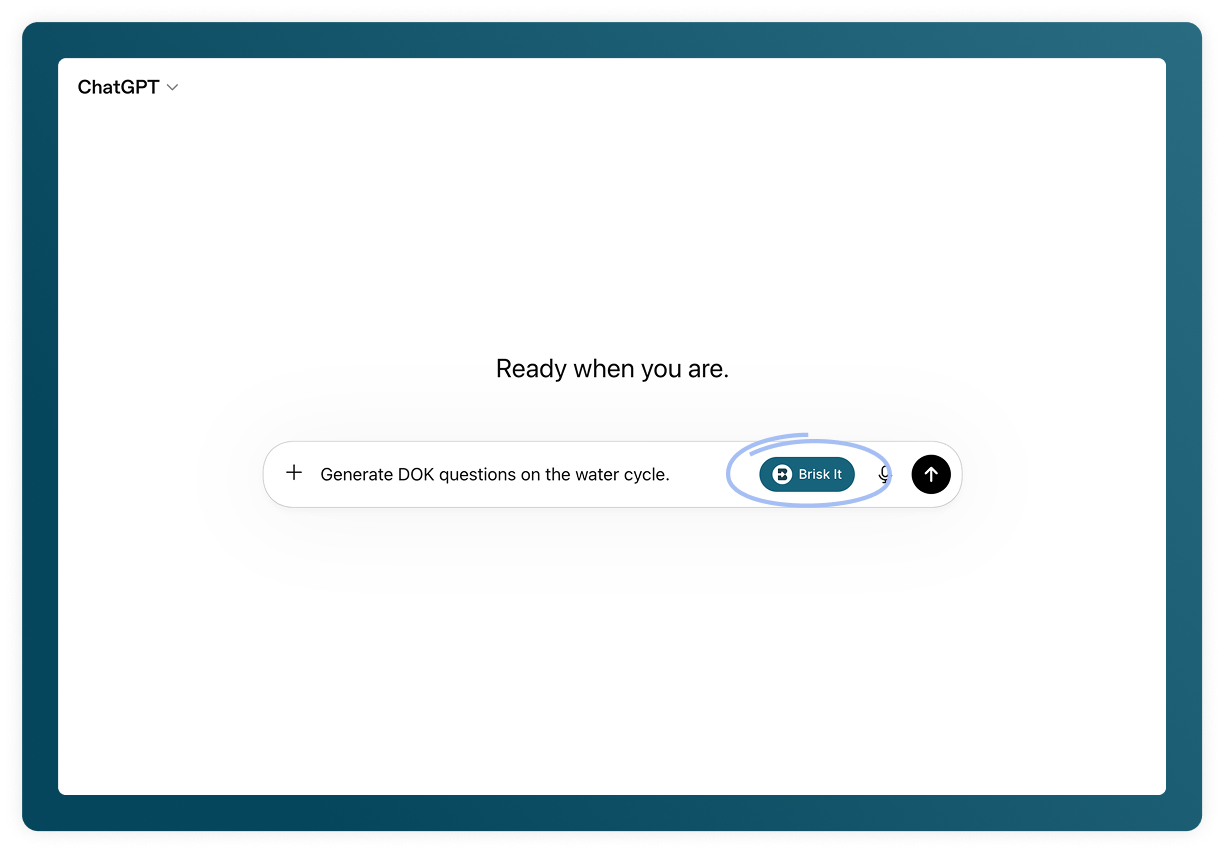
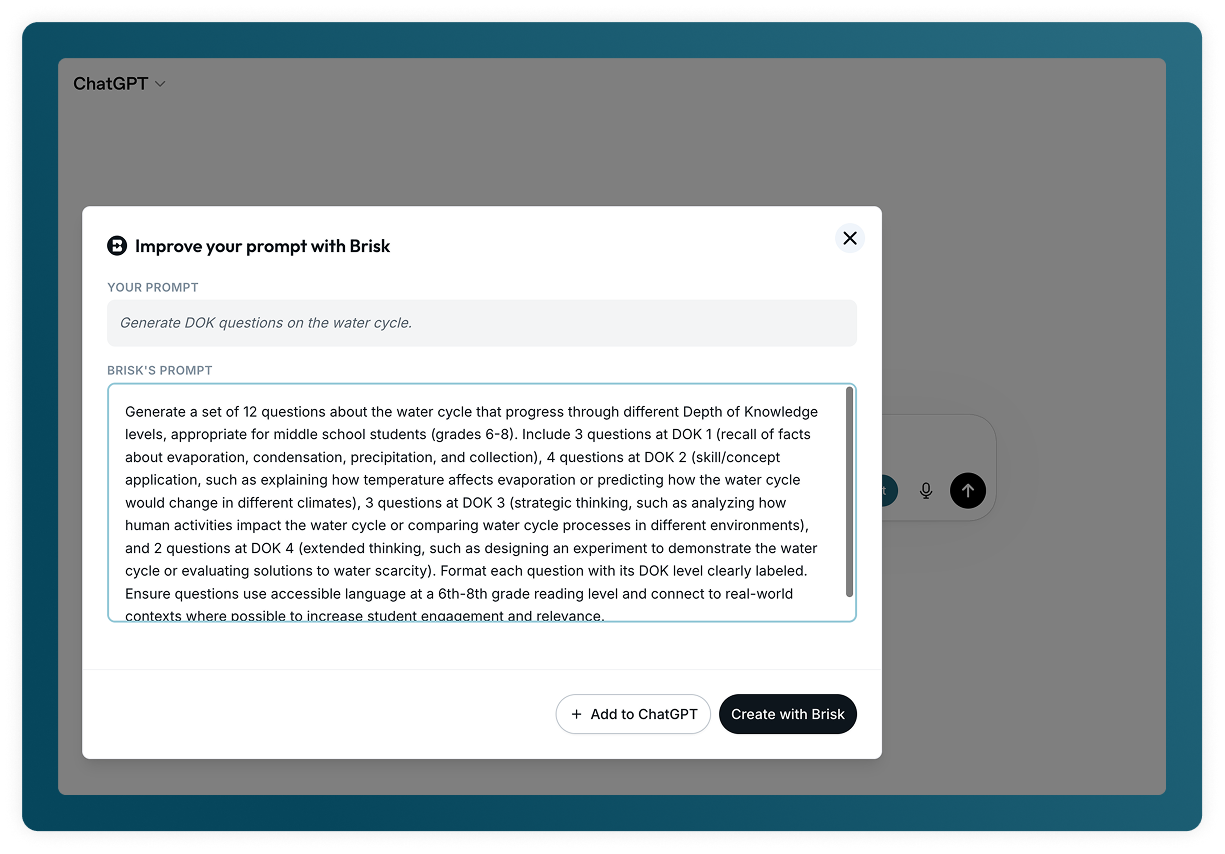
Start typing and a Brisk It button appears in the prompt field. Click it and your prompt becomes a detailed, classroom-ready version, with grade-level framing, standards alignment, and scaffolding built in.
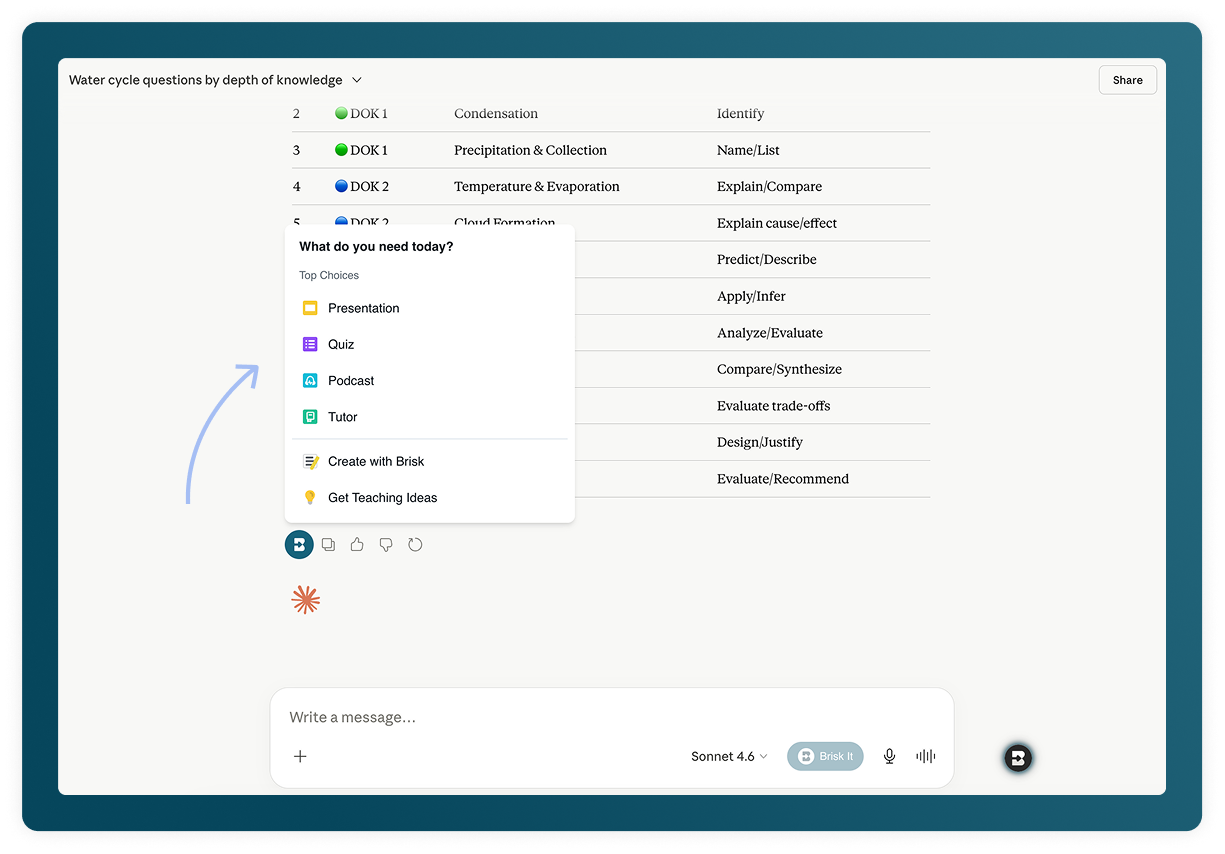
Take action on any AI response
When the AI finishes generating, a Brisk button appears. Click it and that response becomes a lesson, a quiz, a slide deck — whatever your class needs next.
Here's how to get started
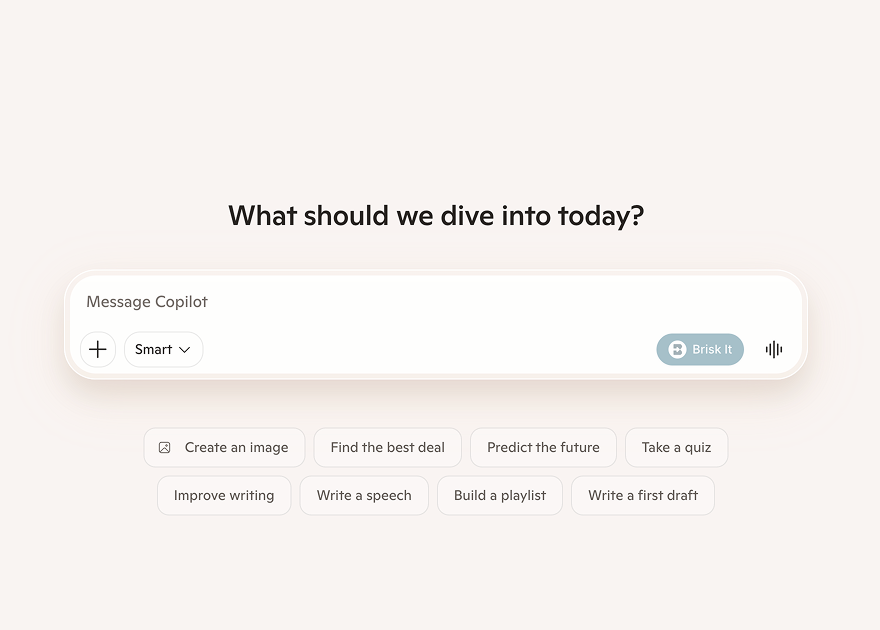
Sign in to your AI platform
ChatGPT, Gemini, Claude, Copilot, Canva AI, Wayground, Gamma, Kahoot, Lovable, Seesaw, or Adobe Firefly — whichever you already use.
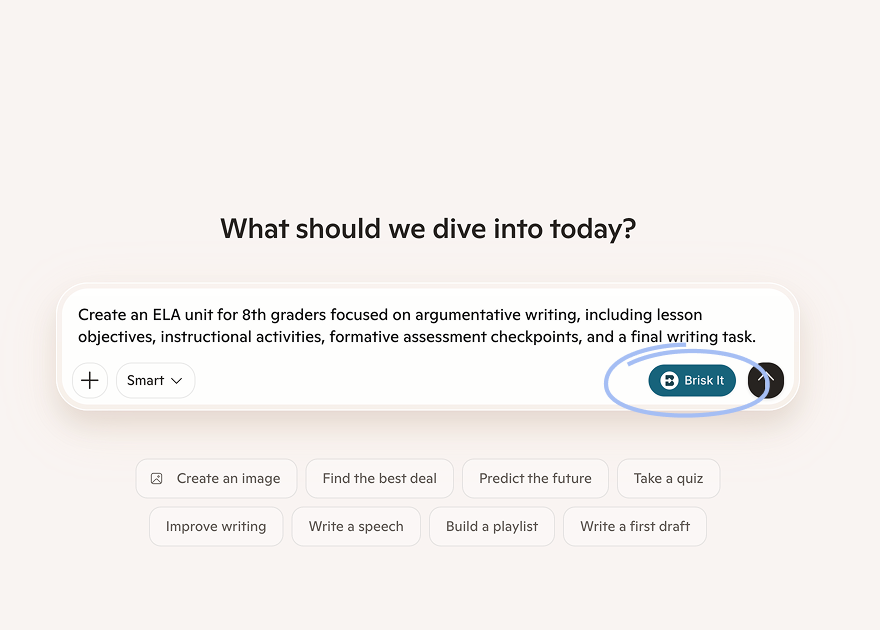
Type your prompt
Ask a question, brainstorm an idea, draft something — anything you'd normally do.
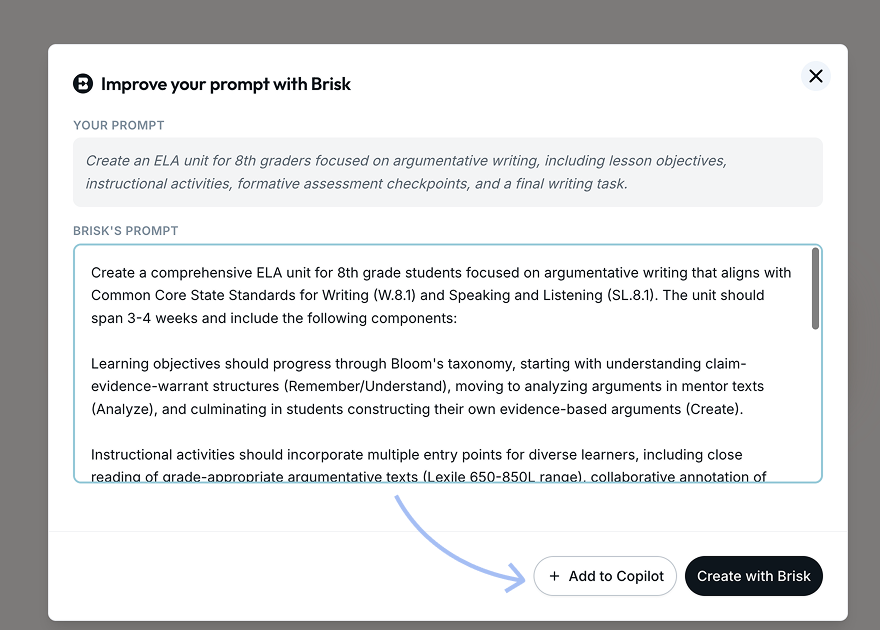
Click Brisk It
Brisk sharpens your prompt for the classroom. You can build with Brisk right now, or send the prompt to your AI first.
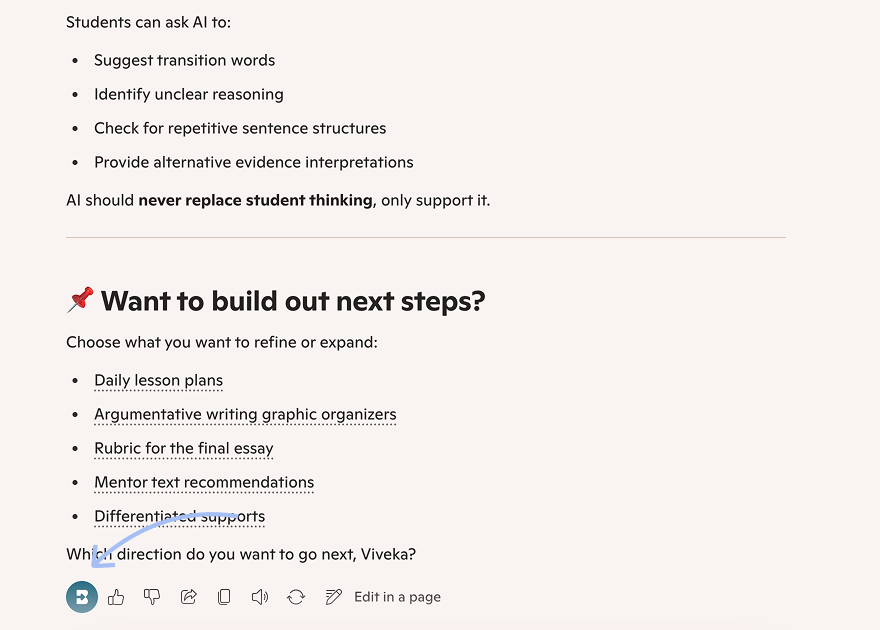
Send the prompt to your AI
Send the boosted prompt and let your platform finish generating.
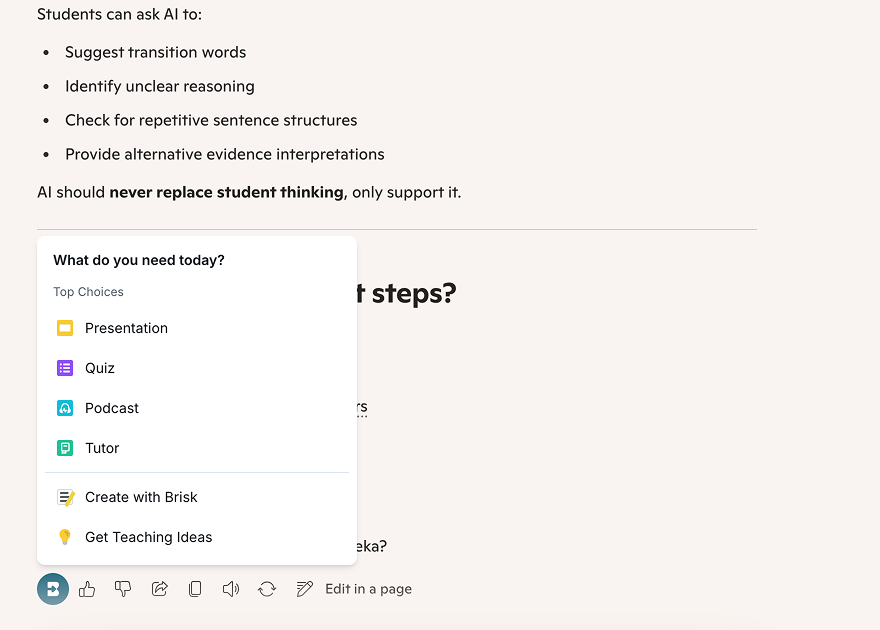
Turn it into something you can use
When the response lands, a Brisk button appears. One click turns it into a slide deck, quiz, activity — whatever your class needs tomorrow.