

The quiz feature is amazing!
I’m turning articles and YouTube videos and text notes for Econ into Google form quizzes, and then giving them formative check for understanding quizzes. It’s such a time saver! Easy peasy.

AI Tools for Creating Instructional Materials
Finding great resources is easy. Turning them into ready-to-teach lessons takes time.
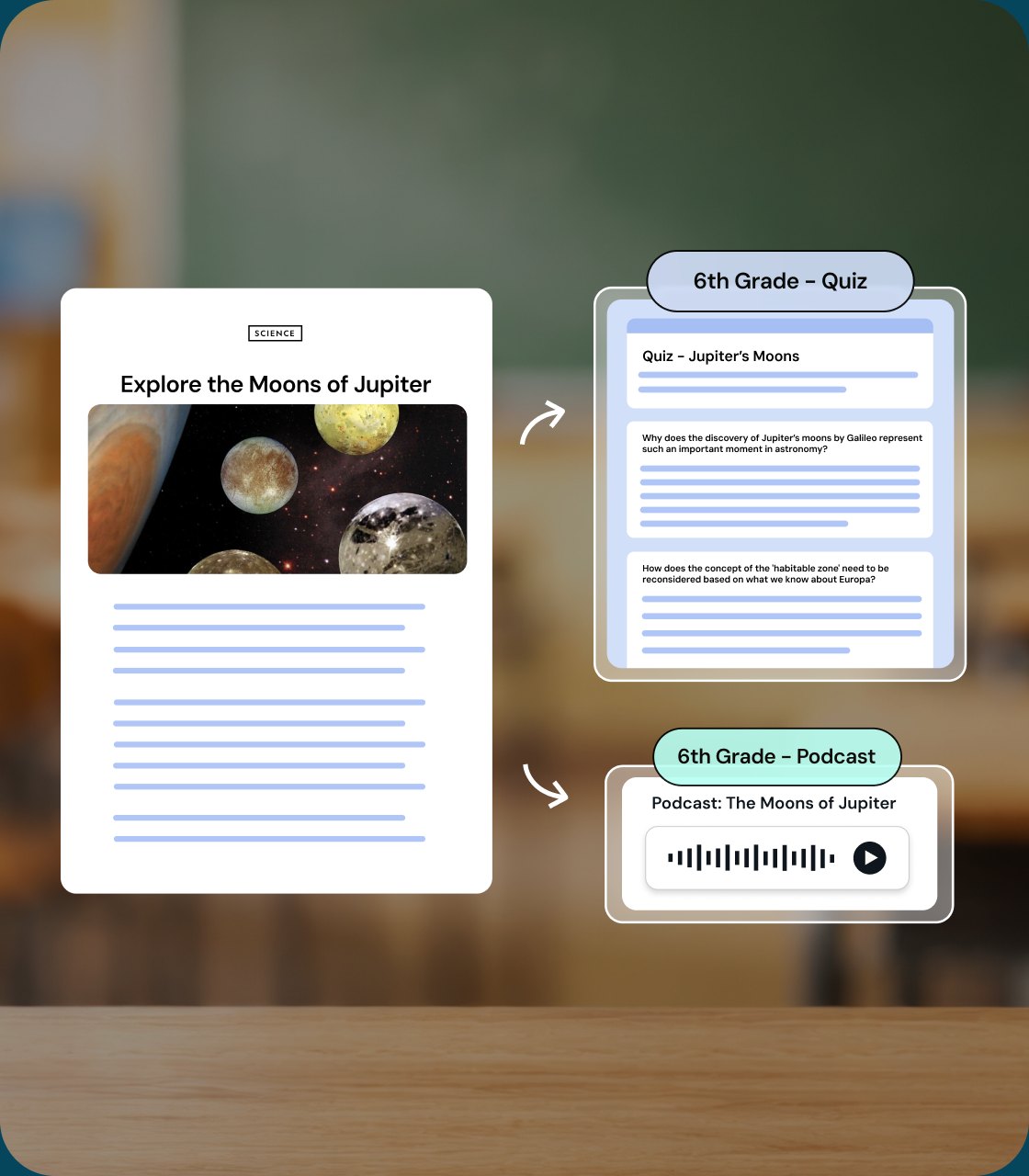
With Brisk, take any resource and instantly turn it into a complete lesson set — presentations, guided notes, quizzes, and more — all created in one place. Create, adapt, and share materials that meet every learner — without starting from scratch.
01
Create from where you're working
Brisk embeds AI into the tools you already use — Docs, Slides, YouTube, curriculum, and PDFs — so you can instantly create classroom-ready materials from trusted sources.
02
Instantly create and bundle your materials
Turn any web article, video, or doc into a complete lesson set. Create Bundles in the Brisk Extension or in Brisk Next so everything you generate for one topic stays organized and ready to teach.
03
Save hours every week with Brisk
Differentiate, translate, and adapt lessons in seconds — all with AI that keeps learning transparent, guided, and safe.
Create every classroom resource you need
Brisk helps you create and adapt the materials you need for planning, instruction, and student learning.

Instructional Materials: Create presentations, guided notes, podcasts, and interactive resources that bring learning to life.
Personalized Learning: Build scaffolded lessons, leveled texts, and UDL-aligned activities for every learner.
Bundled Resources: Create cohesive and differentiated sets of resources — like a slide deck, quiz, or reflection prompt — in Brisk Next.
With Brisk, every resource you create is fully customizable – so you can adapt, personalize and teach your way.
.png)
Start from the resources you trust
Brisk works wherever you do — turning everyday materials into ready-to-teach lessons.
Google & Microsoft tools: Open over Docs, Slides, Word, PowerPoint and more — start from a blank or existing file.
Web articles & online curriculum: Open directly in your Chrome or Edge browser with the Brisk Extension.
Upload files & photos: Bring in PDFs, images, or handwritten resources to create instructional materials in the Brisk Extension or Brisk Next.
From any of these, Brisk helps you generate instructional materials that are ready to use — and easy to adapt.
%20(1).png)
More time for what you love
Teaching isn’t about doing more — it’s about reaching every learner.
Differentiate with Ease: Create multiple versions of a lesson for different readiness levels or learning styles.
Translate for Every Learner: Make materials accessible in 40+ languages so every student feels seen and supported.
Focus on What Matters: Spend less time creating and more time teaching, connecting, and inspiring your students.
Brisk helps you differentiate and translate lessons so all students can learn confidently, without adding hours to your day.
%20(1).png)


Lighten your day with Brisk
Thank you! Your submission has been received!
Oops! Something went wrong while submitting the form.