


Free AI Presentation Maker for Educators
Automatically generate editable Google Slides or PowerPoint decks from any online article, video, or PDF. Fully customizable by grade, standard, and slide count.
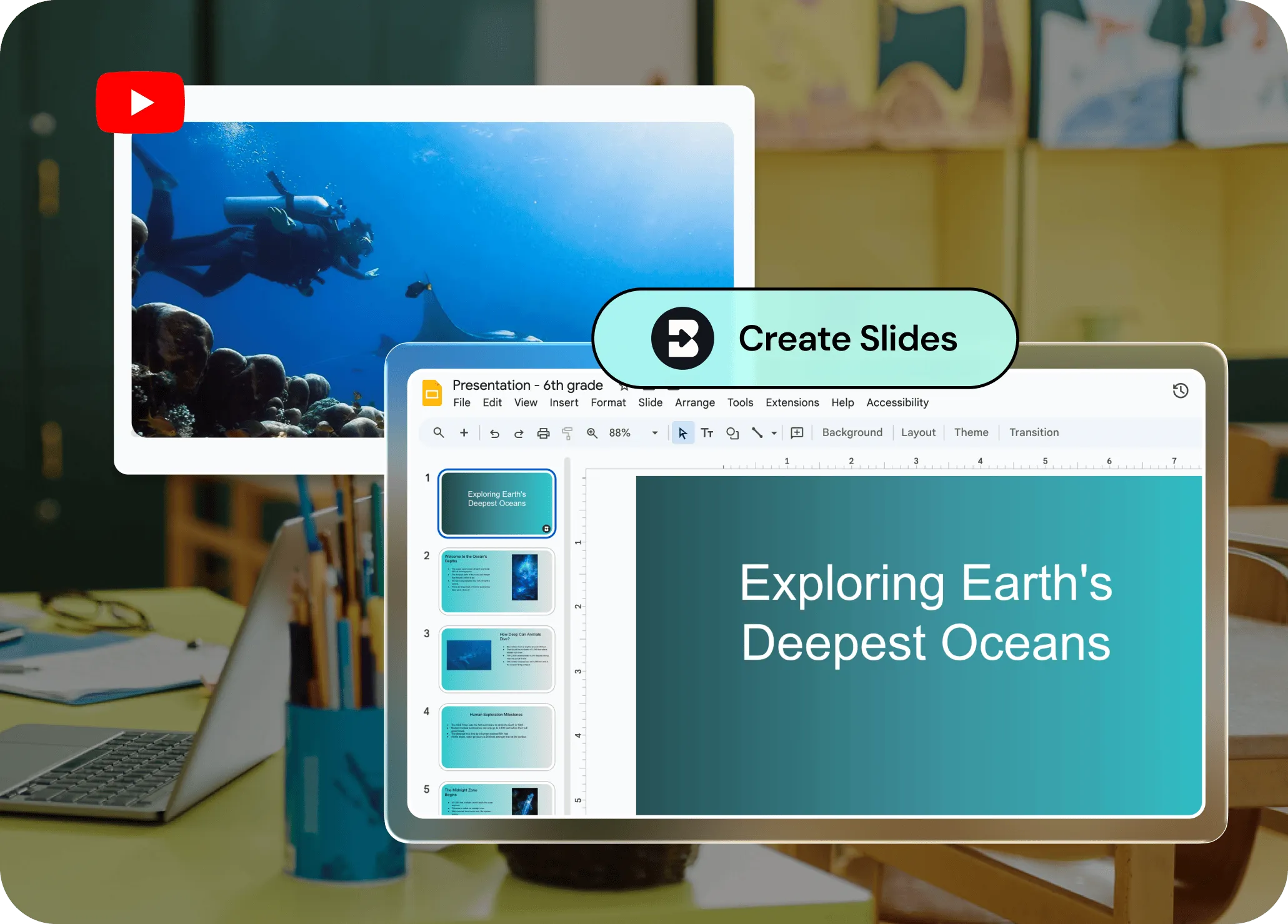
Slides that don’t take hours to create
Transform whatever resources you’re working with — Google or Word Docs, YouTube videos, articles, LLM chats — into classroom-ready presentations. Need to make edits? Chat back and forth with Brisk until your Google Slides or PowerPoint deck is perfect.
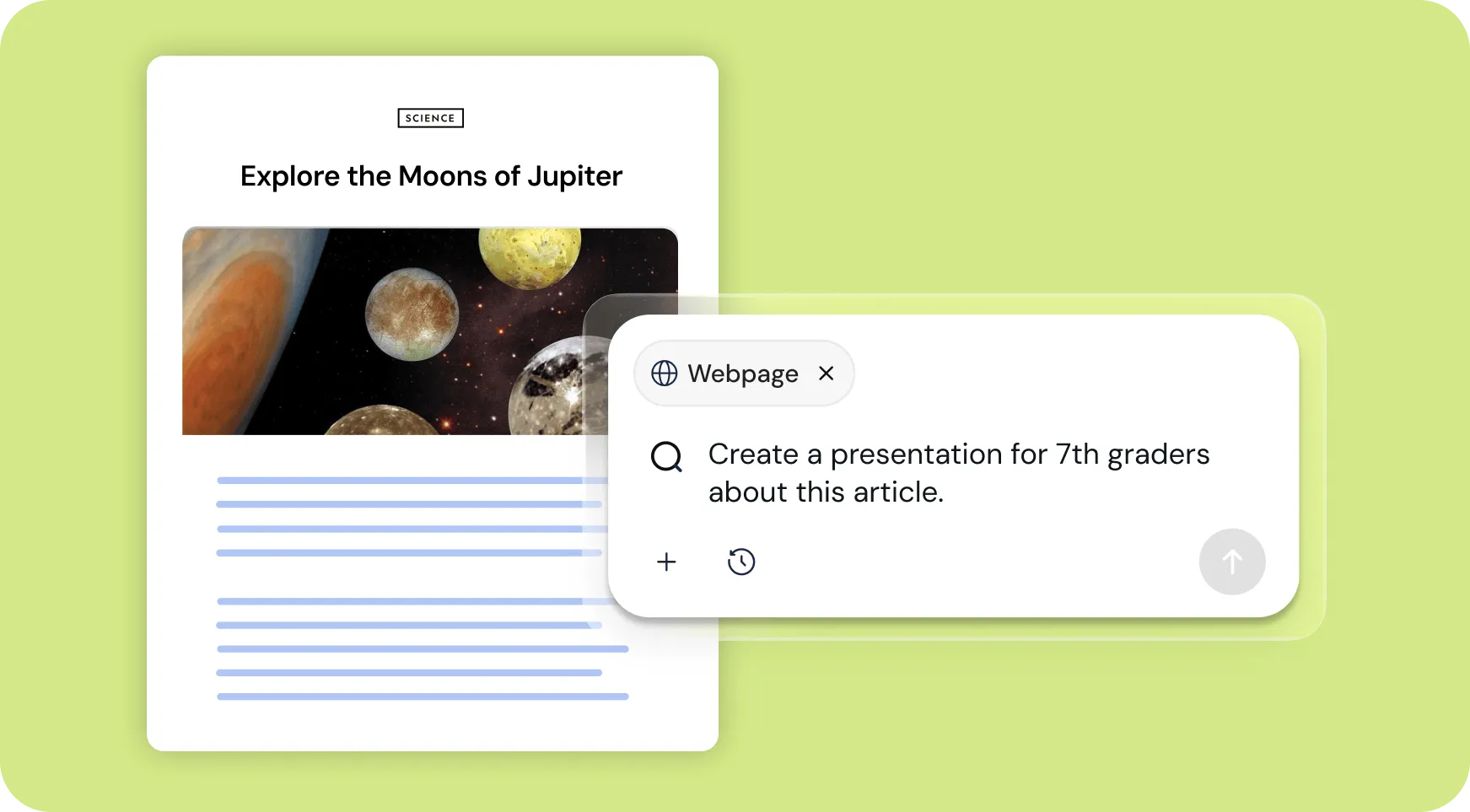
Works on any webpage
Reading an article? Watching a video? Brisk opens right on the page, so you can instantly turn it into a slide deck without interrupting your workflow.
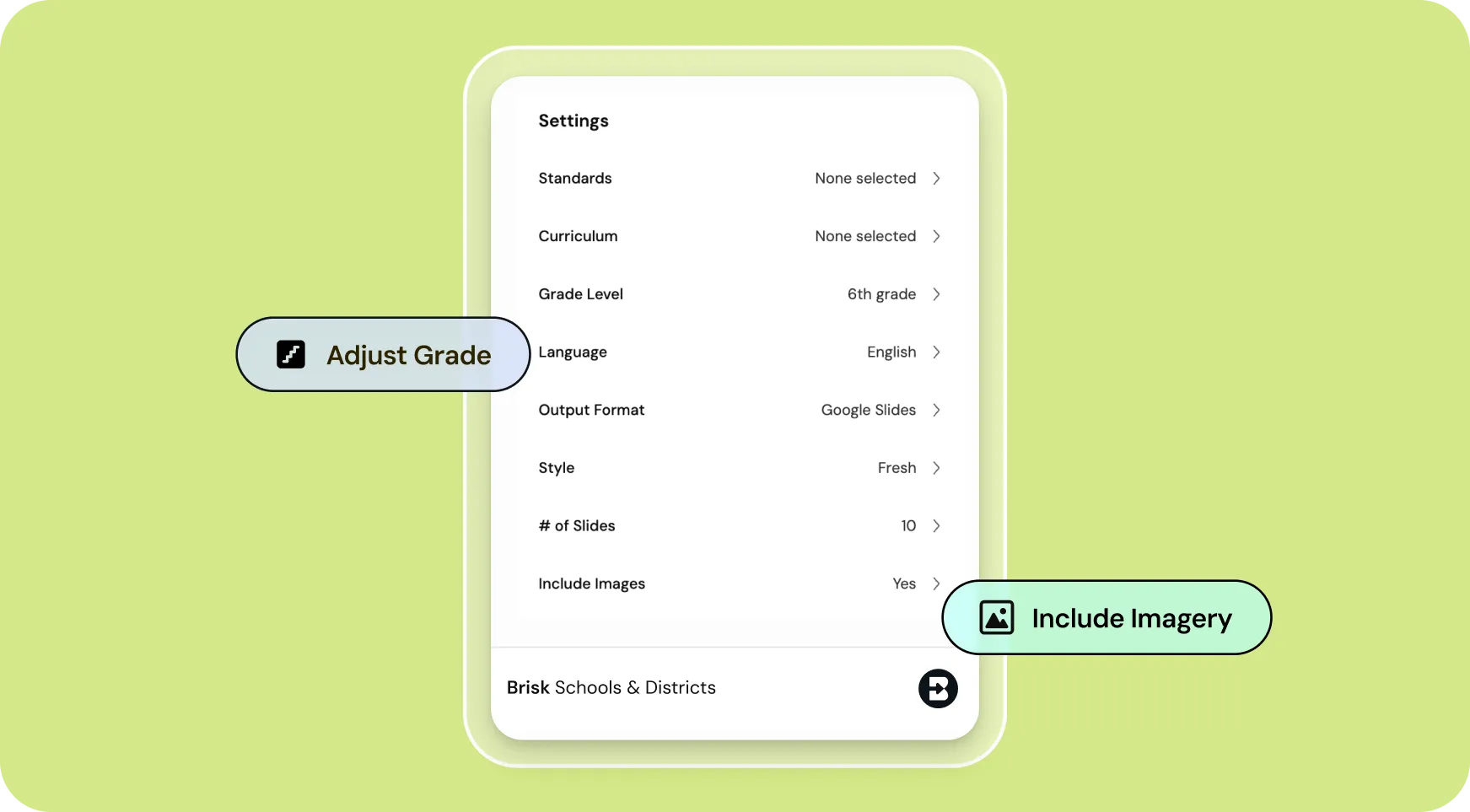
Fully customizable — you're in the driver's seat
Choose the grade level, standards, number of slides, and whether you want images. Brisk gives you control both before and after the deck is generated, so you can make sure it's totally aligned to your needs.
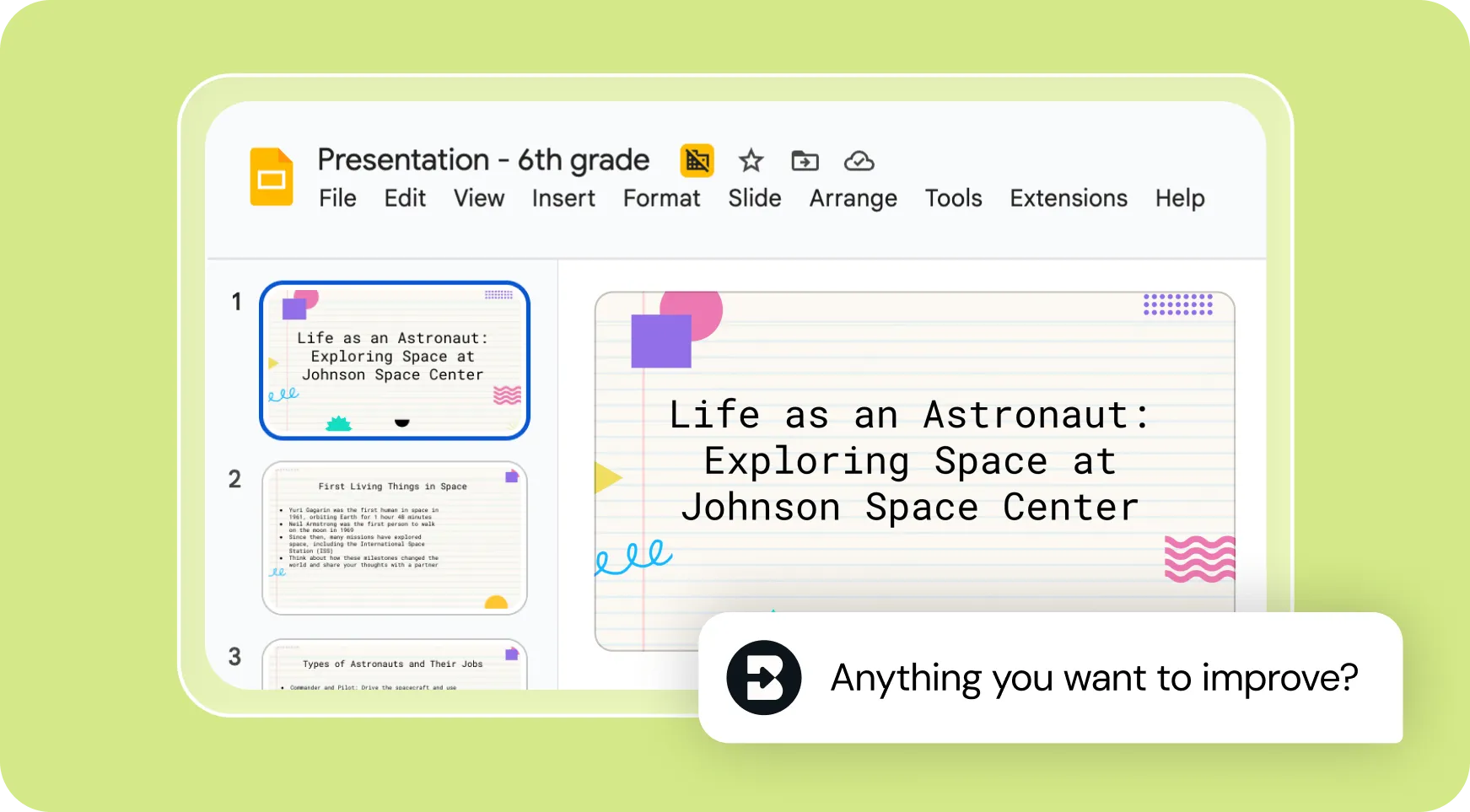
Edit with Brisk, export anywhere
Chat back and forth with Brisk to make any adjustments to your deck, then export the final version to Google Slides or PowerPoint with one click.
How to use Brisk’s
Presentation Maker
From prompt to ready-to-go resource in a few clicks.
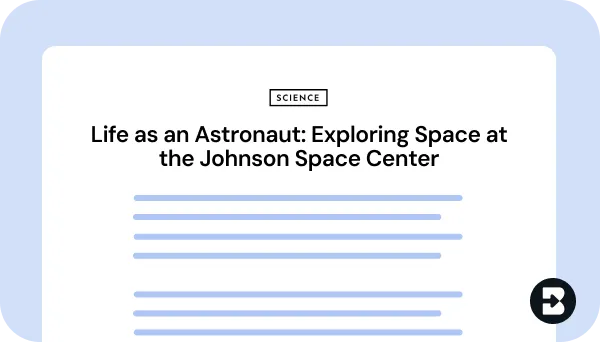
1. Open any resource
In your browser, open the webpage, PDF, or video that you want to generate a presentation from.
2. Search for “presentation”
Open Brisk, type “presentation” into the search box, and select the Presentation Maker from the search results.
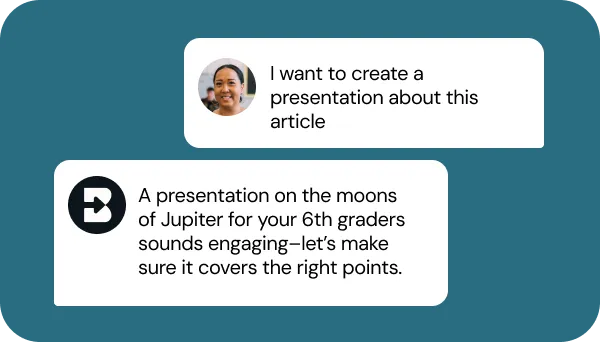
3. Tell Brisk what you need
Share some specifics about grade level, standards, number of slides, imagery preferences, and what you want the presentation to focus on.
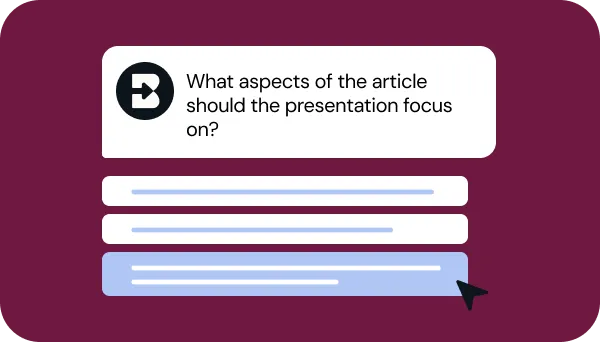
4. Refine your request
Answer a few quick questions from Brisk so your presentation looks just like what you have in mind. Then, sit tight for a few seconds while Brisk works.
5. Adjust until it’s perfect
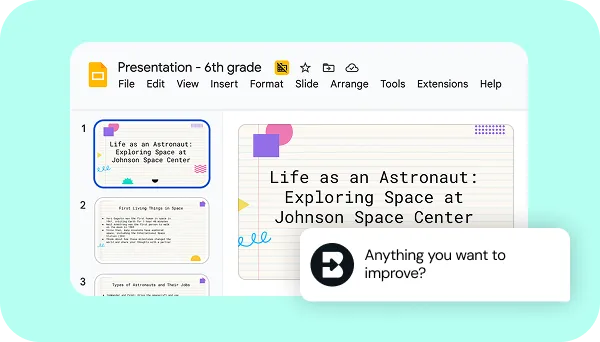
Chat back and forth with Brisk to fine-tune the presentation by adding slides, adjusting imagery, or aligning it with any other needs you have.
See what's possible in seconds
Some inspiration to get you started with Brisk's
Presentation Maker
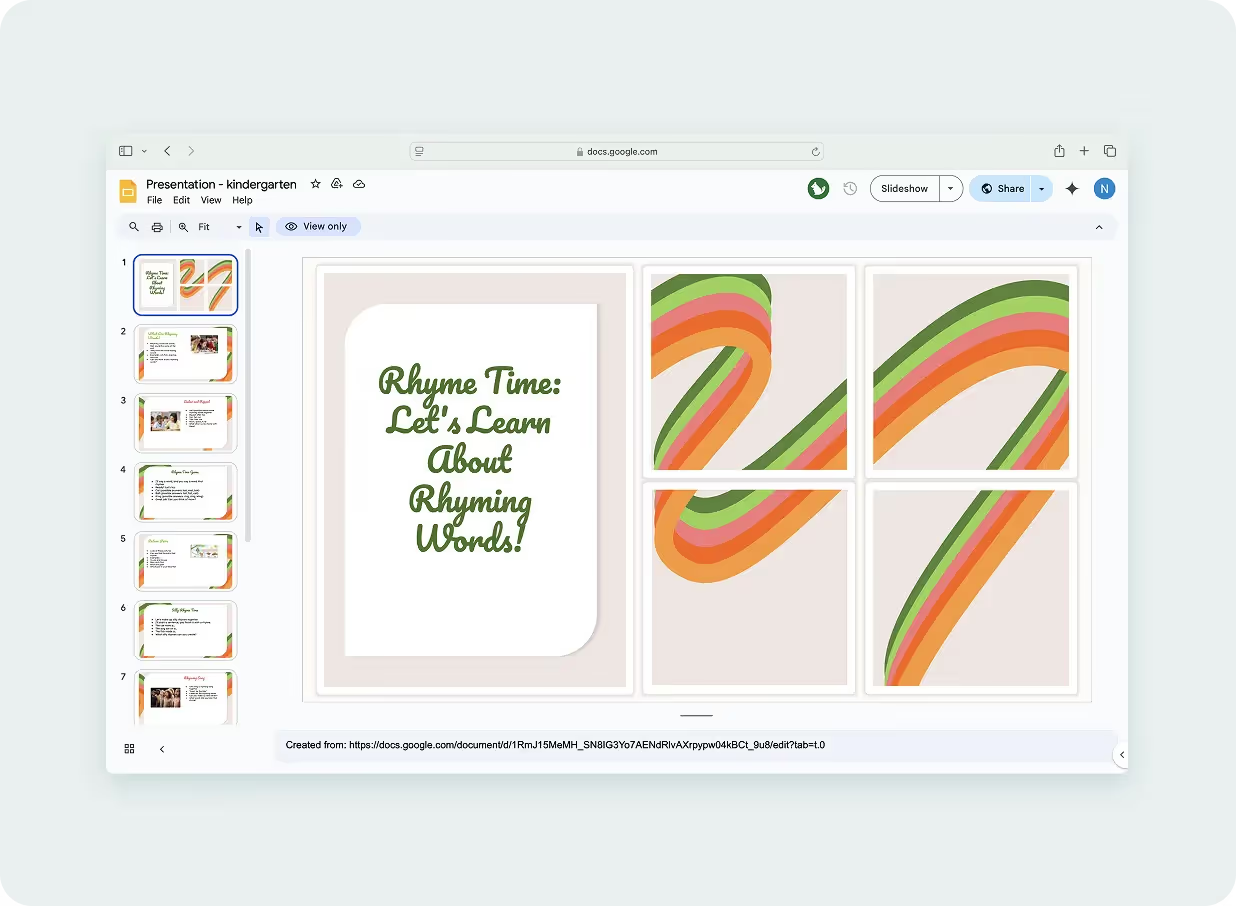
Kindergarten Rhyming Presentation
Create a presentation to use with students to help them practice identifying rhyming words.
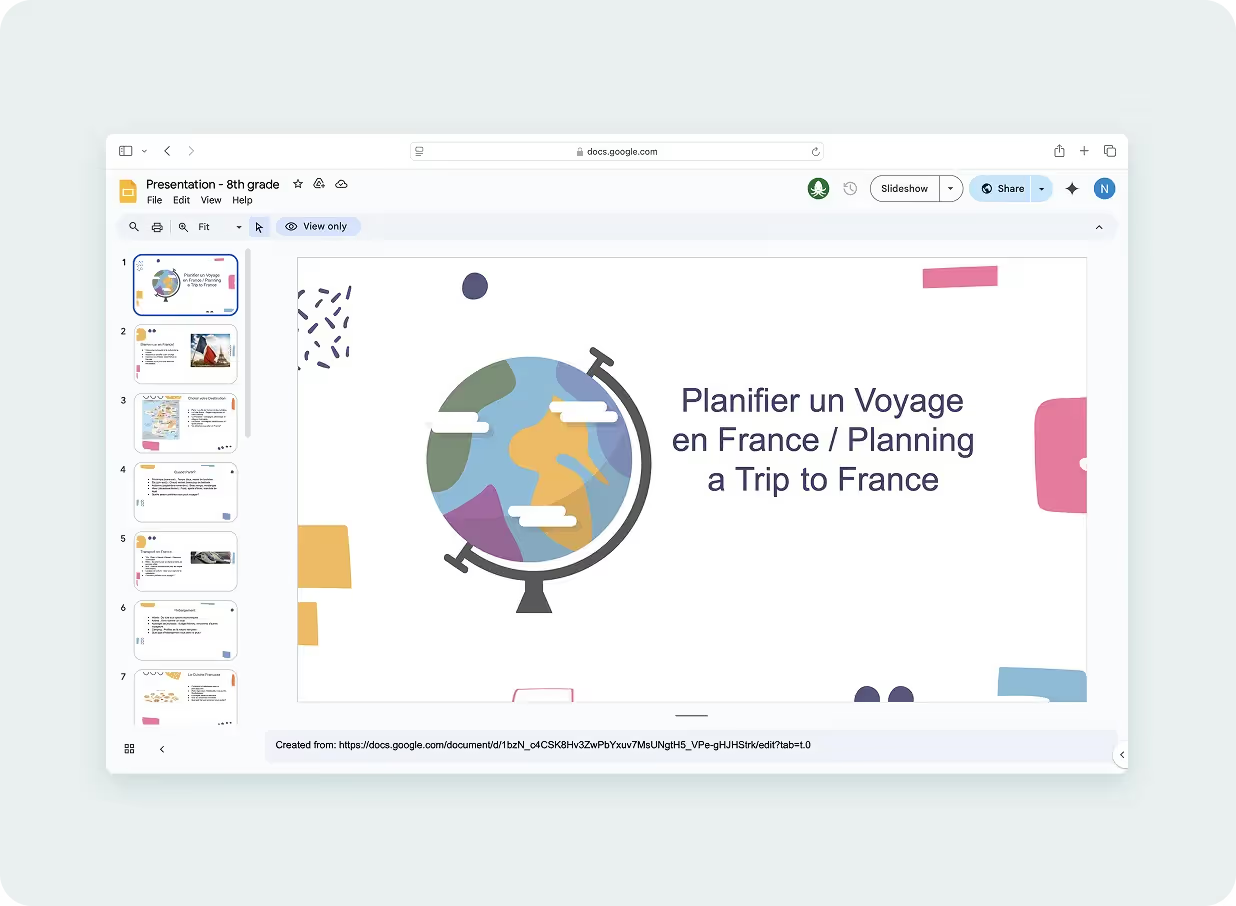
French Travel Guide Presentation
Create a presentation for students to learn how to plan a trip to France. Include information on the culture of France and key terms and phrases needed to be a successful traveler. Create the first 8 slides entirely in French and then repeat the slides in English.
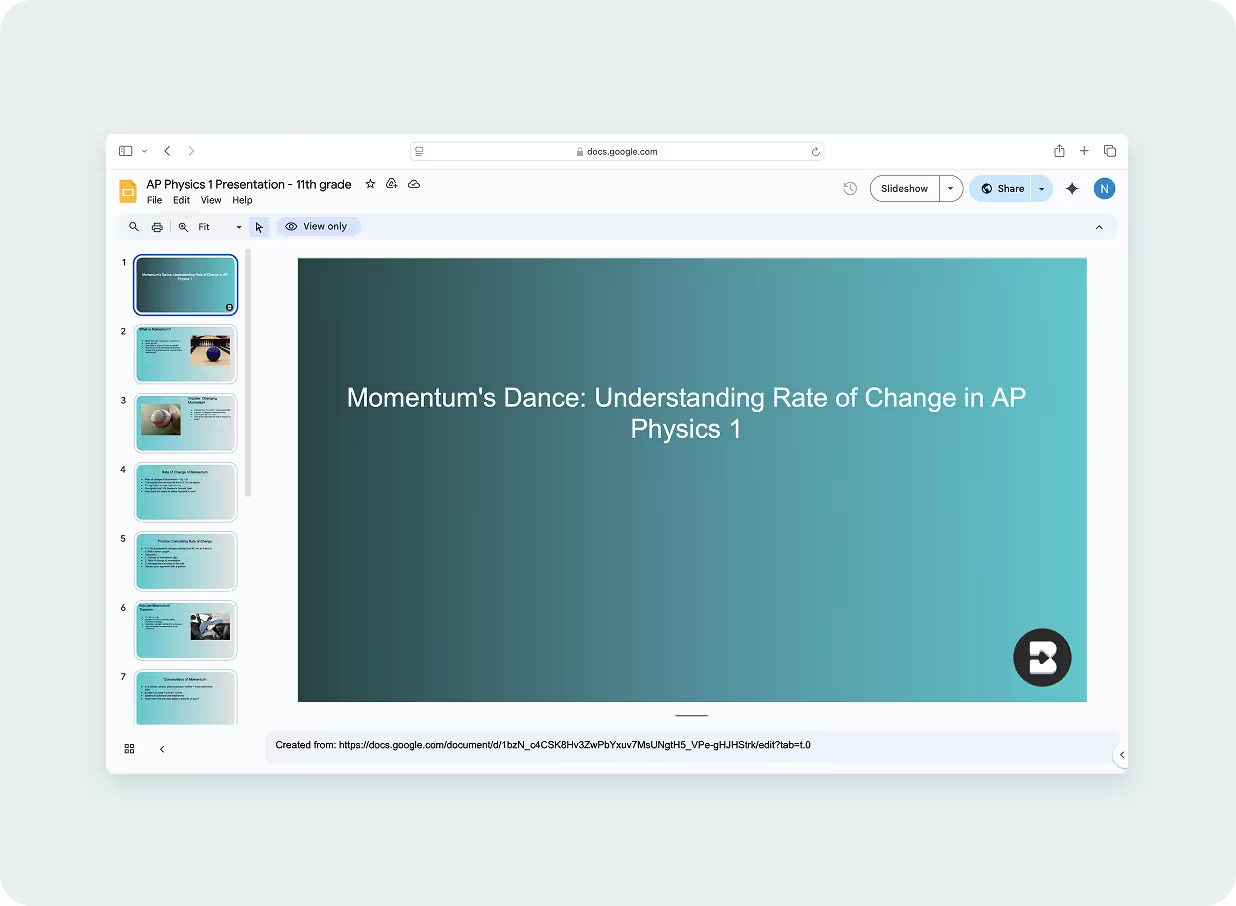
AP Physics 1: Momentum Presentation
Create a presentation on the rate of change of momentum in AP Physics 1. Include opportunities for students to practice concepts and discuss


Keep going
What's next on your list?
Brisk works across every part of your day. Here are some other tools educators love.


.svg)


Say goodbye to tedious copy-pasting and hello to Brisk’s presentation maker.
This tool is the ultimate time-saver for educators who want to quickly create presentations without losing the content’s integrity. Just hit a button and watch as your online content is transformed into sleek, engaging slides — ready for your classroom.
Frequently asked questions
Anything open in your browser – a webpage, an article, a PDF, a YouTube video. Brisk reads whatever's on screen and turns it into a structured slide deck. No copying, no pasting, no switching tabs.
Yes. Brisk exports directly to Google Slides and Microsoft PowerPoint, both fully editable. The deck is yours to edit and present from wherever you normally work.
You can generate between 1 and 20 slides – you set the number.
Yes. Brisk adjusts the language, complexity, and content framing based on the grade level you specify.
Yes, Brisk’s presentation maker is totally free to use. It’s on our Educator Free plan.
Yes! Your prompt guides Brisk. You can ask it to focus on specific themes, include discussion questions on certain slides, frame content around a particular standard, or structure the deck a specific way. The more specific your prompt, the more targeted the output.
All subjects! Our presentation maker works for ELA, Science, Social Studies, Math, World Languages, and beyond.
We want to hear from you! Email us at hello@briskteaching.com to get in touch.