

AI Tools for Science Teachers
Quickly write science-related word problems, create engaging lesson plans, and draft depth of knowledge questions that promote critical thinking.


Your Week with Brisk
MAKE THE NATURAL WORLD APPROACHABLE
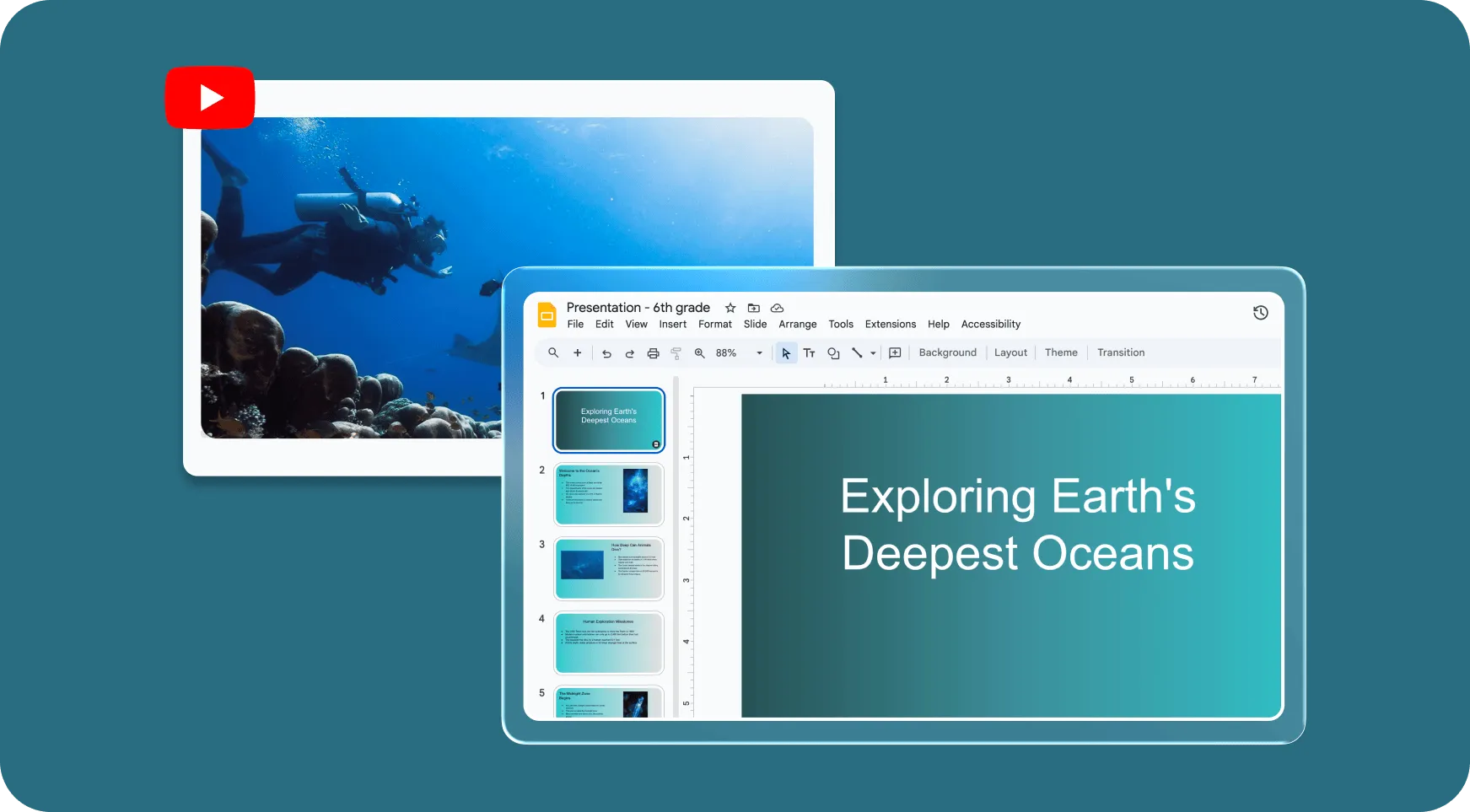
Teach Core Concepts
Slides built from resources you trust
You found the perfect photosynthesis explainer on YouTube. The only catch: It’s way too long. Brisk helps you transform any resource — an article, a PDF, a video — into a classroom-ready presentation in seconds.
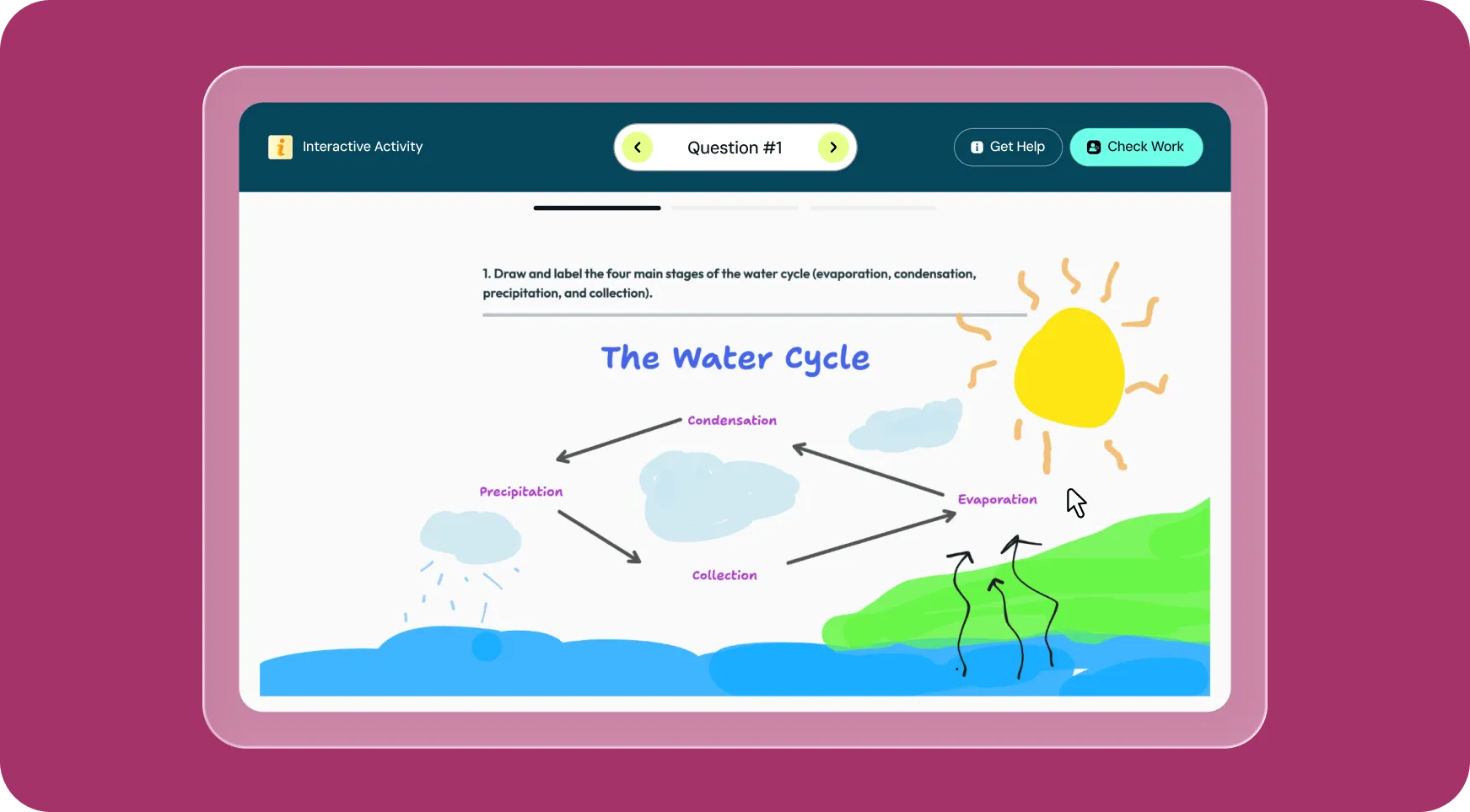
Check for Understanding
Visibility into student thinking
You used visuals to explain photosynthesis. Shouldn’t students get to use them to show they understand it? Brisk’s Boost Whiteboard lets students sketch and label diagrams and explain how they relate to science concepts.
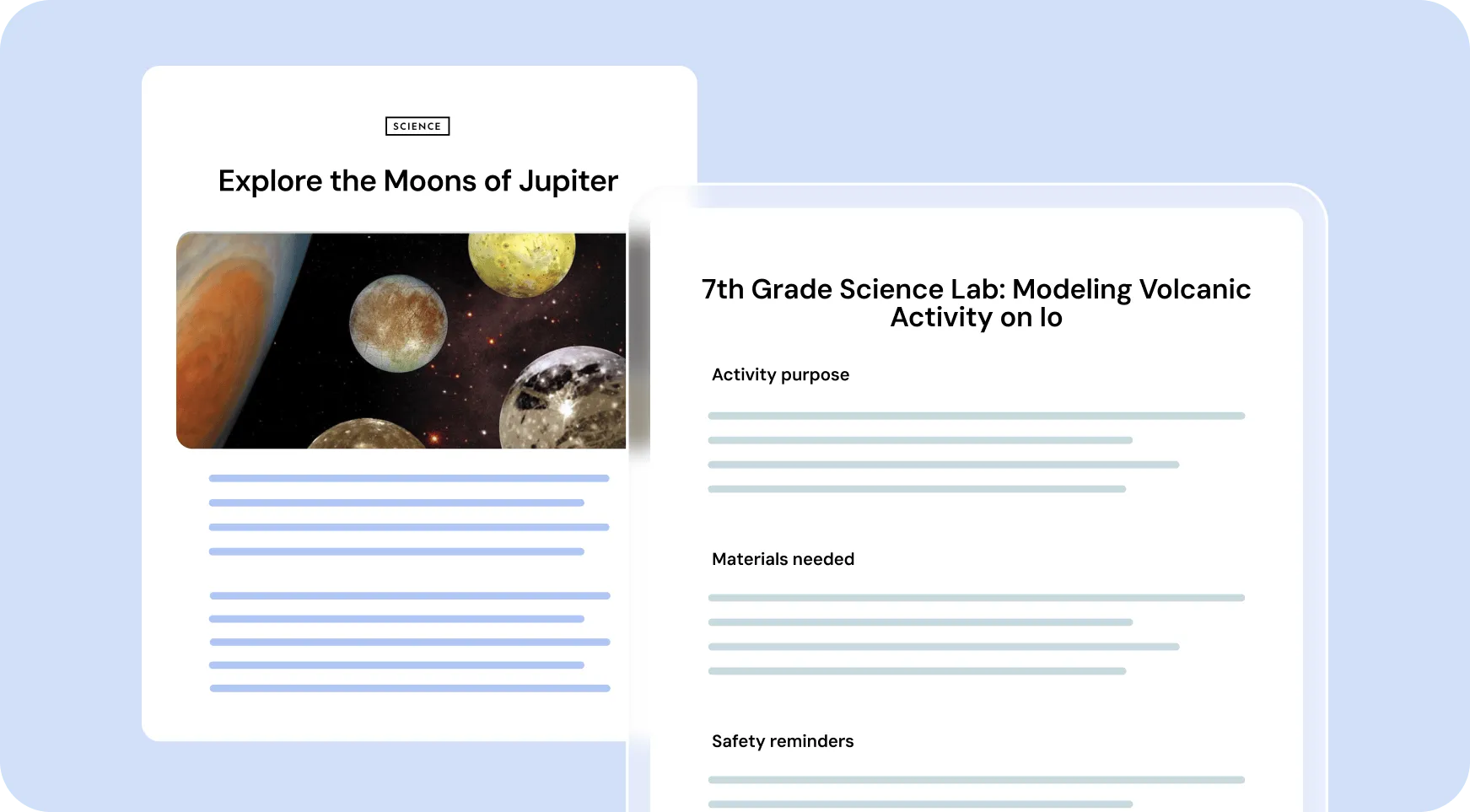
Help Students Apply Skills
Lab activities that align with learning
You’ve covered the theory. Now it’s time for some hands-on practice. Brisk makes it easy to translate any topic into a lab activity complete with materials, procedures, and safety notes — all with just a few clicks.
The Ultimate Toolkit for
Science Teachers
The tools
Science Teachers
reach for most
There are lots of Brisk AI tools for
Science Teachers
.
Get started in seconds!








Done grading by the final bell
Install the extension, open a student's doc, and see what Brisk can do with your first essay — in under a minute.