


Boost Whiteboard
Boost Whiteboard lets you see student thinking as it happens while students get real-time support and feedback. Students sketch, label, and explain their ideas — so you can guide understanding, respond quickly, and decide what to teach next.
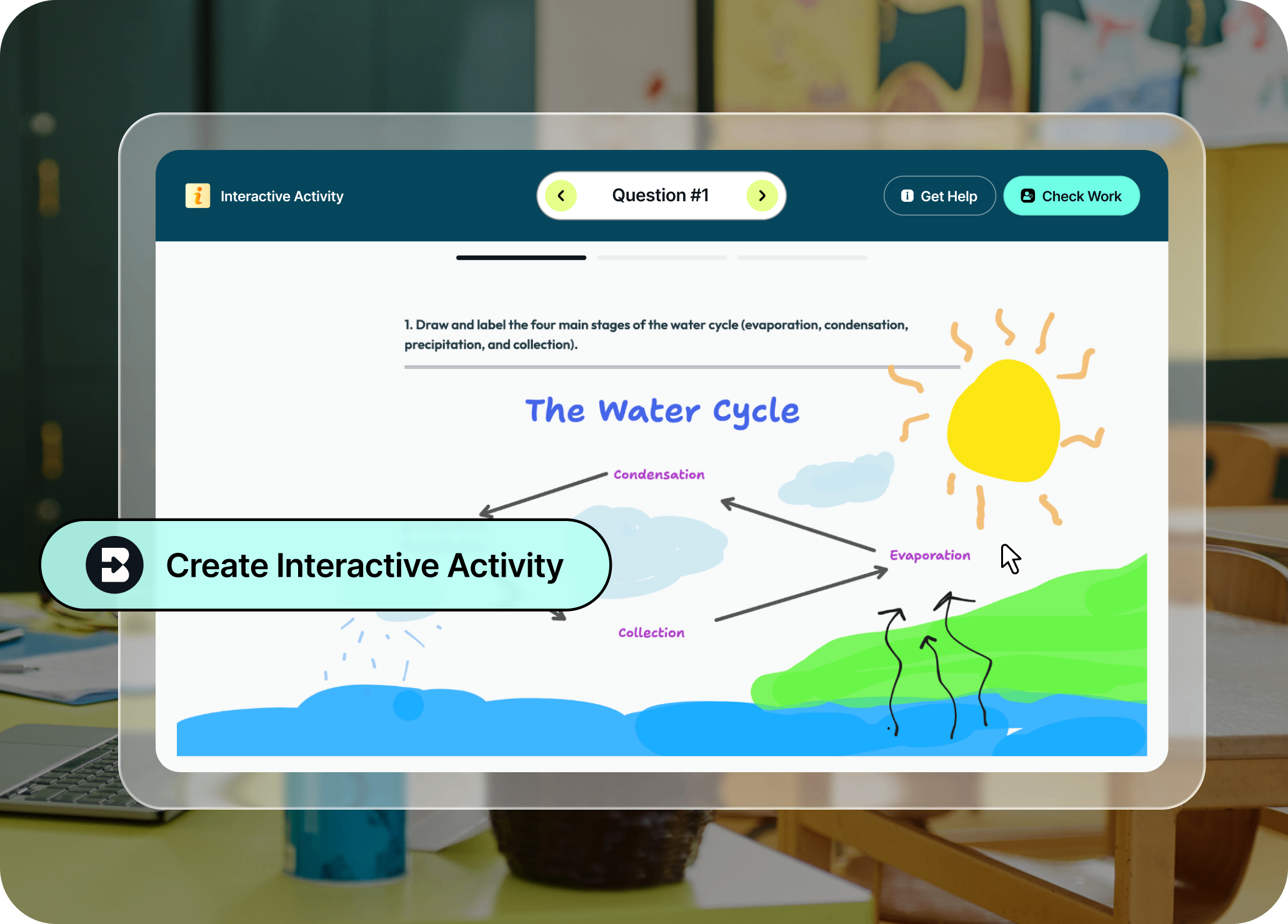
Get a window into student thinking
Create safe AI learning experiences for students that build confidence, critical thinking, and digital literacy. As students work through engaging activities with dynamic scaffolding, you get real-time data on student strengths and learning gaps so you can step in as needed.
Show thinking visually
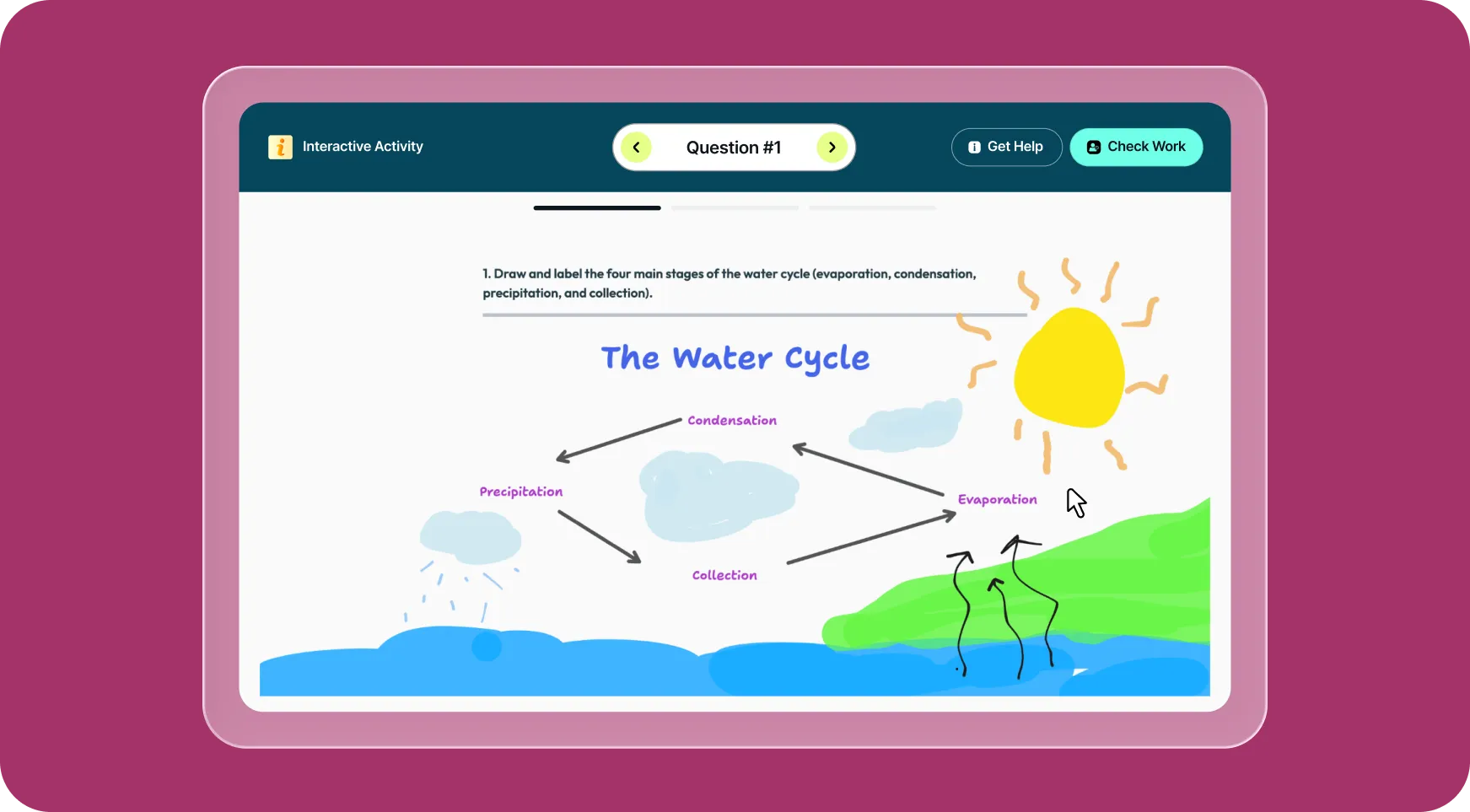
Students sketch, label, and explain directly on the whiteboard, making their reasoning easier to understand so you can guide learning in the moment.
Get feedback with Check Work
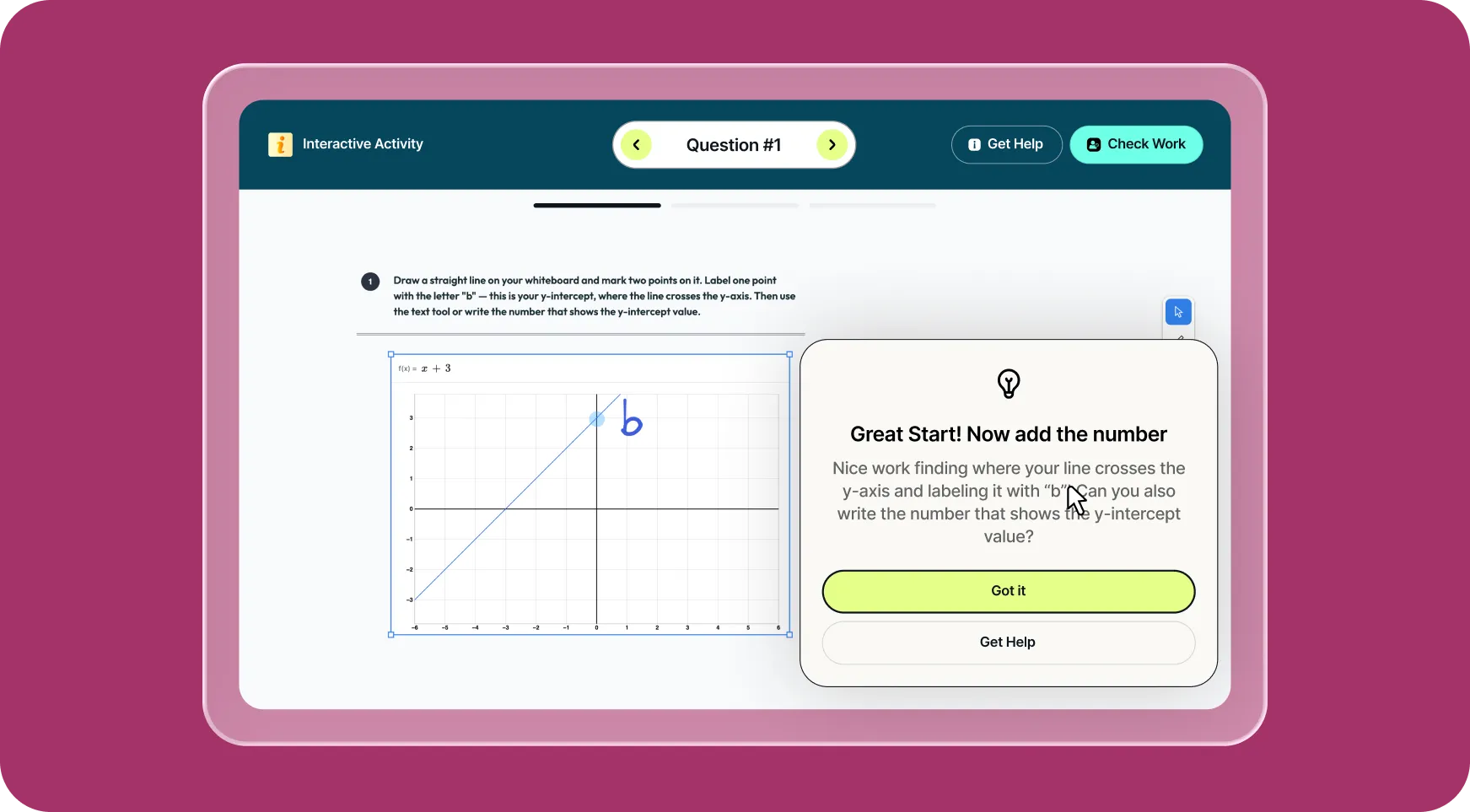
When students click Check Work, Brisk provides immediate feedback that highlights what’s working and where revisions may help. Students can reflect and adjust right away, keeping progress moving.
Use Get Help for support
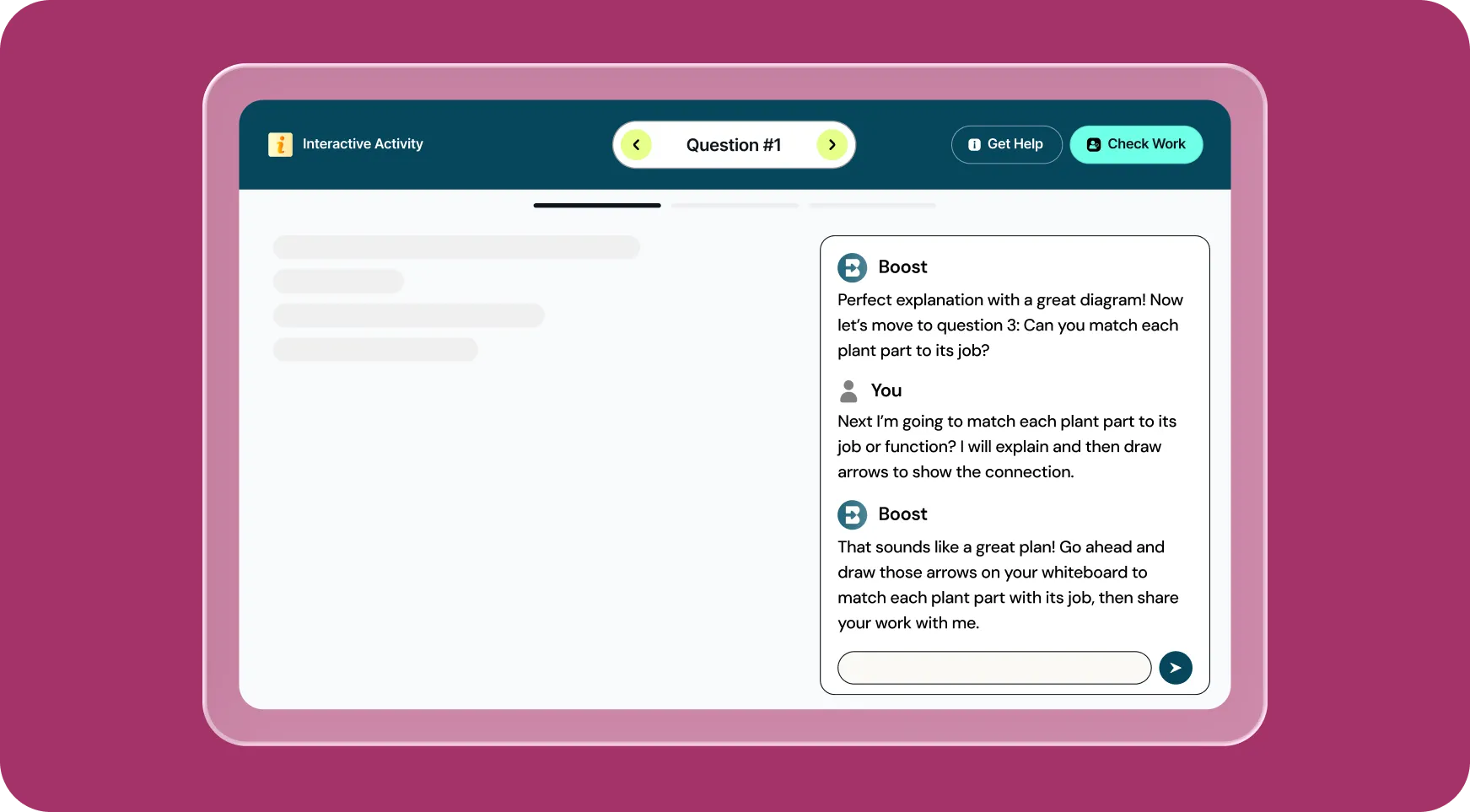
If students get stuck, Get Help provides real-time guidance to help them think through their next step and continue working with confidence.
How to use Brisk’s
Boost Whiteboard
From prompt to ready-to-go resource in a few clicks.
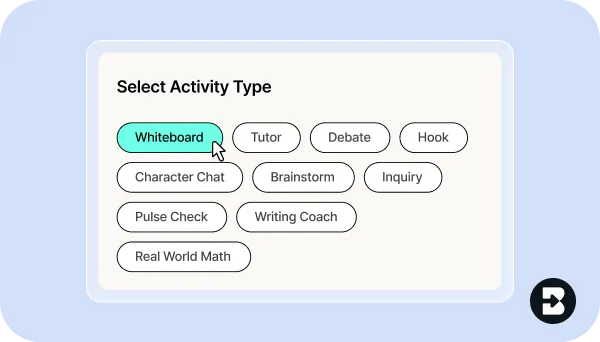
1. Create a Boost activity
Click Quick Create in Brisk Next or open the Brisk extension and type “whiteboard” into the search box. Select Boost Whiteboard.
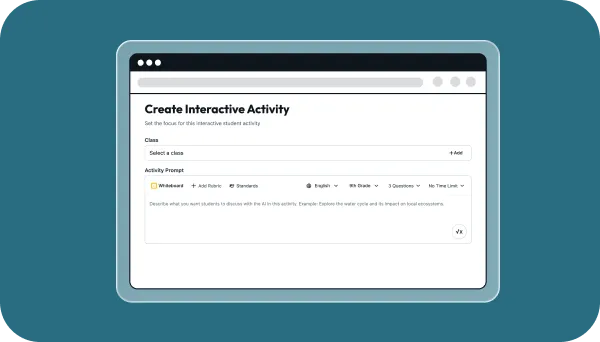
2. Build and customize
Enter your prompt, pick a grade level, specify learning objectives, set AI guardrails, and refine the question so your expectations are clear.
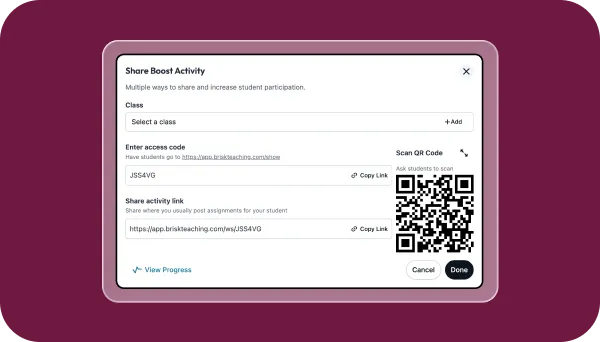
3. Share with students
Send the Boost activity link to students or post it directly in your LMS. Students open the activity and start working.
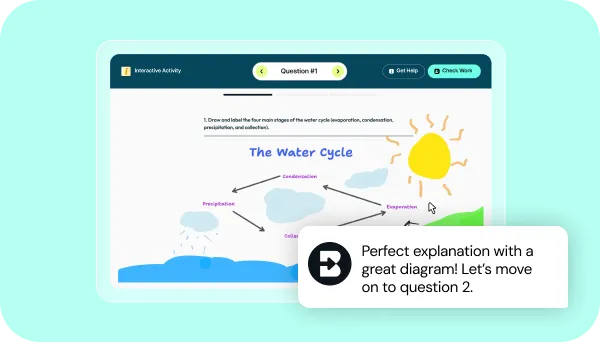
4. See thinking in action
Students draw, label, and explain. Brisk supports them while they work and shows you what to teach next.
See what's possible in seconds
Some inspiration to get you started with Brisk's
Boost Whiteboard
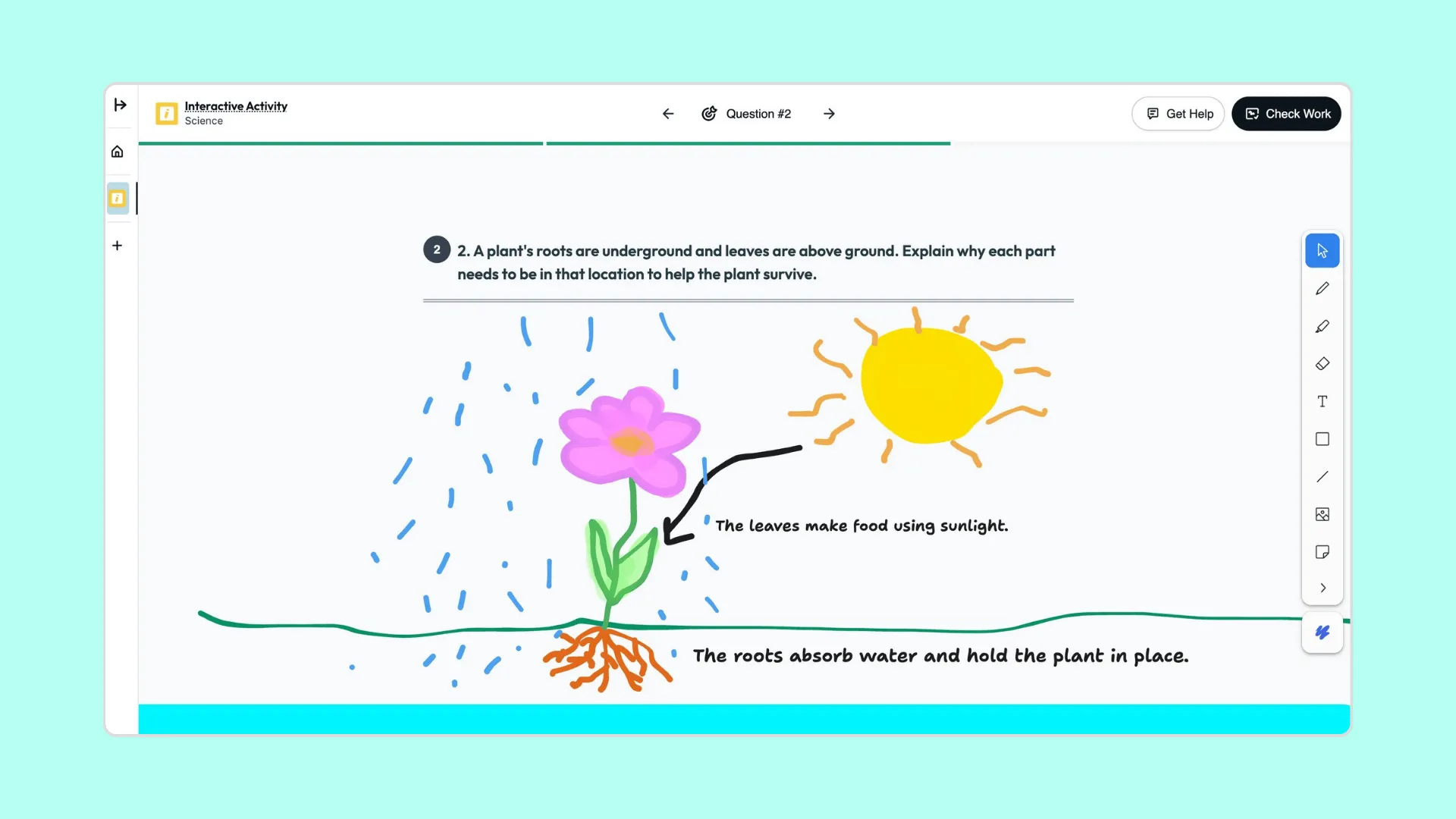
Diagram: How Plant Parts Help a Plant Survive
Students draw and label a plant to explain how roots, stems, and leaves work together to help it survive.
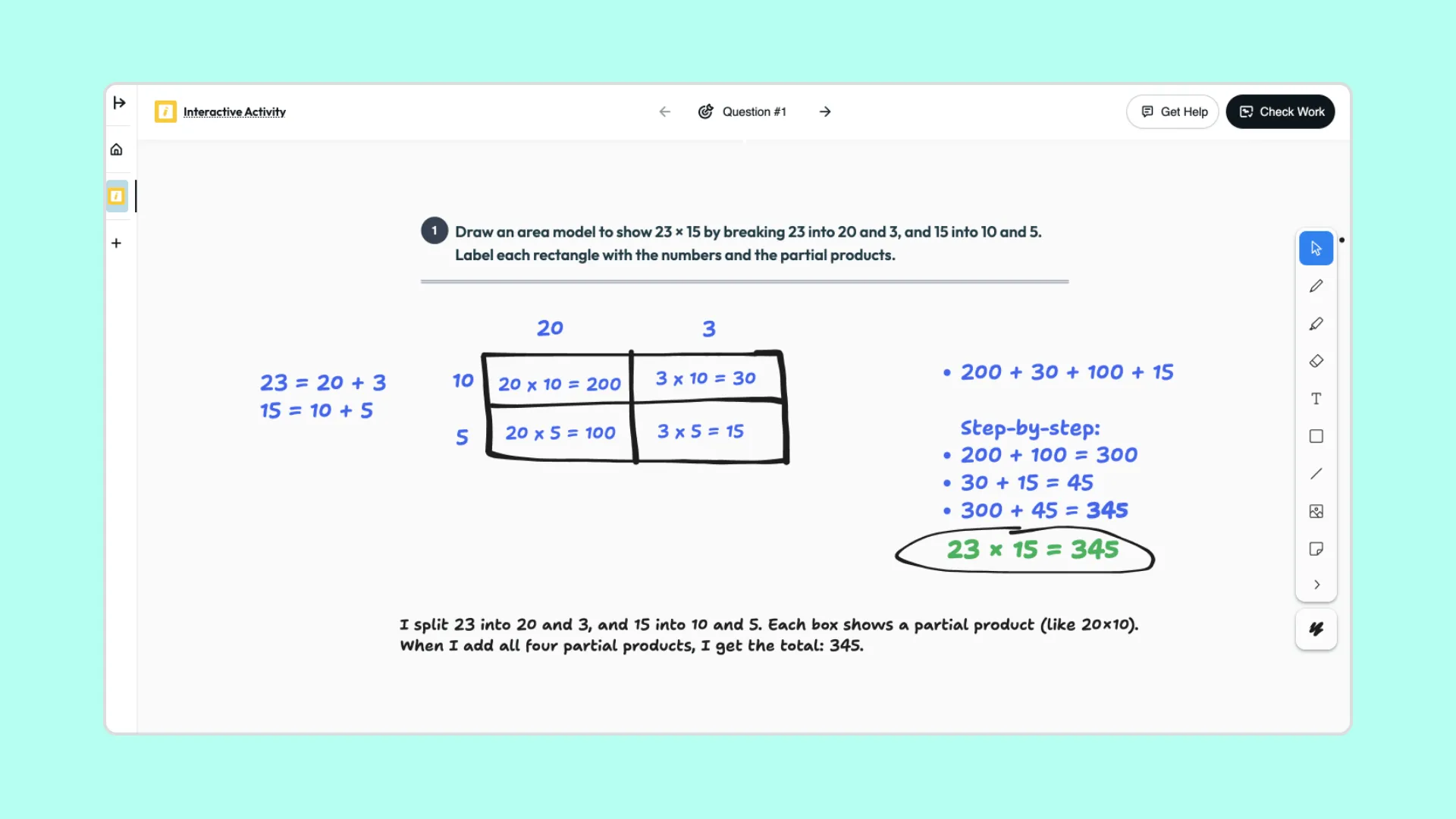
Area Model: Multiplying Two-Digit Numbers
Students use a visual area model to break apart numbers, show partial products, and explain how each part connects to the final answer.
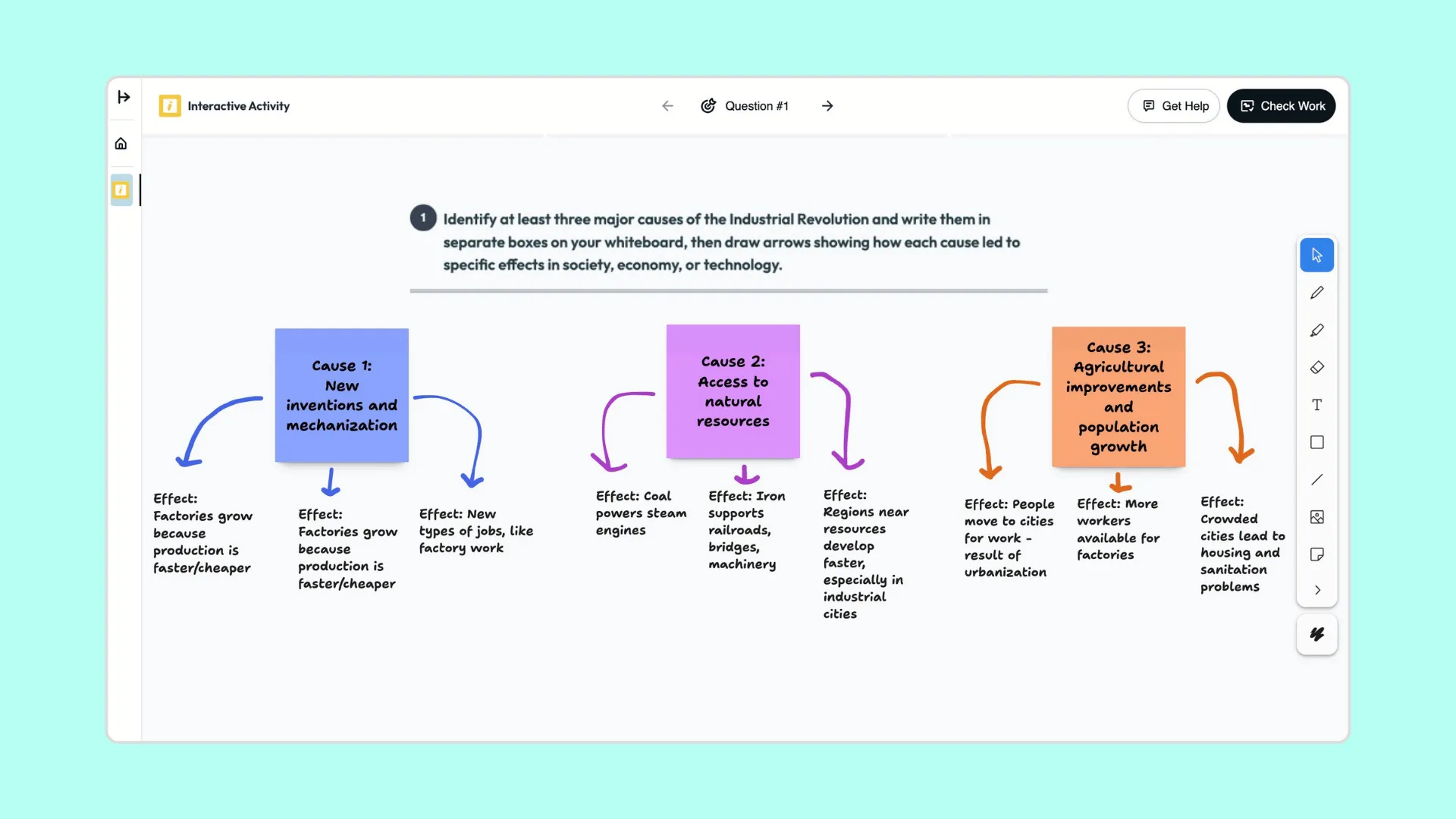
Cause & Effect Web: Industrial Revolution
Students create a visual cause-and-effect map to show how major historical forces led to changes in society, technology, and the economy.

Keep going
What's next on your list?
Brisk works across every part of your day. Here are some other tools educators love.


.svg)


Learning in motion
Boost Whiteboard brings student thinking into view while learning is still happening — so support and understanding grow together.