When I started Brisk in 2023, I couldn’t have imagined how wide it would spread. We were working from a closet (literally) when we designed the look, feel, and functionality of our browser extension. Fast forward to 2026 and more than two million teachers use Brisk to plan, create resources, and give feedback.
A lot has changed over the last three years. One thing that hasn’t is our commitment to our mission. This whole time, Brisk has been building toward being the starting point for educator work. Everything we’ve done — from creating engaging learning experiences for students to helping district leaders ensure curriculum fidelity — has been in service of this goal.
Everything we’re going to do in the weeks, months, and years to come will be, too.
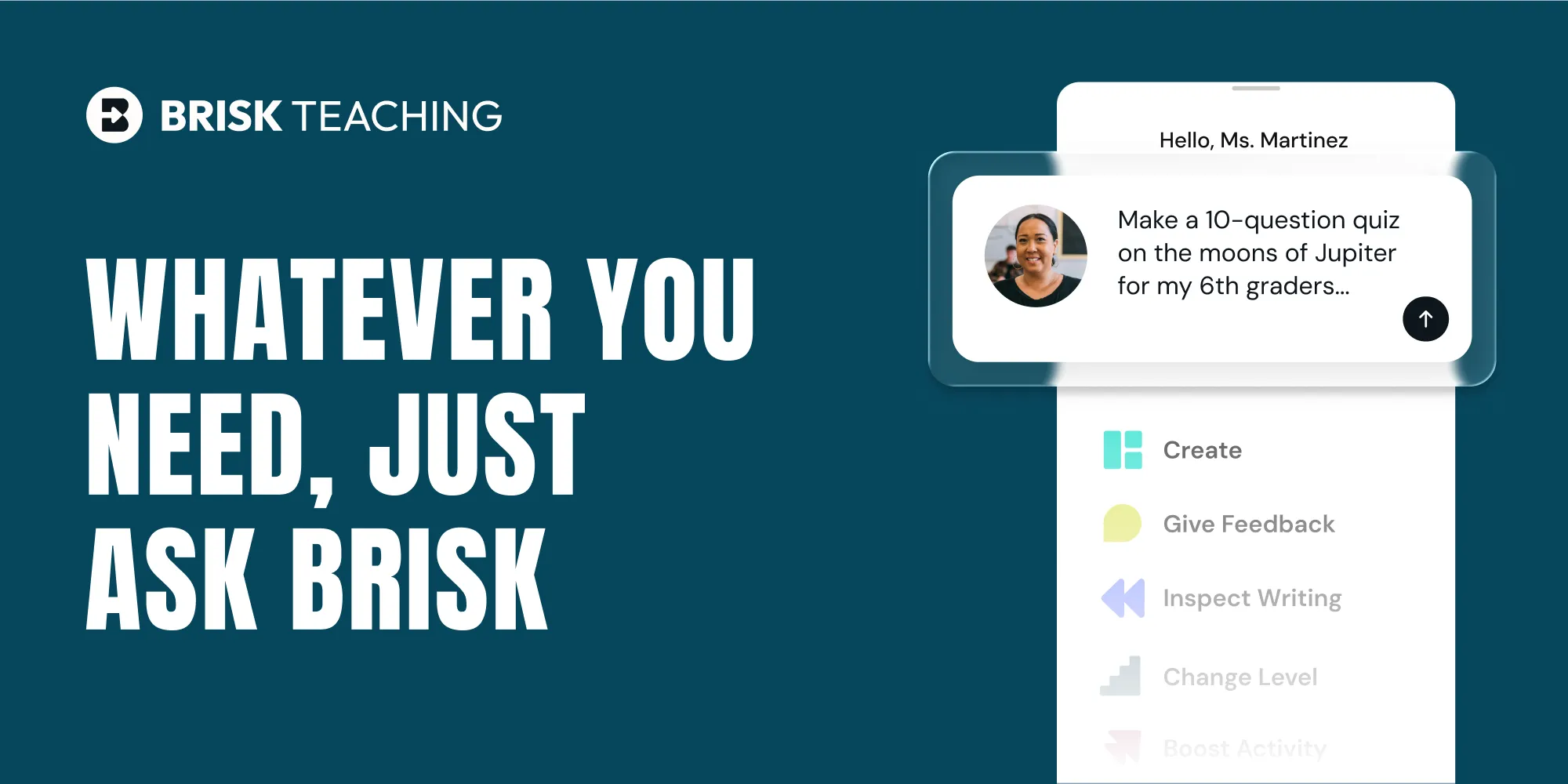
That’s why, this summer, the core Brisk experience is evolving. The extension is getting a new, sleeker look, and the way teachers interact with Brisk is becoming more intuitive, more responsive, and more personalized. TL;DR: Brisk is becoming conversational.
A new way to find, create, and perfect resources
You can now search for your favorite tools without having to fuss with any menus. Start typing whatever’s on your mind — a tool name, what a tool does, what you’re trying to teach — and a list of relevant tools will pop right up.
Once you choose a tool, creating a resource is as simple as having a conversation — tell Brisk what you need and it’ll build it. Before getting to work, it’ll ask a couple quick questions. Nothing crazy. Just things that help clarify the goals of a lesson or specify what your students have been struggling to grasp.
(If you’re in a rush, you can skip the questions and give Brisk the green light to generate a resource based on your prompt and basic information like your grade level and state.)
If you want to adjust what Brisk creates, that’s a conversation, too. Tell it what to fine-tune and watch the resource update in real time. No starting over from scratch or toggling between versions.
More tools at your fingertips, zero added complexity
Brisk already does a lot. As we start to support even more of your day-to-day work, we’re keeping the Brisk experience simple and intuitive by focusing on several key points of alignment:
- Alignment across Brisk: Last year, we introduced Brisk Next, a web app that helps you plan, give assignments, and provide feedback all in one place. The new, conversational Brisk extension works a lot more like Brisk Next than the classic extension did, giving you a consistent experience wherever you use Brisk.
- Alignment across districts: In districts with Curriculum Intelligence, every resource created with the new Brisk will be grounded in the district’s adopted curriculum, scope, and pacing. Don’t worry: You won’t need to do anything extra. Everything you create will be automatically customized based on the guidance your district leaders provide.
- Alignment into the future: The new Brisk is built on top of an agentic engine that’ll serve as the foundation for a variety of updates throughout the 2026–2027 school year (and beyond!). As more and more tools become available, the new search functionality will make it easier for you to find the right one for teaching exactly the way you want to.
A new era of Brisk
For many people, change isn’t always the easiest thing in the world. I get it. It might take you a little time to get used to the new Brisk, and that’s okay! The new Brisk rolls out in mid-July, but if you want to take things slowly, you’ll be able to toggle over to the classic Brisk experience through December 31, 2026.
But we couldn’t be more excited about the new Brisk, and we think you’re going to be pretty excited once you start using it, too.
We can’t wait to build this new era of Brisk with you.
– Arman Jaffer, Founder, Brisk Teaching