

Tôi thực sự bị sốc và không nói nên lời.
Cảm ơn bạn! Giờ đây tôi không còn phải mất hàng giờ để tạo nội dung này nữa. Cân bằng công việc và cuộc sống, tôi đến đây!

AI Tools for Adjusting Levels and Languages
Change reading level in seconds.
Helping every student access grade-level content shouldn’t take all day. Brisk does it for you — in one click — with our AI Text Leveler Tool and AI Translate Text Tool.
Try it now
.png)
01
Tạo phản hồi trong vài giây
Cung cấp phản hồi hiệu quả theo sáu cách, căn chỉnh theo thang điểm (rubric) bạn đã tải lên hoặc theo tiêu chuẩn của tiểu bang, và chia sẻ bằng hơn 50 ngôn ngữ.
02
Cá nhân hóa và điều chỉnh
Brisk sẽ đảm nhận những công việc nặng nhọc — để bạn có thể tự tin cá nhân hóa, điều chỉnh và chia sẻ.
03
Luôn giữ toàn quyền kiểm soát
Phản hồi sẽ được ẩn đối với học sinh cho đến khi bạn xem xét và phê duyệt để đăng.
Adjust reading levels with Brisk
Use Brisk to adjust the reading level of any online article or text to suit your students' needs, fostering accessible learning environments. Brisk identifies the original grade level of the content and enables you to modify it for 1st through 12th grade levels.
.png)
Translate tools for online materials
Effortlessly translate online texts, articles, and webpages into more than 58 languages to meet the varied needs of your multilingual classroom. With Brisk, ensure all students have equal access to resources, boosting inclusivity and participation.
%20(1).png)
Transform adapted texts into engaging classroom materials
Easily share adjusted texts with your students or turn them into high-quality classroom resources. With Brisk, adjusting reading levels is a breeze, allowing you to create a variety of engaging educational materials quickly, making lesson planning simpler and keeping students engaged.
%20(1).png)
Create content in 50+ languages — in just a click
Need a reading passage in Spanish? A science warm-up in Tagalog? Directions in Ukrainian?
Brisk AI Tools have you covered.
With Brisk, you can generate lessons, feedback, and activities in over 50 languages - no translating line-by-line, no awkward phrasing, and no extra tools.
.png)
Cách dịch và thay đổi trình độ đọc với Brisk
Brisk luôn sẵn sàng hỗ trợ mọi giáo viên và người học mà không gây khó khăn về kỹ thuật.
Cách thực hiện:
01
02
03
04
01
Mở tiện ích mở rộng Brisk.
02
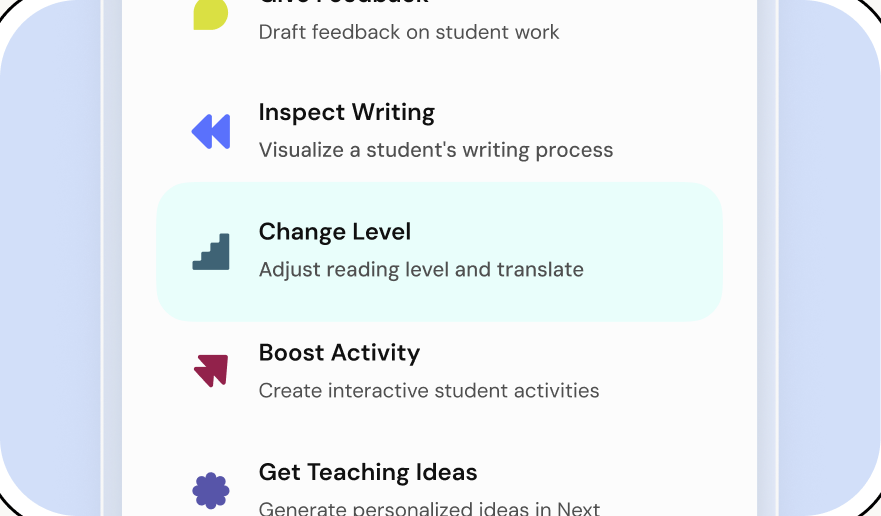
Nhấp vào nút Thay đổi cấp độ.
03
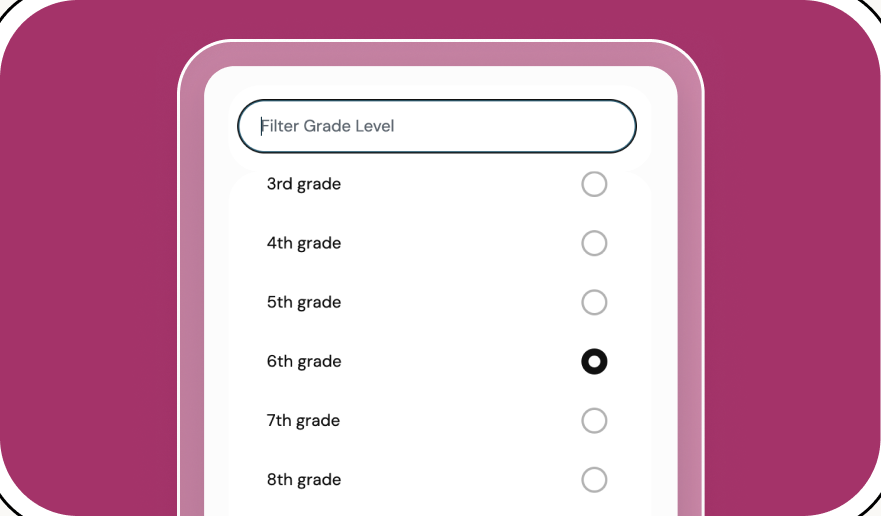
Chọn cấp lớp cho tài nguyên mới của bạn.
04
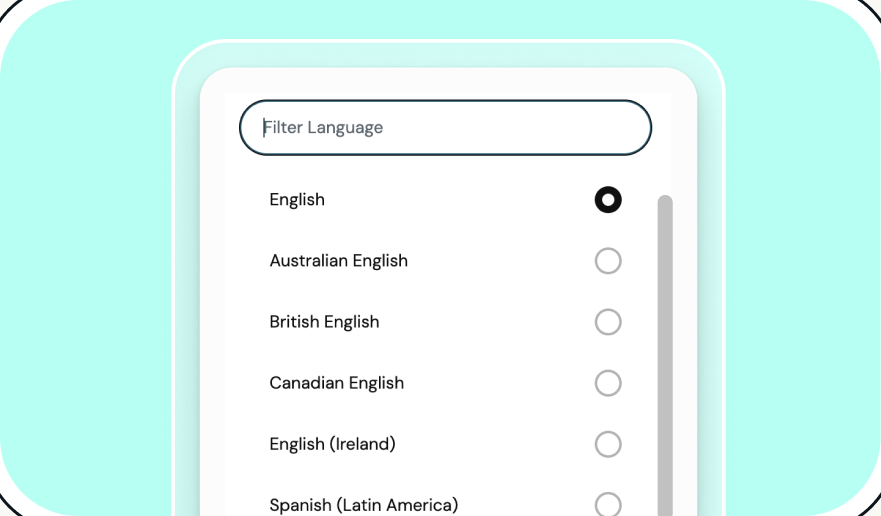
Chọn ngôn ngữ bạn muốn.


Tận hưởng ngày mới nhẹ nhàng cùng Brisk
Cảm ơn bạn! Chúng tôi đã nhận được thông tin gửi đi!
Rất tiếc! Đã xảy ra lỗi khi gửi biểu mẫu.