Brisk works where you already are
No switching platforms. No learning new tools. Brisk lives inside the apps your school already runs on.
Connects to your favorite tools
Brisk helps you grade, plan, and engage students — straight from Google Docs, YouTube, and more.

Google Chrome
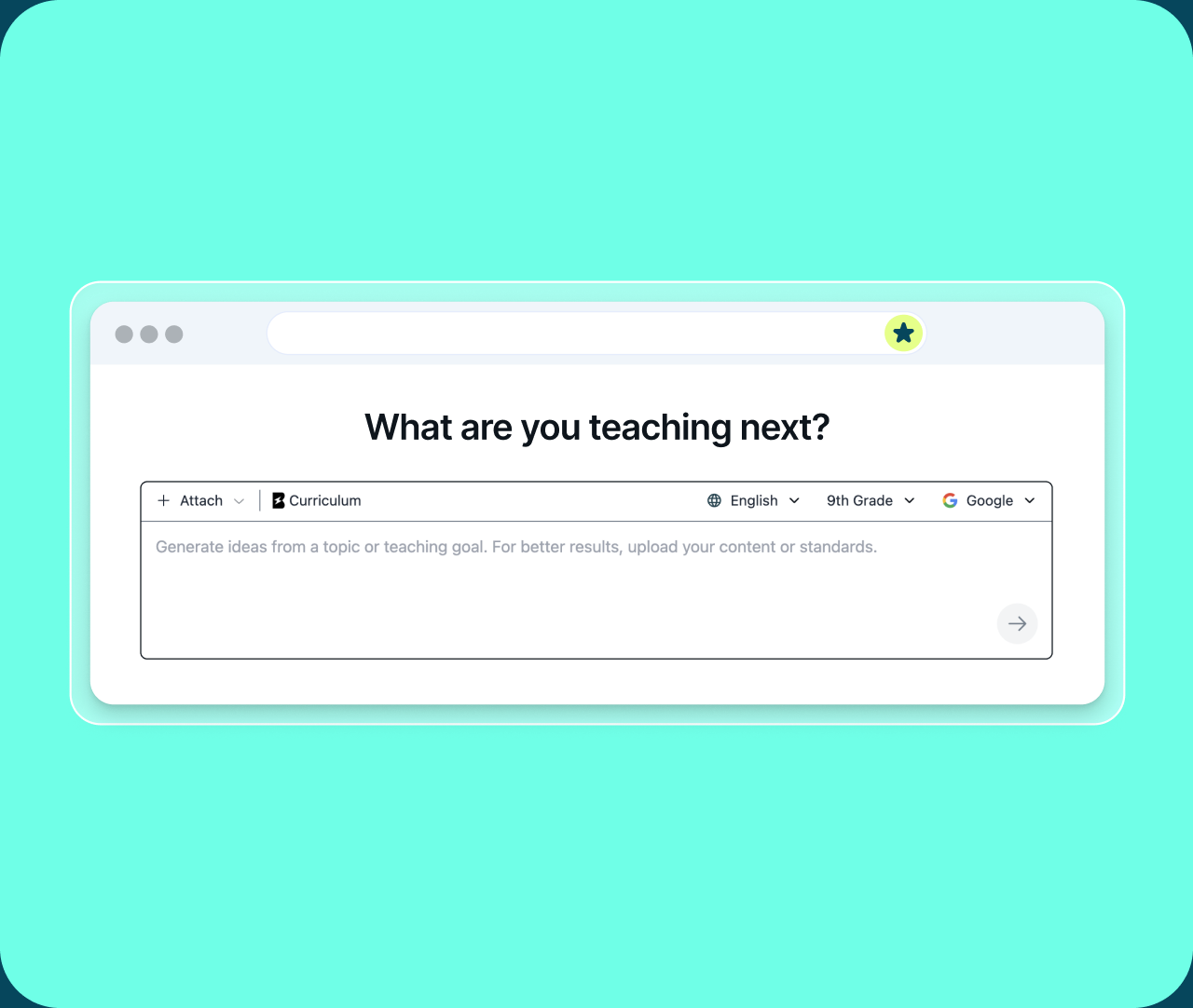
Brisk Teaching fits seamlessly into your Chrome workflow.

Microsoft
Microsoft Edge
Microsoft teachers can now use Brisk's AI teaching tools right within their browsers.


Gemini
Make your Gemini prompts smarter — Brisk adds grade-level framing, standards, and scaffolding automatically.

Web
ChatGPT
Level up your ChatGPT prompts with educational context — Brisk adds grade level, standards, and scaffolding built in.

Web
Claude
Level up your Claude prompts with educational context — Brisk adds grade level, standards, and scaffolding built in.
Web
Claude MCP
Ask Claude in plain language and it runs Brisk's tools for you — building activities, lesson plans, quizzes, and feedback right in your Brisk account.

Microsoft
Copilot
Upgrade your Copilot prompts with educational context — Brisk adds grade level, standards, and scaffolding built in.

Web
YouTube
Transform videos into engaging lessons and resources in just a few clicks.

Web
Brisk supports easy interaction with PDFs to streamline your teaching process.

Google Docs
Create resources and provide feedback directly within Docs.

Google Slides
Build presentations effortlessly, whether starting from scratch or transforming existing content.

Google Forms
Streamline the assessment process with fully-formed quizzes.

Google Classroom
Manage assignments and feedback with ease.

Google Sheets
Brisk reads every tab of your spreadsheet, then builds a ready-made activity straight from the data.

Microsoft
DocX Files
Brisk supports easy interaction with DocX files to streamline your teaching process.

Microsoft
PowerPoint
Easily export the materials you create with Brisk as Powerpoint files.


LMS
ClassLink
Brisk Teaching is ClassLink Certified for secure school- and district-wide use.

LMS
Blackboard

Brisk seamlessly integrates with Blackboard to enhance your teaching experience.

LMS
Canvas
- Upload content and provide direct feedback effortlessly.
- Create quizzes with Brisk and export into Canvas QTI files (available for Schools & Districts plans.)
- LTI 1.3 integration allows easy access to resources created with Brisk within Canvas (available for Schools & Districts plans).

LMS
Schoology
LTI 1.3 integration allows easy access to resources created with Brisk within Schoology (available for Schools & Districts plans).

Web
Kahoot! AI
Level up your Kahoot! AI prompts with educational context. Brisk adds grade level, standards, and scaffolding information inside Kahoot! prompt boxes.

Web
Nearpod
Generate curriculum-aligned quizzes and send them straight to Nearpod, ready to assign.

Web
Canva
Level up your Canva AI prompts with educational context. Brisk adds grade level, standards, and scaffolding information inside Canva prompt boxes.

Web
Wayground Assessment Generation
Brisk builds Wayground assessments now. Create using Brisk and your quiz will generate right in your Wayground account where it’ll be ready to assign.
Web
Wayground
Level up your Wayground prompts with educational context. Brisk adds grade level, standards, and scaffolding information inside Wayground prompt boxes.

Web
Gamma
Level up your Gamma prompts with educational context. Brisk adds grade level, standards, and scaffolding information inside Gamma prompt boxes.

Web
Lovable
Level up your Lovable prompts with educational context. Brisk adds grade level, standards, and scaffolding information inside Lovable prompt boxes.

Web
Seesaw
Level up your Seesaw prompts with educational context. Brisk adds grade level, standards, and scaffolding information inside Seesaw prompt boxes.

Web
Adobe Firefly
Level up your Adobe Firefly prompts with educational context. Brisk adds grade level, standards, and scaffolding information inside Adobe Firefly prompt boxes.
Watch Brisk in action
Get bite-sized overviews of how to use Brisk with connected tools to plan, engage, and assess with ease.
BRISK TEACHING
AI TOOLS
FOR TEACHERS

7 videos
Brisk Works Where You Work
Playlist · 7 videos · Gemini, ChatGPT, Claude, Copilot & more
How Brisk works
Brisk is an AI-powered education platform that supports teachers, students, and schools at every stage of learning - from planning and instruction to feedback and student practice.
Brisk's browser extension
The Brisk extension lives where teachers already work — in their browser, on the sites they’re already using — and offers time-saving, in-the-moment support when they need it.
While it’s embedded in the browser, Brisk stays inactive unless the teacher chooses to use it.
Brisk is currently supported on Google Chrome and Microsoft Edge. Get started using Brisk today.
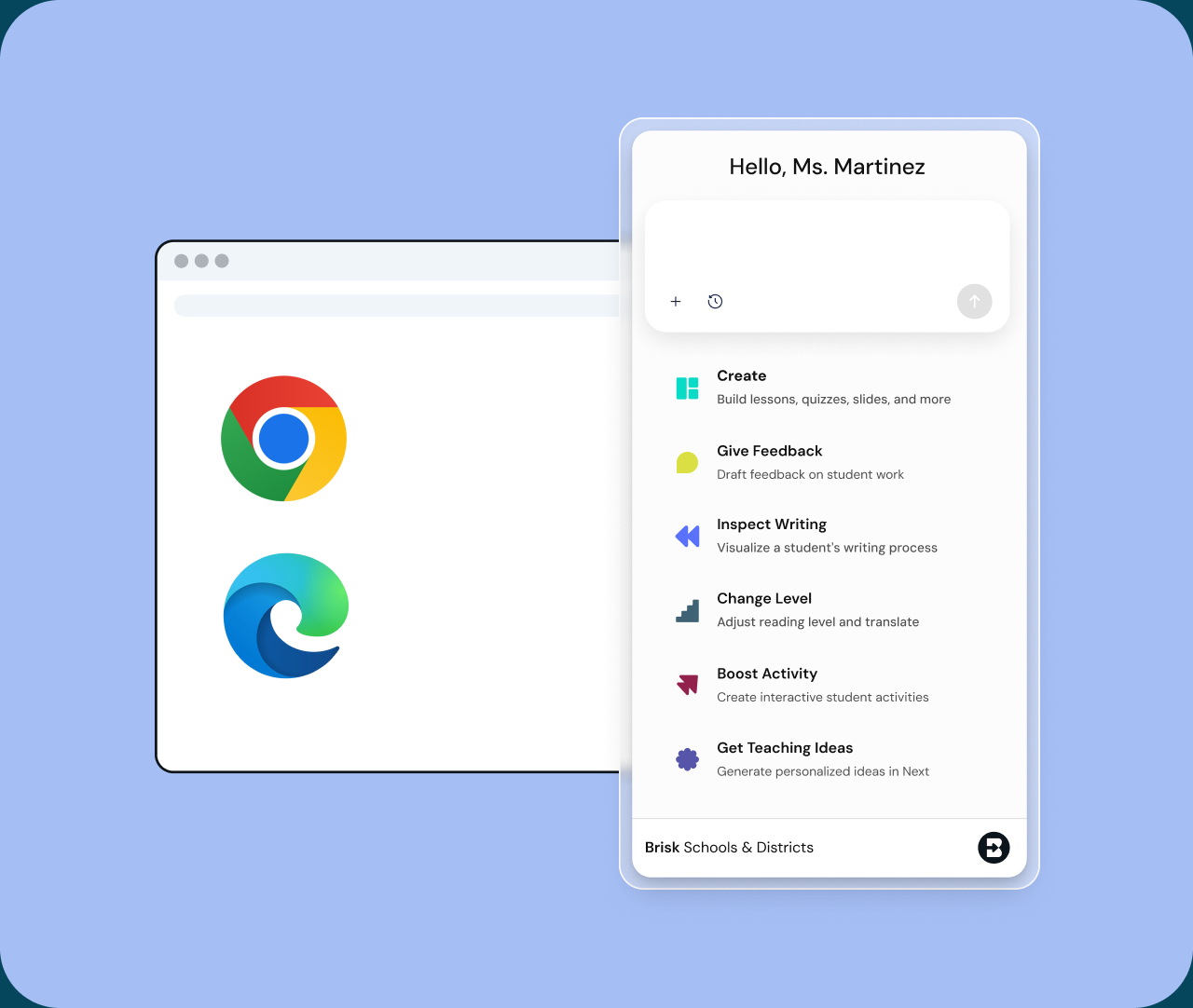
Brisk Next
Brisk Next gives teachers the power to plan, assign, and adapt - based on real data from your students.
Whether you’re just logging back in or deep into grading mode, Brisk Next offers AI-powered suggestions to help you teach at the Next Level.
Brisk Boost
Brisk Boost is a safe student-facing AI workspace where teachers stay in control.
Teachers can take any resource on the web and personalize learning for each student - while getting real-time insights into student engagement and understanding.
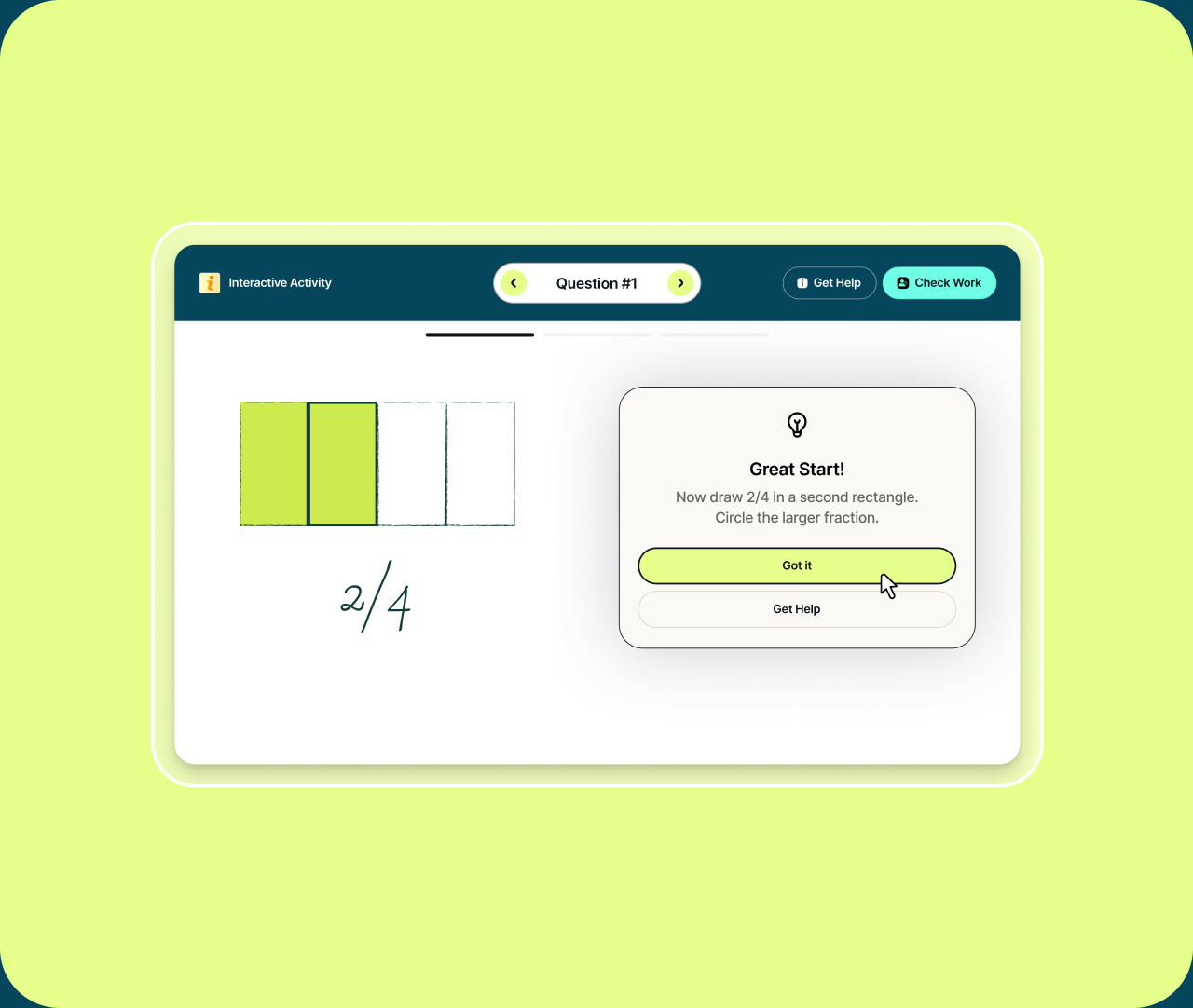
Seamless support
Brisk fits into your existing online routine, offering seamless support without added complexity.

Time-Saving Everywhere
Pin Brisk to your browser toolbar for quick, easy access.

No App-Switching
Brisk works wherever you are, so no more jumping between apps — stay focused and productive.

Saves to Your Drive
Everything you create with Brisk saves directly to Google Drive and can be easily added to OneDrive, with no exporting or copying needed.
Upload documents to Brisk
With Brisk, you can also upload any image or PDF and use Brisk's tools from there. In the extension, simply click the paperclip icon to upload. From Brisk Next — Brisk's AI hub on the web — click the plus icon to upload. In Next, you can also attach resources straight from Google Drive.