

AI Quiz Generator
The ultimate free AI quiz maker for teachers. Effortlessly create quizzes in Google and Word Docs, Google and Microsoft Forms, Kahoot!, or Nearpod — complete with embedded answer keys — to assess student understanding.
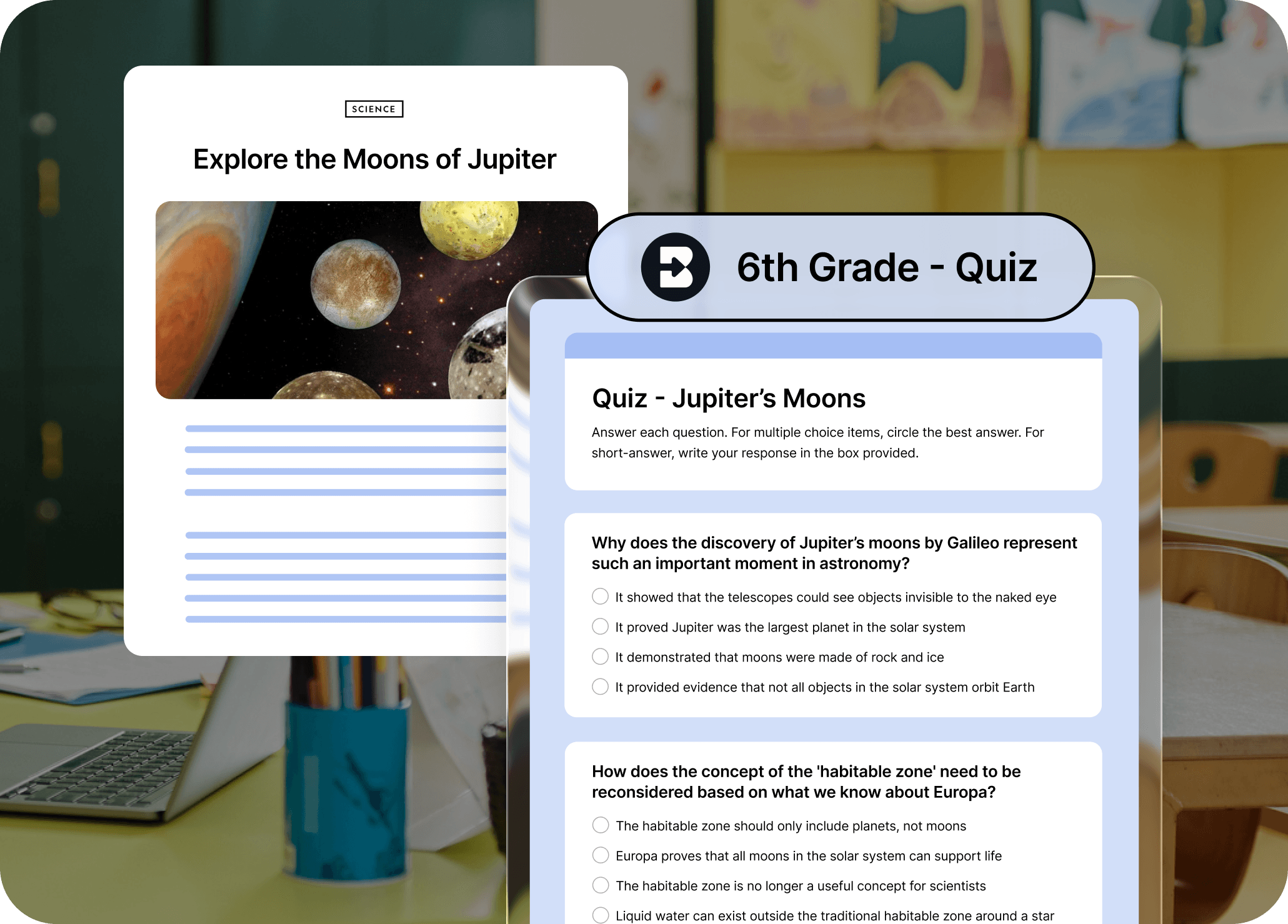
Quizzes should be challenging for students, not you
Turn any resource into a standards-aligned quiz with just a few clicks. Customize your quizzes by grade level, format, number of questions, and platform (Google or Word Doc, Google or Microsoft Form, Kahoot!, Nearpod, Canvas QTI).
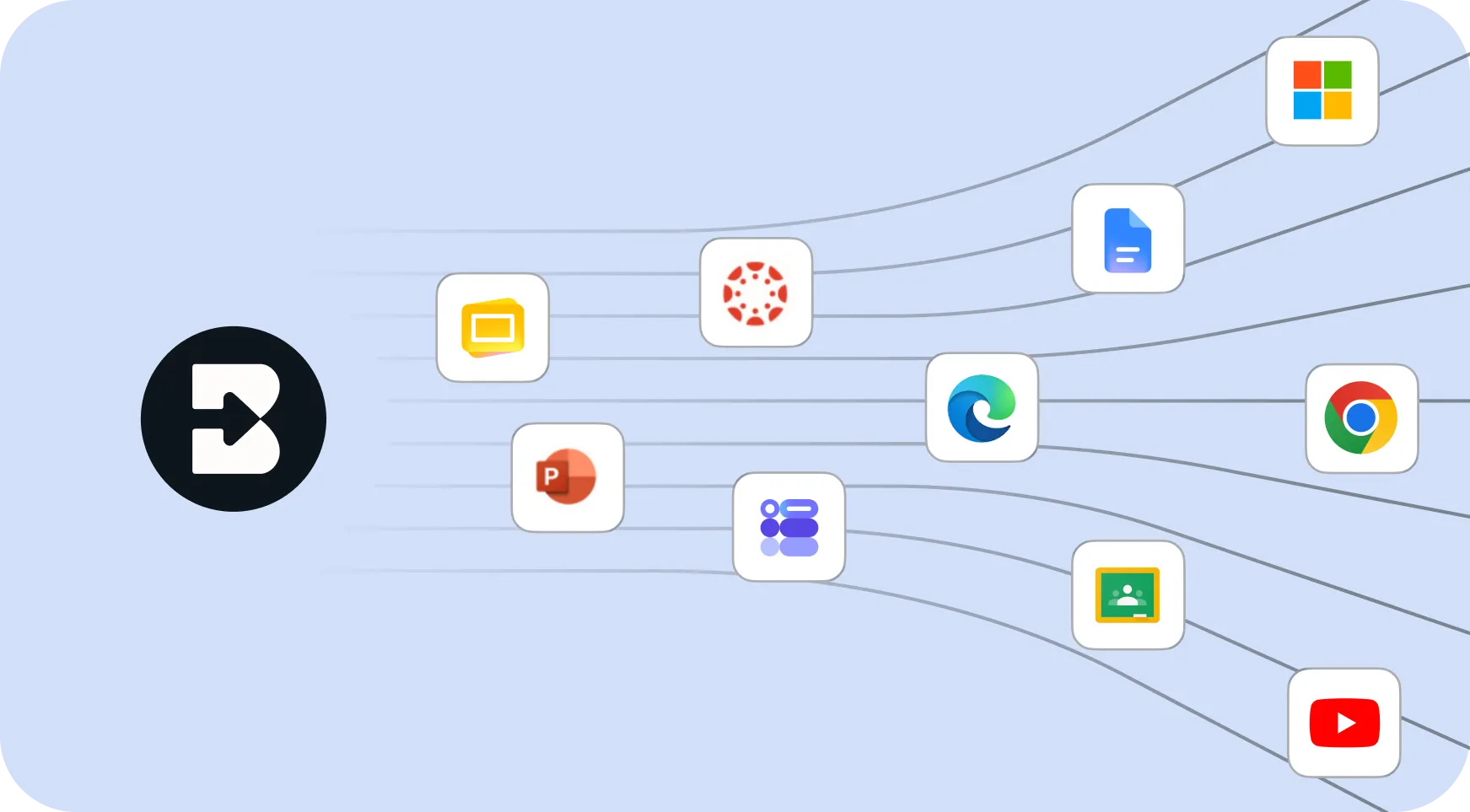
One-click access from any webpage
Brisk lives right in your browser. Highlight text or open a resource, click the Brisk icon, and generate a quiz without switching tabs or platforms.
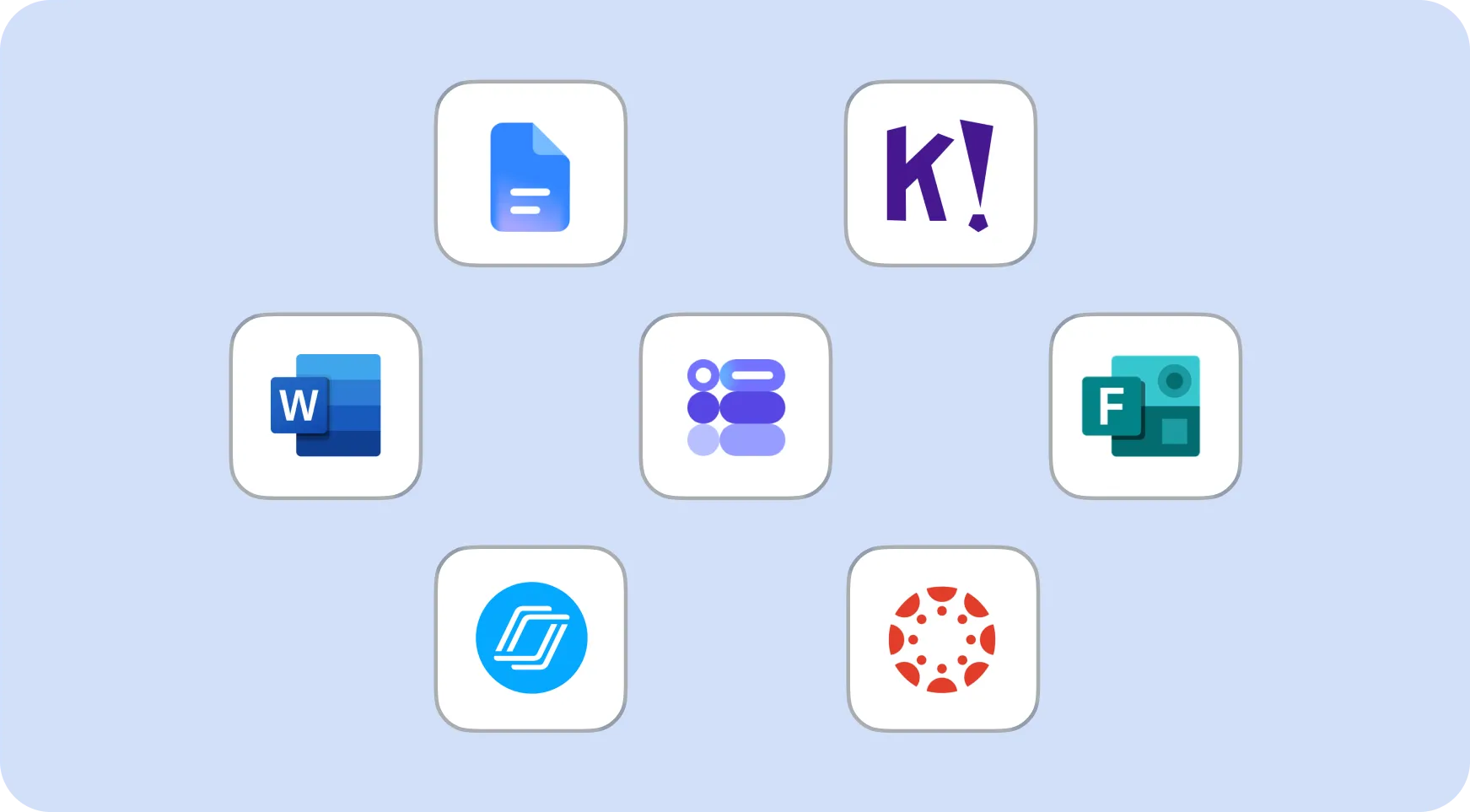
Total control over quiz format and output
Choose grade level, question type (multiple choice, short answer, open-ended), number of questions, and how you want it delivered – Google Doc, Word Doc, Google Form, Microsoft Form, Kahoot!, or Nearpod. Canvas QTI available for Schools & Districts users.
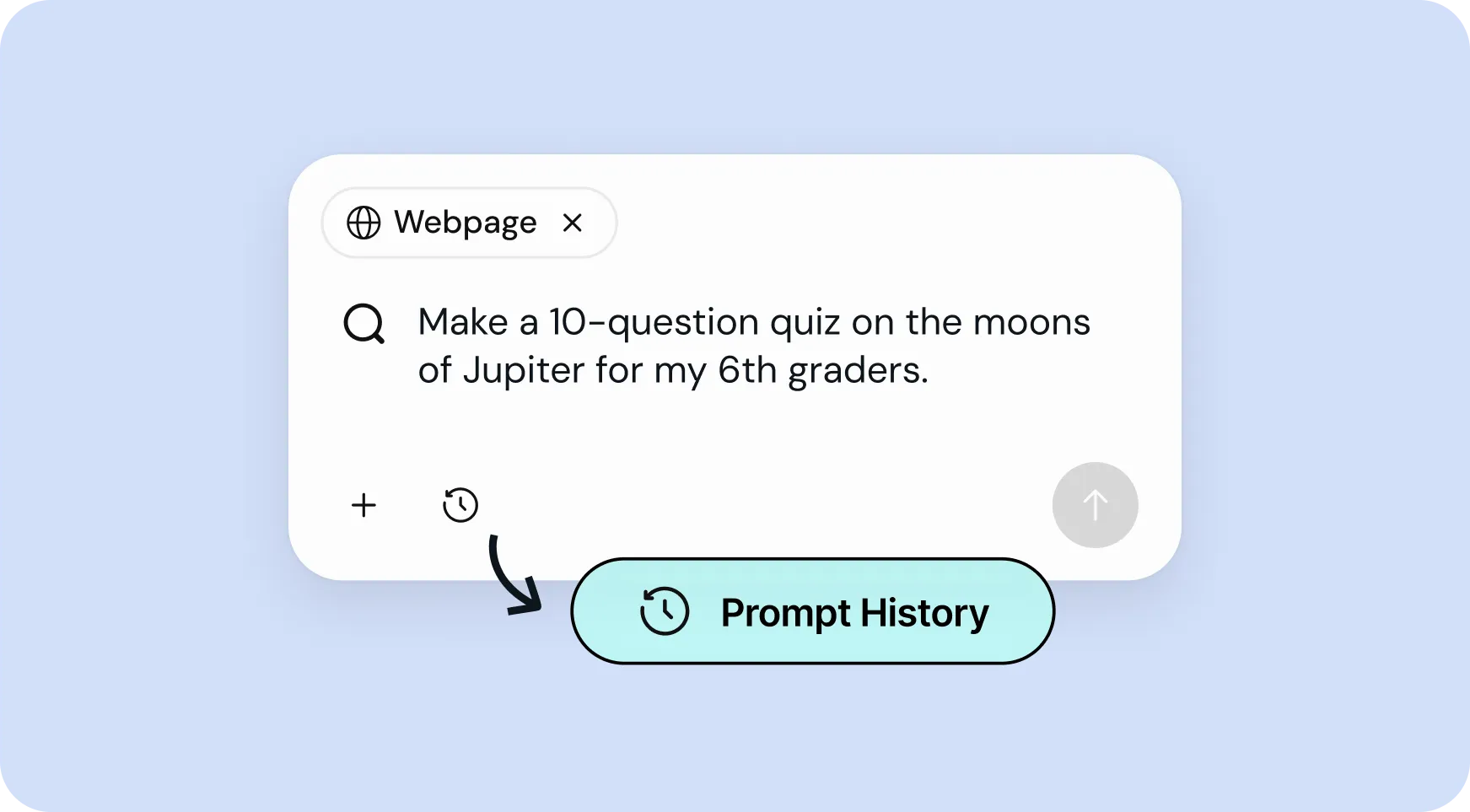
Reuse your best prompts in seconds
Access your prompt history to quickly re-run or tweak previous quizzes – no need to start from scratch every time.
How to use Brisk’s
Quiz Generator
From prompt to ready-to-go resource in a few clicks.
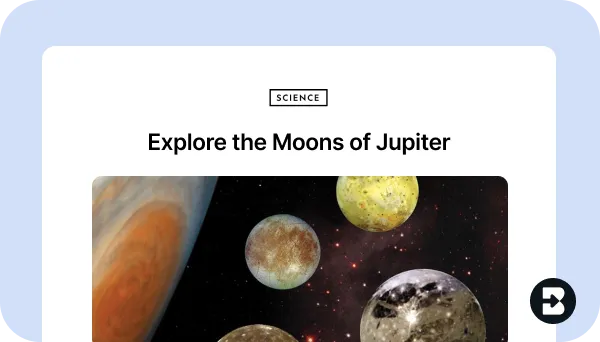
1. Open any resource
In your browser, open the webpage, PDF, or video that you want to generate a quiz from.
2. Search for “quiz”
Open Brisk, type “quiz” into the search box, and select the Quiz Generator from the search results.
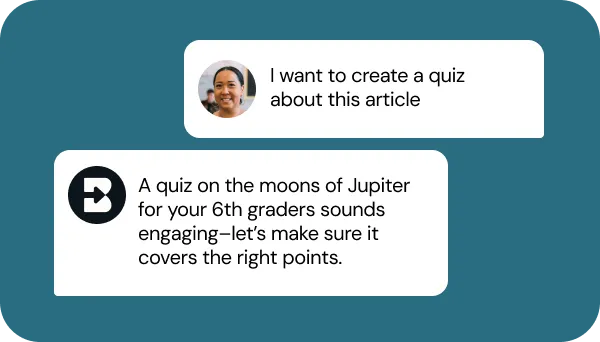
3. Tell Brisk what you need
Share some specifics about grade level, number and type of questions, format, and what you want the quiz to focus on (e.g., citing evidence, key themes).
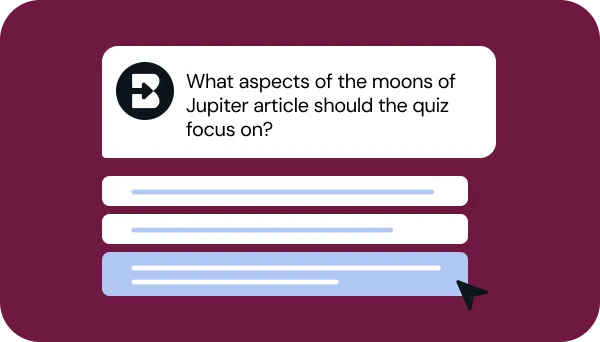
4. Refine your request
Answer a few quick questions from Brisk so your quiz looks just like what you have in mind. Then, sit tight for a few seconds while Brisk works.
5. Adjust until it’s perfect
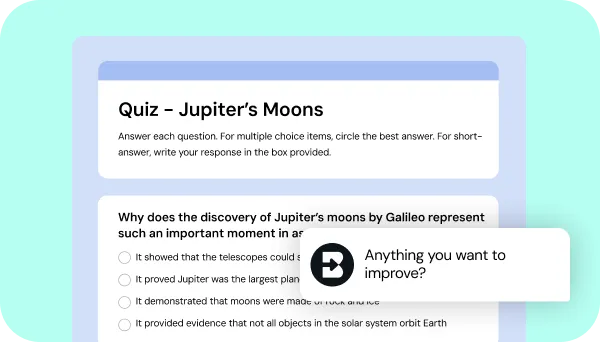
Chat back and forth with Brisk to fine-tune the quiz by adding questions, adjusting difficulty, or aligning it with any other priorities you have.
See what's possible in seconds
Some inspiration to get you started with Brisk's
Quiz Generator
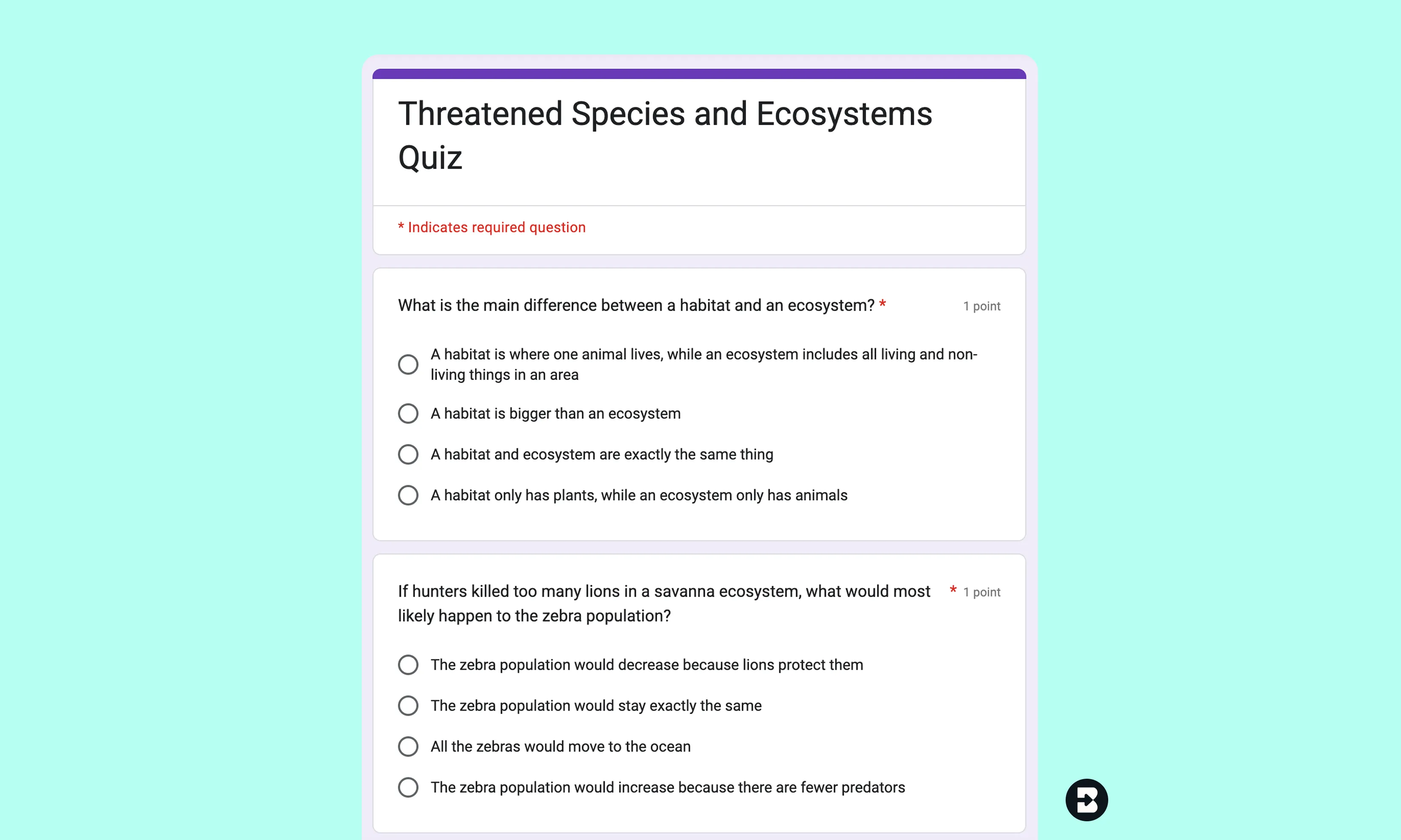
4th Grade Geography Quiz
Create a 5-question multiple choice quiz on a nonfiction article about animal habitats, adjusted to 4th grade reading level.
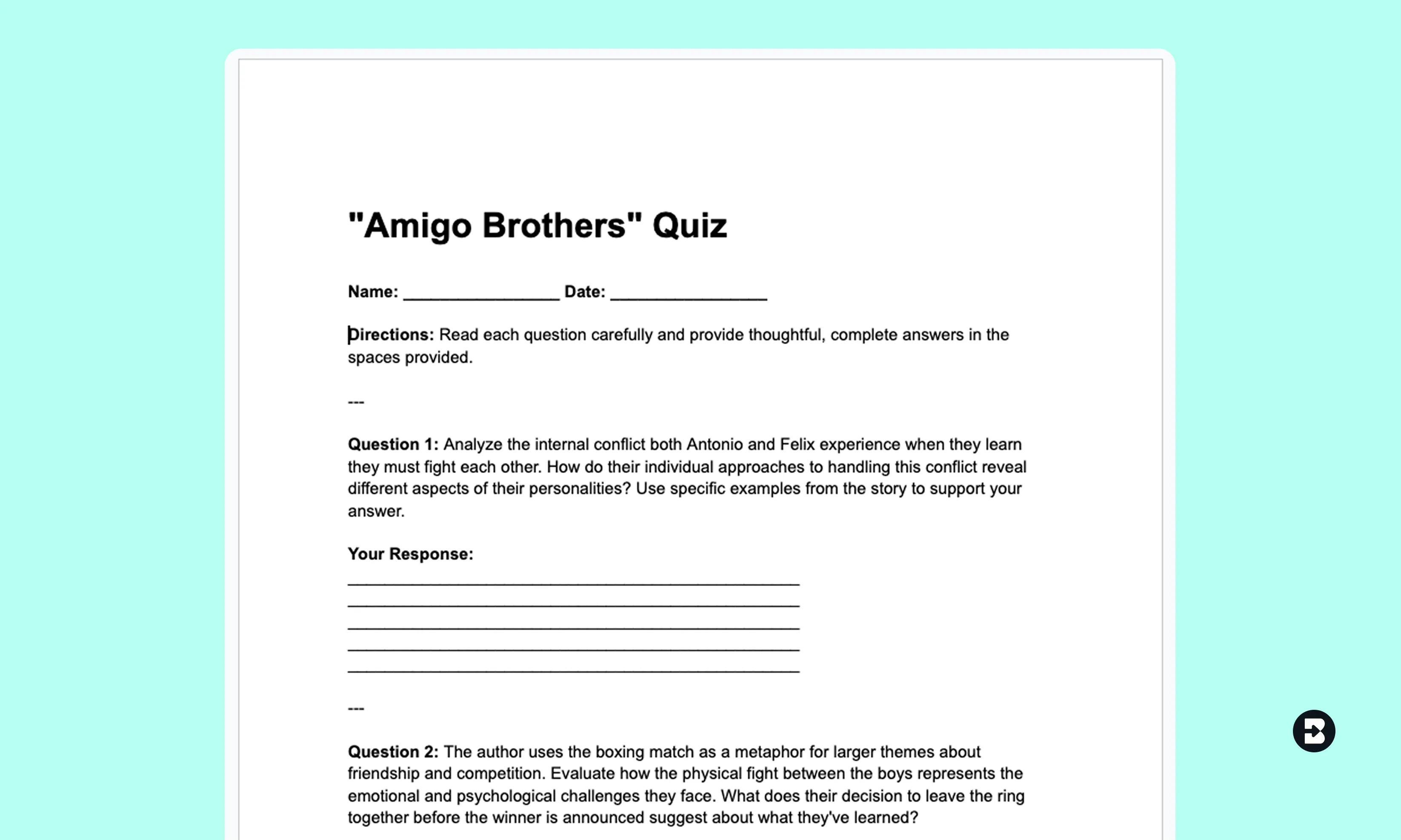
7th Grade ELA Reading Check
Turn a short story or video clip into a quiz with short answer questions aligned to state-specific ELA standards.
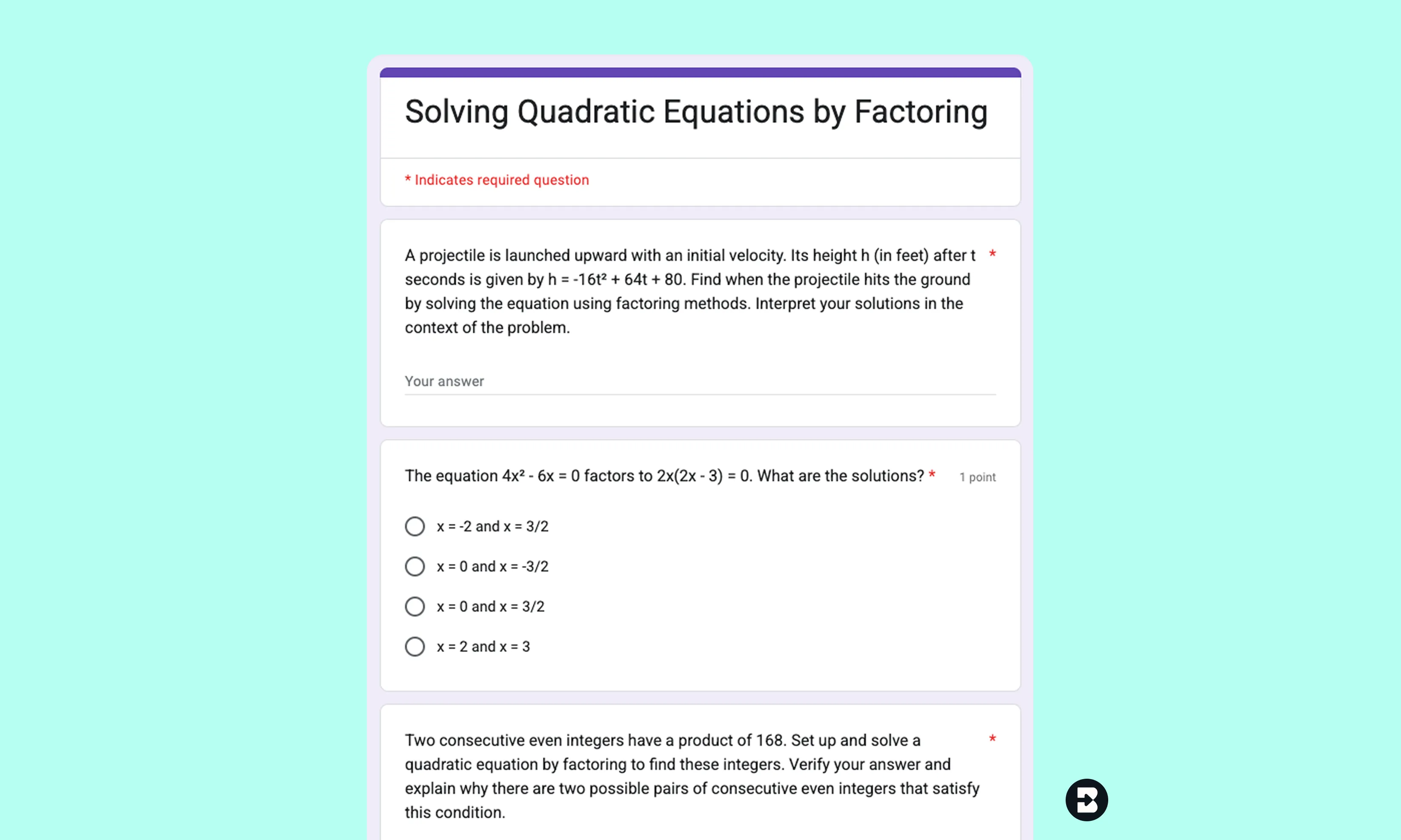
11th Grade Algebra II Practice Set
Generate a multiple-choice quiz from a lesson on quadratic functions. Export as a Google Form for fast grading.

Keep going
What's next on your list?
Brisk works across every part of your day. Here are some other tools educators love.


.svg)


Spend less time writing and more time teaching
Brisk makes it easy to create quizzes that are tailored, targeted, and ready to use - so you can focus on what actually moves the needle for your students.