

IA Questionarios Generador
El mejor creador de cuestionarios de IA gratuito para profesores. ¡Crea cuestionarios sin esfuerzo en Google Docs, Word Docs, Google Forms y Kahoot! o Nearpod, with integradas teclas de respuesta, para evaluar la comprensión de los estudiantes.
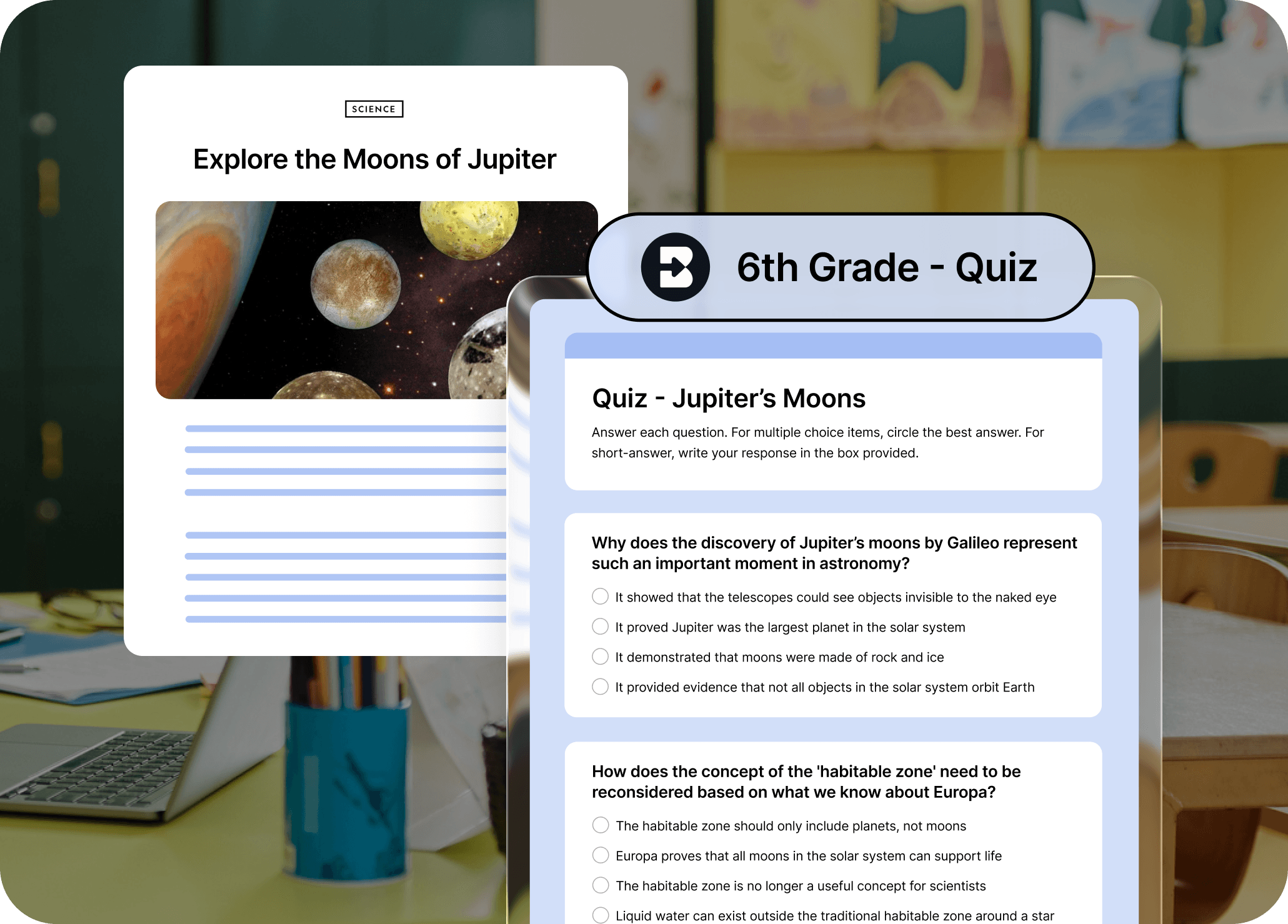
No más cuestionarios de escritura desde cero.
El creador de cuestionarios con IA de Brisk convierte cualquier artículo, vídeo o recurso en un cuestionario generado automáticamente en cuestión de segundos. Ya no tendrás que pasar las tardes escribiendo preguntas: ahora puedes crear comprobaciones para que te entiendan con solo hacer clic en un botón.
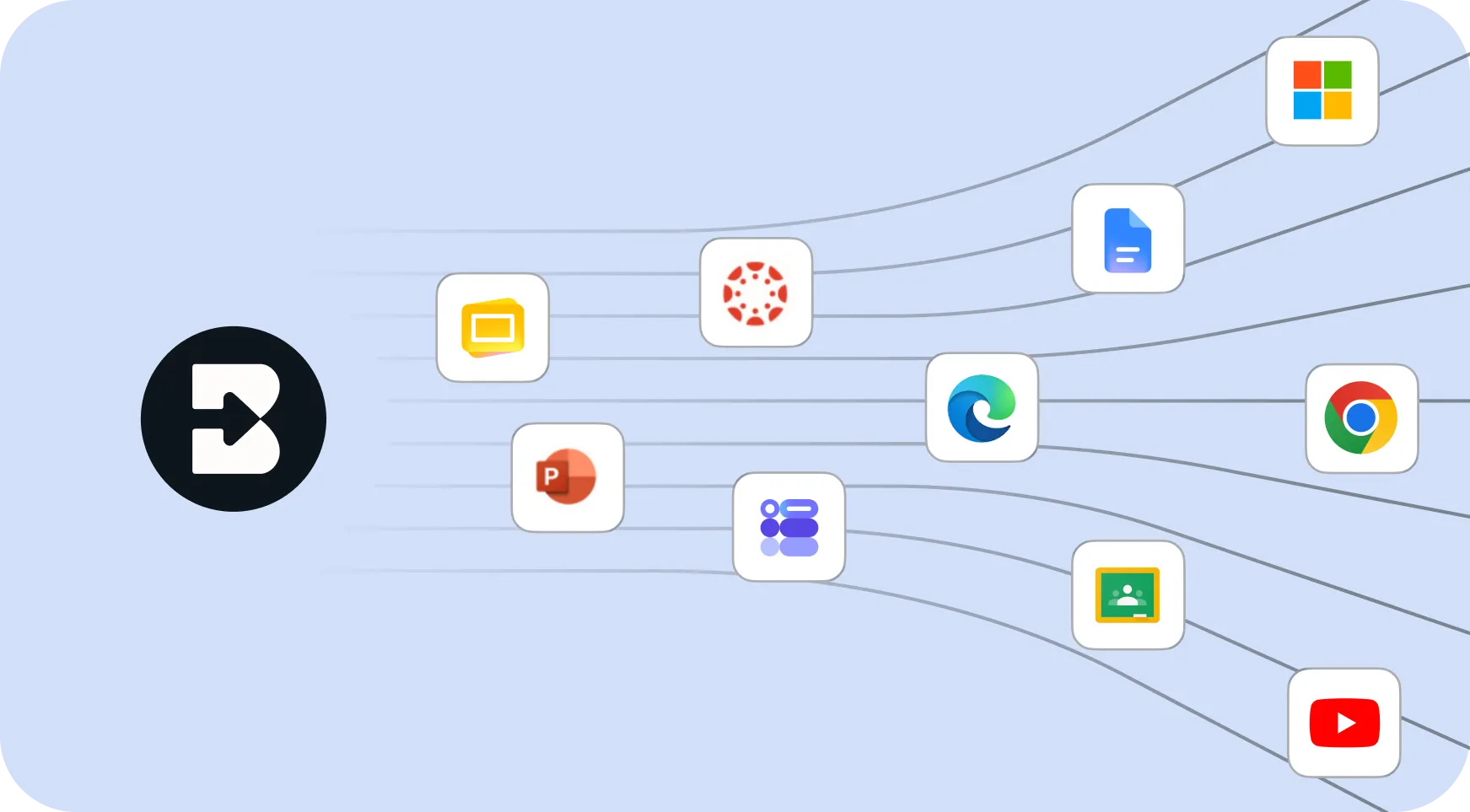
Access with a click from any web page
Brisk vive directamente en tu navegador. Resalta el texto o abre un recurso, haz clic en el icono de Brisk y genera un cuestionario sin cambiar de pestaña o plataforma.
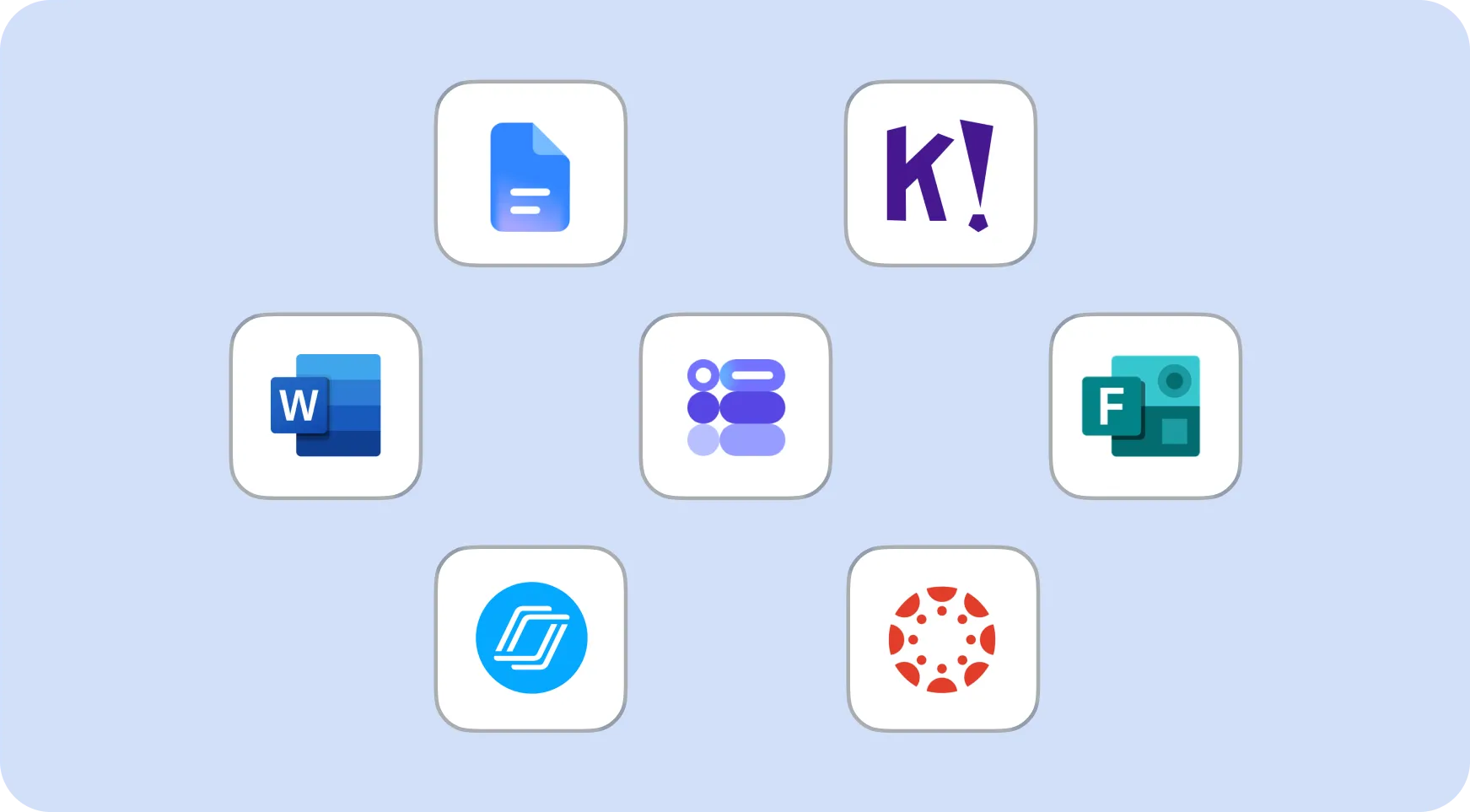
Control total sobre el formato y la salida del cuestionario
Elige el nivel de grado, el tipo de pregunta (opción múltiple, respuesta corta, abierta), el número de preguntas y la forma en que quieres que se entregue: Google Doc, Google Form o Word Doc.
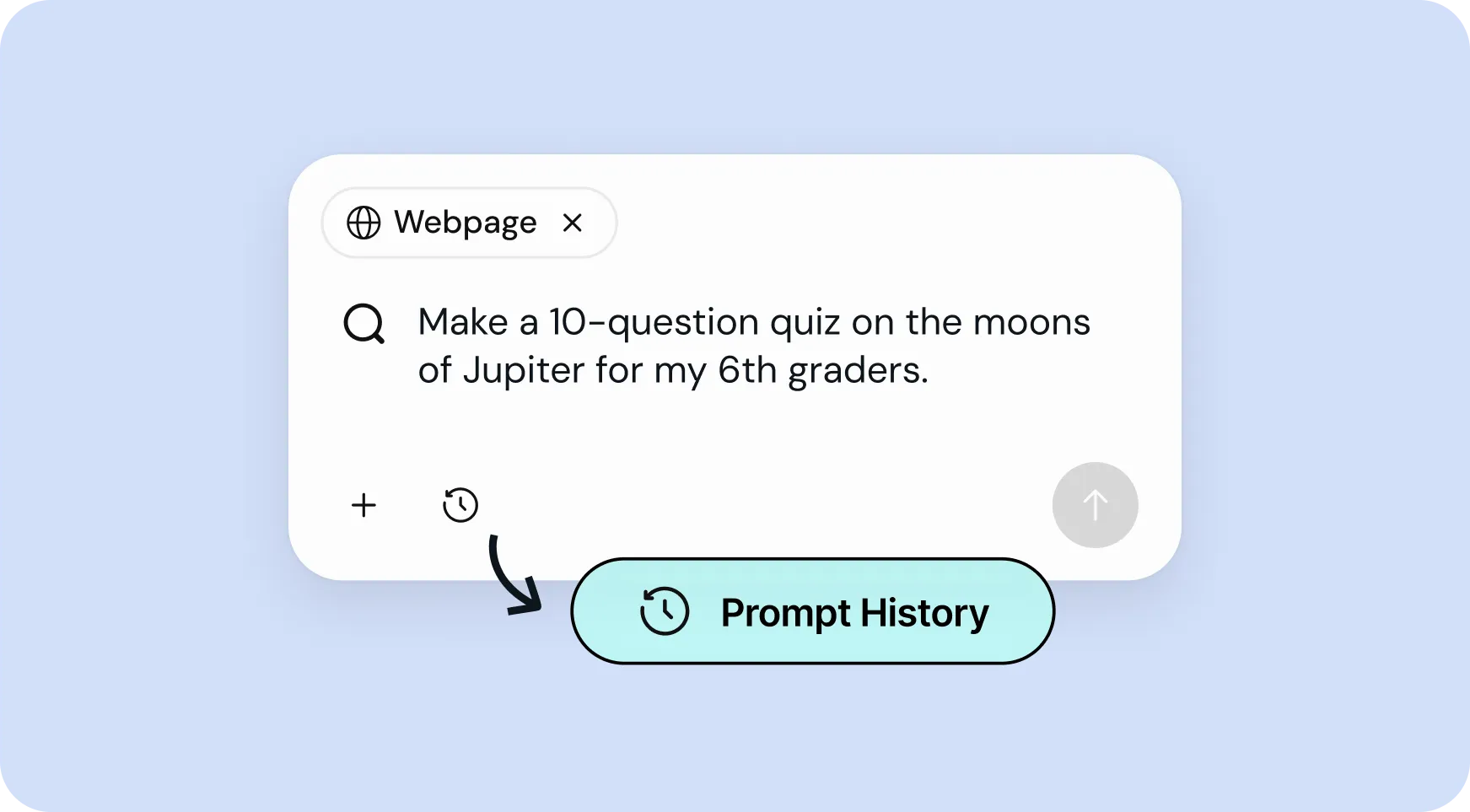
Reutiliza tus mejores indicaciones en segundos
Acceda a su historial de solicitudes para volver a ejecutar o modificar rápidamente los cuestionarios anteriores, sin necesidad de empezar desde cero cada vez.
How to use Brisk’s
Generador de cuestionarios
From prompt to ready-to-go resource in a few clicks.
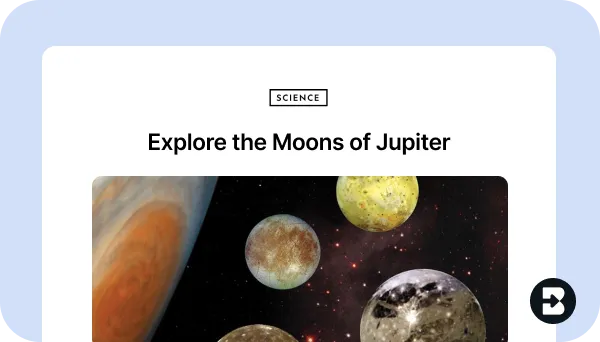
1. Open any resource
In your browser, open the webpage, PDF, or video that you want to generate a quiz from.
2. Search for “quiz”
Open Brisk, type “quiz” into the search box, and select the Quiz Generator from the search results.
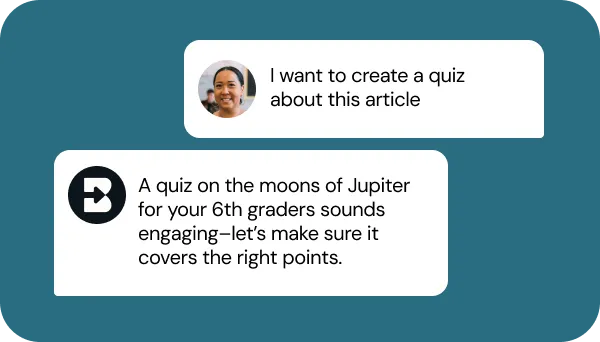
3. Tell Brisk what you need
Share some specifics about grade level, number and type of questions, format, and what you want the quiz to focus on (e.g., citing evidence, key themes).
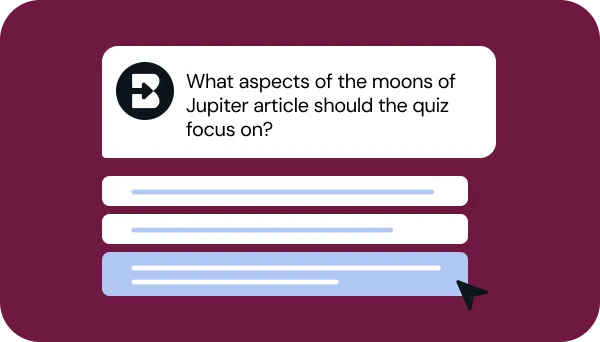
4. Refine your request
Answer a few quick questions from Brisk so your quiz looks just like what you have in mind. Then, sit tight for a few seconds while Brisk works.
5. Adjust until it’s perfect
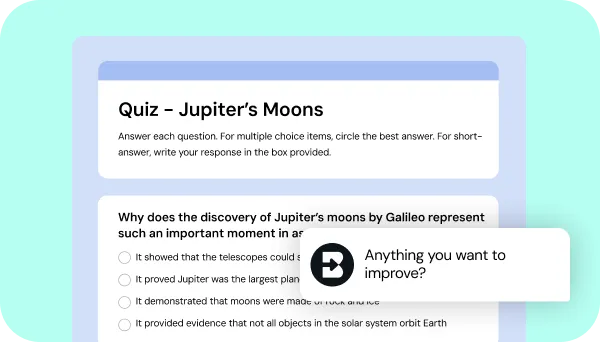
Chat back and forth with Brisk to fine-tune the quiz by adding questions, adjusting difficulty, or aligning it with any other priorities you have.
See what's possible in seconds
Some inspiration to get you started with Brisk's
Generador de cuestionarios
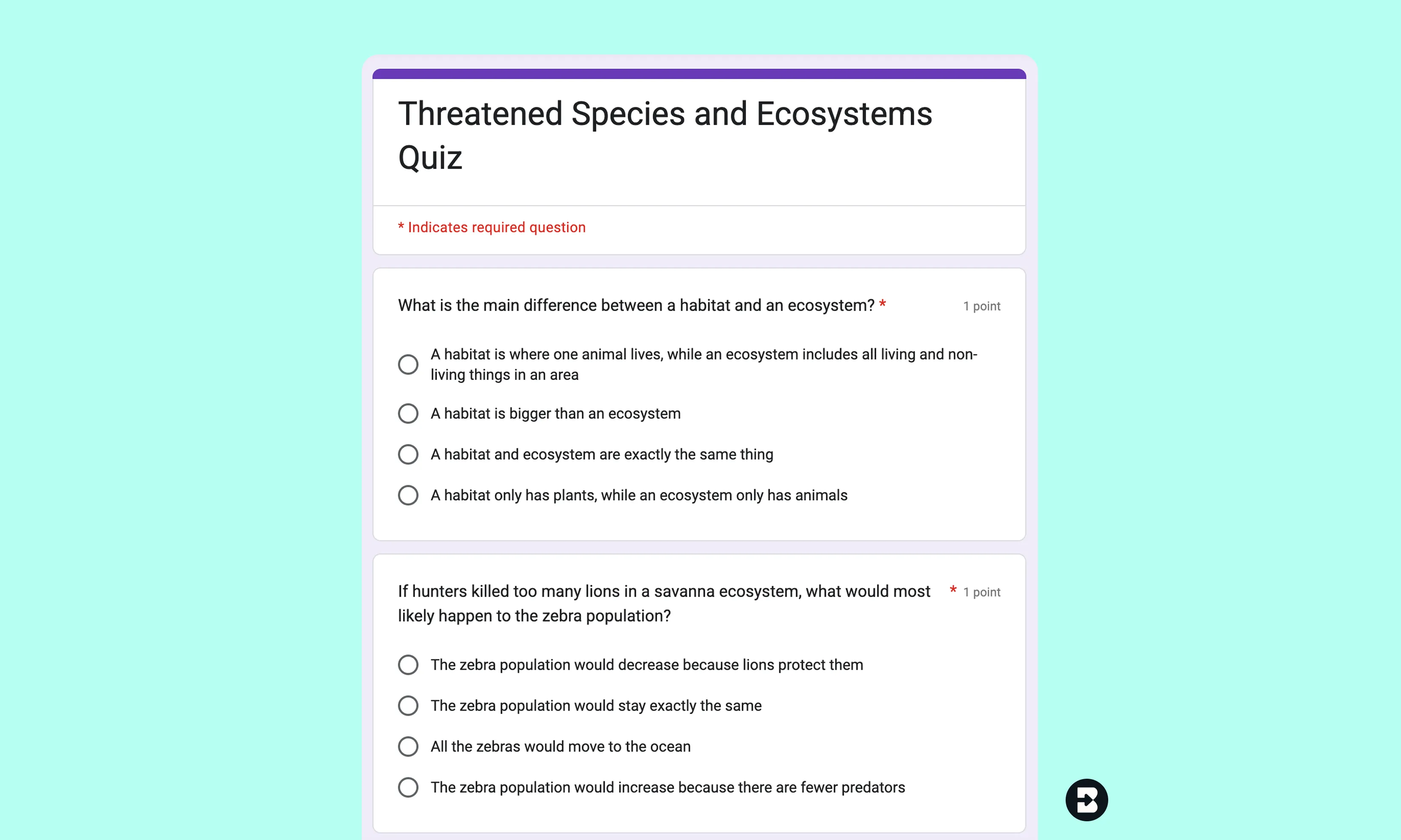
Test of geography for 4th grade students
Cree un cuestionario de 5 preguntas de opción múltiple sobre un artículo de no ficción sobre los hábitats de los animales, ajustado al nivel de lectura de cuarto grado.
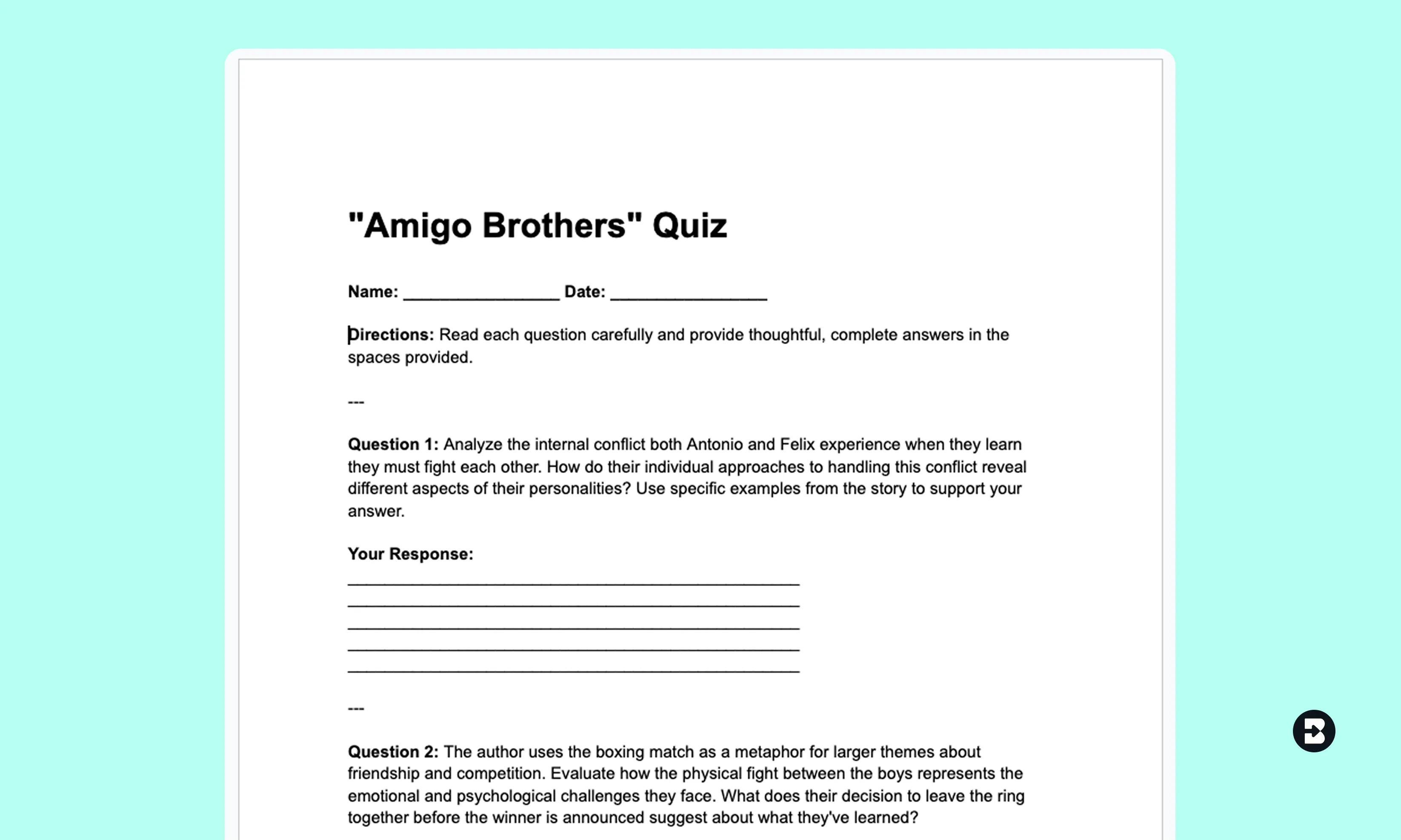
Verificación de lectura ELA de 7.º grado
Convierta una historia corta o un videoclip en un cuestionario con preguntas de respuesta corta alineadas con los estándares ELA específicos del estado.
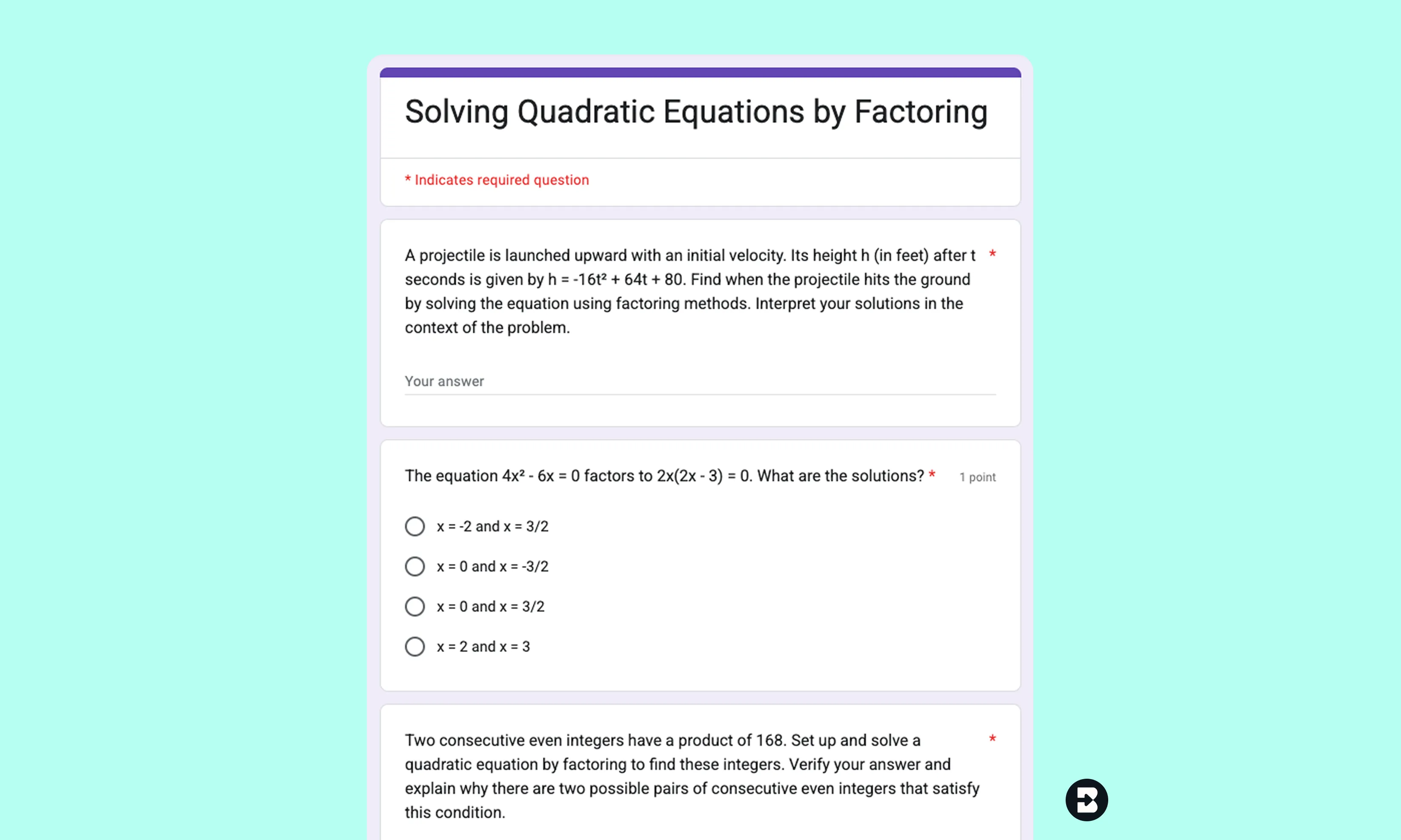
Conjunto de práctica de álgebra II para undécimo grado
Genere un cuestionario de opción múltiple a partir de una lección sobre funciones cuadráticas. Exporte como un formulario de Google para obtener una calificación rápida.

Keep going
What's next on your list?
Brisk works across every part of your day. Here are some other tools educators love.


.svg)


Dedica menos tiempo a escribir y más a enseñar
Brisk facilita la creación de cuestionarios personalizados, específicos y listos para usar, para que puedas concentrarte en lo que realmente mueve la aguja para tus alumnos.