


Générateur de quiz par IA
Le générateur de quiz par IA ultime et gratuit pour les enseignants. Créez sans effort des quiz dans Google Docs, Word, Google Forms, Microsoft Forms, Kahoot!, Nearpod ou Wayground — avec corrigés intégrés — pour évaluer la compréhension de vos élèves.
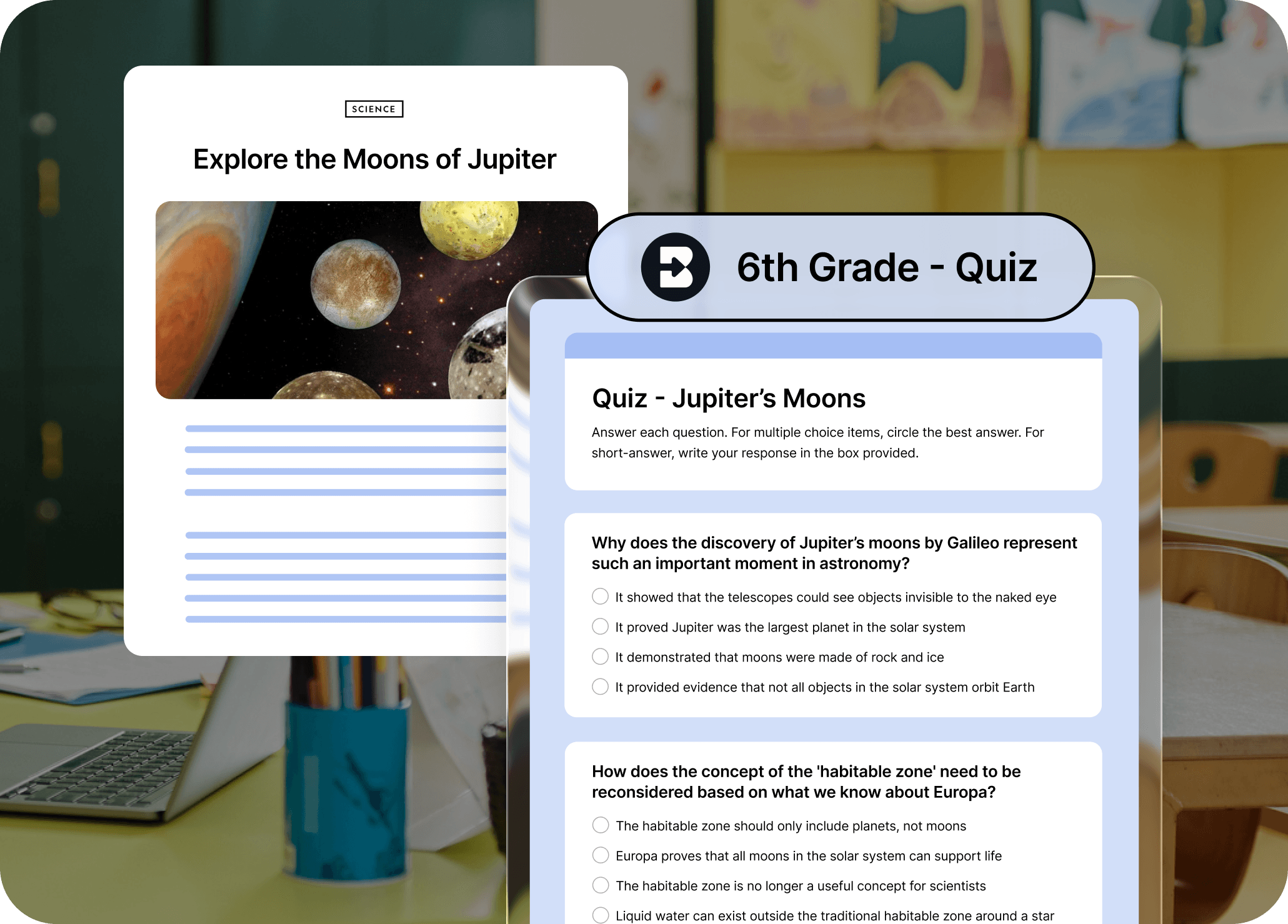
Les quiz doivent stimuler les élèves, pas vous épuiser
Transformez n'importe quelle ressource en quiz conforme aux programmes en quelques clics. Personnalisez vos quiz selon le niveau scolaire, le format, le nombre de questions et la plateforme (Google ou Word Doc, Google ou Microsoft Form, Kahoot!, Nearpod, Wayground, Canvas QTI).
Accès en un clic depuis n'importe quelle page web
Brisk s'intègre directement à votre navigateur. Surlignez du texte ou ouvrez une ressource, cliquez sur l'icône Brisk et générez un quiz sans changer d'onglet ou de plateforme.
Un contrôle total sur le format et le support de vos quiz
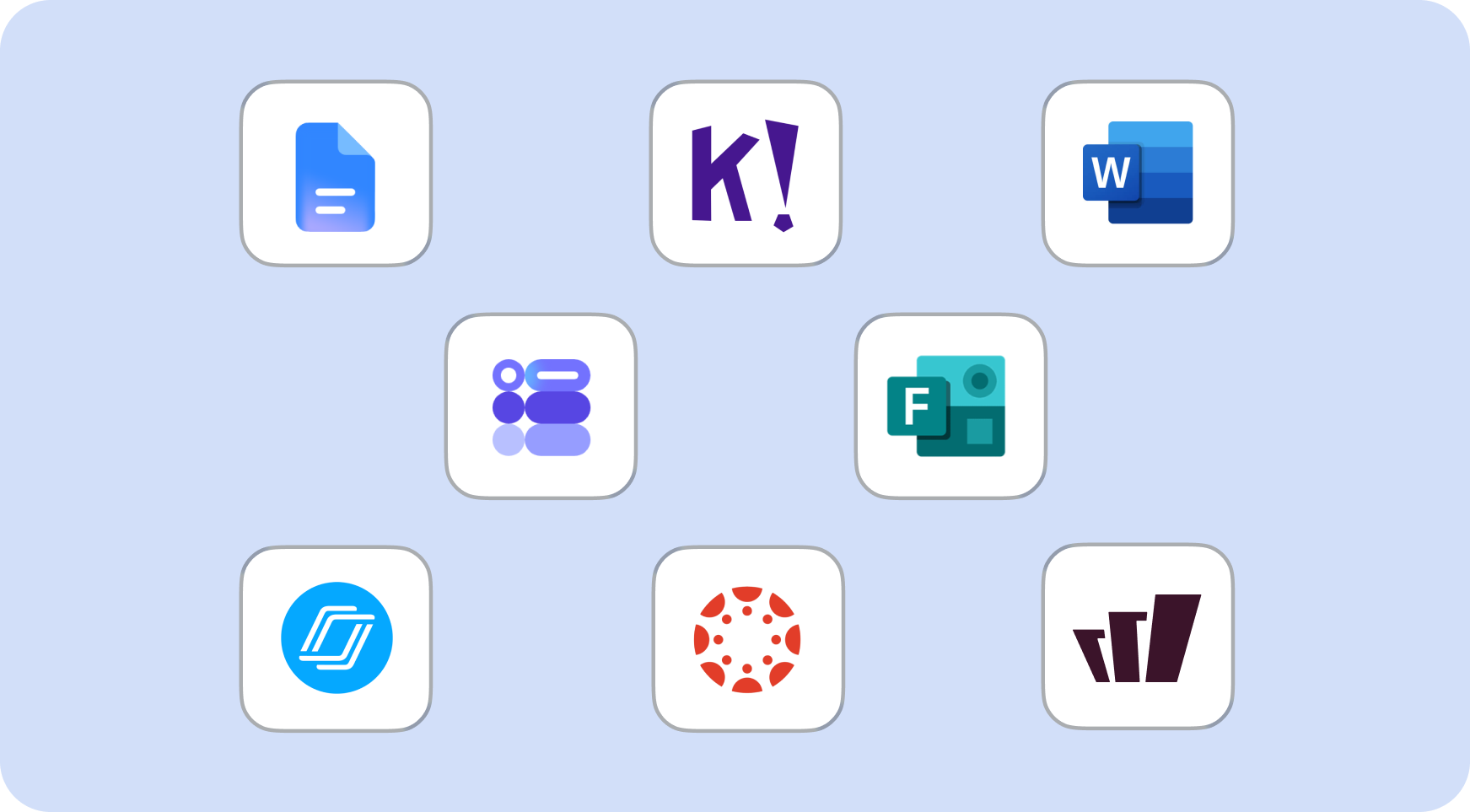
Choisissez le niveau scolaire, le type de questions (choix multiples, réponses courtes, questions ouvertes), le nombre de questions et le format de sortie : Google Doc, Word Doc, Google Form, Microsoft Form, Kahoot!, Nearpod ou Wayground. Canvas QTI disponible pour les utilisateurs Écoles et Districts.
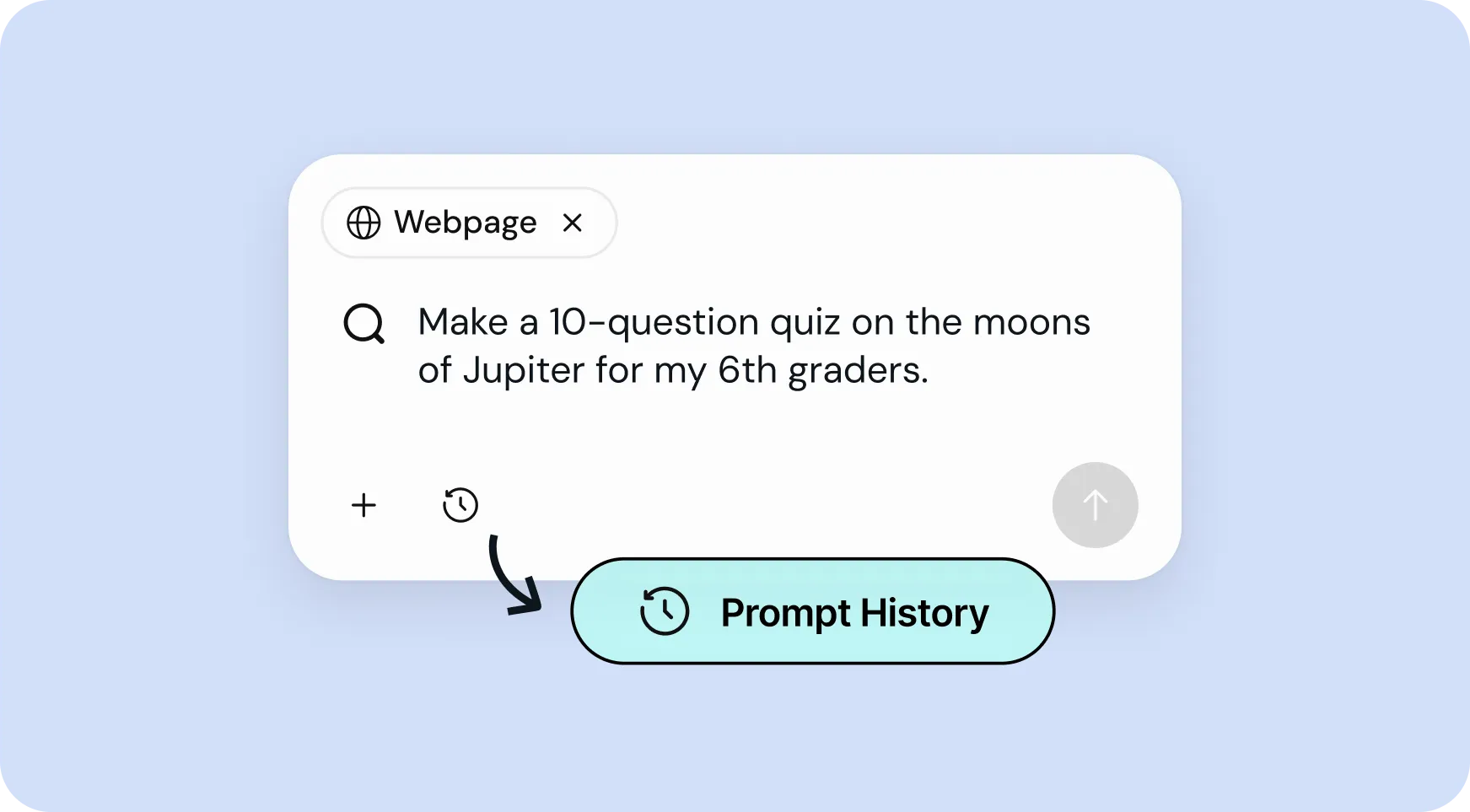
Réutilisez vos meilleurs prompts en quelques secondes
Accédez à votre historique de prompts pour relancer ou ajuster rapidement vos anciens quiz — plus besoin de repartir de zéro à chaque fois.
How to use Brisk’s
Générateur de quiz
From prompt to ready-to-go resource in a few clicks.
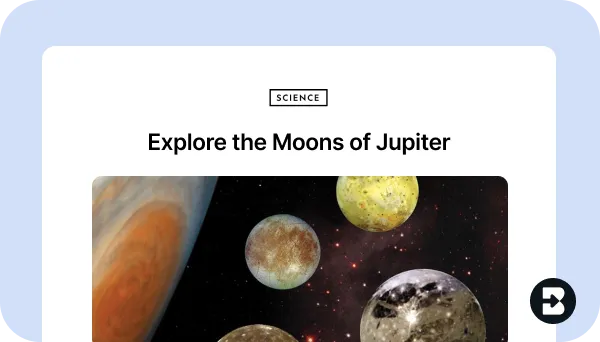
1. Ouvrez n'importe quelle ressource
Ouvrez dans votre navigateur la page web, le PDF ou la vidéo à partir duquel vous souhaitez générer un quiz.
2. Recherchez « quiz »
Ouvrez Brisk, tapez « quiz » dans la barre de recherche et sélectionnez le générateur de quiz dans les résultats.
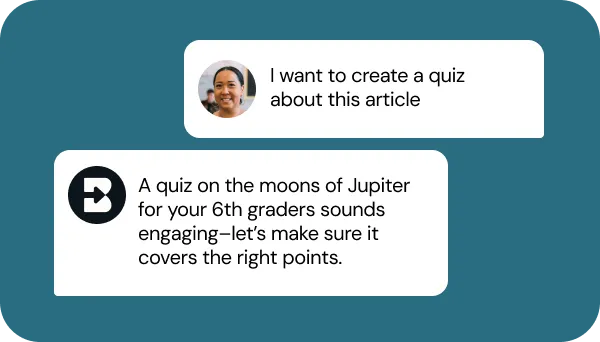
3. Dites à Brisk ce dont vous avez besoin
Précisez le niveau scolaire, le nombre et le type de questions, le format, ainsi que les points sur lesquels le quiz doit porter (par exemple, citer des preuves, thèmes clés).
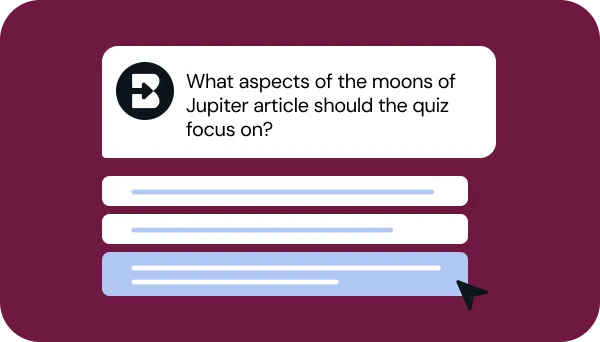
4. Affinez votre demande
Répondez à quelques questions rapides de Brisk pour que votre quiz corresponde exactement à ce que vous avez en tête. Patientez ensuite quelques secondes le temps que Brisk travaille.
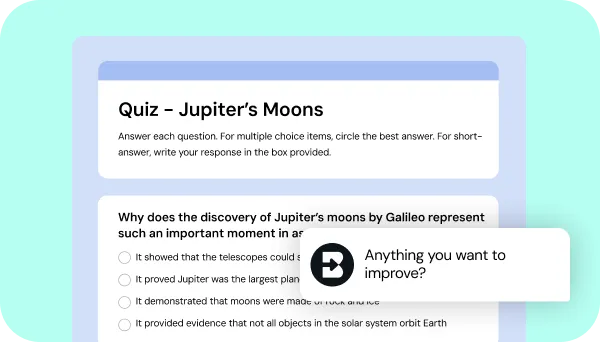
5. Ajustez jusqu'à la perfection
Échangez avec Brisk pour peaufiner le quiz en ajoutant des questions, en ajustant la difficulté ou en l'alignant sur vos autres priorités.
See what's possible in seconds
Some inspiration to get you started with Brisk's
Générateur de quiz
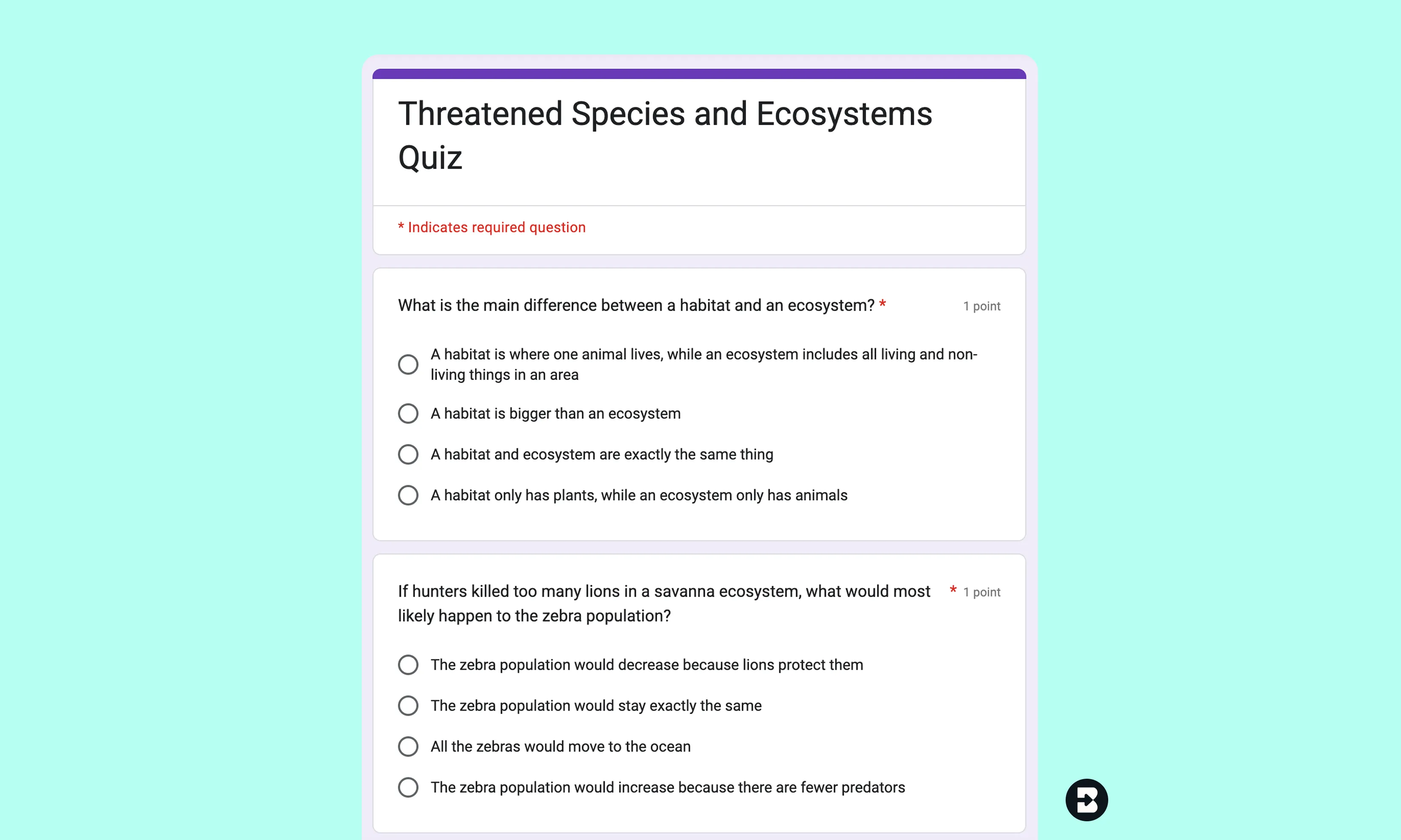
Quiz de géographie - 4e année (CM1)
Créez un quiz de 5 questions à choix multiples basé sur un article documentaire sur les habitats des animaux, adapté au niveau de lecture de 4e année.
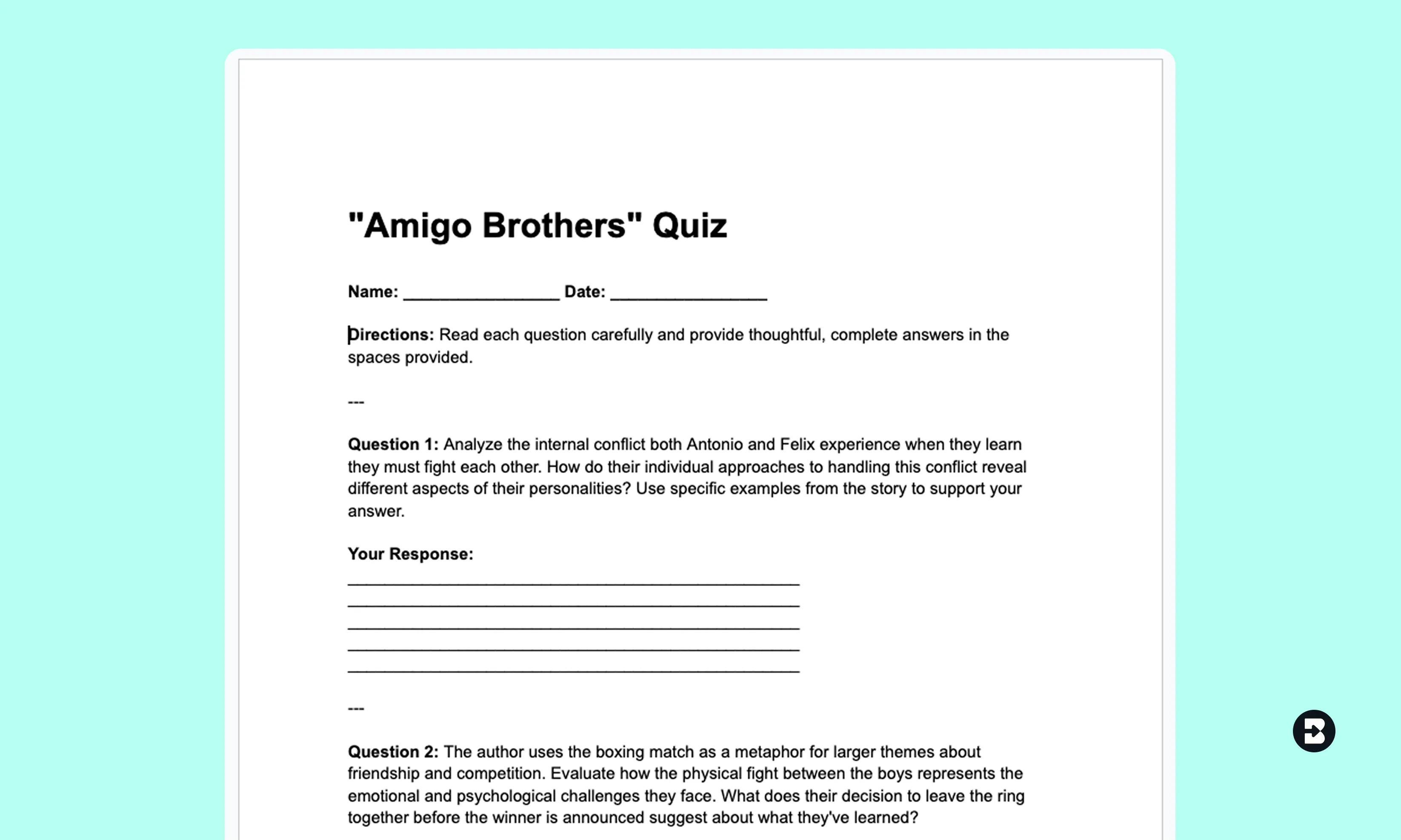
Évaluation de lecture - 5e (7th Grade)
Transformez une nouvelle ou un extrait vidéo en quiz avec des questions à réponse courte alignées sur les standards académiques.
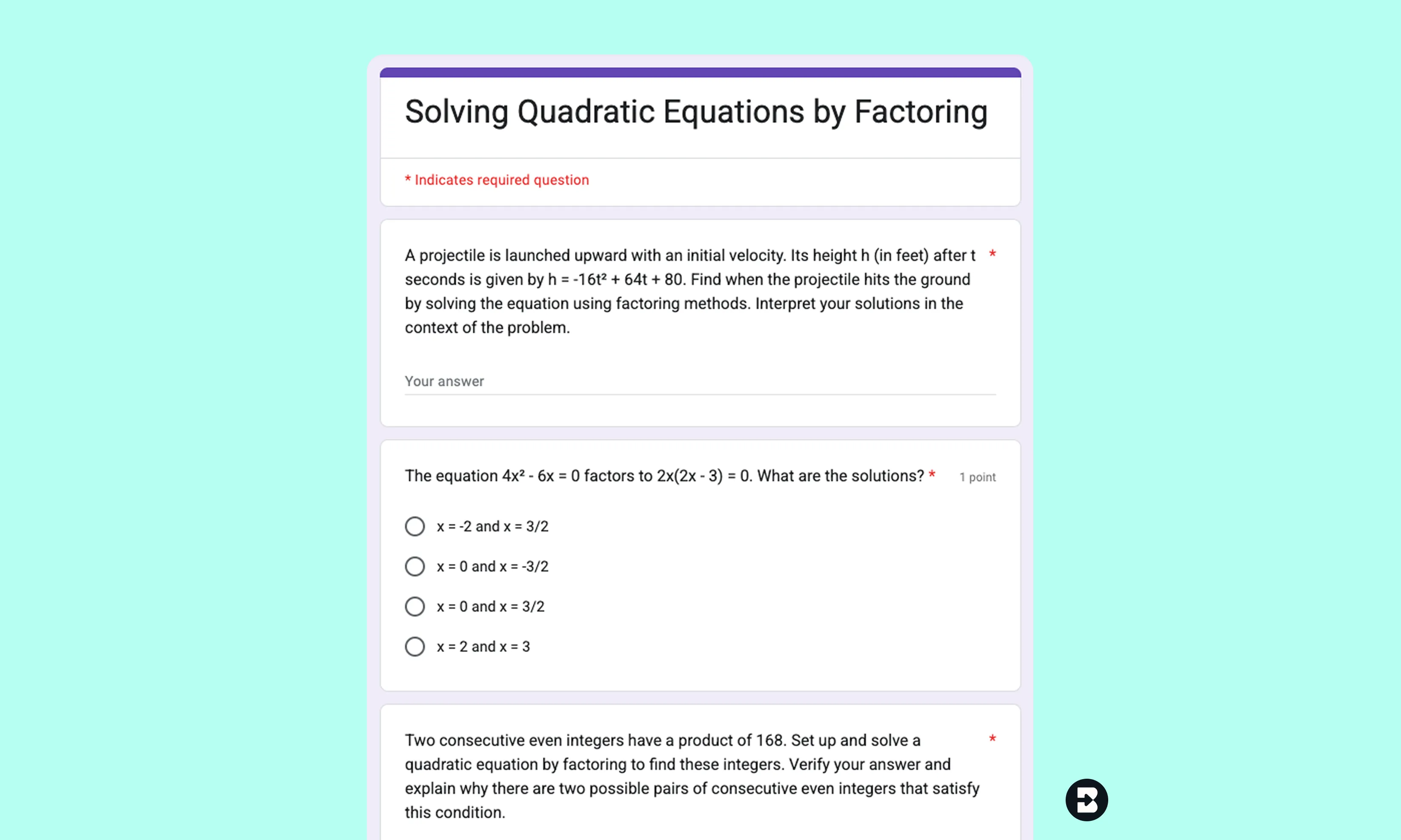
Exercices d'algèbre II - 11e année (Terminale)
Générez un quiz à choix multiples à partir d'une leçon sur les fonctions quadratiques. Exportez-le sous forme de Google Form pour une correction rapide.


Keep going
What's next on your list?
Brisk works across every part of your day. Here are some other tools educators love.


.svg)


Passez moins de temps à rédiger et plus de temps à enseigner
Brisk facilite la création de quiz personnalisés, ciblés et prêts à l'emploi, pour que vous puissiez vous concentrer sur ce qui fait réellement progresser vos élèves.