
CENTRO DE PRIVACIDAD
Brisk es la plataforma de IA más segura en el ámbito educativo, diseñada desde cero para proteger datos confidenciales y cumplir con todas las normativas de privacidad que le importan a su escuela.
Cómo funciona Brisk y por qué las escuelas confían en nosotros
Brisk es la herramienta de IA más segura creada para la educación. Cada interacción es intencional, segura y está diseñada para proteger tanto a profesores como a alumnos.
Qué hace Brisk

Apoya la enseñanza ayudando con tareas como resumir textos o proporcionar retroalimentación
Cifra todos los datos y cierra la sesión de los profesores tras 30 días de inactividad
Cumple con las estrictas leyes de privacidad estudiantil (FERPA, COPPA, GDPR, legislación de privacidad provincial y territorial de Canadá, entre otras)
Lo que Brisk no hace
.svg)
No recopila ni almacena trabajos de los estudiantes una vez finalizada la tarea
No accede a documentos ni archivos a menos que se active en ese archivo específico
Nunca vende ni comparte datos personales
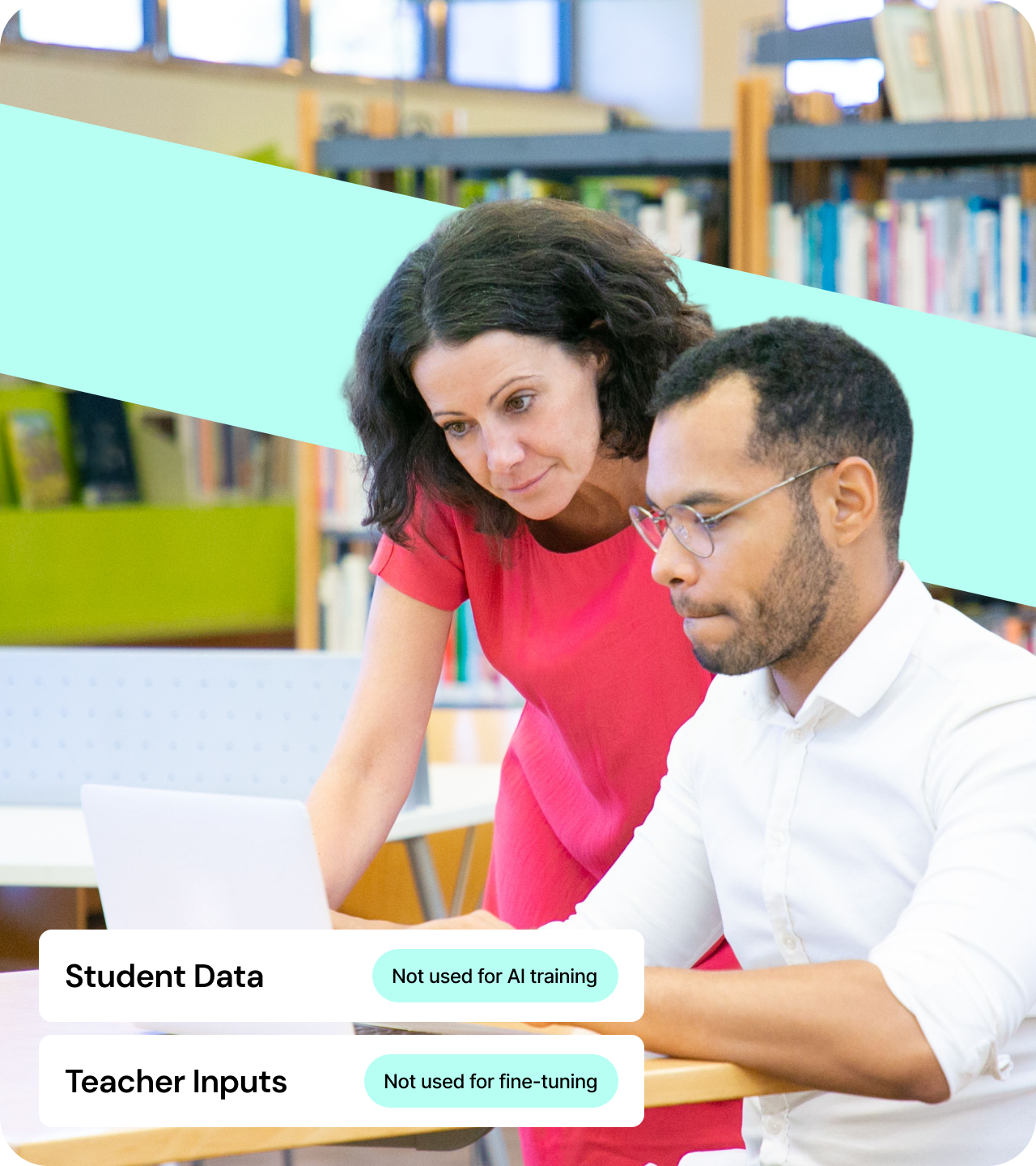
No utiliza datos de estudiantes ni de docentes para entrenar o ajustar modelos de IA
Lo que Brisk recuerda
.svg)
Información básica del docente, como nombre y correo electrónico
Qué herramientas se utilizan, para que podamos mejorar el producto
Lo que escribe en Brisk, para que pueda satisfacer mejor sus necesidades
That's it. We don't store student records, sensitive data, or anything you write in your lessons.
Brisk supera los estándares más altos de privacidad, seguridad y valor educativo
Con la confianza de las escuelas y la verificación de expertos. Brisk cuenta con certificación para proteger los datos de los estudiantes, potenciar a los educadores y generar un impacto real donde más importa.
Brisk puts privacy first
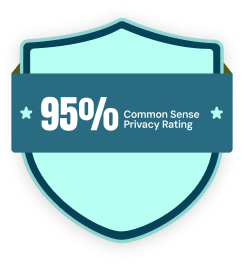
Brisk is built on a foundation of trust and accountability. With a 95% Common Sense Privacy Rating — the highest score among AI tools — and certifications from leading organizations, we meet the strictest standards in privacy, security, and educational impact.
.webp)
We'll keep your data safe and sound
We are SOC 2 compliant, encrypt all data in transit and at rest, and support role-based access with audit logging. We're also fully compliant with FERPA, COPPA, and GDPR.


Principios de privacidad de Brisk
Proteger la privacidad de estudiantes y educadores es fundamental tanto para nuestra misión como para nuestro negocio.

.png)
.png)
Cumplimos con todas las leyes de privacidad de datos estudiantiles
Trabajamos con organizaciones dedicadas a proteger los datos de los estudiantes y cumplimos con todas las leyes de privacidad de datos estudiantiles. Hemos obtenido la Certificación de Privacidad de Datos y el sello TrustEd Apps de 1EdTech, cumplimos con la norma SOC 2 Tipo II, así como con el RGPD y todas las leyes de privacidad de datos estudiantiles, incluidas FERPA, COPPA y la legislación de privacidad provincial y territorial de Canadá. También nos enorgullece haber obtenido una calificación de privacidad del 95% de Common Sense Education, lo que refleja nuestro firme compromiso con la protección de los datos de los estudiantes.
Hemos firmado el Acuerdo Nacional de Privacidad de Datos con Alabama, Arizona, Arkansas, California, Illinois, Iowa, Maine, Massachusetts, Michigan, Missouri, Montana, New Hampshire, Nueva York, Ohio, Oklahoma, Oregón, Rhode Island, Tennessee, Texas, Utah, Vermont, Virginia, Washington y Wisconsin. Estamos abiertos a firmar acuerdos a nivel de distrito cuando no sea posible hacerlo a nivel estatal.
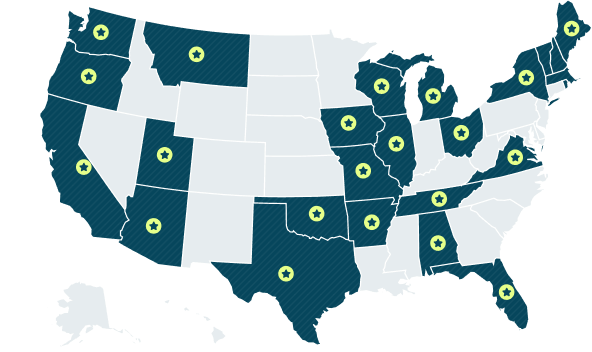
25 ESTADOS
A fecha de noviembre de 2025
Cómo funciona Brisk en su navegador
¿Qué es una extensión?
Una extensión es un pequeño complemento que se ejecuta dentro de su navegador Chrome o Microsoft Edge. Amplía las capacidades del navegador. Los educadores suelen usar extensiones para corregir la gramática, bloquear anuncios o guardar recursos con un solo clic.
Brisk también es una extensión, pero lo que la hace diferente es lo bien que se integra en el flujo de trabajo habitual de los docentes. No es otra plataforma que haya que aprender a usar o gestionar. Brisk vive donde los profesores ya trabajan —en su navegador, en los sitios que ya utilizan— y ofrece ayuda para ahorrar tiempo solo cuando la necesitan.
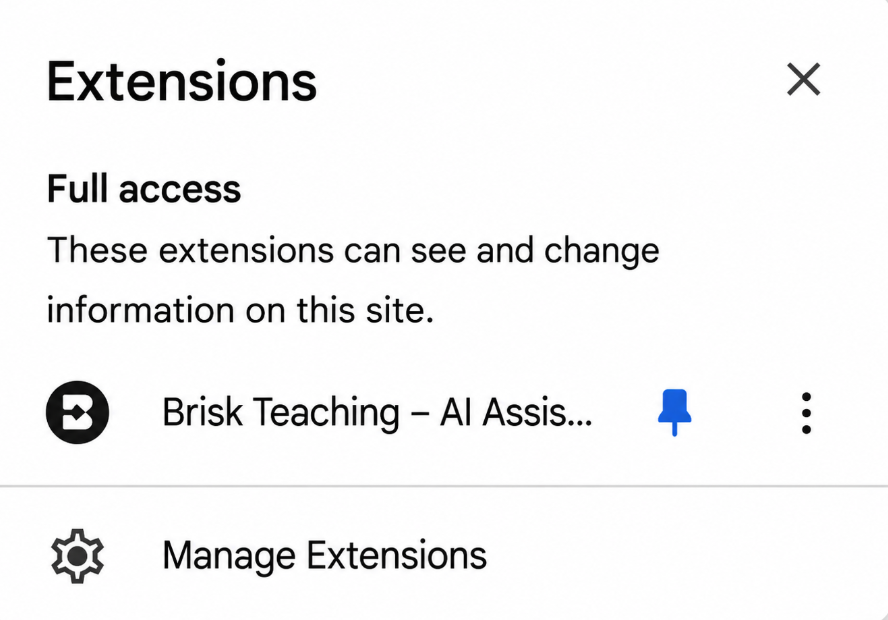
Cómo entender la advertencia de las extensiones de Chrome
Cuando instala Brisk, Chrome muestra una advertencia estándar:
"Esta extensión puede leer y cambiar todos sus datos en todos los sitios web".
Esta es la misma advertencia que Chrome muestra para cualquier extensión que interactúe con contenido web. En el caso de Brisk, simplemente significa:
- Brisk nunca realiza cambios a menos que usted lo solicite específicamente
- Brisk no recopila ni modifica nada por sí solo
.png)
Seguridad de los datos: cómo Brisk lo mantiene a salvo
Brisk se creó desde el principio teniendo en cuenta los estándares de privacidad escolar. Así es como protegemos a los docentes y a los estudiantes:
- Todos los datos están cifrados, ya sea que se estén enviando o almacenando
- Auditorías de seguridad periódicas: para mantener protecciones sólidas
- Cierres de sesión automáticos: después de 30 días de inactividad
Brisk también admite métodos de inicio de sesión seguros y adecuados para entornos escolares:
- Google OAuth 2.0: un estándar de confianza para inicios de sesión seguros
- Inicio de sesión con Magic Link: acceso sin contraseña a través de un enlace de correo electrónico seguro
Una vez que inicia sesión, Brisk utiliza una cookie del navegador para identificar su sesión. Esta es una práctica estándar y segura, y puede borrarla en cualquier momento.
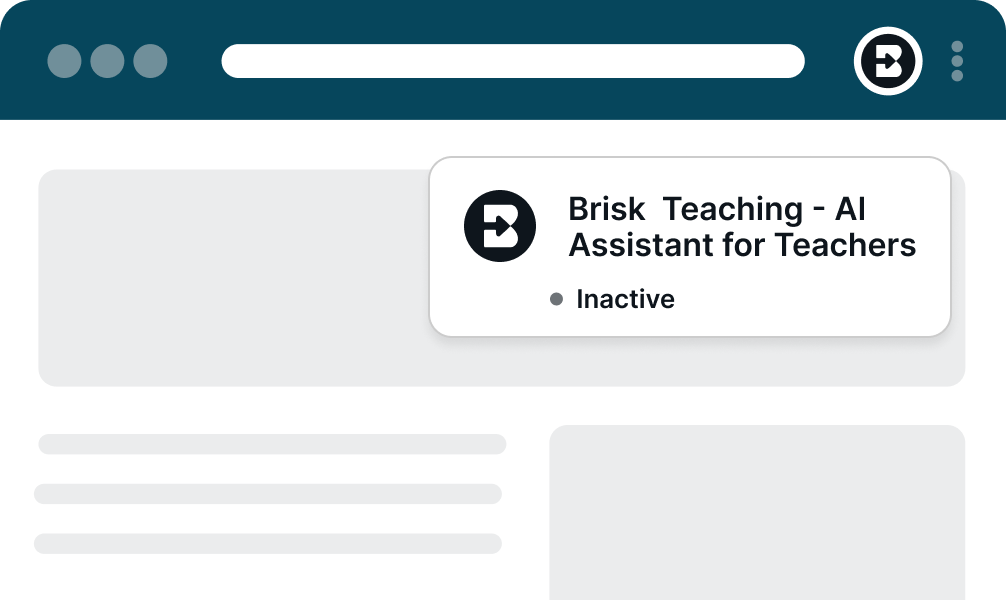
Get everything your IT team needs — in one packet.
Compliance documentation, data processing agreements, security architecture, and everything else your team reviews before approving a new tool — packaged for a fast review.
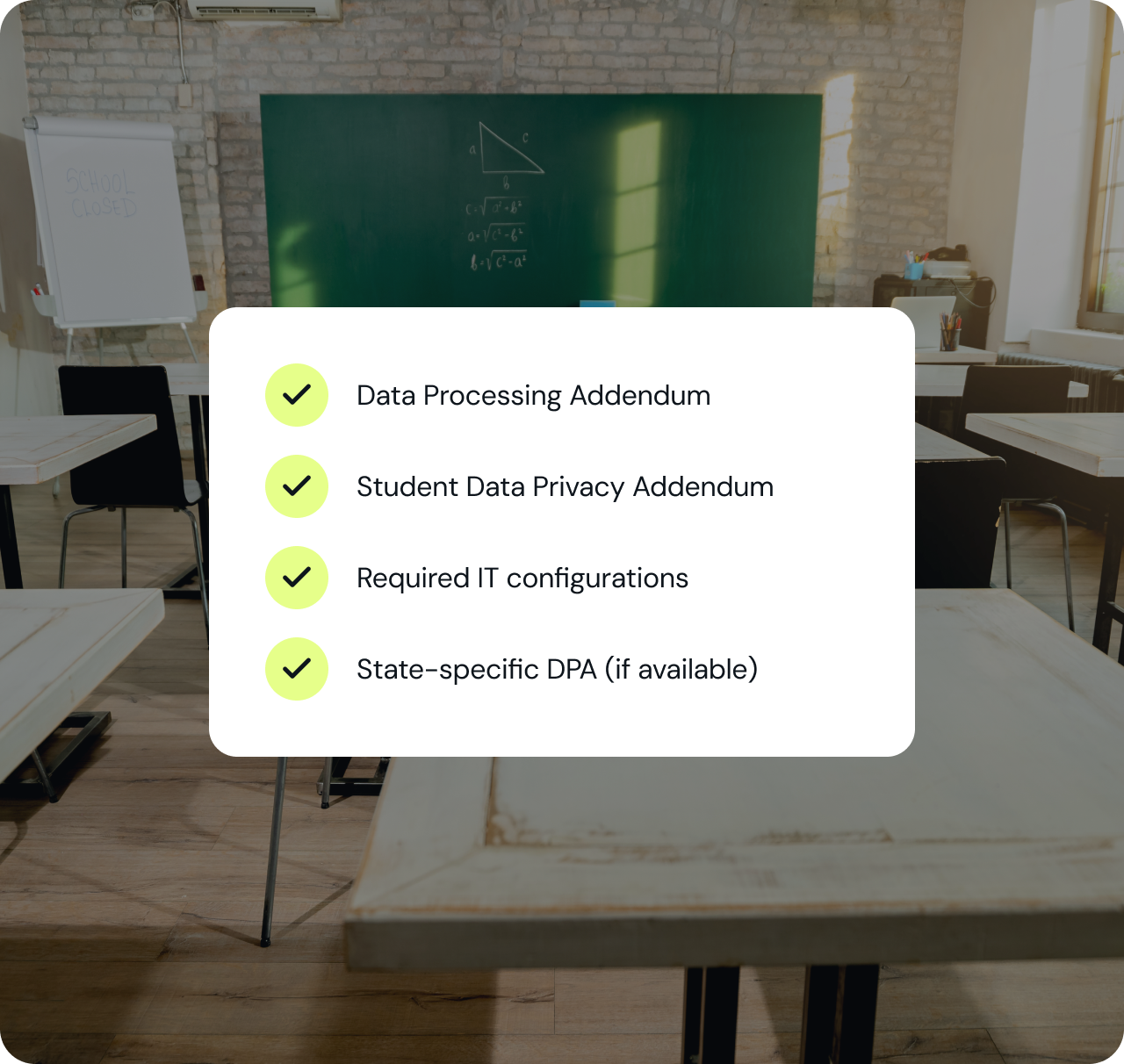
Recursos de apoyo
¿LISTO PARA LLEVAR BRISK A TU DISTRITO?
Descubre cómo más de 20,000 distritos adoptaron la IA con total cumplimiento y el apoyo de los docentes desde el primer día.