

CENTRO PRIVACY
Brisk è la piattaforma di IA più sicura nel settore dell'istruzione, progettata fin dalle fondamenta per proteggere i dati sensibili e rispettare ogni normativa sulla privacy importante per la tua scuola.
Come funziona Brisk e perché le scuole si fidano di noi
Brisk è lo strumento di IA più sicuro creato per l'istruzione. Ogni interazione è intenzionale, protetta e progettata per tutelare sia gli insegnanti che gli studenti.
Cosa fa Brisk

Supporta l'insegnamento aiutando in attività come la sintesi di testi o la fornitura di feedback
Cripta tutti i dati e disconnette automaticamente gli insegnanti dopo 30 giorni di inattività
Conforme alle rigorose leggi sulla privacy degli studenti (FERPA, COPPA, GDPR, legislazione provinciale e territoriale canadese e altre ancora)
Cosa non fa Brisk
.svg)
Non raccoglie né archivia i lavori degli studenti una volta completata l'attività
Non accede a documenti o file a meno che non venga attivato su quel file specifico
Non vende né condivide mai dati personali
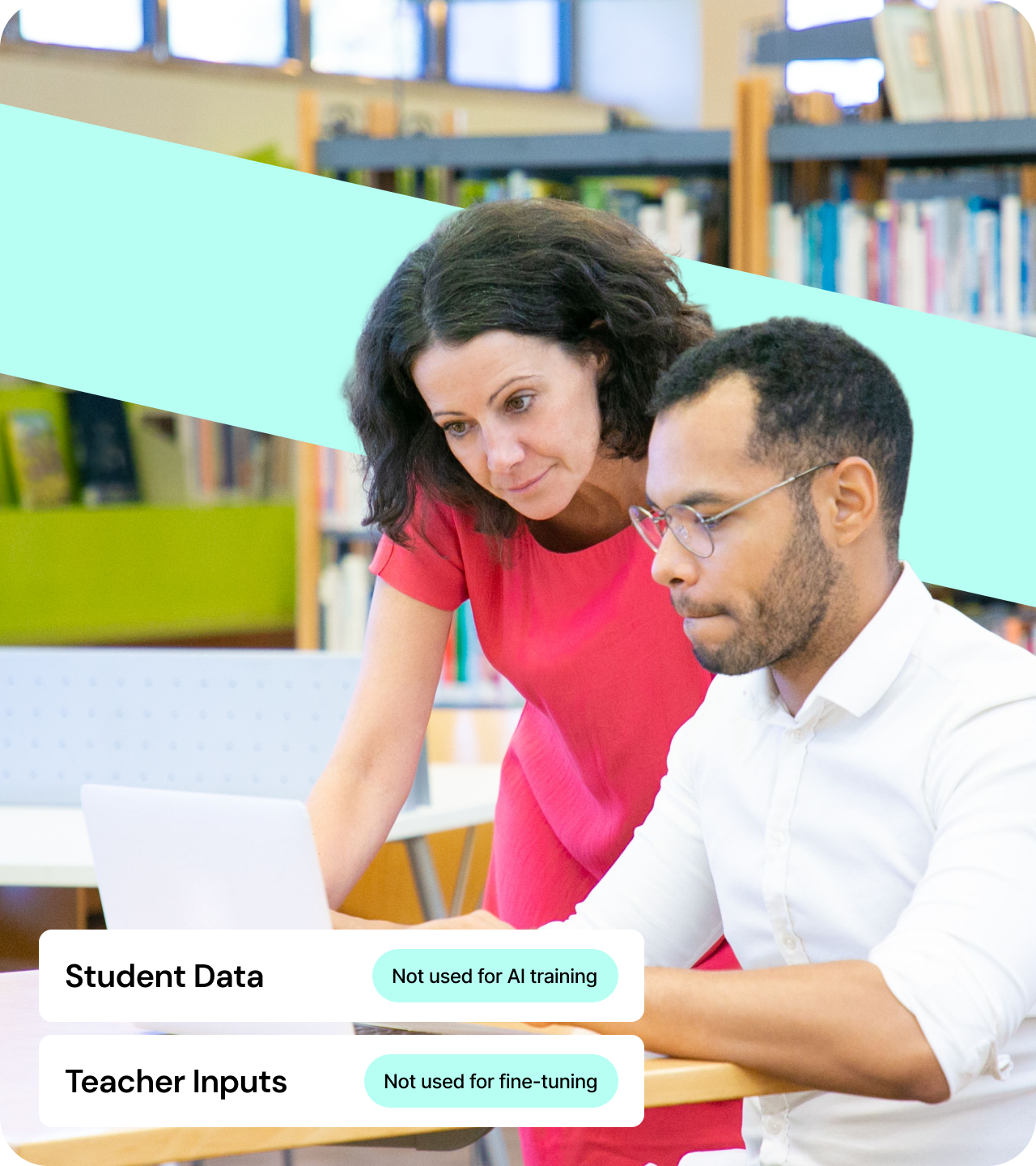
Non utilizza i dati di studenti o insegnanti per addestrare o perfezionare i modelli di IA
Cosa ricorda Brisk
.svg)
Informazioni di base sull'insegnante come nome ed email
Quali strumenti vengono utilizzati, così da poter migliorare il prodotto
Ciò che digiti in Brisk, affinché possa soddisfare meglio le tue esigenze
That's it. We don't store student records, sensitive data, or anything you write in your lessons.
Brisk supera i più elevati standard di privacy, sicurezza e valore educativo
Scelto dalle scuole, verificato dagli esperti. Brisk è certificato per la protezione dei dati degli studenti, il supporto agli insegnanti e la capacità di generare un impatto reale dove conta.
Brisk puts privacy first
Brisk is built on a foundation of trust and accountability. With a 95% Common Sense Privacy Rating — the highest score among AI tools — and certifications from leading organizations, we meet the strictest standards in privacy, security, and educational impact.
.webp)
We'll keep your data safe and sound
We are SOC 2 compliant, encrypt all data in transit and at rest, and support role-based access with audit logging. We're also fully compliant with FERPA, COPPA, and GDPR.
Principi sulla privacy di Brisk
Proteggere la privacy di studenti e docenti è fondamentale per la nostra missione e per la nostra attività.

.png)
.png)
Rispettiamo tutte le leggi sulla privacy dei dati degli studenti
Collaboriamo con organizzazioni dedicate alla protezione dei dati degli studenti e rispettiamo tutte le leggi sulla privacy dei dati degli studenti. Abbiamo ottenuto la certificazione Data Privacy e il TrustEd Apps Seal da 1EdTech, siamo conformi allo standard SOC 2 Type II e rispettiamo il GDPR e tutte le leggi sulla privacy dei dati degli studenti, inclusi FERPA, COPPA e la legislazione canadese in materia di privacy a livello provinciale e territoriale. Siamo inoltre orgogliosi di aver ottenuto una valutazione della privacy del 95% da Common Sense Education, che riflette il nostro forte impegno nella protezione dei dati degli studenti.
Abbiamo firmato il National Data Privacy Agreement con Alabama, Arizona, Arkansas, California, Illinois, Iowa, Maine, Massachusetts, Michigan, Missouri, Montana, New Hampshire, New York, Ohio, Oklahoma, Oregon, Rhode Island, Tennessee, Texas, Utah, Vermont, Virginia, Washington e Wisconsin. Siamo disponibili a sottoscrivere accordi a livello di distretto qualora non fosse possibile stipulare accordi sulla privacy dei dati a livello statale.
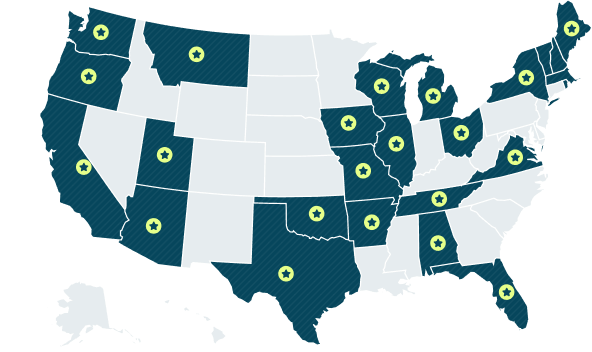
25 STATI
Aggiornato a novembre 2025
Come funziona Brisk nel tuo browser
Cos'è un'estensione?
Un'estensione è un piccolo componente aggiuntivo che viene eseguito all'interno del browser Chrome o Microsoft Edge. Espande le funzionalità del browser. Gli educatori utilizzano spesso le estensioni per controllare la grammatica, bloccare gli annunci o salvare risorse con un solo clic.
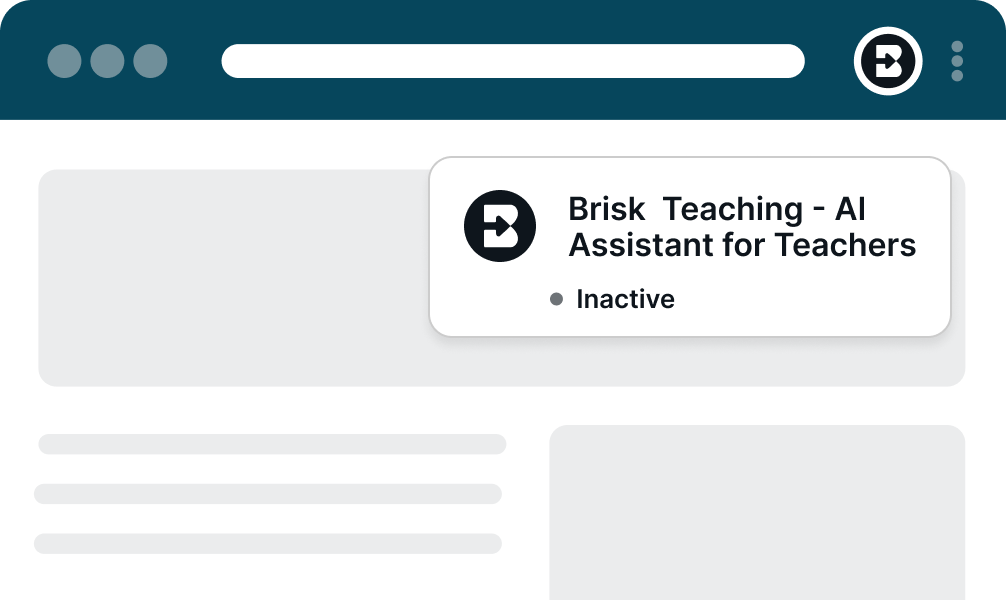
Anche Brisk è un'estensione, ma ciò che la rende diversa è la naturalezza con cui si integra nel flusso di lavoro quotidiano degli insegnanti. Non è un'altra piattaforma da gestire o imparare. Brisk vive dove gli insegnanti lavorano già — nel loro browser, sui siti che utilizzano abitualmente — e offre un supporto che fa risparmiare tempo solo quando ne hanno bisogno.
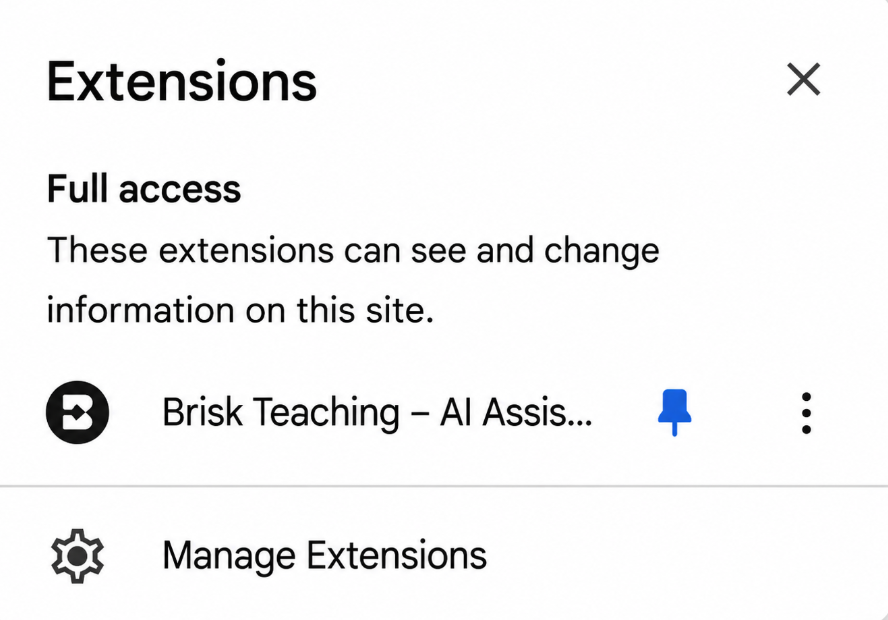
Comprendere l'avviso dell'estensione di Chrome
Quando installi Brisk, Chrome mostra un avviso standard:
"Questa estensione può leggere e modificare tutti i tuoi dati su tutti i siti web."
Questo è lo stesso avviso che Chrome mostra per qualsiasi estensione che interagisce con i contenuti web. Nel caso di Brisk, significa semplicemente che:
- Brisk non apporta mai modifiche a meno che tu non lo richieda esplicitamente
- Brisk non raccoglie né modifica nulla autonomamente
.png)
Sicurezza dei dati: come Brisk garantisce la tua protezione
Brisk è stato progettato fin dall'inizio pensando agli standard di privacy scolastica. Ecco come proteggiamo insegnanti e studenti:
- Tutti i dati sono crittografati, sia durante la trasmissione che durante l'archiviazione
- Audit di sicurezza periodici: per mantenere protezioni elevate
- Disconnessione automatica: dopo 30 giorni di inattività
Brisk supporta anche metodi di accesso sicuri e adatti alle scuole:
- Google OAuth 2.0: uno standard affidabile per accessi sicuri
- Accesso con Magic Link: accesso senza password tramite un link email sicuro
Una volta effettuato l'accesso, Brisk utilizza un cookie del browser per identificare la tua sessione. Si tratta di una pratica standard e sicura, che puoi cancellare in qualsiasi momento.
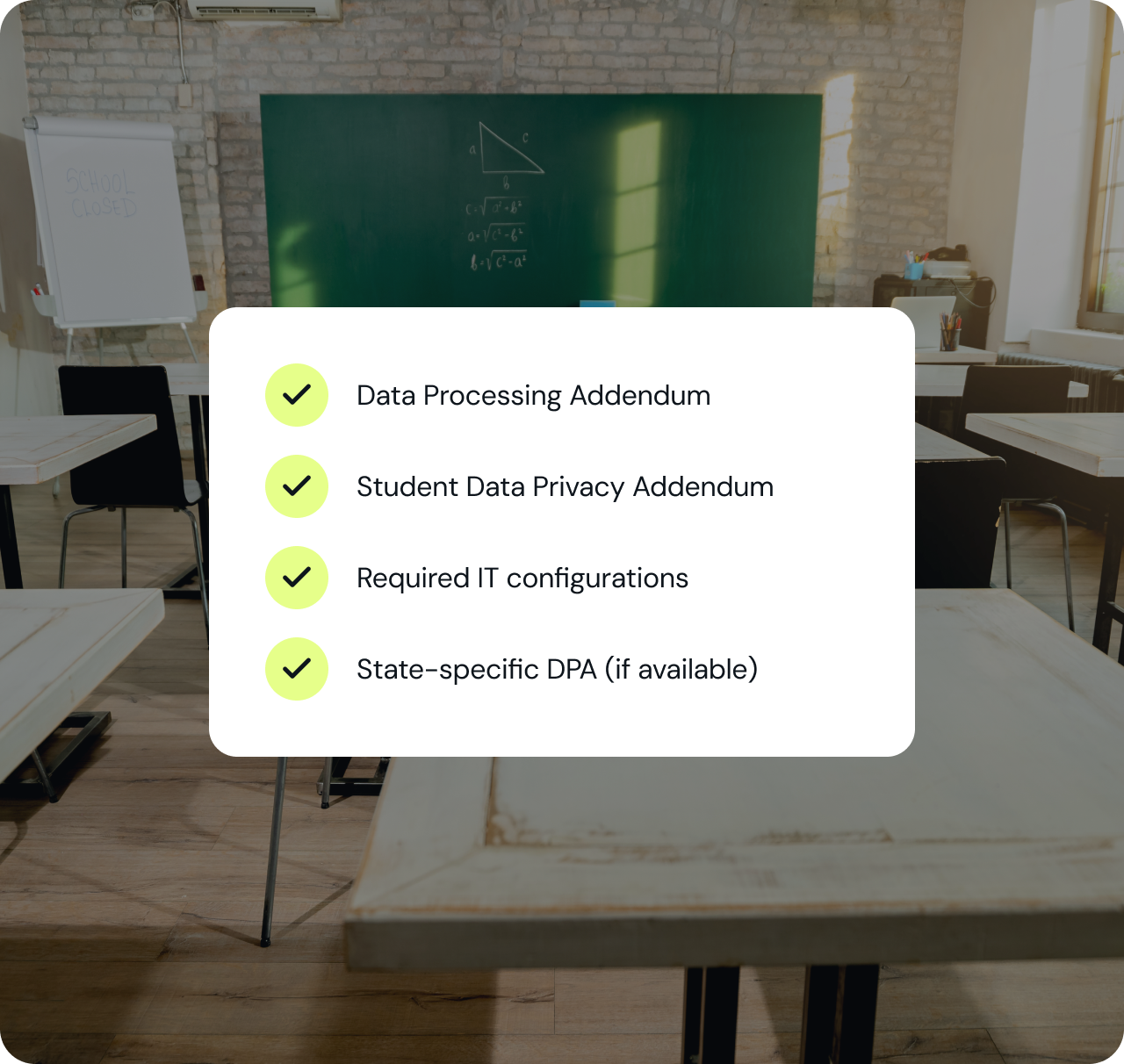
Get everything your IT team needs — in one packet.
Compliance documentation, data processing agreements, security architecture, and everything else your team reviews before approving a new tool — packaged for a fast review.
Risorse di supporto
PRONTO A PORTARE BRISK NEL TUO DISTRETTO?
Scopri come oltre 20.000 distretti hanno adottato l'IA garantendo piena conformità e il coinvolgimento degli insegnanti fin dal primo giorno.