

개인정보 보호 센터
Brisk는 교육 분야에서 가장 안전한 AI 플랫폼입니다. 민감한 데이터를 보호하고 학교에 중요한 모든 개인정보 보호 규정을 준수하도록 처음부터 철저히 설계되었습니다.
Brisk의 작동 방식과 학교가 우리를 신뢰하는 이유
Brisk는 교육을 위해 설계된 가장 안전한 AI 도구입니다. 모든 상호작용은 의도적이고 안전하며, 교사와 학생 모두를 보호하도록 설계되었습니다.
Brisk의 기능

텍스트 요약이나 피드백 제공과 같은 업무를 지원하여 수업을 돕습니다
모든 데이터를 암호화하며 30일 동안 활동이 없으면 교사 계정을 자동으로 로그아웃합니다
엄격한 학생 개인정보 보호법(FERPA, COPPA, GDPR, 캐나다 주 및 준주 개인정보 보호법 등) 준수
Brisk가 하지 않는 것
.svg)
작업이 완료된 후 학생의 결과물을 수집하거나 저장하지 않습니다
해당 파일에서 활성화하지 않는 한 문서나 파일에 접근하지 않습니다
개인 데이터를 절대 판매하거나 공유하지 않습니다
AI 모델 학습이나 미세 조정에 학생 또는 교사 데이터를 사용하지 않습니다
Brisk가 기억하는 정보
.svg)
이름 및 이메일과 같은 기본적인 교사 정보
제품 개선을 위해 사용되는 도구 정보
사용자의 요구 사항을 더 잘 충족하기 위해 입력하는 내용
그게 전부입니다. 당사는 학생 기록, 민감한 데이터 또는 수업 중에 작성하는 어떠한 내용도 저장하지 않습니다.
Brisk는 개인정보 보호, 보안 및 교육적 가치에 대한 최고 수준의 기준을 뛰어넘습니다
학교가 신뢰하고 전문가가 검증했습니다. Brisk는 학생 데이터 보호, 교사 역량 강화, 그리고 실질적인 교육적 성과를 인정받은 인증된 서비스입니다.
개인정보 보호를 최우선으로 하는 Brisk
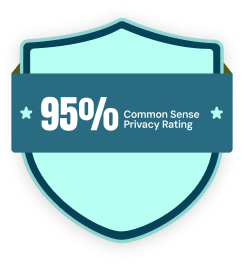
Brisk는 신뢰와 책임의 원칙 위에 세워졌습니다. AI 도구 중 가장 높은 점수인 95%의 Common Sense 개인정보 보호 평가를 받았으며, 주요 기관의 인증을 통해 개인정보 보호, 보안 및 교육적 영향력에 관한 가장 엄격한 기준을 충족합니다.
.webp)
데이터를 안전하게 보호합니다
당사는 SOC 2 규정을 준수하며, 전송 중이거나 저장된 모든 데이터를 암호화하고, 감사 로그를 포함한 역할 기반 액세스를 지원합니다. 또한 FERPA, COPPA 및 GDPR을 완벽하게 준수합니다.

Brisk의 개인정보 보호 원칙
학생과 교육자의 개인정보를 보호하는 것은 저희의 사명이자 사업의 핵심입니다.

.png)

.png)
당사는 모든 학생 데이터 개인정보 보호법을 준수합니다
당사는 학생 데이터 보호에 전념하는 기관들과 협력하며 모든 학생 데이터 개인정보 보호법을 준수합니다. 당사는 1EdTech로부터 데이터 개인정보 보호 인증 및 TrustEd Apps 인증을 획득했으며, SOC 2 Type II를 준수합니다. 또한 GDPR을 비롯하여 FERPA, COPPA 및 캐나다 주/준주 개인정보 보호법을 포함한 모든 학생 데이터 개인정보 보호법을 준수합니다. 아울러 학생 데이터 보호에 대한 강력한 의지를 인정받아 Common Sense Education으로부터 95%의 개인정보 보호 등급을 획득했습니다.
당사는 앨라배마, 애리조나, 아칸소, 캘리포니아, 일리노이, 아이오와, 메인, 매사추세츠, 미시간, 미주리, 몬태나, 뉴햄프셔, 뉴욕, 오하이오, 오클라호마, 오리건, 로드아일랜드, 테네시, 텍사스, 유타, 버몬트, 버지니아, 워싱턴, 위스콘신주와 국가 데이터 개인정보 보호 계약(National Data Privacy Agreement)을 체결했습니다. 주 단위의 데이터 개인정보 보호 계약이 어려운 경우, 교육구 단위의 계약 체결도 가능합니다.
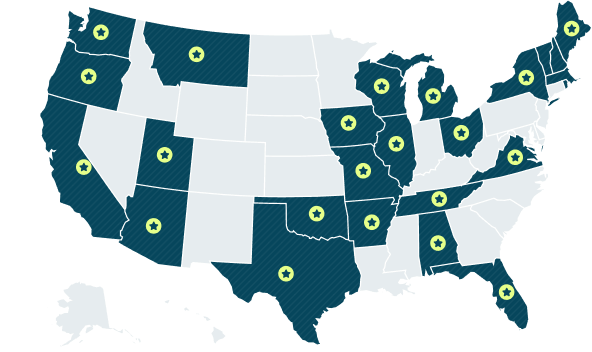
25개 주
2025년 11월 기준
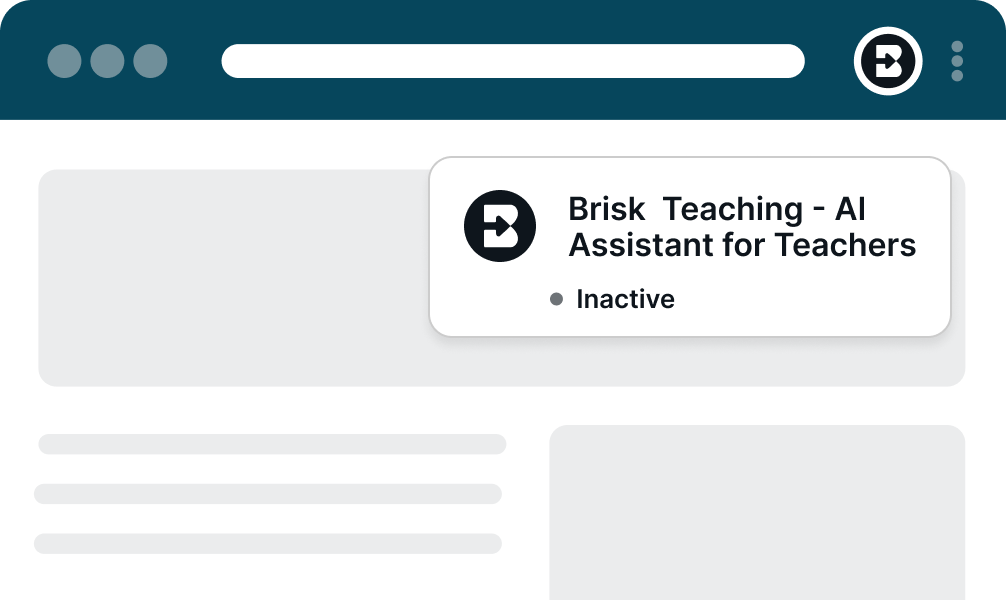
브라우저에서 Brisk가 작동하는 방식
확장 프로그램이란 무엇인가요?
확장 프로그램은 Chrome이나 Microsoft Edge 브라우저 내에서 실행되는 작은 부가 기능으로, 브라우저의 기능을 확장해 줍니다. 교육자들은 주로 문법 검사, 광고 차단, 클릭 한 번으로 리소스 저장 등의 용도로 확장 프로그램을 사용합니다.
Brisk 역시 확장 프로그램이지만, 교사의 기존 업무 흐름에 자연스럽게 녹아든다는 점에서 차별화됩니다. 별도로 관리하거나 새로 배울 필요가 없는 플랫폼입니다. Brisk는 교사가 이미 사용 중인 브라우저와 웹사이트에서 바로 작동하며, 필요할 때만 시간을 절약해 주는 지원 기능을 제공합니다.
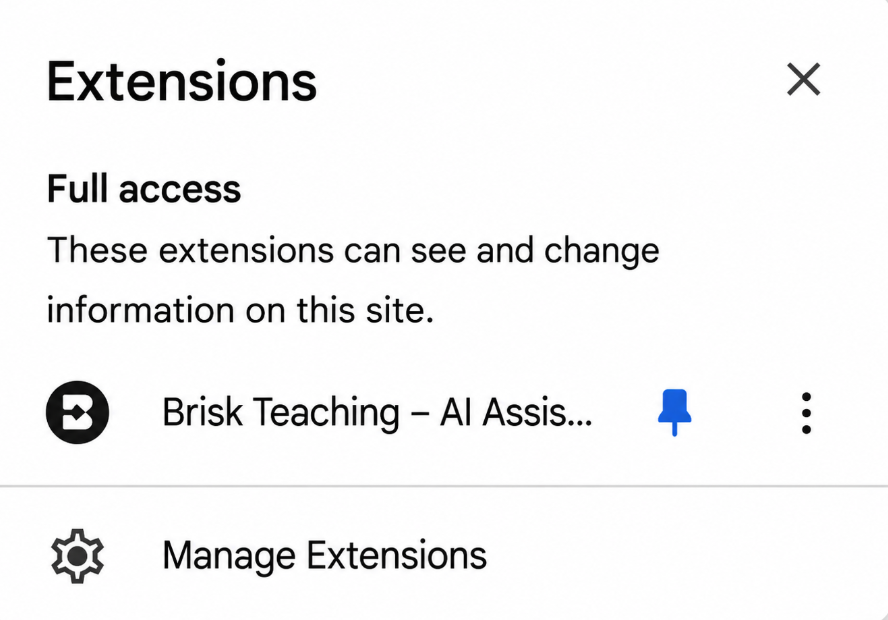
Chrome 확장 프로그램 경고 이해하기
Brisk를 설치할 때 Chrome은 다음과 같은 표준 경고를 표시합니다:
"이 확장 프로그램은 모든 웹사이트에서 사용자의 데이터를 읽고 변경할 수 있습니다."
이는 웹 콘텐츠와 상호작용하는 모든 확장 프로그램에 대해 Chrome이 표시하는 일반적인 경고 문구입니다. Brisk의 경우, 이는 단순히 다음을 의미합니다:
- Brisk는 사용자가 명시적으로 요청하지 않는 한 어떠한 변경도 하지 않습니다.
- Brisk는 독자적으로 데이터를 수집하거나 수정하지 않습니다.
.png)
데이터 보안: Brisk가 사용자를 안전하게 보호하는 방법
Brisk는 처음부터 학교 개인정보 보호 기준을 고려하여 설계되었습니다. Brisk가 교사와 학생을 보호하는 방법은 다음과 같습니다:
- 모든 데이터는 전송 중이거나 저장된 상태일 때 항상 암호화됩니다.
- 정기 보안 감사 — 강력한 보호 체계를 유지합니다.
- 자동 로그아웃 — 30일 동안 활동이 없으면 자동으로 로그아웃됩니다.
Brisk는 학교 환경에 적합한 다음과 같은 안전한 로그인 방식을 지원합니다:
- Google OAuth 2.0 — 안전한 로그인을 위한 신뢰할 수 있는 표준 방식
- 매직 링크 로그인 — 보안 이메일 링크를 통한 비밀번호 없는 간편 접속
로그인 후, Brisk는 브라우저 쿠키를 사용하여 세션을 식별합니다. 이는 표준적이고 안전한 방식이며, 언제든지 삭제할 수 있습니다.
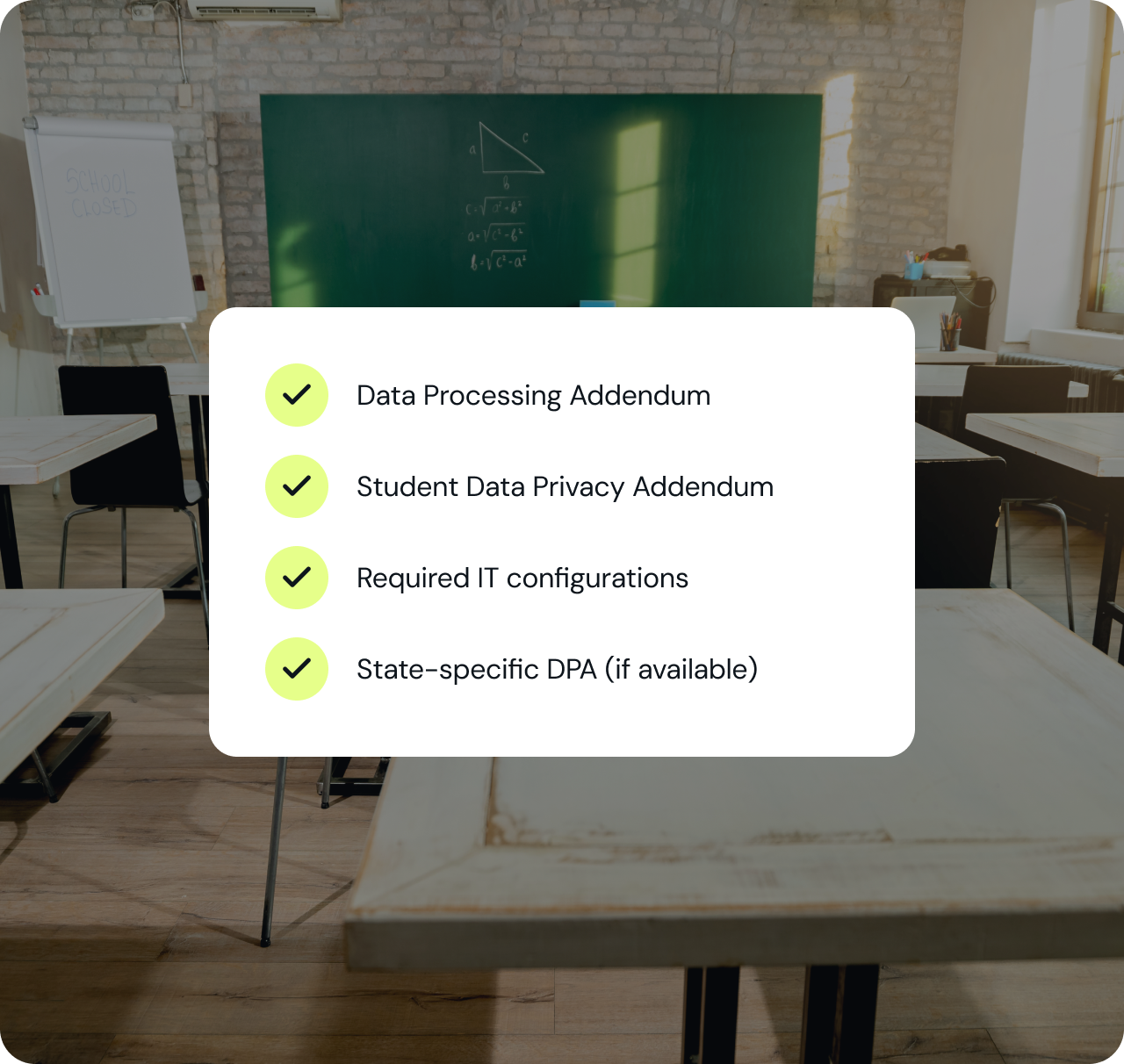
IT 팀에 필요한 모든 자료를 하나의 패키지로 확인하세요.
컴플라이언스 문서, 데이터 처리 계약, 보안 아키텍처 등 IT 팀이 새로운 툴을 승인하기 전에 검토하는 모든 자료를 신속한 검토가 가능하도록 하나로 묶어 제공합니다.
귀하의 교육청에 BRISK를 도입할 준비가 되셨나요?
20,000개 이상의 교육청이 어떻게 첫날부터 규정을 완벽히 준수하고 교사들의 적극적인 참여를 이끌어내며 AI를 도입했는지 확인해 보세요.