

어떤 수업 상황도 완벽하게 대비
평소 사용하는 환경에서 바로 활용할 수 있는 AI 플랫폼으로 수업 자료 제작, 수준별 맞춤 학습, 피드백 제공을 단 몇 초 만에 해결하세요.



선생님들의 Brisk 활용법


완벽한 자료를 찾으셨나요? 이제 무엇을 할까요?
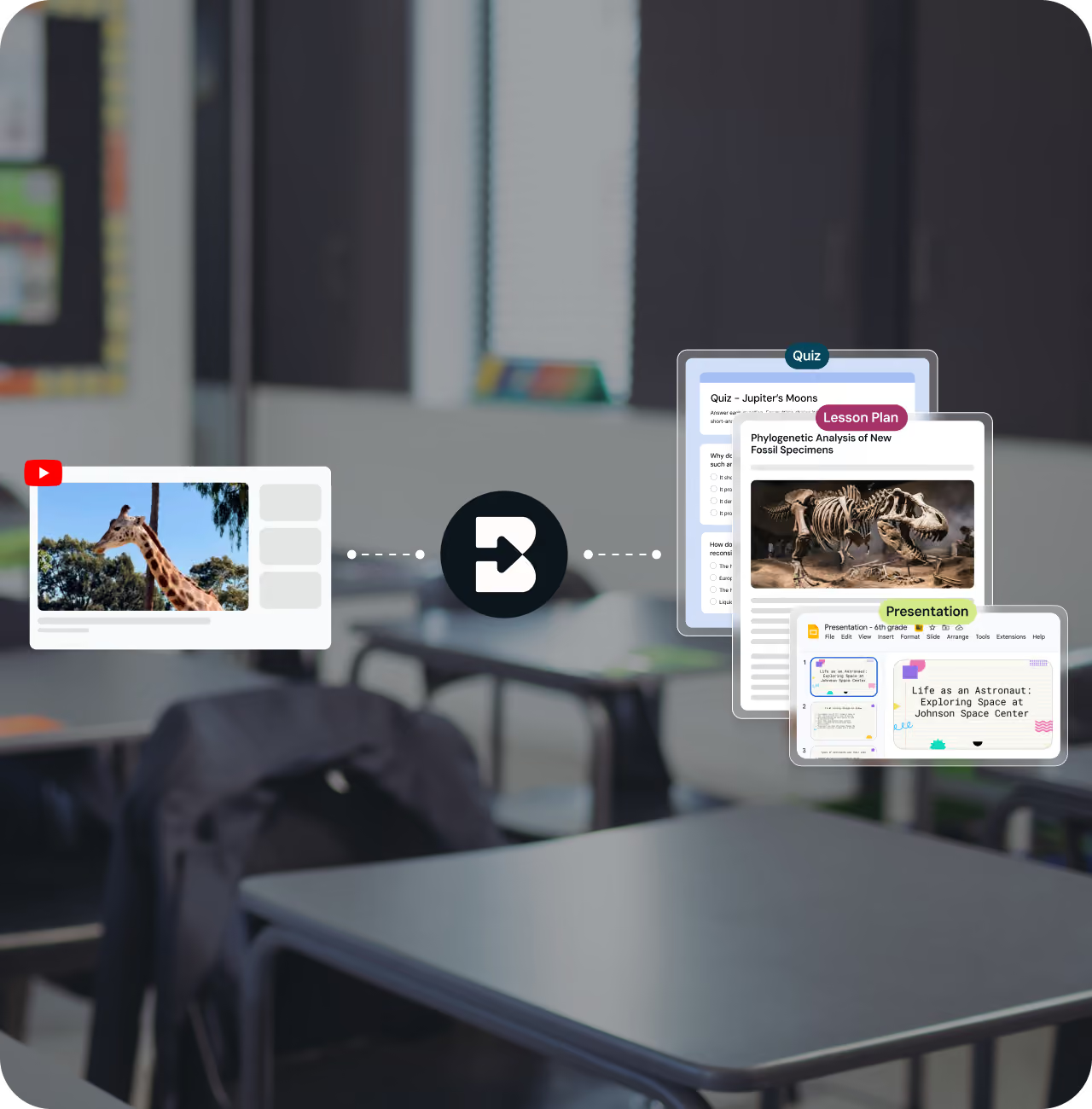
일요일 밤 9시, 화요일 수업에 딱 맞는 유튜브 영상을 찾았지만, 슬라이드와 퀴즈, 토론 질문까지 만들 시간이 부족하신가요?
Brisk와 대화하며 영상이 끝나기 전에 슬라이드, 퀴즈, 토론 질문을 만들어 Google 드라이브에 바로 저장하세요.
모든 학생에게 최상의 피드백을 제공하세요
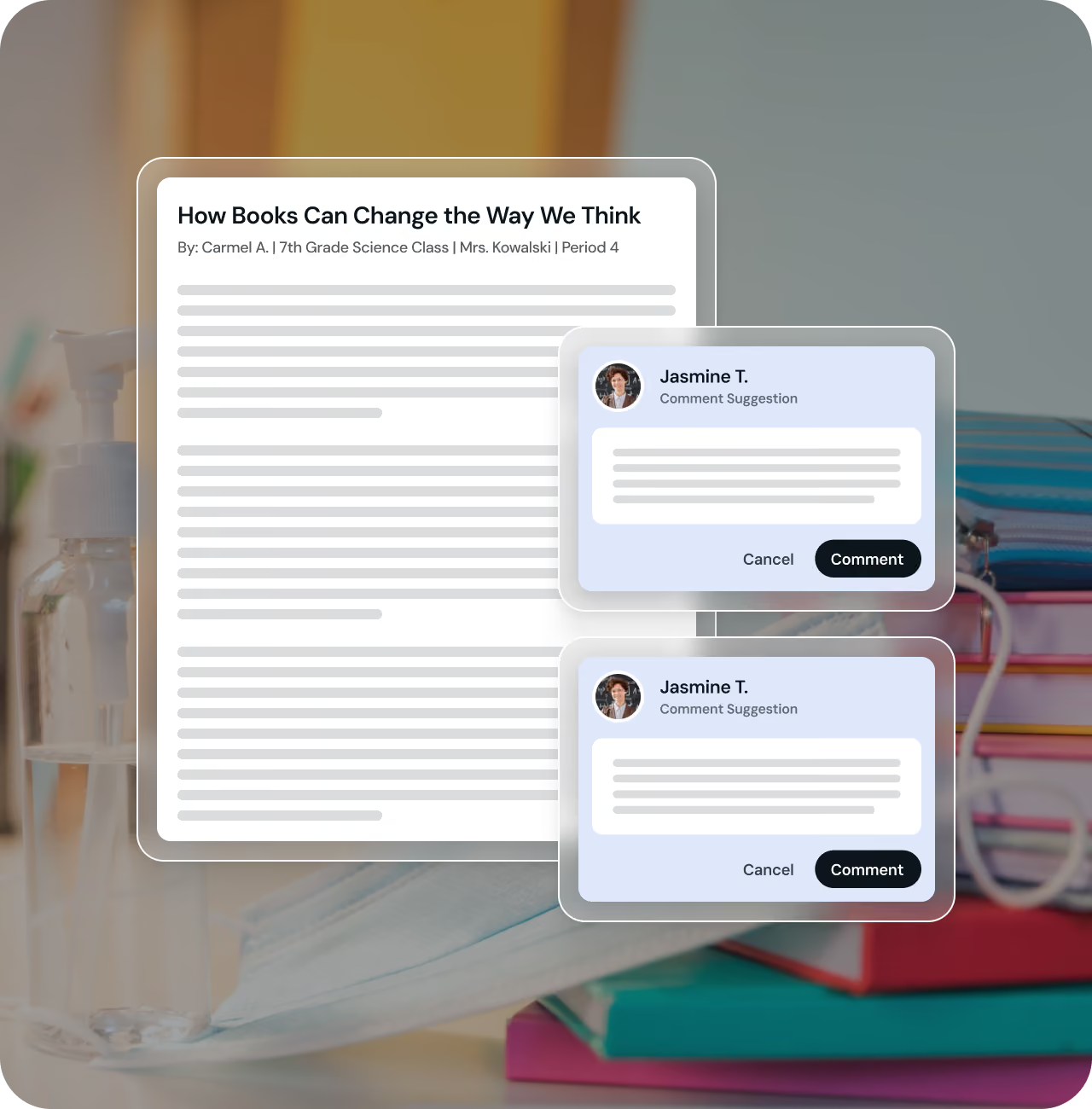
87번째 에세이를 검토 중이신가요? 처음에는 열정적이었지만, 40번째쯤 되면 코멘트가 짧아지고, 80번째에 이르면 "잘했어"라는 말만 남기며 죄책감을 느끼게 됩니다.
Brisk는 선생님의 말투와 기준을 유지하면서도 훨씬 빠르게, 각 학생을 위한 맞춤형 코멘트를 작성해 드립니다.
87번째 에세이도 첫 번째 에세이만큼 꼼꼼하게 피드백하세요.
몇 초 만에 수준별 맞춤 학습 제공
학급 학생 30명의 읽기 수준이 모두 다르다면 어떨까요?
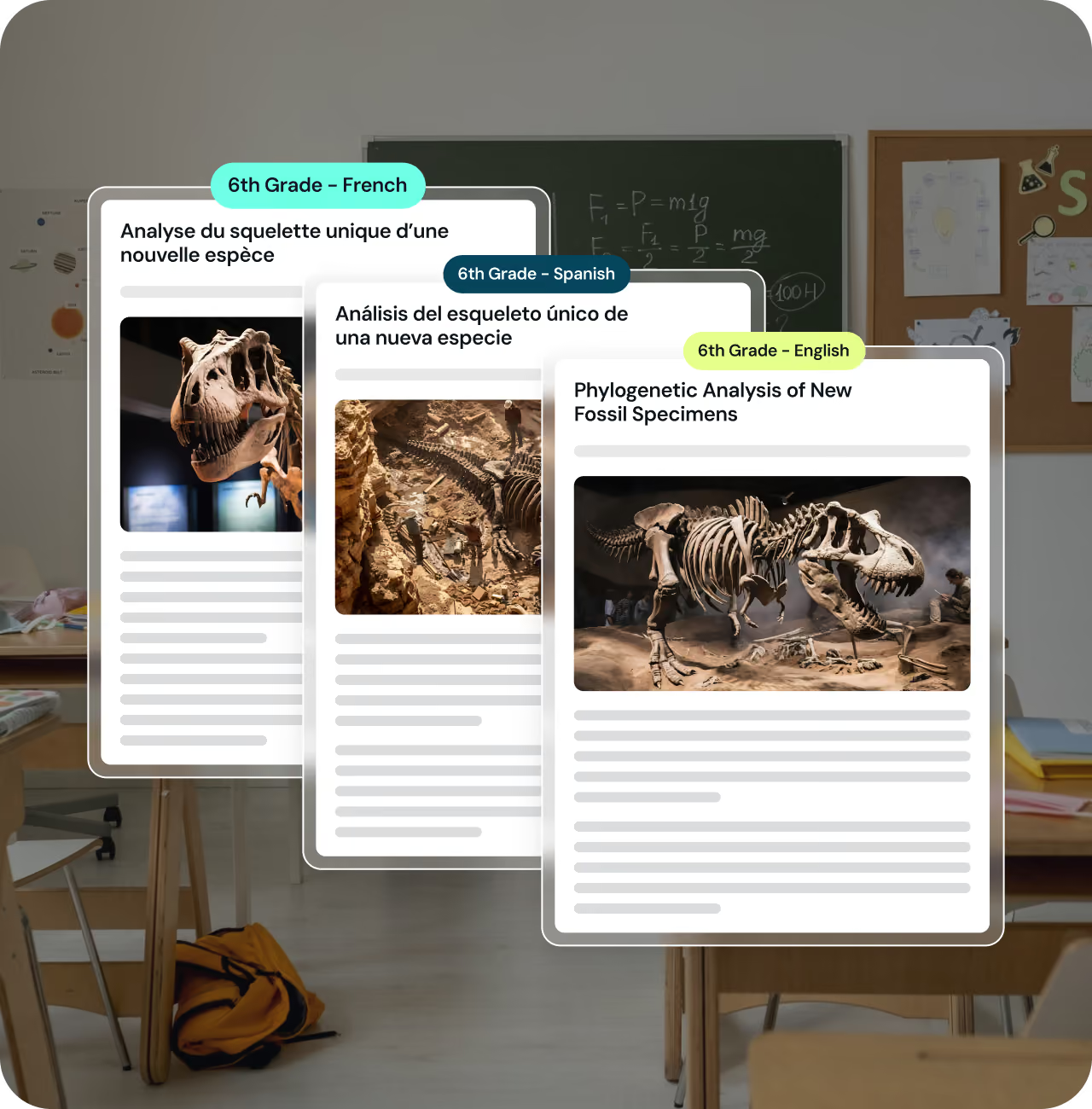
수업에 딱 맞는 기사를 찾았지만, 어떤 학생에게는 너무 어렵고 어떤 학생에게는 너무 쉬울 수 있습니다.
Brisk는 하나의 기사를 최대 3가지 읽기 수준과 언어로 변환하여, 모든 학생이 동일한 콘텐츠를 쉽게 학습할 수 있도록 돕습니다.
전체 글쓰기 과정 확인하기
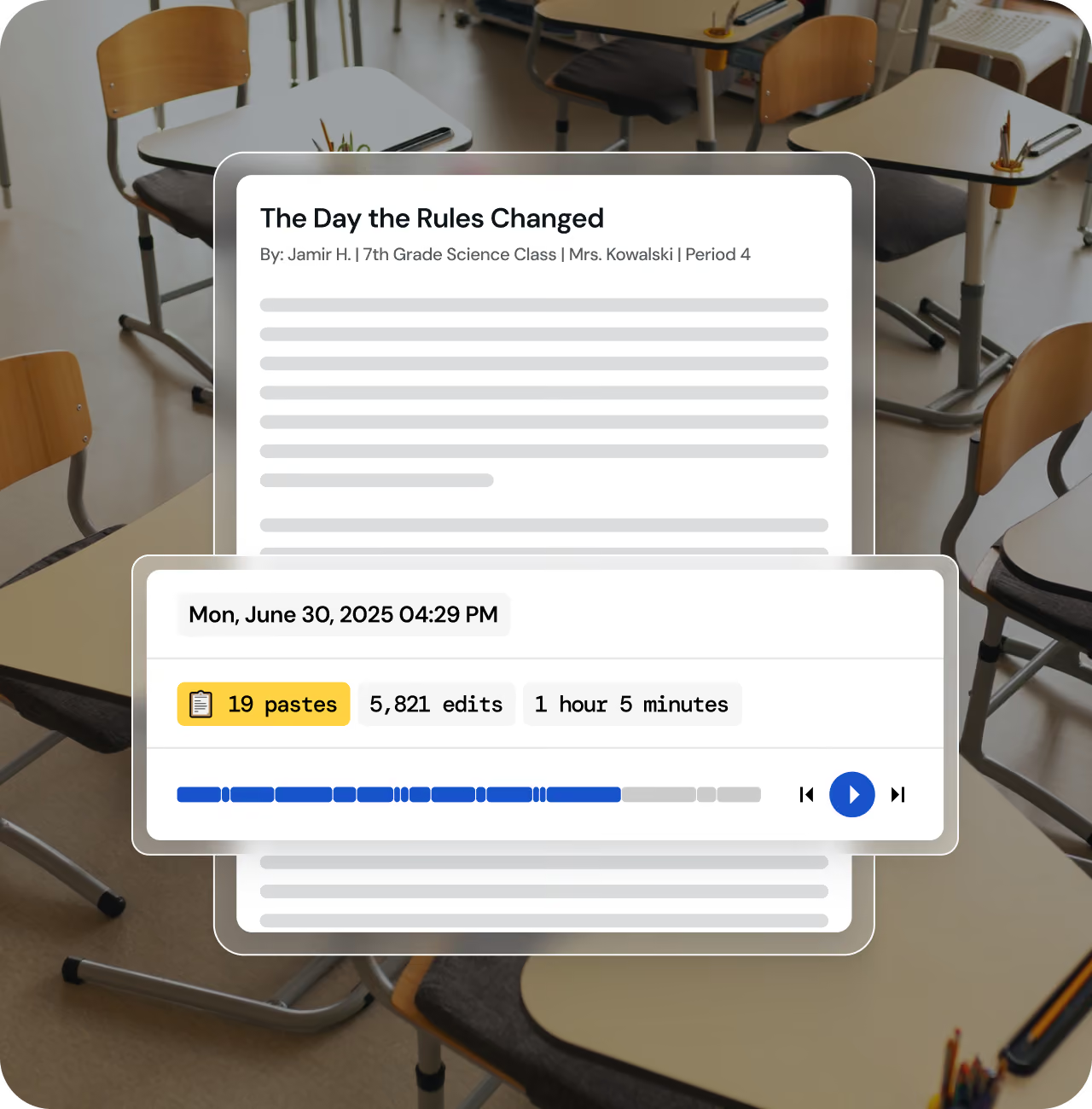
완성된 에세이는 학생이 무엇을 썼는지는 보여주지만, 그 결과에 어떻게 도달했는지는 알려주지 않습니다.
글쓰기 검토(Inspect Writing) 기능은 전체 과정을 영상처럼 재생해 줍니다. 학생이 언제 멈췄는지, 어디에 붙여넣기를 했는지, 얼마나 시간이 걸렸는지 처음부터 끝까지 확인할 수 있습니다.
AI와 함께하는 학생들의 학습
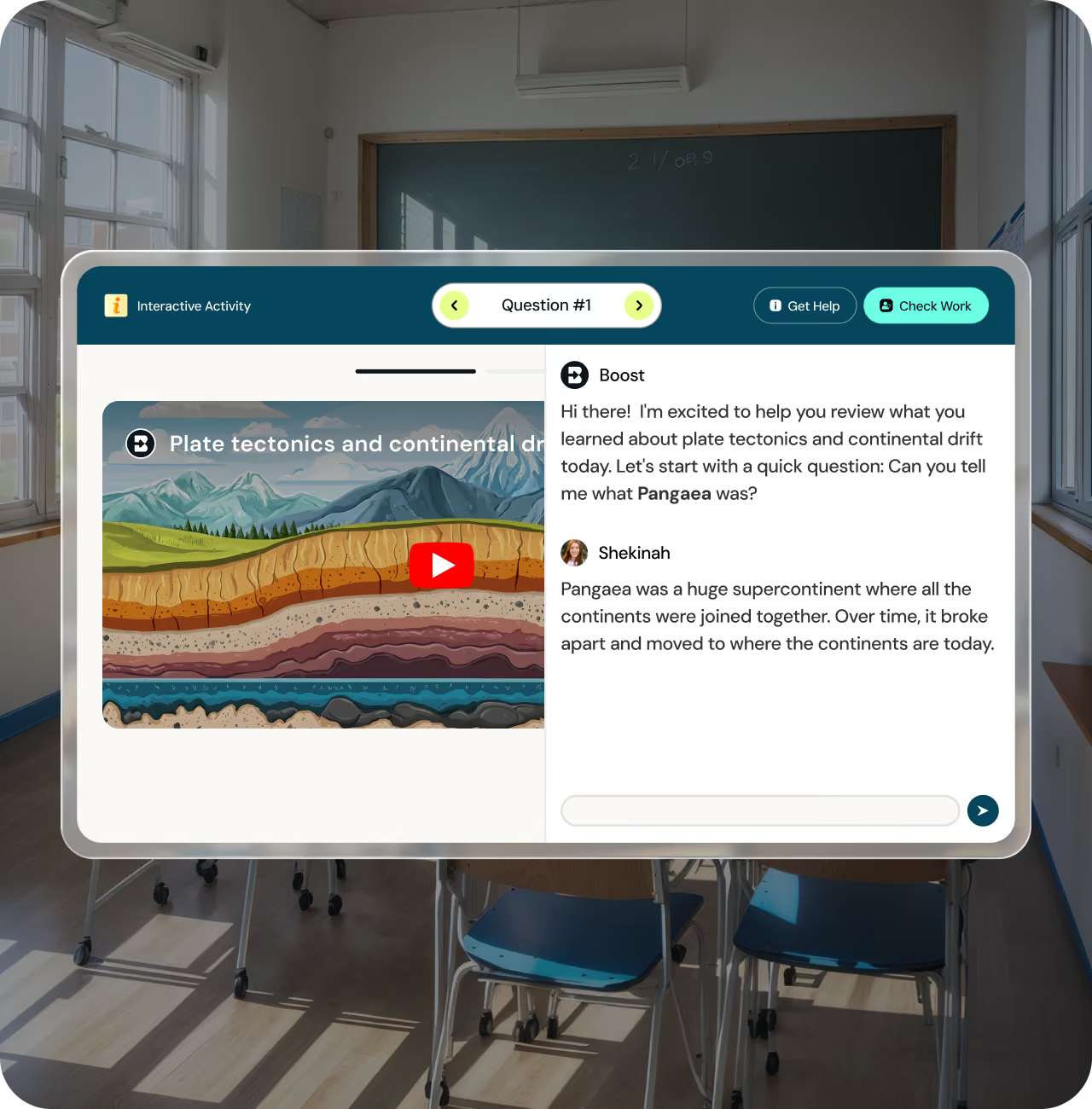
Brisk Boost를 사용하면 어떤 콘텐츠로든 AI 학습 경험을 구축할 수 있으며, AI가 각 학생과 어떻게 상호작용할지 직접 결정할 수 있습니다.
학생들은 선생님이 설정한 가이드라인 내에서 학습 콘텐츠와 연계된 AI 사고 파트너를 얻게 됩니다. 선생님은 모든 대화 내용을 확인할 수 있으며, Brisk가 궤도를 벗어난 내용을 감지하고 학생에 대한 인사이트를 제공하여 다음 수업 방향을 결정하도록 돕습니다.
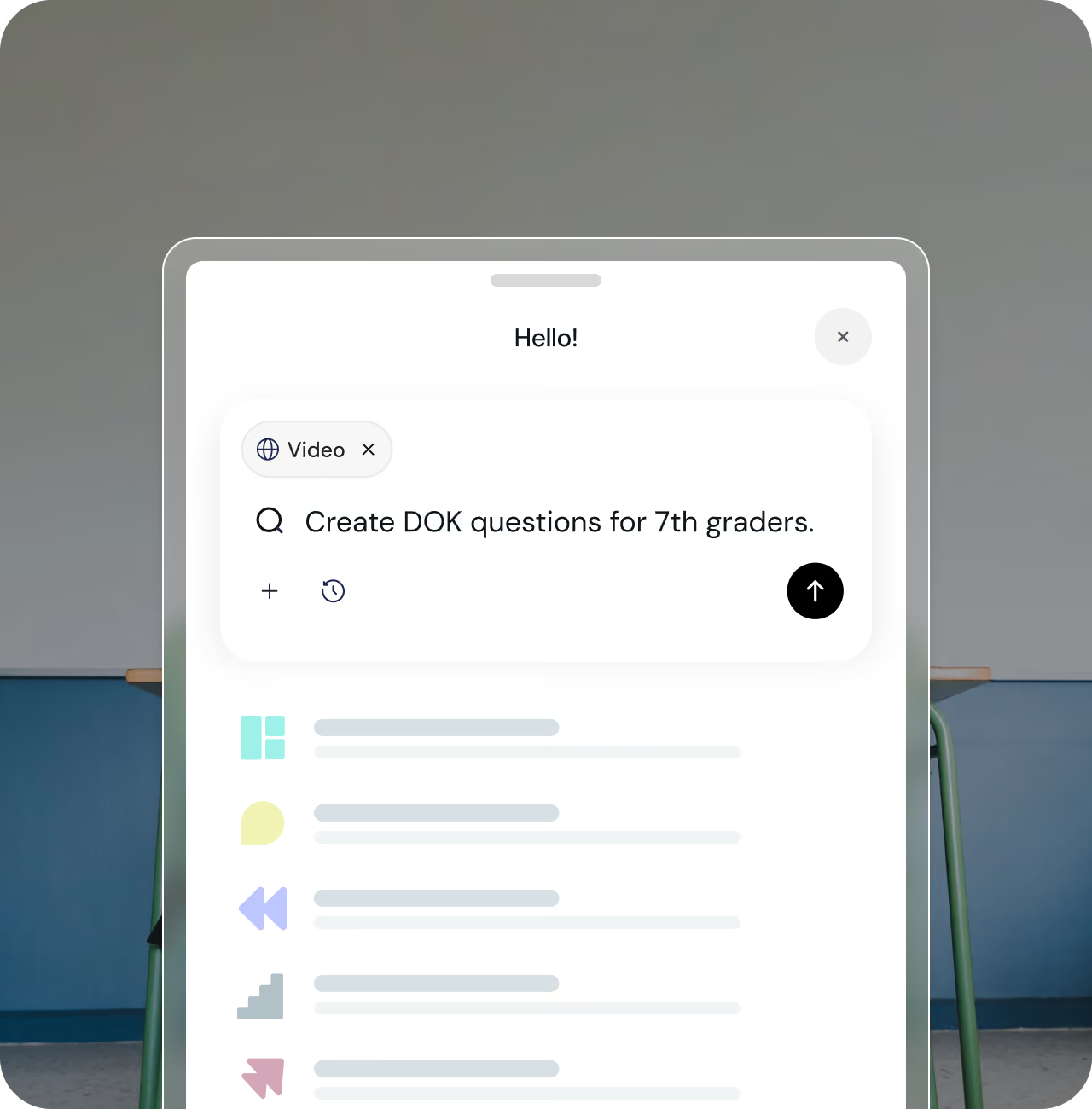
필요한 내용을 입력하면 Brisk가 나머지를 처리합니다
Brisk에게 필요한 것을 말하면 가장 효율적인 방법을 찾아 해결해 줍니다. 퀴즈, 수업 계획안, 수준별 맞춤 기사 등을 요청하고 계속해서 작업을 이어가세요.
내용을 다듬고, 조정하고, 완전히 새로운 것을 요청해 보세요. 대화를 통해 필요한 결과물을 정확하게 만들어 드립니다.

일주일의 모든 계획을 한곳에서

Create
어떤 자료든 순식간에 수업 교재로 제작
기사, 영상, PDF를 퀴즈, 프레젠테이션, 수업 계획안 또는 팟캐스트로 변환하세요. 학년 수준과 교육 표준이 자동으로 반영됩니다.

피드백 제공
개별 또는 일괄적으로 제공되는 표준 기반의 맞춤형 피드백
텍스트를 세 가지 읽기 수준이나 50개 이상의 언어로 조정하고, 직접 설정한 가이드라인과 실시간 모니터링 기능을 갖춘 AI 학생 활동을 시작해 보세요.

학습 개인화하기
모든 학습자를 위해 콘텐츠를 조정하고 인터랙티브한 경험을 만들어보세요
학급 전체의 학습 진도를 파악하고, 다음에 무엇을 가르쳐야 할지에 대한 AI 기반의 맞춤형 제안을 받아보세요.

다음 수업 계획하기
학생의 학습 진도를 파악하고 AI 기반의 다음 단계 제안을 받아보세요
첫 번째 에세이든 백 번째 에세이든 상관없이, 학생의 글에 선생님만의 목소리와 기준으로 실질적이고 개인화된 피드백을 남겨보세요.
실제 교실, 확실한 결과
200만 명 이상의 교사가 사랑하는 Brisk

Rira Lee
EFL Teacher
It’s a great window into education around the world, where I can get inspired by educators from different countries.

Cybele Kuty
Teacher & ELA Dept. Chair
This club is full of great ideas and excellent energy. I love hearing what everyone is trying and figuring out using Brisk!
%20-%20Tina%20Nunez.jpg)
Christina Nunez
Resource Teacher
It’s energizing. You’re surrounded by educators who are excited about AI first, but also to share, try new things, and make learning better, not just talk about it.

Cloe Rocha
ELA Teacher
I love networking with educators around the world... Knowing I have this incredible community to reach out to whenever I need support is everything. For me, it's all about finding that genuine sense of community and common ground.

Betty Smith
Teacher/Instructional Coach
Being in a space with educators who truly understand the daily demands of modern teaching feels like both a breath of fresh air and an instant charge of energy. As an instructional coach, I spend much of my day pouring into others, so stepping into Club Brisk gives me a community where I am the one being inspired, validated, and pushed to grow.
Jason Peters
5th Grade Teacher
Whether it's something I need in a pinch or something I plan in advance, I know that no matter what, I can always Brisk it!
Kristina Lynn Nero-Rodriguez
Teacher
I cannot measure what it feels like to be able to provide my students with the timely feedback and answers to their questions. I noticed an immediate improvement in their ability to expand their understanding of what they were analyzing.
Trish Alexander
Elementary Teacher
I love the writing feedback tool. Kids LOVED getting the feedback and then they ACTUALLY used it!
Ashley D.
Middle School Teacher
This is BRILLIANT. I was able to grade in 1 hour what would have taken me ALL DAY to do!! Brisk has given me back my weekend with my family.
Sandra L.
Middle School Teacher
Between replay and the glow and grow comments, I am not dreading helping my kids get through their writing!
중학교 교사
Middle School Teacher
“이 제품은 정말 훌륭합니다. 25년간의 교사 경력에서 본 것 중 최고의 제품입니다.”
3분 만에 바로 사용 가능
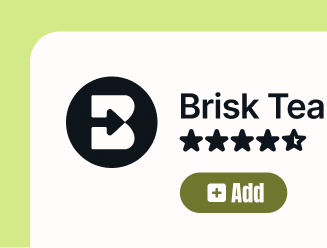
확장 프로그램 설치하기
Chrome 또는 Edge에 Brisk를 추가하세요. 툴바에 고정하면 편리합니다.
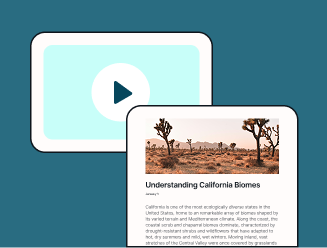
원하는 콘텐츠 열기
동영상, 기사, Google 문서 등 무엇이든 좋습니다. Brisk 버튼을 클릭하여 학습 자료를 만들거나, 피드백을 제공하거나, 학생 활동을 시작해 보세요.
나만의 자료로 만들기
생성된 자료는 Google 드라이브에 저장되므로 바로 사용, 수정, 공유하거나 추가 리소스로 활용할 수 있습니다.