

Google 사용 교사를 위한 AI 도구
Google 도구와 플랫폼을 사용하는 교육자라면 Brisk를 손쉽게 활용할 수 있습니다. 교사용 무료 AI Chrome 확장 프로그램으로 수업 준비를 간소화하세요.


Brisk와 함께하는 하루
모든 작업을 Google에서 바로 처리하세요
설정
Chrome과 매끄럽게 연동됩니다
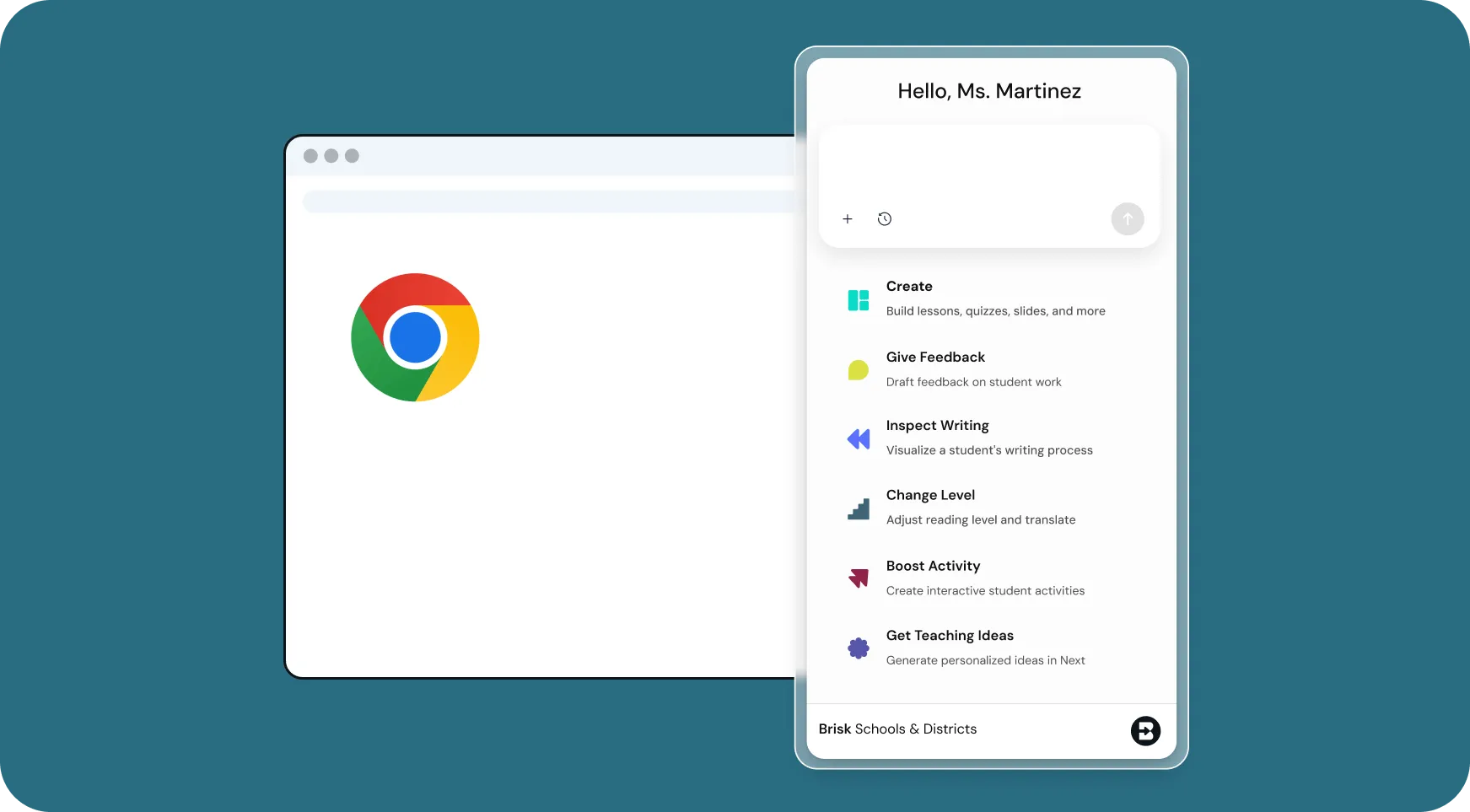
여러 앱을 오가느라 지치셨나요? Brisk를 사용하면 Google 환경 내에서 수업 계획, 수준별 맞춤 학습, 피드백 제공, 교육 자료 제작까지 한 번에 해결할 수 있습니다. Chrome 툴바에 Brisk 확장 프로그램을 고정하고, 언제 어디서나 편리하게 활용해 보세요.

콘텐츠 생성
다양한 Google 형식으로 출력
오늘 수업 준비가 급하신가요? 문서, PDF, 동영상, 웹페이지, 또는 LLM 채팅창을 열고 Brisk를 사용해 보세요. 즉시 Google 문서, Google 프레젠테이션, Google 설문지 자료로 변환할 수 있습니다.

저장
Google Drive 자동 동기화
Brisk에서 만드는 모든 작업물은 별도의 내보내기나 복사 과정 없이 Google Drive에 즉시 저장됩니다.
I’ve been using Brisk this week to create a lesson plan on poetry writing, create multiple rubrics, grade 100 essays and 100 speeches [...] It’s the best tool I’ve ever used as an English teacher.
Kristie M.
The Ultimate Toolkit for
Google 사용 교사
The tools
Google 사용 교사
reach for most
There are lots of Brisk AI tools for
Google 사용 교사
.
Get started in seconds!


.svg)







종례 시간 전 채점 완료
확장 프로그램을 설치하고 학생의 문서를 연 다음, 1분 안에 Brisk가 첫 번째 에세이를 어떻게 처리하는지 확인해 보세요.