

BRISK x MICROSOFT
Tu asistente docente con IA, ahora integrado con Microsoft, PowerPoint, OneDrive y Edge.




Ajusta los niveles de lectura con Brisk
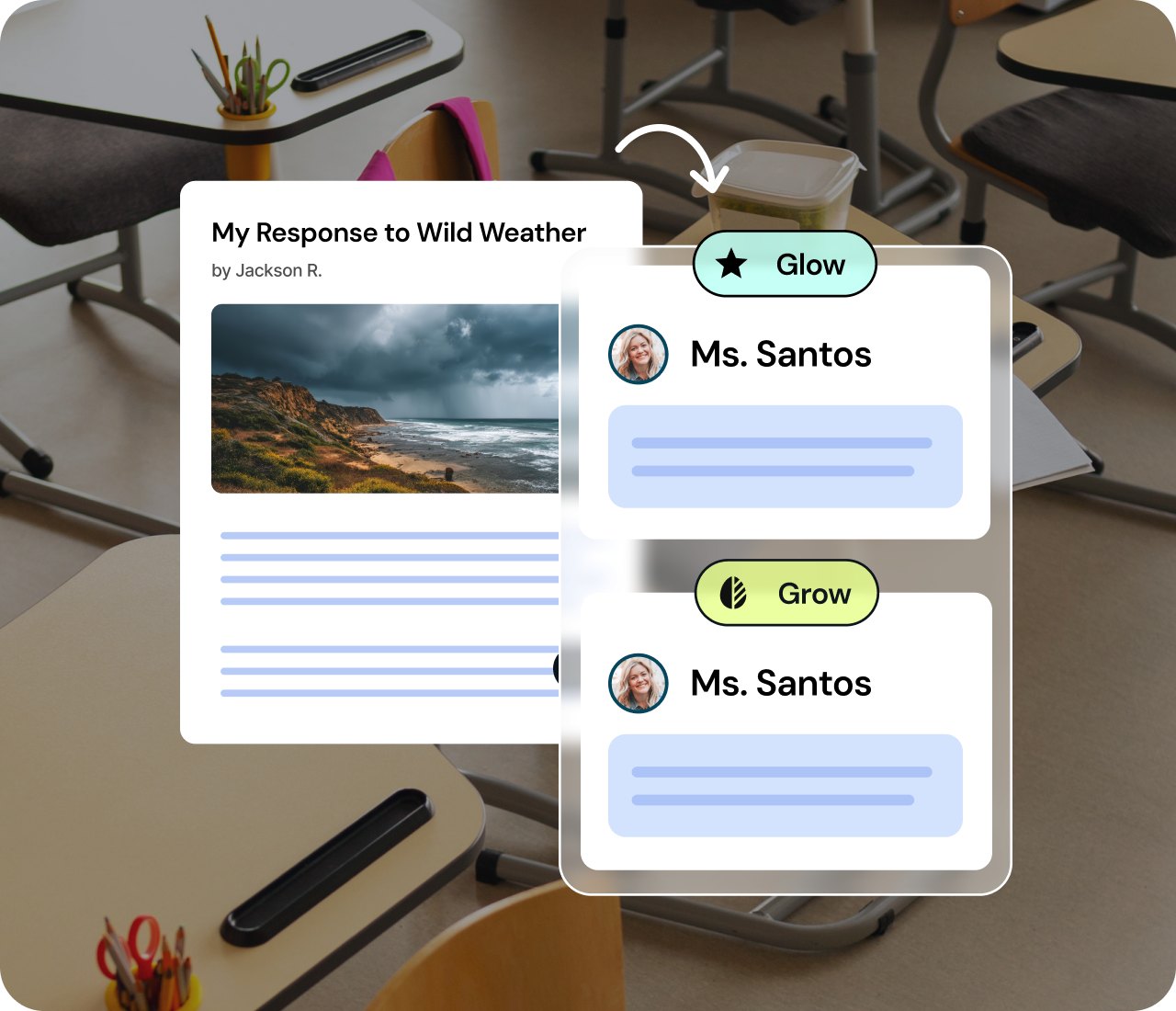
Instantly translate or adjust reading level in Word
Meet every learner where they are. Brisk can translate a Word document into more than 50+ languages or adjust the reading level with one click. Accessibility is now built in so every learner can engage.
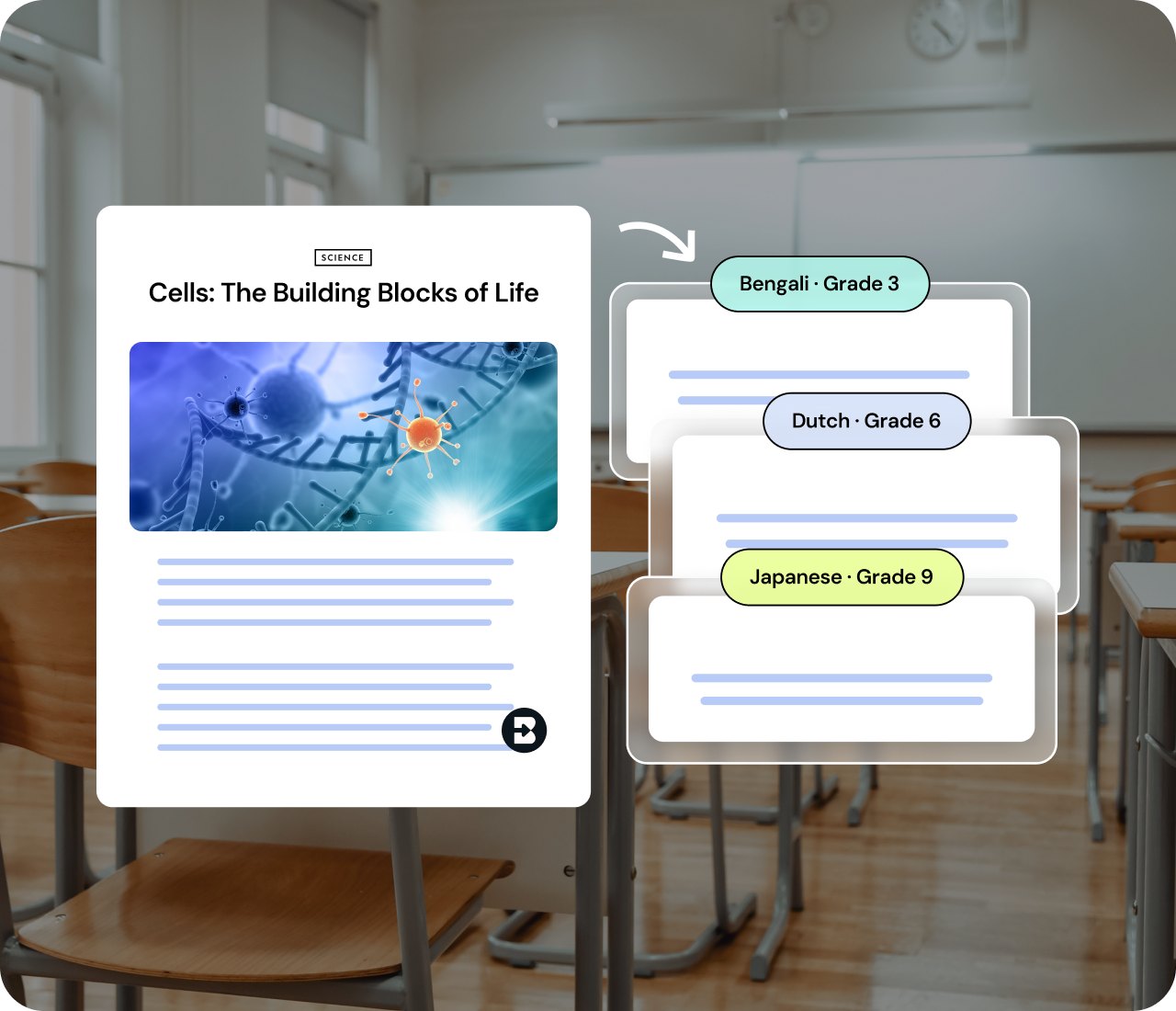


Differentiate using your own Microsoft content
Bring in any Microsoft Word Doc file, PDF, image, or online article. Brisk tailors prompts questions and extensions for varied skill levels so each learner gets the right challenge.
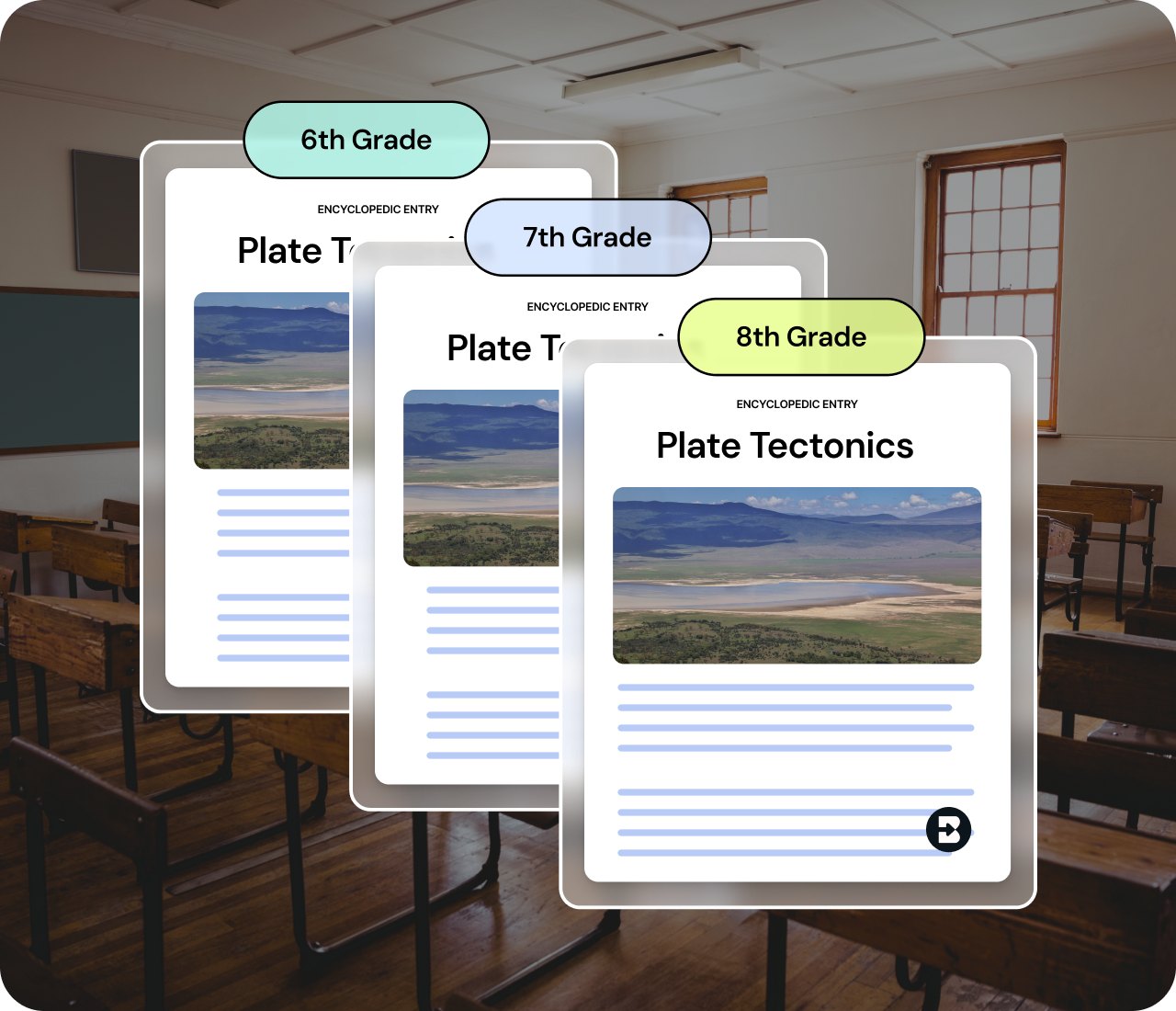
See a student's writing process, not just the final draft
Replay how an essay actually came together in Word — every add, cut, and revision, and how the student responded to your feedback along the way. Spot where they're stuck before the final draft tells you. Available upon request.
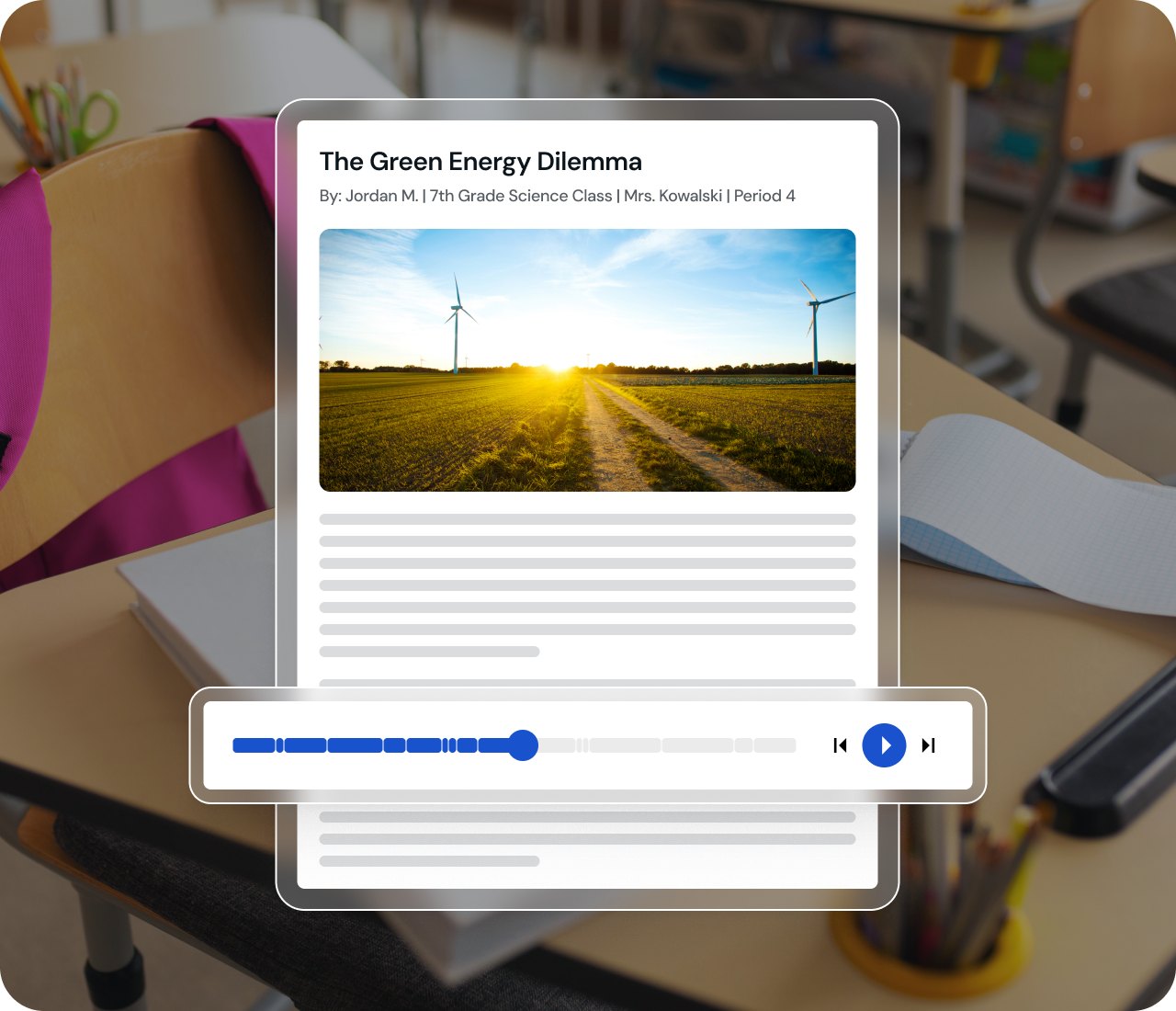
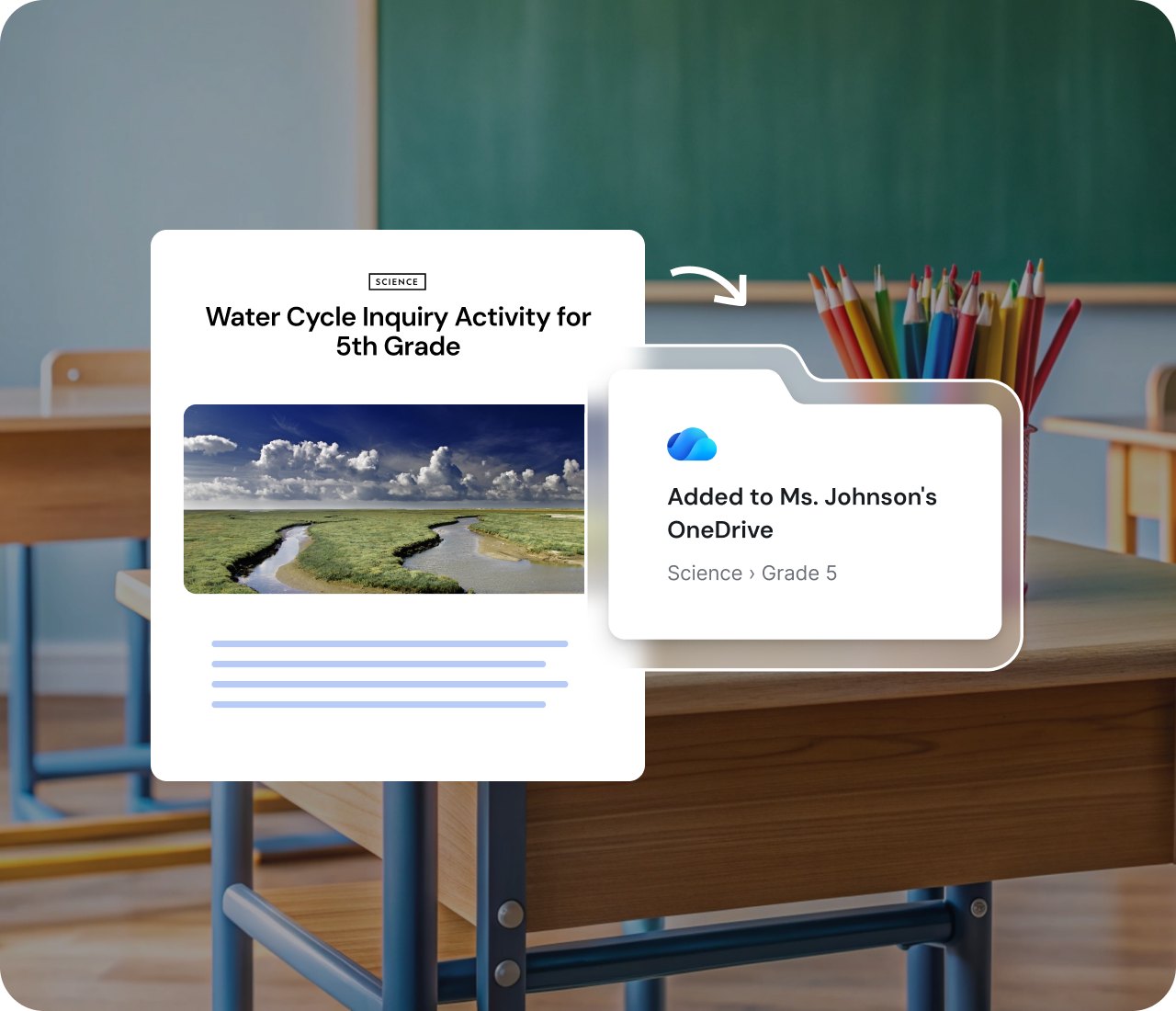
Save straight to OneDrive
When your resource is ready, send it directly to OneDrive. Your materials stay organized in the ecosystem you already know and trust.
Así es como puedes mejorar y empezar
.svg)
01
Inicia sesión con tus
credenciales de Microsoft
.svg)
02
Abre la
extensión de Brisk
03
Selecciona el archivo que quieres crear
.svg)
04
Hazlo con Brisk
.svg)
05
Expórtalo a tu manera



Bocados rápidos:
Sumérgete en Brisk con Microsoft
Crea y guarda en OneDrive

Crea una presentación de PowerPoint
Cambia el nivel y crea un documento de Word
Preguntas frecuentes sobre Brisk y Microsoft
Brisk se puede instalar como un complemento de Edge.
¡Sí! Brisk puede exportar archivos .docx y .pptx a OneDrive. También puede crear contenido a partir de archivos de OneDrive. La única excepción es que las actividades "Boosted" no admiten documentos editables (solo documentos estáticos).
¡Sí! Los docentes pueden iniciar sesión con sus cuentas de Microsoft.
Sí. Cuando creas un recurso con Brisk, puedes hacer clic en "Añadir a OneDrive" para guardar y organizar tu archivo. También puedes exportar tu archivo directamente a OneDrive.