

BRISK x MICROSOFT
مساعدك التعليمي المدعوم بالذكاء الاصطناعي، يعمل الآن مع Microsoft وPowerPoint وOneDrive وEdge.




عدّل مستويات القراءة باستخدام Brisk
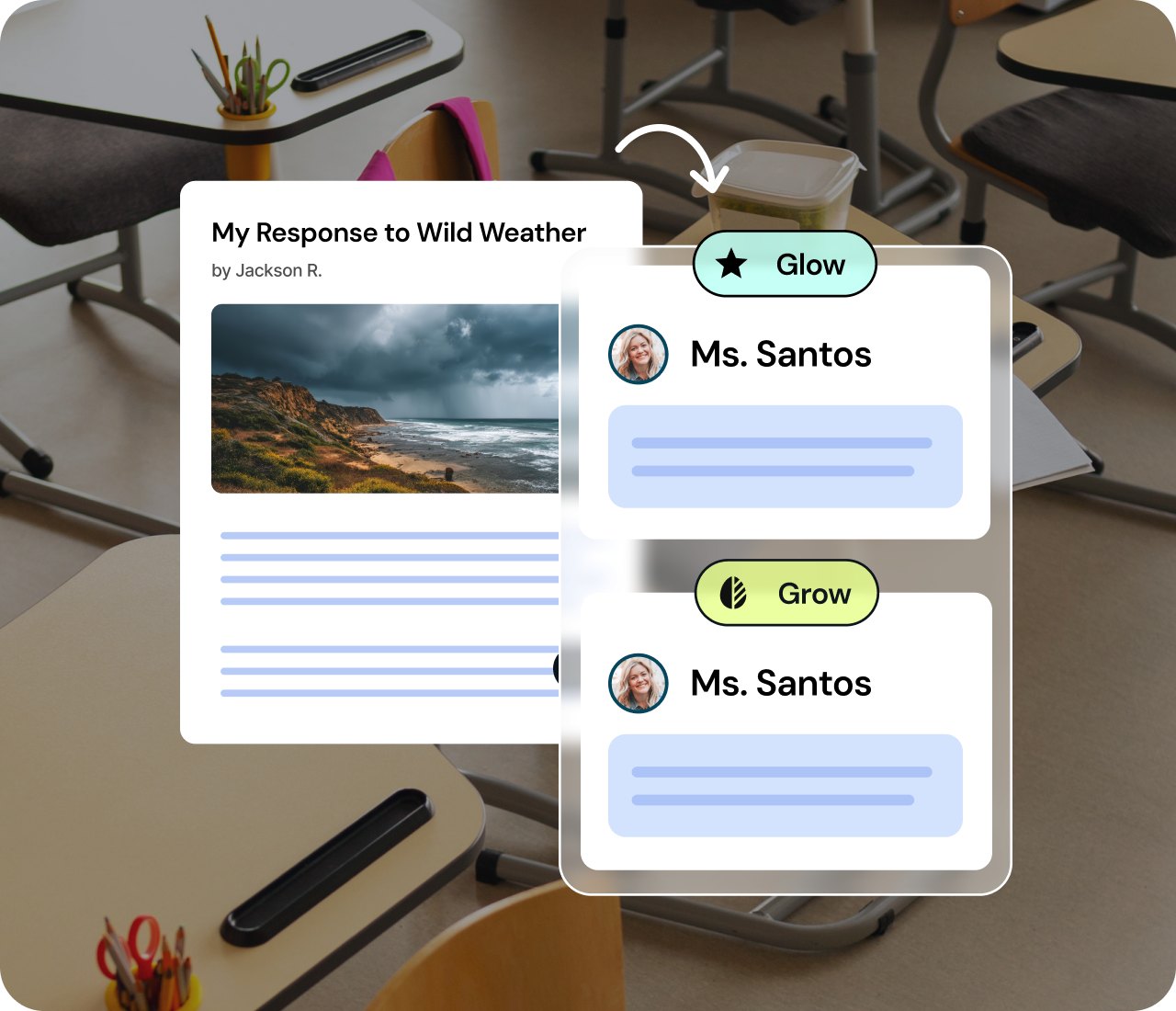
Instantly translate or adjust reading level in Word
Meet every learner where they are. Brisk can translate a Word document into more than 50+ languages or adjust the reading level with one click. Accessibility is now built in so every learner can engage.
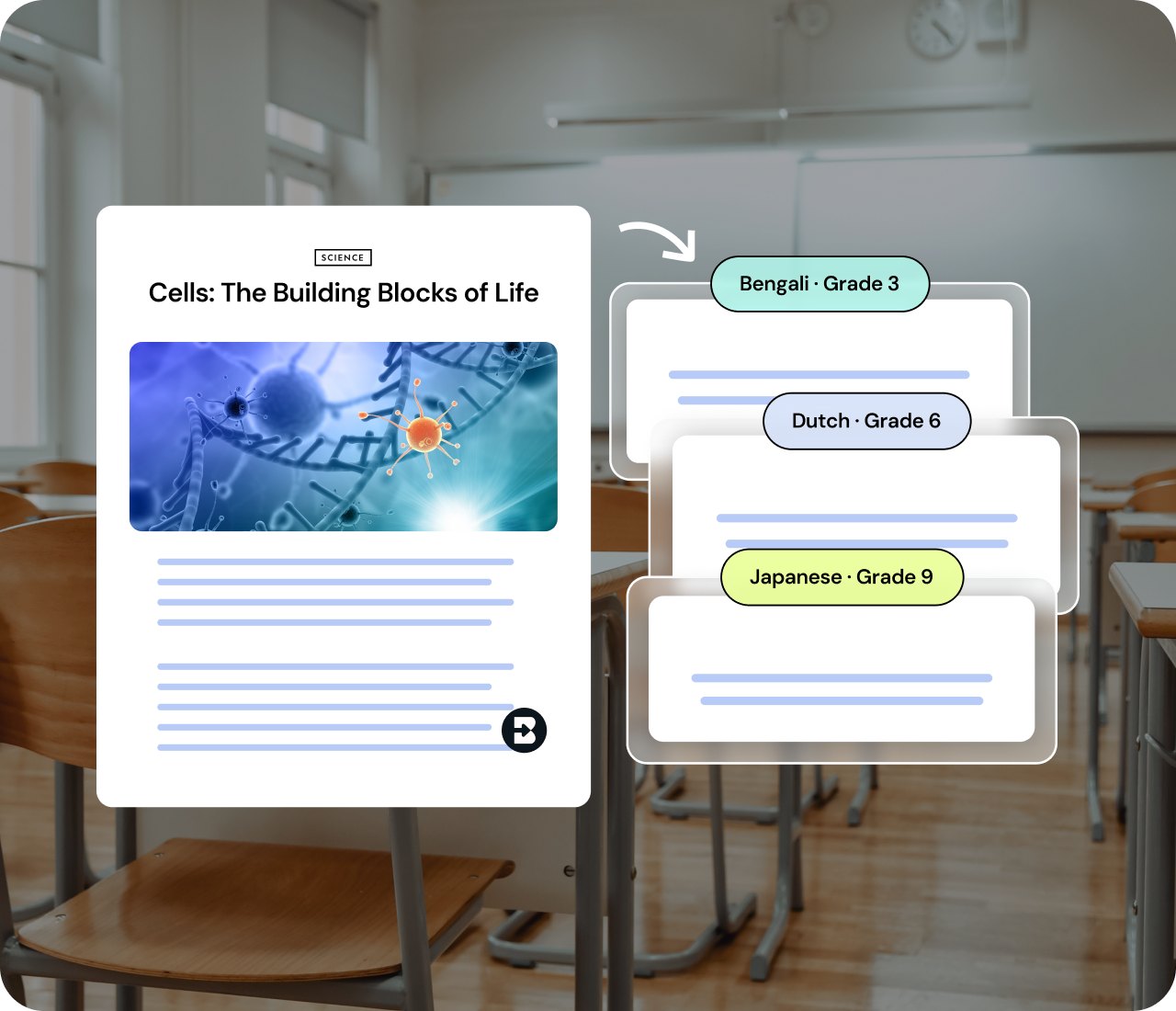


Differentiate using your own Microsoft content
Bring in any Microsoft Word Doc file, PDF, image, or online article. Brisk tailors prompts questions and extensions for varied skill levels so each learner gets the right challenge.
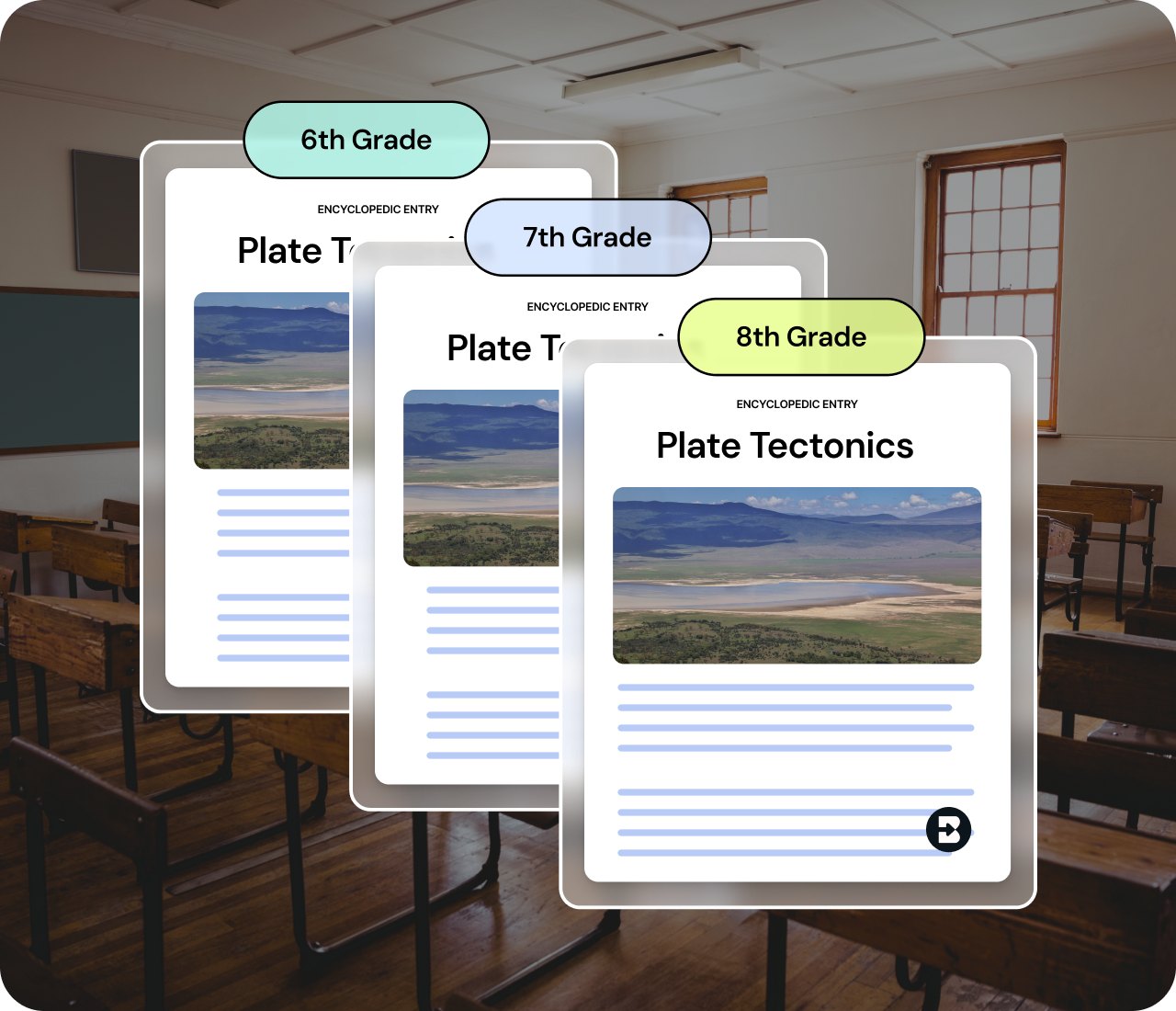
See a student's writing process, not just the final draft
Replay how an essay actually came together in Word — every add, cut, and revision, and how the student responded to your feedback along the way. Spot where they're stuck before the final draft tells you. Available upon request.
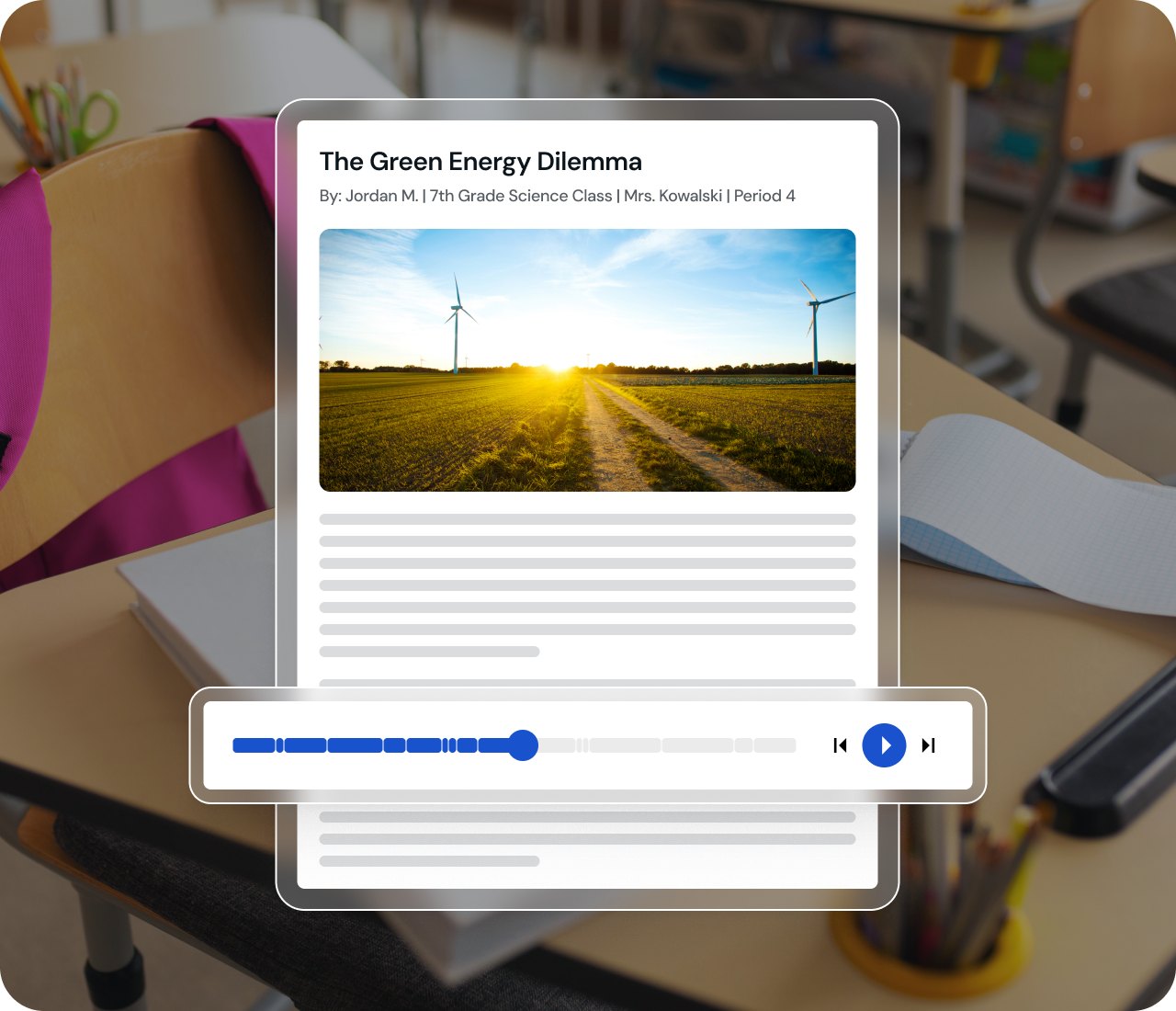
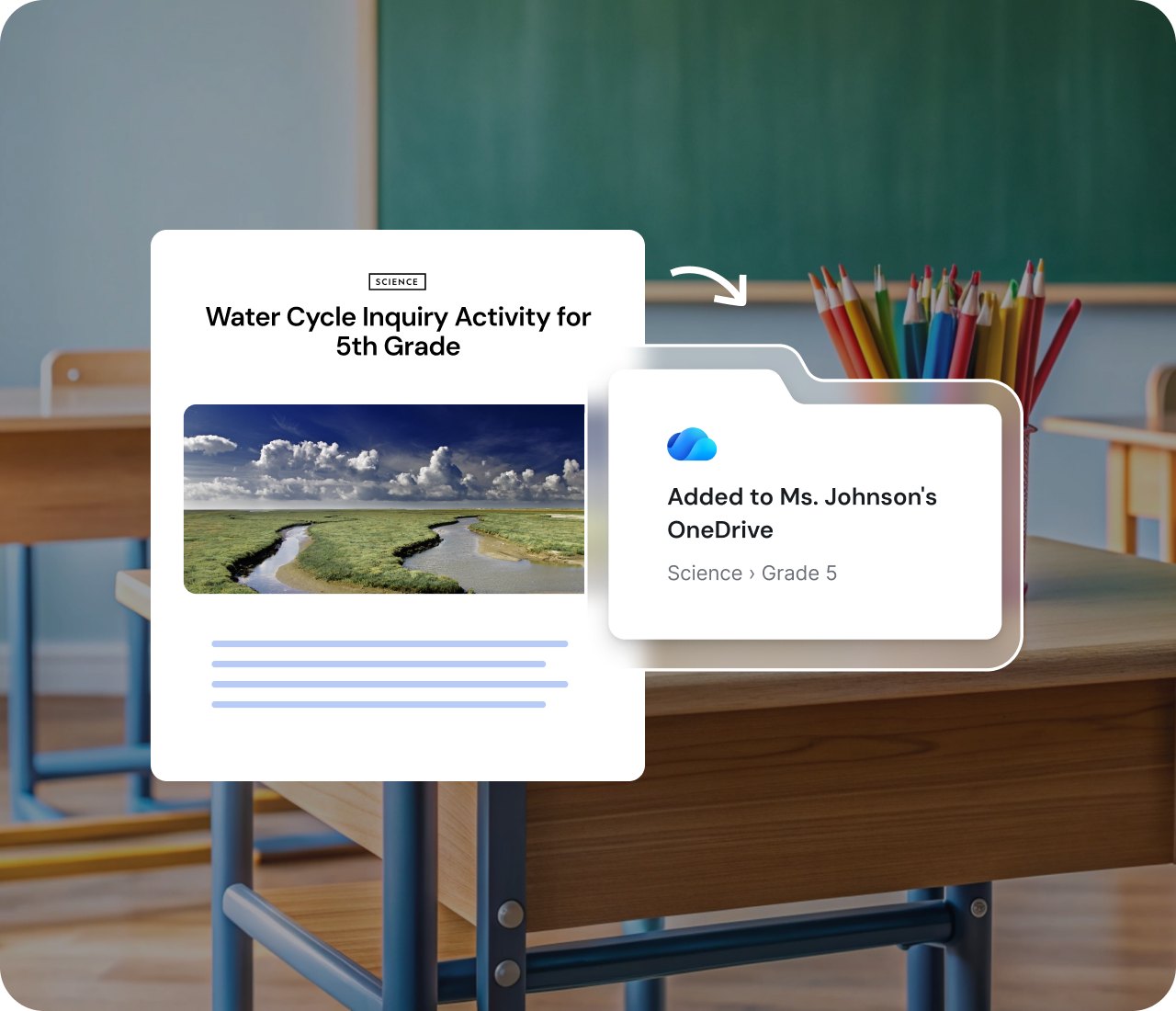
Save straight to OneDrive
When your resource is ready, send it directly to OneDrive. Your materials stay organized in the ecosystem you already know and trust.
إليك كيفية الارتقاء بمستواك والبدء
.svg)
01
سجّل الدخول باستخدام بيانات
Microsoft الخاصة بك
.svg)
02
افتح إضافة
Brisk
03
اختر الملف الذي تريد إنشاءه
.svg)
04
ابدأ مع Brisk
.svg)
05
صدر ملفاتك بالطريقة التي تناسبك



لقطات سريعة:
اكتشف مزايا Brisk مع Microsoft
الإنشاء والحفظ على OneDrive

إنشاء عرض تقديمي PowerPoint
تغيير المستوى وإنشاء مستند Word
الأسئلة الشائعة حول Brisk و Microsoft
يمكن تثبيت Brisk كإضافة لمتصفح Edge.
نعم! يمكن لـ Brisk تصدير ملفات .docx و .pptx إلى OneDrive. كما يمكن لـ Brisk إنشاء محتوى من ملفات OneDrive. الاستثناء الوحيد هو أن أنشطة Boosted لا تدعم المستندات القابلة للتعديل (تدعم المستندات الثابتة فقط).
نعم! سيتمكن المعلمون من تسجيل الدخول باستخدام حسابات Microsoft الخاصة بهم.
نعم، عند إنشاء مورد باستخدام Brisk، يمكنك النقر على "إضافة إلى OneDrive" لحفظ ملفك وتنظيمه، أو يمكنك تصدير ملفك إلى OneDrive.