All Blog Posts

The Best Chrome Extension for Teachers in 2025: Why Brisk Is the #1 Choice for Educators

Teaching today means juggling more than ever — lesson planning, giving feedback, differentiating instruction, and keeping students engaged, all before noon. It’s a lot.

There are plenty of tools that promise to make things easier. But most weren’t built for the realities of classroom teaching — or how educators actually work.

Brisk Teaching is different. It’s a free Chrome and Edge extension designed just for educators, and in 2025, it’s become the go-to choice for teachers who want to get meaningful work done, faster.

What Is Brisk?

Brisk is an AI-powered Chrome extension that helps you give targeted feedback, plan engaging lessons, scaffold materials, and more — without switching platforms or changing how you teach.

It works directly on tools you already use: Google Docs, Slides, YouTube, PDFs, websites, and even your learning management stystem. Whether you’re grading, creating, or differentiating, Brisk fits right into your workflow.

With one click, you can:

  • Give feedback
  • Adjust reading levels or translate content
  • Build quizzes in Google Forms
  • Create slide decks with images and themes
  • Generate podcasts and corresponding Boost activities
  • Track trends in student writing
  • Use rubrics to guide your comments

Stay in your workflow and get powerful support for feedback, planning, and differentiation — instantly.

Brisk Tools That Make a Difference

Brisk includes over 30 AI-Powered tools –– here are some educator favorites. You can explore all of them here

1. Targeted Feedback That Saves Time

Select Targeted Feedback and watch Brisk suggest personalized, standards-aligned feedback. You can edit or approve before sharing back with your students.

2. Share Feedback Using Your Rubrics

Upload your rubric and let Brisk generate aligned, editable feedback with the Rubric Maker.

3. Feedback Insights While You Work

See patterns in student feedback and writing trend using Feedback Insights. Instantly generate lessons or interventions based on what students need next.

4. Level or Translate Instantly

Quickly Change the Reading Level of any article or assignment — or translate it for multilingual learners in just one click.

5. Create Quizzes in Google Forms

Turn any text, video, or webpage into a ready-to-use quiz using the Quiz Maker — exported directly into Google Forms.

6. Design Presentations with Visuals

Brisk helps you build slide decks with the Presentation Maker with images, layouts, and theme suggestions — right inside Google Slides or export-ready for Microsoft PowerPoint.

7. Differentiate Without Extra Work

Easily scaffold assignments, modify directions, or generate multiple versions of a task based on student needs.

8. Podcast Generator

Turn your lessons — or your students’ writing — into short, customizable podcasts. Great for flipped learning, review, or deepening engagement. TryBrisk’s Podcast Generator.

9. Intervention Tools

Brisk helps educators meet the needs of all learners - whether you’re building IEPs, adjusting supports for multilingual students, or scaffolding complex texts. Use the resources you already love to create differentiated, engaging, and accessible learning experiences in seconds. Try the IEP Generator, 504 Plan Generator, or the MTSS Intervention Creator.

10. Create Anything

You can always select Create Anything in Brisk, too. This feature empowers you to create custom teaching materials. Use this tool as a riddle generator, a question sheet maker, a writing prompt creator... whatever you need!

Why Over a Million Educators Use Brisk

Educators choose Brisk because it:

  • Works with familiar tools — Google Docs, Slides, YouTube, PDFs, Web Articles, image files, learning management systmes and more.
  • Supports real classroom needs like feedback, scaffolding, and engagement
  • Saves time without sacrificing quality
  • Keeps student data private (FERPA, COPPA, GDPR compliant)

Because every student learns differently — and Brisk helps you reach them all.

Thinking About a Chrome Extension? Start Here.

It’s easy to get overwhelmed with new AI tools showing up every week. Many sound promising — but they weren’t built for classrooms.

Brisk was.

It supports the work you already do — like feedback, lesson creation, and scaffolding — using the materials you already trust. 

What Sets Brisk Apart

Brisk Teaching Most Chrome Extensions
Works across Docs, Slides, PDFs, websites, YouTube, and Learning Management Systems Often limited to one tool or format
Editable, rubric-aligned teacher feedback Generic or vague AI suggestions
Built-in supports for IEPs, 504s, multilingual learners, and scaffolding Few tools for differentiation
Create quizzes in Google Forms and slide decks with export options Narrow or basic content generation
Feedback insights to inform instruction No connection to learning trends

Brisk was built with educators in mind.

Made for the Way You Teach

If you're looking for a Chrome extension that simplifies your work — without sacrificing the quality of your teaching — Brisk is it.

From feedback and scaffolds to quizzes, podcasts, and presentations, Brisk helps you support every student and stay focused on what matters most: learning.

Try Brisk Free: Quick to install. Easy to use. Built for classrooms like yours.

Add to Chrome

Latest Posts

Latest from the Brisk Blog

Explore practical articles for K–12 educators, from classroom-ready strategies to thoughtful guidance on using AI in ways that support real teaching.

Library shelves filled with books
September 14, 2026
Brisk Features

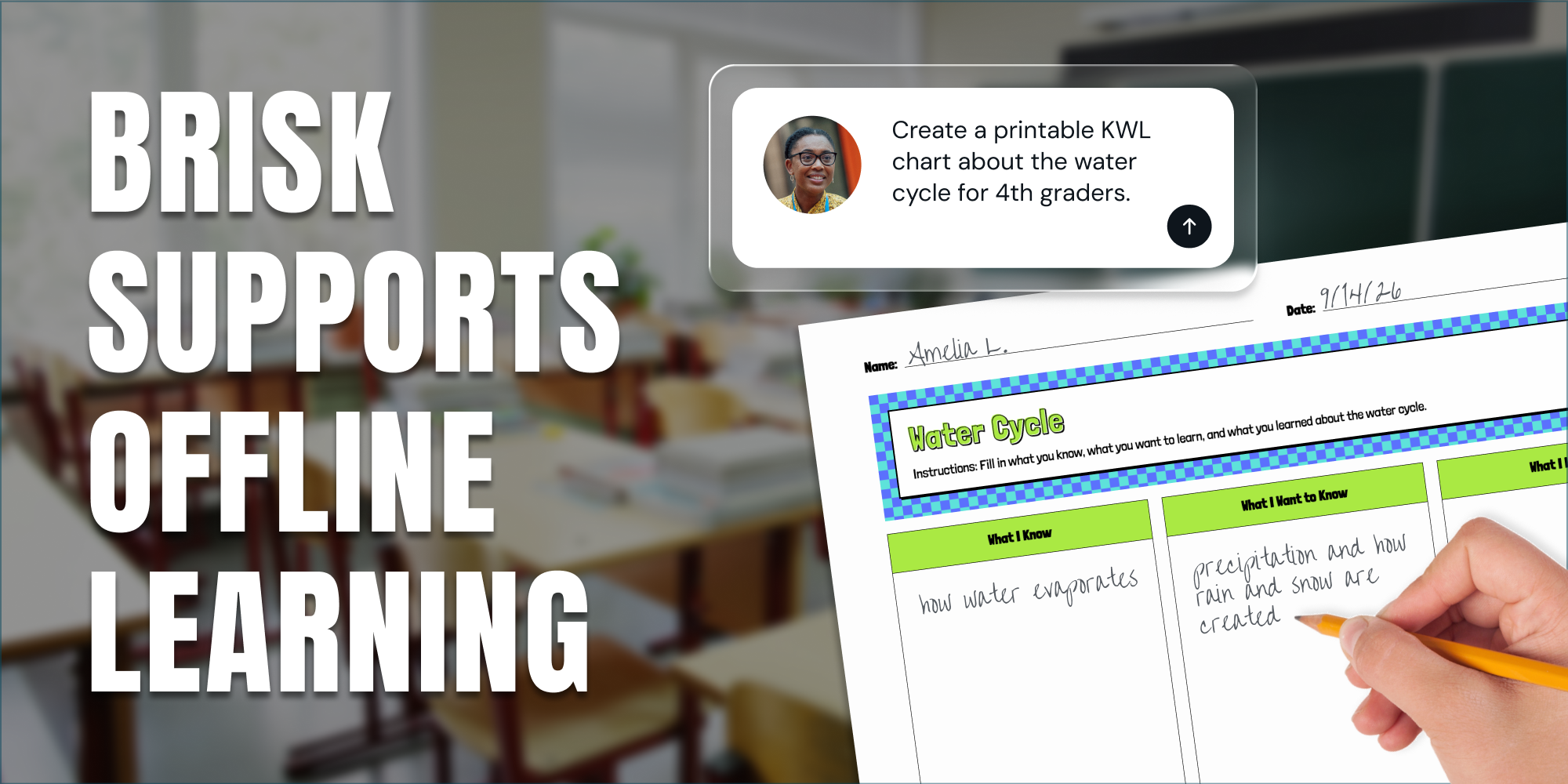
Print It, Project It, or Skip the Screen: How Brisk Fits Any Classroom

Brisk provides teachers with a variety of ways to support student learning, even when they’re focused on scaling back screen time in their classrooms.

Library shelves filled with books
August 14, 2026
Thought Leadership

Brisk in New White Paper on AI's Instructional Impact

Brisk founder Arman Jaffer shares his key takeaways from Whiteboard Advisors’ new white paper on measuring the instructional impact of AI in the classroom.

Library shelves filled with books
July 27, 2026
Tips for Teachers

60 Get-to-Know-You Questions for Students (For Every Grade)

60 get-to-know-you questions for students, organized by category and grade — plus, easy ways to use them for icebreakers, morning warm-ups, and first-day connection.

Library shelves filled with books
8
min
March 21, 2025
Collaborations and Awards

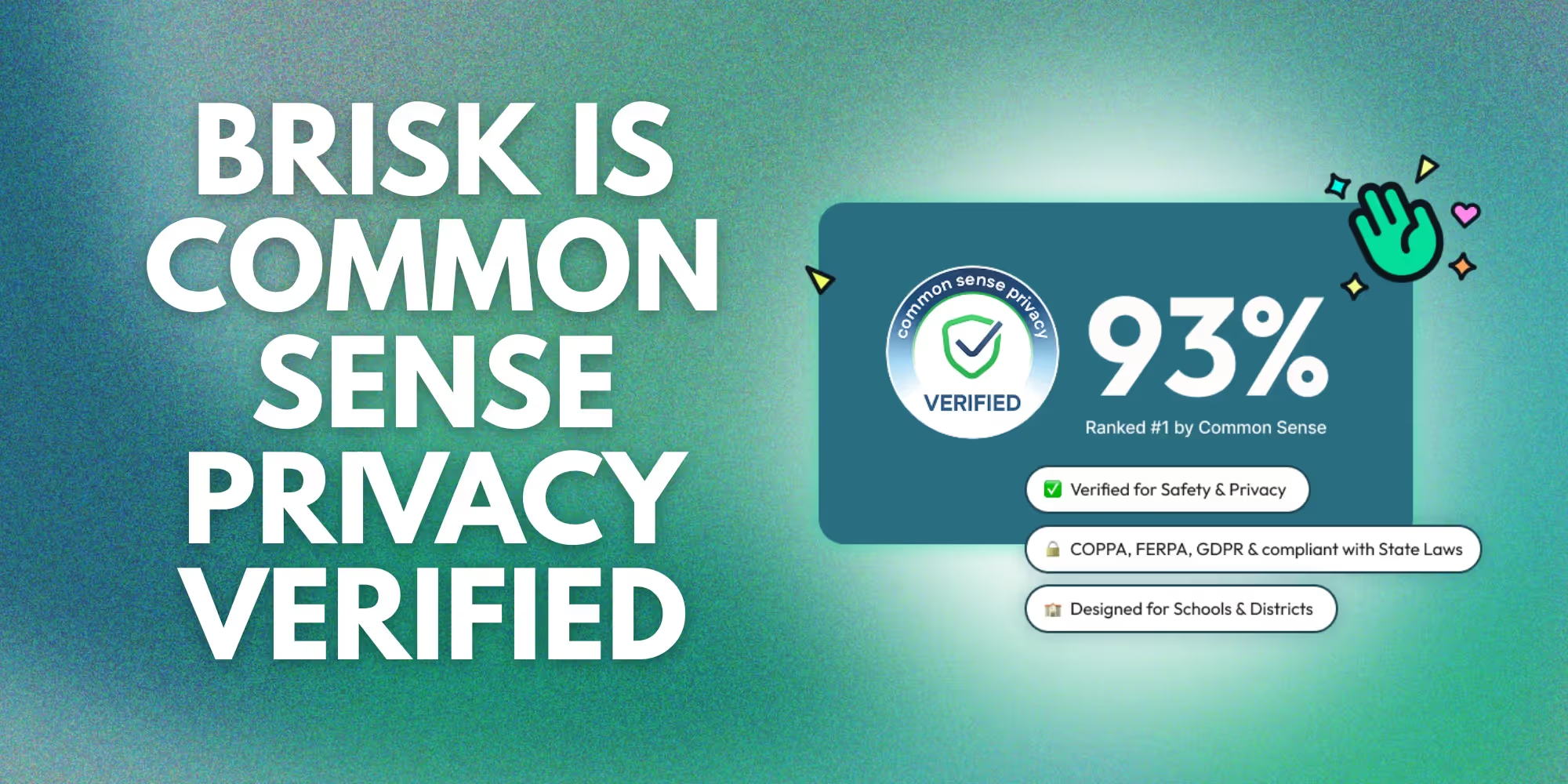
Brisk Teaching Earns a 93% Common Sense Privacy Rating

From day one, Brisk Teaching has been committed to protecting student, teacher, and school data. That’s why we’re proud to share that Brisk has earned a 93% privacy rating from Common Sense – the highest score among AI tools. This rating is a reflection of our dedication to providing safe, responsible, and effective AI-powered tools for the classroom.

From day one, Brisk Teaching has been committed to protecting student, teacher, and school data. That’s why we’re proud to share that Brisk has earned a 93% privacy rating from Common Sense – the highest score among AI tools. This rating is a reflection of our dedication to providing safe, responsible, and effective AI-powered tools for the classroom.

A Privacy-First AI Solution for Schools and Districts

When choosing AI tools for your schools, privacy and security aren’t just checkboxes – they’re critical requirements. We’re proud to be a leader and trusted solution in privacy-first AI innovation for education. Our 93% Common Sense rating reflects our commitment to meeting the highest privacy standards, so educators and their schools can confidently adopt AI that enhances learning while protecting student information.

Here’s what our privacy-first approach means:

  • We never sell or rent personal information to third parties.
  • Personal information remains private and is never shared for third-party marketing.
  • Brisk does not display personalized advertising.
  • Third parties do not collect data for their own use.

Here’s what that means:Yours and your students' personal information stays just that—personal. We don’t sell it, rent it, or use it for advertising. Third parties can’t collect data for their own purposes, and privacy remains protected at all times.

Check out the full evaluation here: Common Sense Privacy Evaluation for Brisk Teaching.

Brisk Sets the Standard for Safe, AI-Powered Learning

In an era of AI transforming education, privacy and security must come first. Along with a 93% privacy rating from Common Sense, Brisk meets the strictest standards in privacy, security, and educational impact from leading organizations. Brisk is also FERPA, COPPA, and GDPR compliant. 

Trust matters. That’s why Brisk is rigorously vetted – so schools and districts can adopt AI with confidence, knowing their data is protected, their educators are supported, and their students are set up for success. To learn more about Brisk’s privacy and security practices, visit our Privacy Center.

We believe AI should make teaching easier, not come with privacy worries. You can trust that we’re putting student and teacher data first while building tools that deliver real educational impact. Safe, smart, and built for schools – that’s the Brisk way!

Library shelves filled with books
8
min
August 12, 2024
Back to School

5 Ways to Use AI for Quick and Easy Back-to-School Prep with Brisk

Back-to-school prep can be overwhelming. The endless tasks and thoughts of lesson planning, grading, classroom management, and communication with caregivers consume so much of your valuable time. Brisk Teaching is the time-saving solution of your dreams! This AI-powered tool is a Chrome extension that will help you achieve quick and easy back-to-school prep like never before.

What is Brisk Teaching?

Your new best friend. Your personal virtual assistant. Your kryptonite… 

Refer to Brisk however you’d like, but rest assured this AI-powered tool will help you achieve things you never thought imaginable as it simplifies your workload, automates tedious tasks, and frees up hours of your time each week! 

__wf_reserved_inherit

Brisk is a FREE Chrome extension that works with the tools you are already familiar with— like Google Docs, Slides, YouTube, and web articles. It integrates seamlessly into everything you are already doing.

It is NOT another tool or app that requires time-consuming setups or learning curves. Brisk lives where you are! 

Brisk helps you focus on student instruction, improve creativity, and increase connections. Ultimately, this AI-powered tool works to improve your productivity and work-life balance. 

How AI Can Help with Back-to-School Prep

Back-to-school prep becomes easy as you quickly check off big pieces of your to-do list with Brisk:

  1. Lesson Plans
  2. Grading & Feedback
  3. Classroom Management
  4. Caregiver Communication

Efficient Lesson Planning

Brisk empowers you to save valuable time by creating efficient lesson plans, allowing you to focus on what matters most— providing excellent instruction and connecting with your students! 

With intelligent algorithms, you can quickly generate customized lesson outlines and classroom content that meet your curriculum goals and tailor to student needs. This ensures every lesson is engaging and relevant.

With Brisk, you can create lesson plans and all of these instructional materials in seconds instead of hours:

  • Slide decks
  • Worksheets 
  • Quizzes 
  • Vocabulary lists with definitions
  • Practice tests
  • Decodable text
  • Differentiated interventions
  • DOK questions
  • & more!
__wf_reserved_inherit

Creating efficient lesson plans and classroom resources is as simple as clicking the Brisk app, clicking “create”, inputting your content needs and curriculum goals, and choosing to “Brisk It!” In mere seconds, materials specifically tailored to your students' needs are available to you. 

Simply put— Brisk makes creating content EASY & QUICK!

Seamless Grading and Feedback

Once you’re ready to implement some of these amazing lessons, Brisk will also help you become more efficient with grading and instant feedback on student assignments. 

__wf_reserved_inherit

Open your students’ assignments online, click the Brisk app and select “Give Feedback”. 

From there, choose one of the four powerful options to personalize feedback for your students:

  • Targeted: Google Doc comments aligned to your rubric and standards
  • Glow & Grow: Areas of strength, growth, and probing questions
  • Rubric Criteria: Feedback based on each of your rubric criteria
  • Next Steps: Suggestions for next steps and strategies to build up core skills

By quickly analyzing responses, Brisk helps you identify areas where students excel or struggle. With this insight, you can easily differentiate instruction. 

More Than Productivity

The benefit of automated grading and feedback is more than productivity. The time you save with this AI-powered tool allows you to have more conversations with your students— conversations that foster more meaningful student and teacher relationships. 

Research from the American Psychological Association in 2015 supports that when students trust their teacher, they are more eager to invest in their learning.

The result is a dynamic classroom environment where learning thrives effortlessly!

Organized Classroom Management

Classroom management is another important piece of back-to-school prep, but it often doesn’t feel quick or easy. 

Effective classroom management involves more than just teaching. A great deal of this management is organizing tasks such as:

  • Creating (and recreating) seating arrangements
  • Keeping track of students’ unique schedules
  • Recording attendance
  • Analyzing student behaviors
  • & more

Brisk helps you manage all of these administrative tasks to ensure quick and easy back-to-school prep. A classroom that is managed well becomes a more positive learning environment for everyone!

Increased Communication with Caregivers

Finally, back-to-school prep isn’t complete without a plan for communication with caregivers. Brisk helps you share announcements and updates with parents seamlessly. 

Brisk can handle all of these communication needs for you with ease:

  • Meet the Teacher newsletter
  • Classroom rules and procedures document
  • Translating back-to-school communication
  • Emails to parents
  • Schedules for parent-teacher conferences or Meet the Teacher night

When caregivers are informed and connected, students are more likely to experience positive outcomes at school.

Install Brisk & Start Saving Time Today!

Are you on board and feeling excited about the thought of adding Brisk into your daily routine this year? If so, it’s time to download this AI-powered tool.

Installing Brisk Teaching is as easy as 1-2-3!

First, install the Brisk Teaching extension for free and pin it to your Chrome toolbar. 

Next, Brisk pops up in the corner of your screen wherever you are on the internet— Google Docs, Google Slides, YouTube videos, articles, PDFs, & more. Just click the Brisk icon to get started.

Then, “Brisk it!” Yes, it’s really THAT easy to start saving time as you prepare for another year back to school.

Share Brisk with Others!

Finally, grab the Brisk Professional Development Deck and share Brisk Teaching with your colleagues and school district! 

You can also educate and inspire others with a variety of how-to videos about Brisk or free Brisk printables.  

Back-to-school prep can feel overwhelming, but AI is here to streamline the process. Brisk's 30+ tools help you save time and focus on what matters most— student instruction and connections! Be confident as you embrace AI-powered tools for quick and easy back-to-school prep and breathe deep as you reclaim much valuable time in your schedule. It’s going to be a great year! 


For more great how-to videos about this dynamic AI-powered tool, check out Brisk Teaching on YouTube!


Resources

Rimm-Kaufman, S. (2015, March 9). Improving students' relationships with teachers. American Psychological Association. https://www.apa.org/education-career/k12/relationships

Library shelves filled with books
8
min
June 4, 2024
Brisk Features

Brisk Teaching and YouTube: AI Tools Revolutionizing Your Classroom

By using the Brisk Extension, teachers can quickly create quizzes, lesson plans, and presentations from YouTube videos, saving valuable time and enhancing student engagement. We delve into various uses for Brisk-generated quizzes, including flipped classrooms, exit tickets, alternative assignments, and more. Additionally, we highlight how AI-powered tools like Brisk automate content creation, customize resources, and improve data management, making teaching more efficient. Discover how to integrate these innovative tools into your teaching strategy and transform your classroom experience today!

Are you ready to take your teaching to the next level with YouTube and Brisk? Imagine having the ability to create resources, questions, entire lesson plans, quizzes, and presentations—all from a YouTube video. With the Brisk Extension, you can do just that! Today, we'll explore how you can use Brisk with YouTube to enhance your classroom and make learning more interactive and engaging.

What is Brisk?

Brisk is an innovative tool that helps teachers create educational resources quickly and easily. By using the Brisk Extension while viewing a YouTube video, you can generate Google Docs, Forms, or Slides in seconds. These resources are automatically saved to your Google Drive for easy access and organization.

How to Use Brisk with YouTube

Using Brisk with YouTube is simple. Here’s how:

  1. Select Your YouTube Video: Choose a video that aligns with your lesson plan.
  2. Click on the Brisk Extension: While watching the video, click on the Brisk Extension.
  3. Create Your Product: Decide whether you want a Google Doc, Form, or Slides.
  4. Customize and Save: Brisk will generate your chosen Google product and save it to your Drive.

__wf_reserved_inherit

Uses for Brisk-Generated Quizzes

1. Flipped ClassroomsAssign a YouTube video for students to watch before class. Use the Brisk-generated quiz as a warm-up or entry ticket to ensure they have completed the assignment. This approach helps students come prepared, making classroom time more effective.

2. Exit Tickets: Use the quiz as an exit ticket to gauge understanding at the end of the lesson. This method helps identify any areas where students may need further instruction.

3. Alternative Classroom Assignments: When students are absent, keeping them up-to-date can be challenging. Assign a YouTube video and a Brisk-generated quiz to ensure they stay on track and understand the material upon their return.

4. Absent Classwork Make-Up: Students who miss class can watch assigned YouTube videos and complete quizzes to catch up. This strategy ensures they don't fall behind and allows you to address any gaps in their understanding when they return.

5. Station Rotation Activity: In a station rotation model, students can watch videos and complete quizzes at different stations. This method ensures that they engage with the content actively and understand it fully before moving on to the next station.

6. Interactive Video Questions: Generate interactive questions to embed in platforms like Nearpod, Quizizz, or Edpuzzle. This approach makes videos more engaging and ensures students are paying attention and comprehending the material.

7. Asynchronous Reteaching: If students struggle with certain concepts, assign a YouTube video and use a Brisk-generated quiz to check for understanding. This method allows for reteaching outside of regular class hours, providing additional support as needed.

Benefits of Using Brisk with YouTube

  • Time-Saving: Create quizzes, lesson plans, and more in seconds.
  • Easy Organization: Automatically saves resources to your Google Drive.
  • Engagement: Keeps students engaged with interactive and multimedia content.
  • Versatility: Use in various teaching scenarios like flipped classrooms, station rotations, and more.

How AI Helps Teachers Save Time

One of the most significant benefits of using Brisk with YouTube is the time it saves teachers through the power of artificial intelligence (AI). Here’s how AI can transform your teaching process:

1. Automated Content Creation: AI can analyze the content of YouTube videos and automatically generate relevant quizzes, lesson plans, and presentations. This automation reduces the time spent manually creating these resources, allowing teachers to focus more on teaching and interacting with students.

2. Customizable Resources: The AI-powered Brisk Extension allows teachers to customize the generated materials to suit their specific needs. Whether you need a detailed quiz or a comprehensive lesson plan, AI ensures that the content is tailored to your requirements, saving you from the repetitive task of creating new materials from scratch.

3. Enhanced Student Engagement: AI-generated resources from YouTube videos ensure that the materials are always fresh and engaging. This keeps students interested and motivated to learn, as the content is often presented in a format they are familiar with and enjoy.

4. Efficient Data Management: With AI, all the generated resources are automatically saved and organized in your Google Drive. This seamless integration means you can easily access, manage, and distribute materials without the hassle of manual file organization.

5. Continuous Improvement: AI learns and improves over time. The more you use Brisk, the better it gets at understanding your preferences and teaching style, making future resource creation even faster and more aligned with your needs.

So, what are you waiting for? Give Brisk Teaching a try today. After all....it's free!

`

READY TO BRING BRISK TO YOUR DISTRICT?

See how 20,000+ districts adopted AI with full compliance and teacher buy-in from day one.