


AI Translation Tool for Teachers
Quickly translate resources with Brisk's AI translation tool for teachers. Choose from Brisk's 50+ supported languages to create multilingual resources for your students.
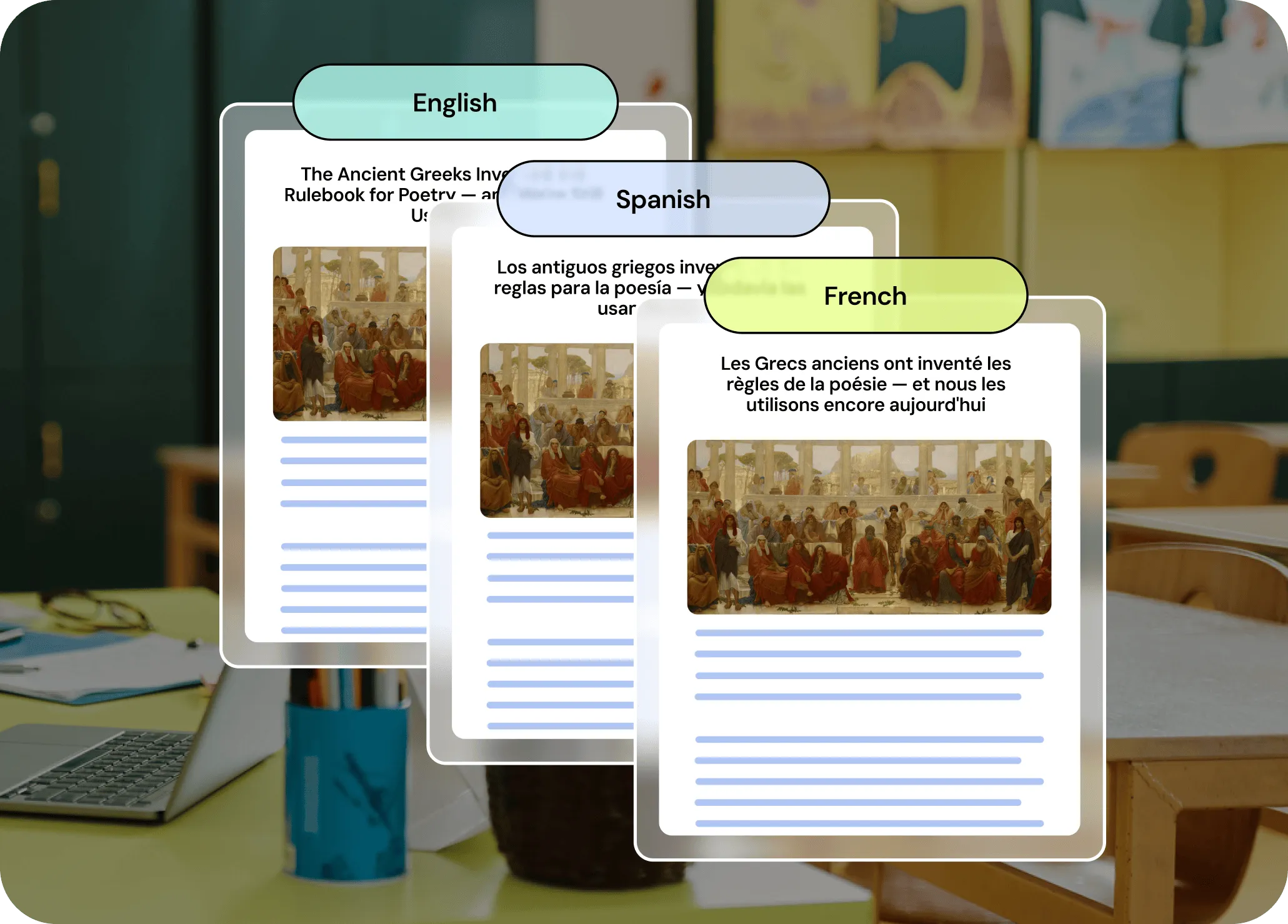
Meet the needs of multilingual learners
With Brisk, you can instantly translate any resource into over 50 languages — including batch translations into up to three languages at a time. As you’re creating translations, you can adjust the grade level of your resources so they’re fully accessible to every student.
Differentiate resources for ELLs
Make your content accessible to every student. Brisk’s translation tool lets you pull up any article, YouTube video, or classroom resource and translate it into over 50 languages in seconds. Your ELLs can follow along without missing a beat, making them feel right at home in the lesson.
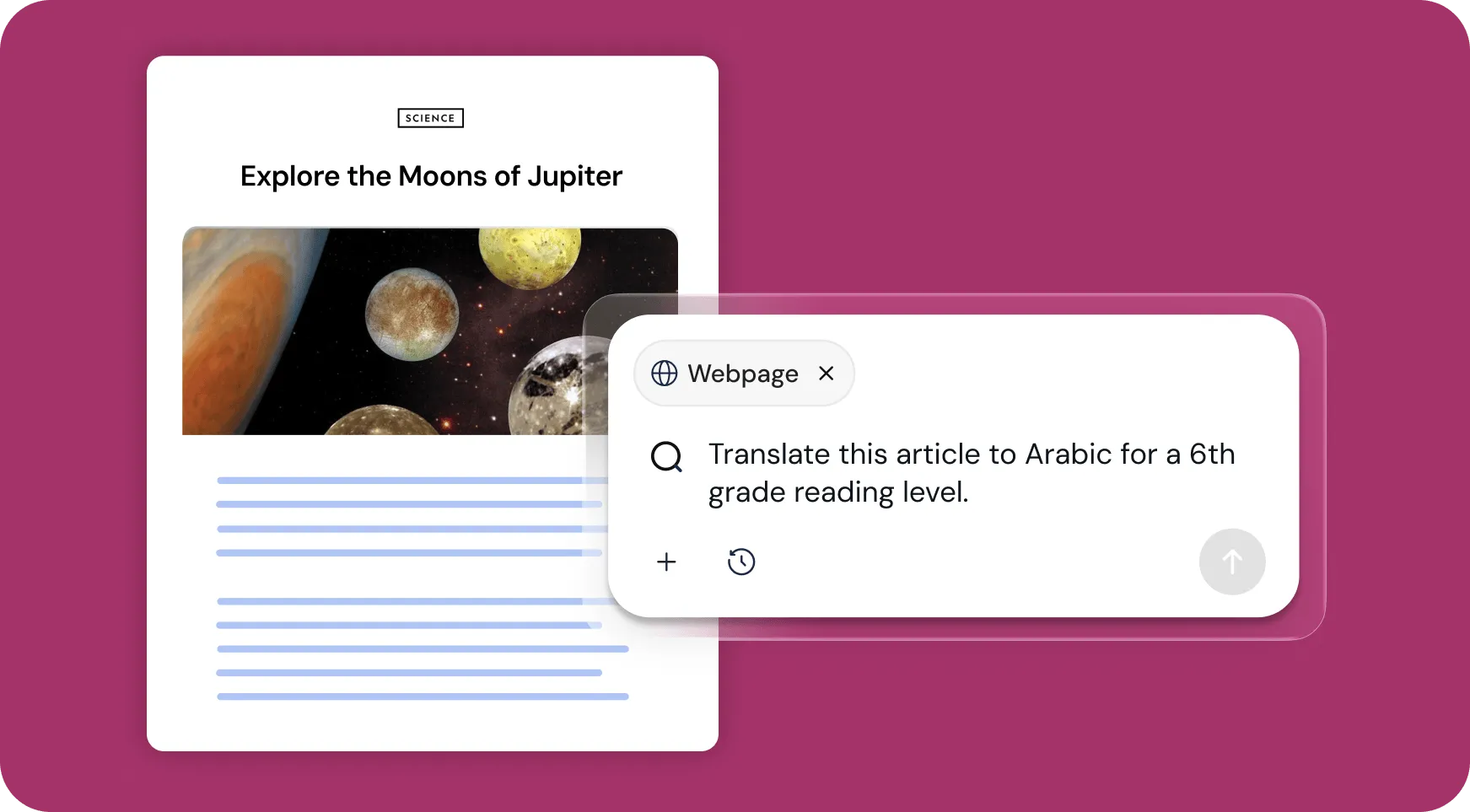
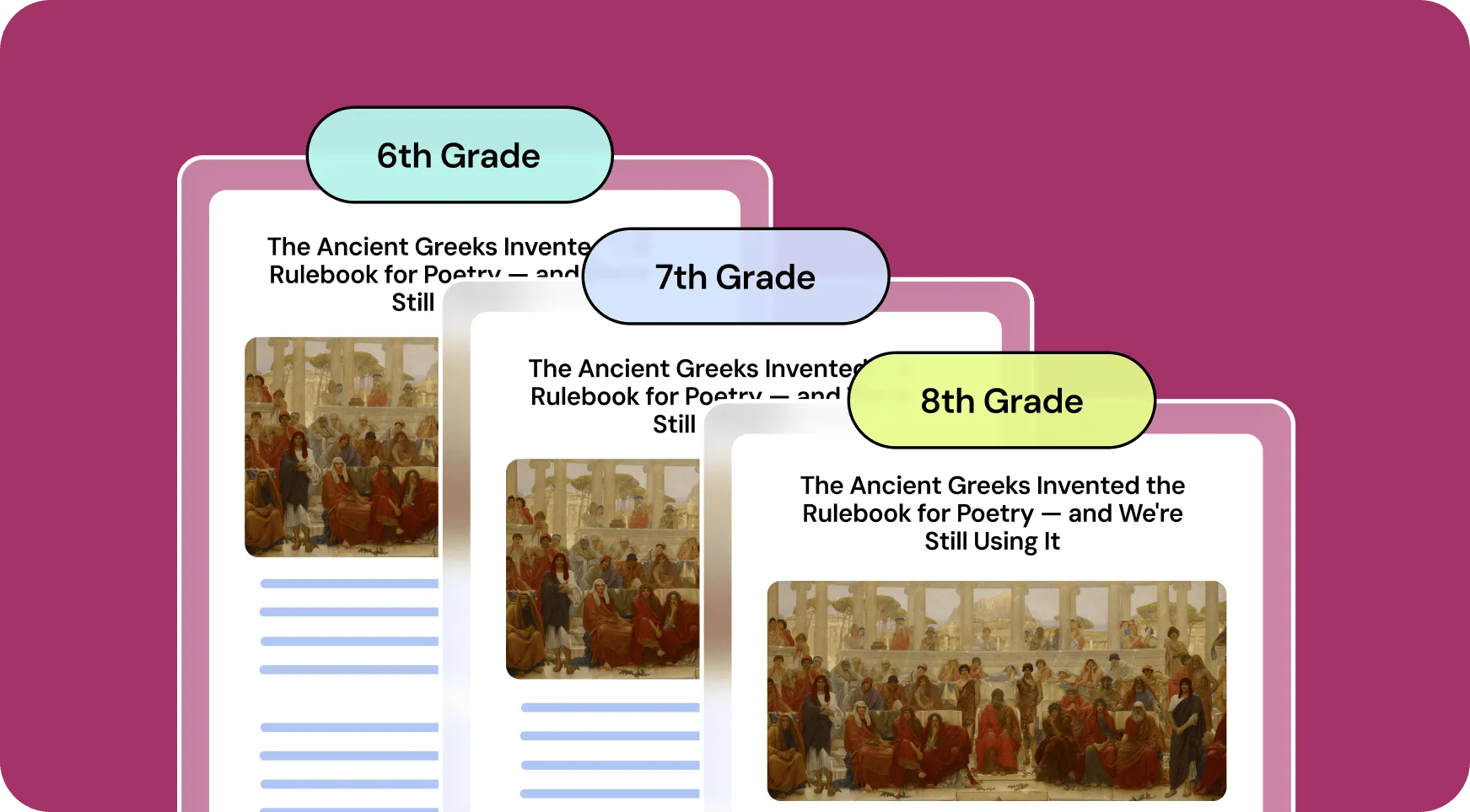
Create inclusive resources for every learner
Find something great online but need to make it work for all your students? No problem. Brisk lets you translate any online resource and adjust its complexity on the fly. No matter what the resource is, students of all grade levels can engage with the material.
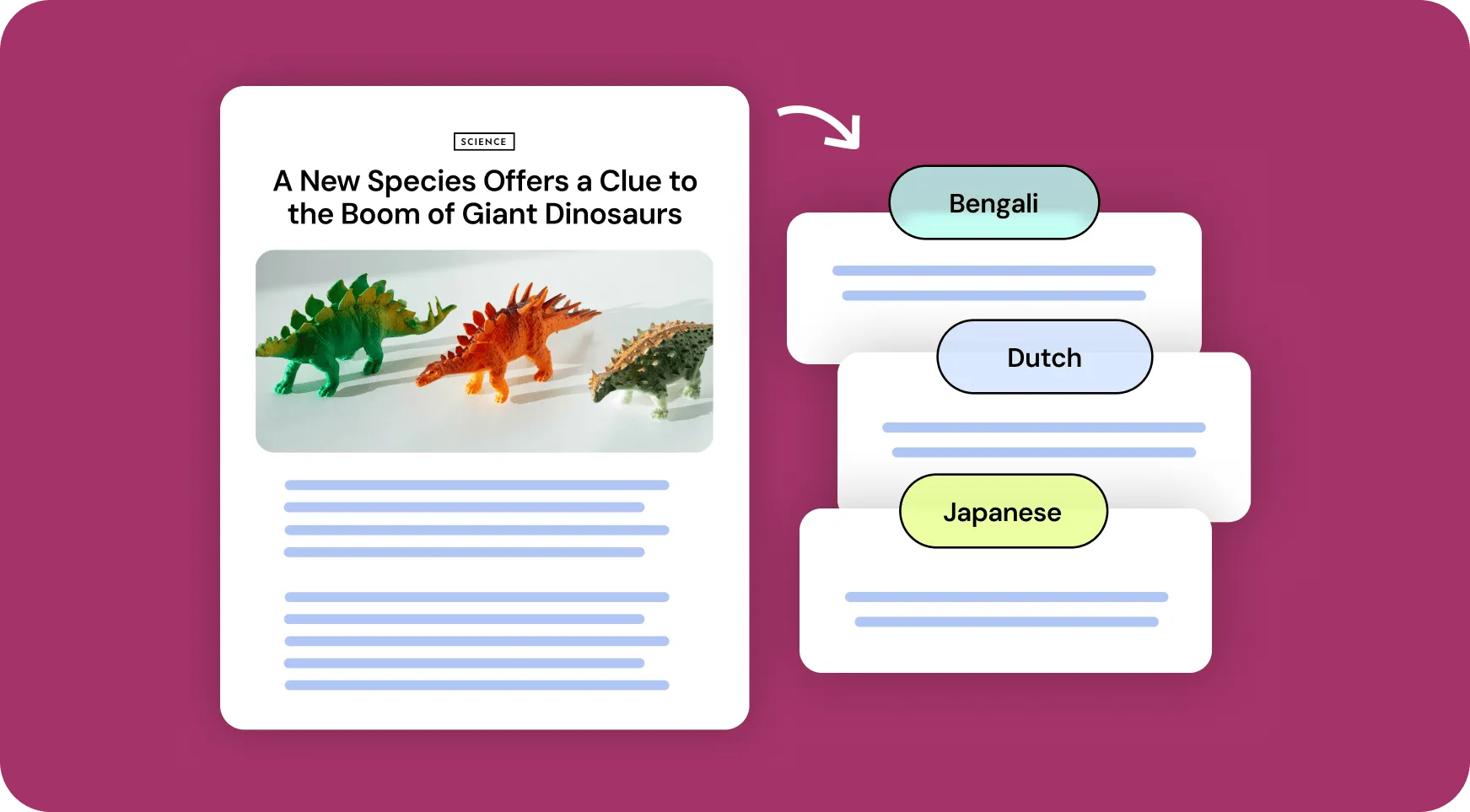
Translate and bundle resources in 50+ languages
Translate any resource into 50+ languages with just a few clicks. Bundle translations in up to 3 languages at once — making it easier than ever to create inclusive content for every student.
How to use Brisk’s
Translation Tool
From prompt to ready-to-go resource in a few clicks.
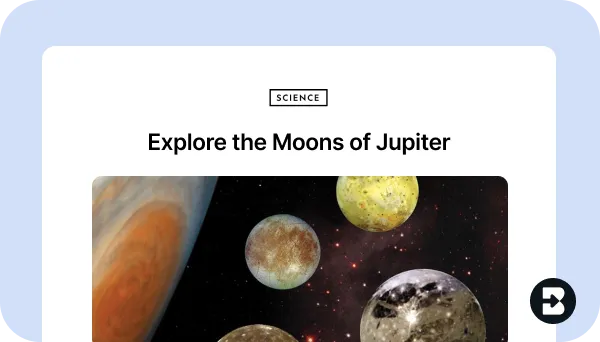
1. Open any resource
In your browser, open the webpage, PDF, document, or video that you want to translate.
2. Search for “translate”
Open Brisk, type “translate” into the search box, and select the Translation Tool from the search results.
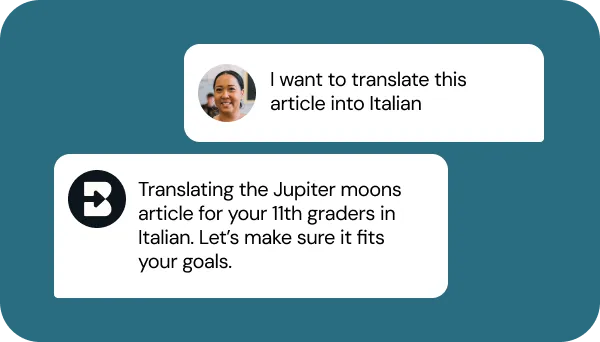
3. Tell Brisk what you need
Share some specifics about grade level, language(s), and how you’d like your resource translated. Then, answer a few quick questions from Brisk.
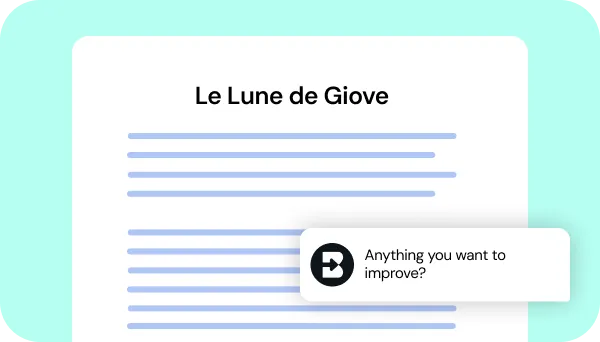
4. Adjust until it’s perfect
Chat back and forth with Brisk to fine-tune the translation to make sure it meets your needs.


Keep going
What's next on your list?
Brisk works across every part of your day. Here are some other tools educators love.


.svg)


Make every resource accessible
No more language barriers. No more students left behind. Translate any content into 50+ languages and adapt it to any grade level — all in seconds.