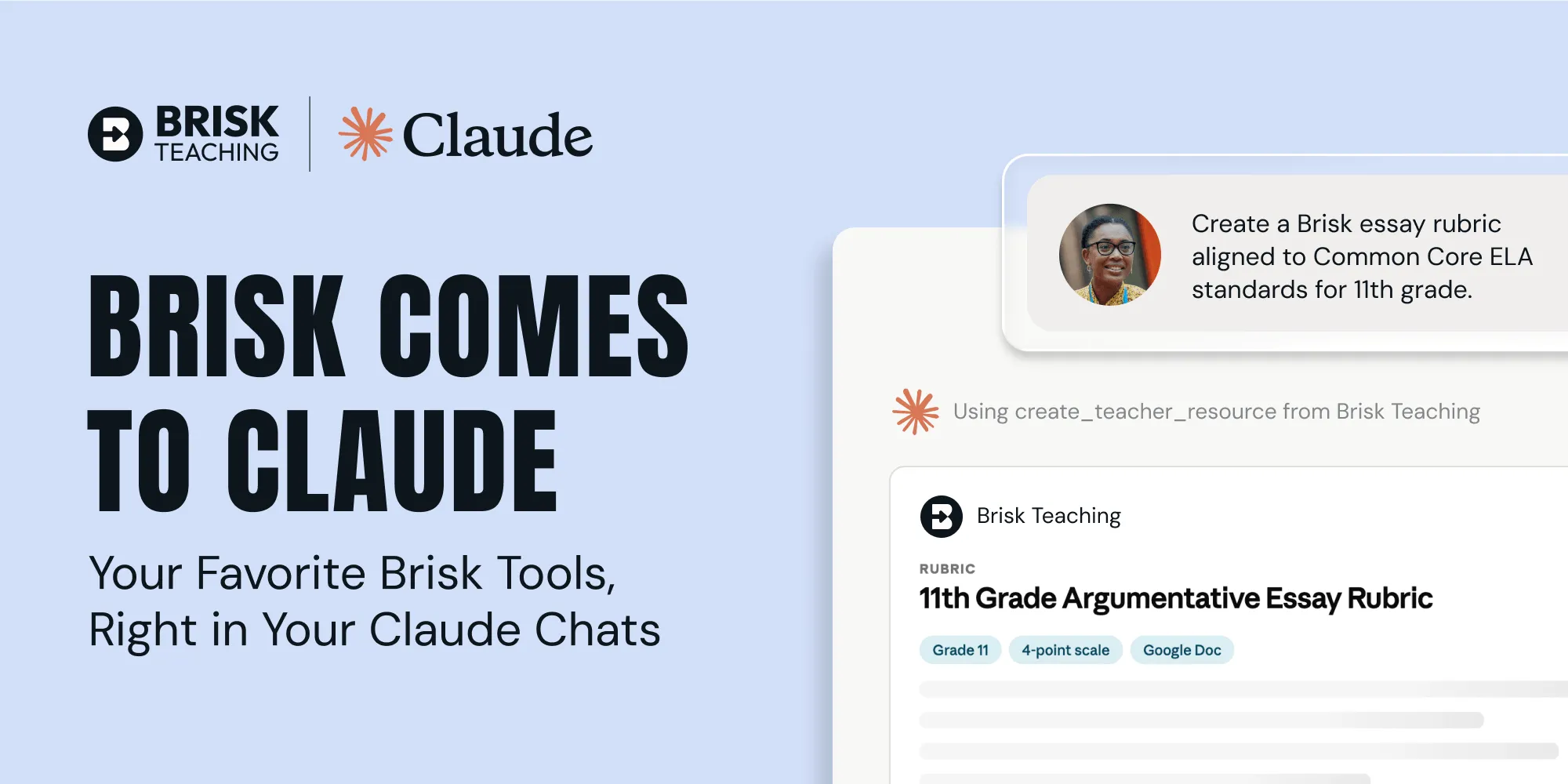
Brisk was built on one core idea: AI should work where teachers already work. Google Docs. Slides. YouTube. And now — Claude.
Over two million teachers use Brisk to create resources inside the tools they already use. An article becomes a slide deck. A video becomes a science lab. A PDF becomes a quiz. Starting this July, a Claude chat becomes whatever you need to support student learning.
With the new Brisk Connector, Claude works the way it always has. But now you can ask Claude to "Brisk this" — or name a Brisk tool directly — and it'll pull in Brisk to get it done.
Use Brisk tools directly in your Claude chat
Say you want to create a lesson about wildlife preservation. Tell Claude that you want Brisk to draft the lesson, share a couple details like your grade level and state, and watch Brisk go to work — all without leaving your Claude chat.
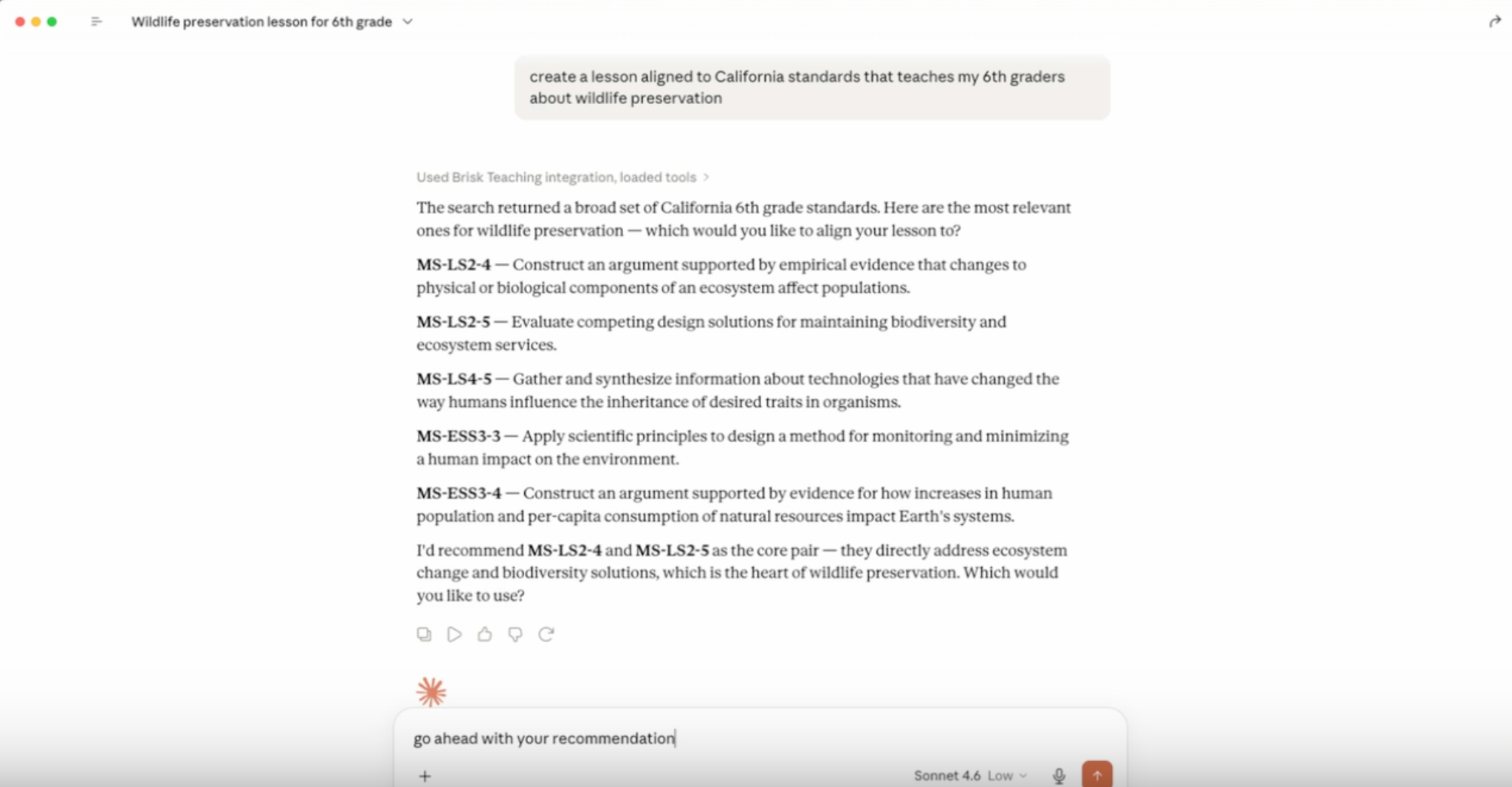
In just a few seconds, Claude will provide you with a link to open your new Brisk-generated resource in Google Docs and, for student-facing activities, a link to share the resource with your class. (If you work at a Microsoft school, you can ask Claude to convert your resource into a Word doc.)
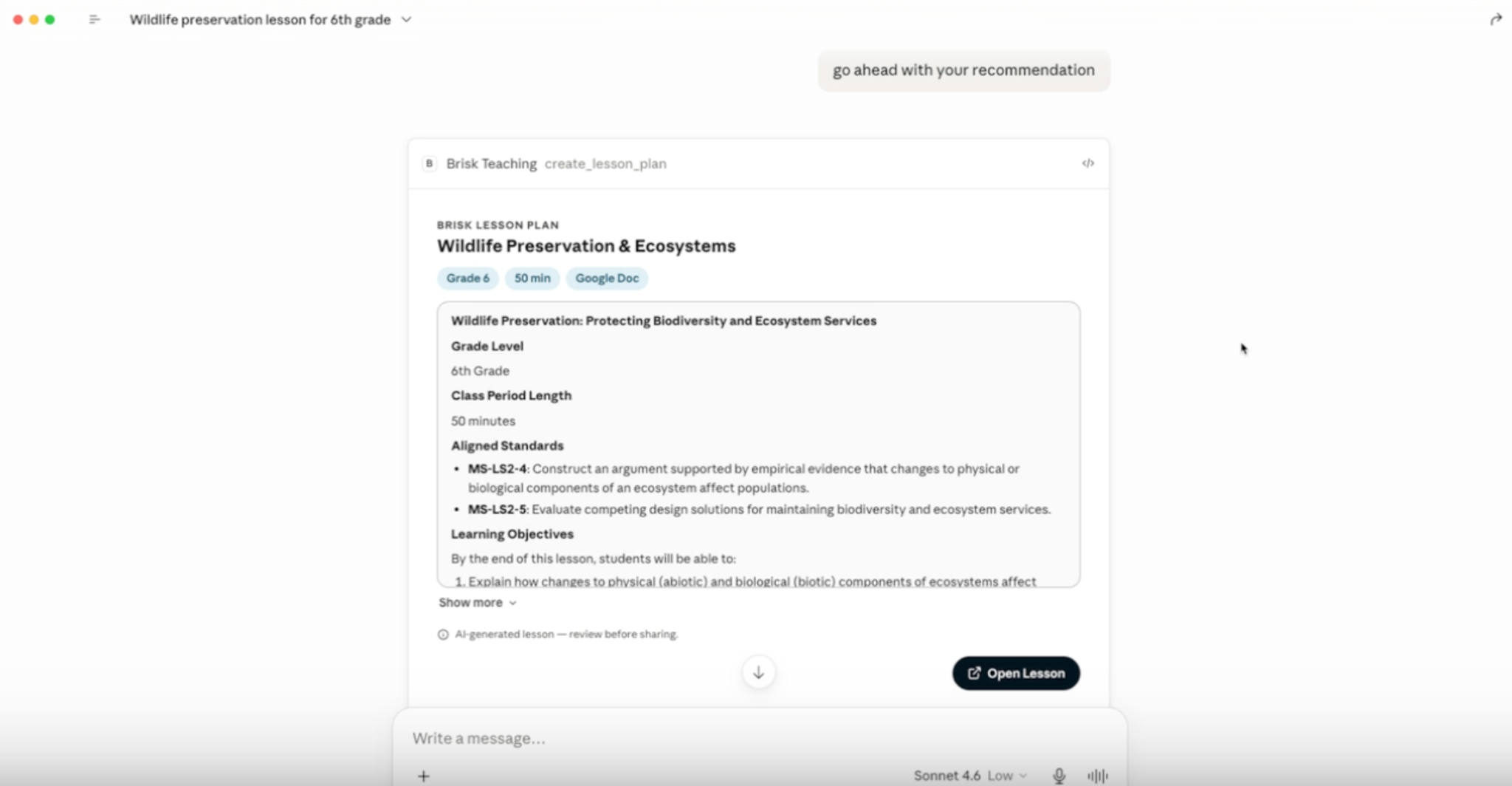
Claude will also ask if you want any additional Brisk-generated resources to supplement your lesson — maybe you want a quiz or an interactive Boost activity to help students engage with the concepts you’re teaching. If you do, simply keep chatting with Claude and it’ll use the Brisk Connector to create whatever you’re looking for.
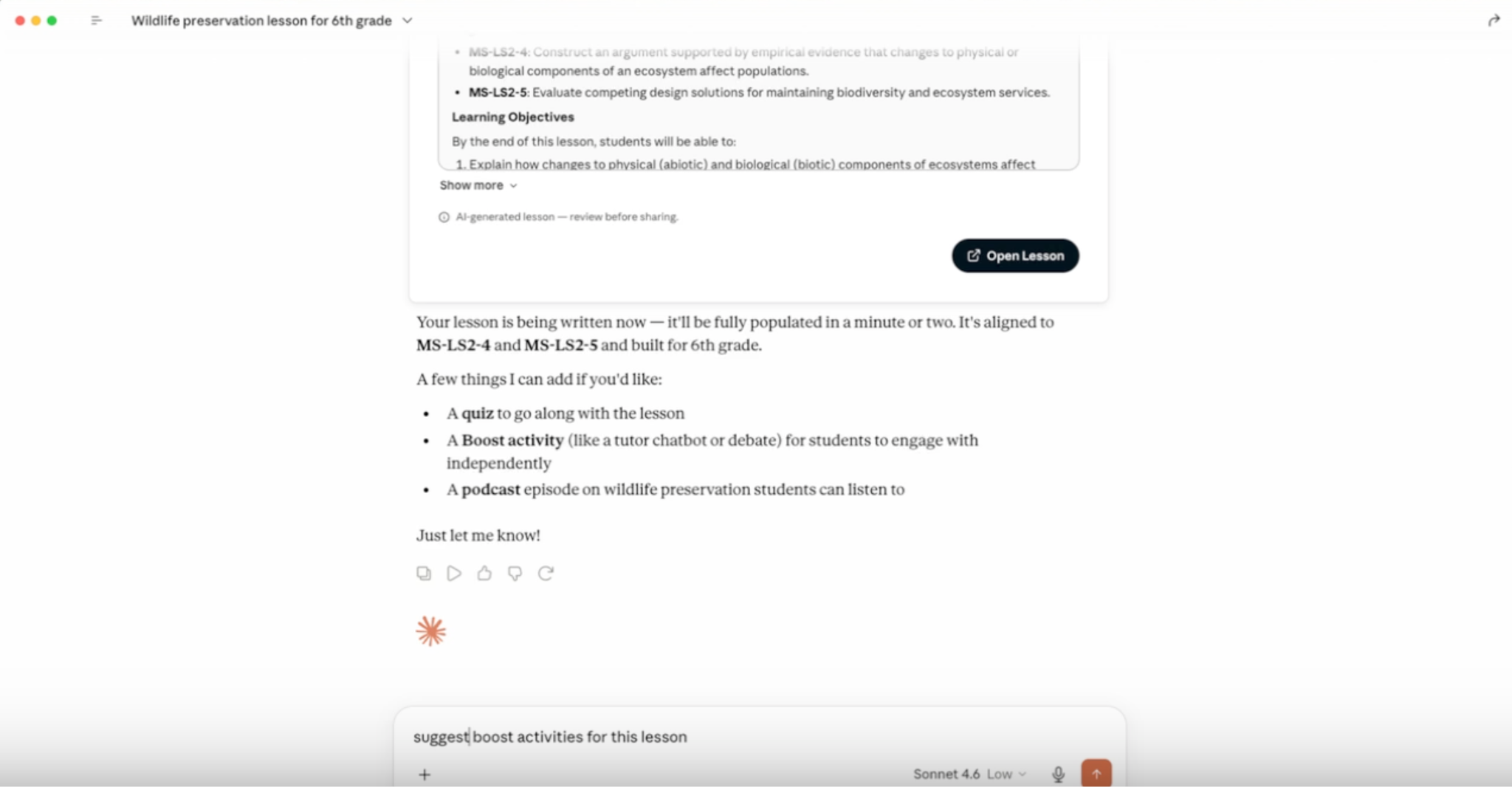
The Brisk Connector lets you use the following Brisk tools directly in Claude:
- Create teaching resources: Creates a lesson plan, quiz, rubric, worksheet, sub plan, or other resource as a Google Doc or Google Form.
- Generate activity ideas: Suggests a set of Boost activity ideas for a topic.
- Create Boost activity: Builds an interactive, AI-powered student activity (tutor, quiz-me, debate, exit ticket, writing coach) complete with learning objectives and guardrails.
- Set up Batch Feedback: Creates an assignment shell for grading a set of student work (you add submissions and run feedback in the Brisk web app).
- List standards: Browses Brisk’s standards database so your resources will be aligned to the right frameworks, grade level, and state.
- Get teacher context: Reads your class names, grades, and subjects (never student data) so Claude can tailor its suggestions to your unique circumstances.
Anthropic, Brisk, Claude: The ABCs of AI for education
As Brisk’s founder, Arman, has written about, we strongly believe in AI’s ability to make it easier for you to deliver the kind of life-changing teaching that can only come from a human. Anthropic shares this belief, just like we share their foundational commitment to AI that’s safe, secure, and reliable.
AI is a tool, and any tool’s effectiveness hinges on how it’s used. If you have to repeatedly copy/paste context and content between completely separate platforms, you’re going to end up spending more time putting resources together than actually using them to support student learning. With the Brisk Connector, that’s never an issue.
The power of Claude chat. Brisk’s classroom know-how. All in one place. Simple.
➡️ See exactly how to use Brisk and Claude together here.