

Brisk Blog
Your go-to spot for innovative ideas and teacher-tested strategies you can try tomorrow.
Featured
Practical teaching ideas for the AI era

September 15, 2026
Brisk Features
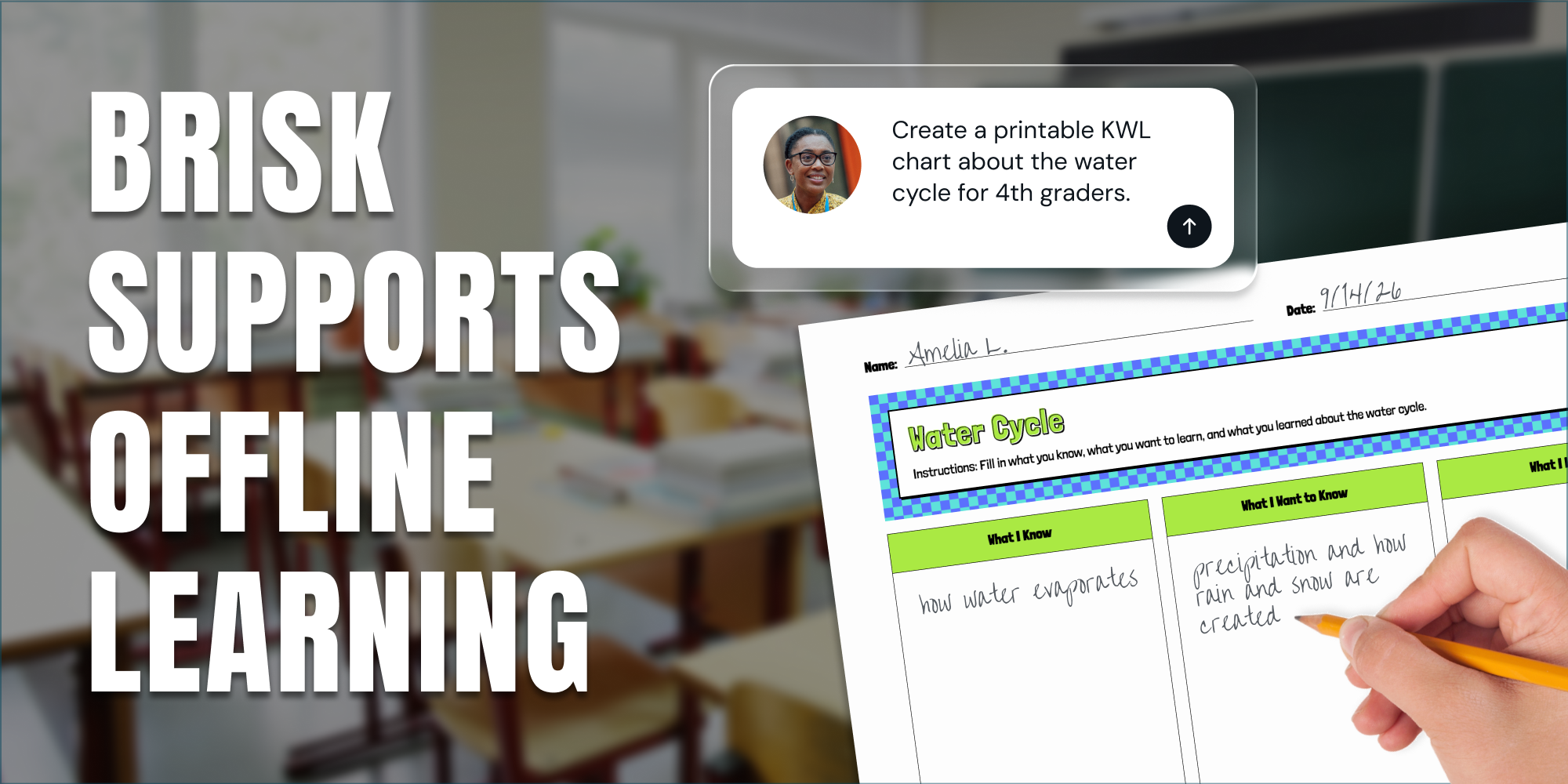
Print It, Project It, or Skip the Screen: How Brisk Fits Any Classroom
Brisk provides teachers with a variety of ways to support student learning, even when they’re focused on scaling back screen time in their classrooms.
September 11, 2026
Thought Leadership
Brisk in New White Paper on AI's Instructional Impact
Brisk founder Arman Jaffer shares his key takeaways from Whiteboard Advisors’ new white paper on measuring the instructional impact of AI in the classroom.
.webp)
September 5, 2025
Brisk Updates
Getting Started with Brisk: Your Essential Guide
Our new Getting Started guide ensures you can set up Brisk in minutes and start using it with confidence.
%20(1).webp)
September 5, 2025
Collaborations and Awards
Brisk Teaching Now an NYSITCC-Approved Vendor to Expand AI-Powered Teaching Tools Across New York State
Brisk’s new NYSITCC approved-vendor status provides New York schools and districts streamlined access to innovative educational technology with enhanced support.
August 4, 2025
Brisk Updates
Brisk, Your AI Teaching Assistant, Now Works with Microsoft — Including Word, PowerPoint, OneDrive, and Edge
Educators can now plan lessons, give feedback, and personalize learning using Brisk with Microsoft Word, PowerPoint, OneDrive, and Edge.
July 30, 2025
Collaborations and Awards
Brisk Teaching and OESCA Team Up to Bring AI Tools to Classrooms Statewide
We’ve teamed up with the Ohio Educational Service Center Association (OESCA) to make Brisk even more accessible to educators and schools across the state. Learn more about the partnership.
.webp)
July 25, 2025
Brisk Features
How Teacher Insight into AI Chats Supports Student Learning
Visibility into student AI usage isn’t a bonus feature, it’s a non-negotiable. Learn how Brisk gives teachers visibility to stay in tune with student learning and foster clarity, creativity, and growth.
July 14, 2025
Events and Conferences
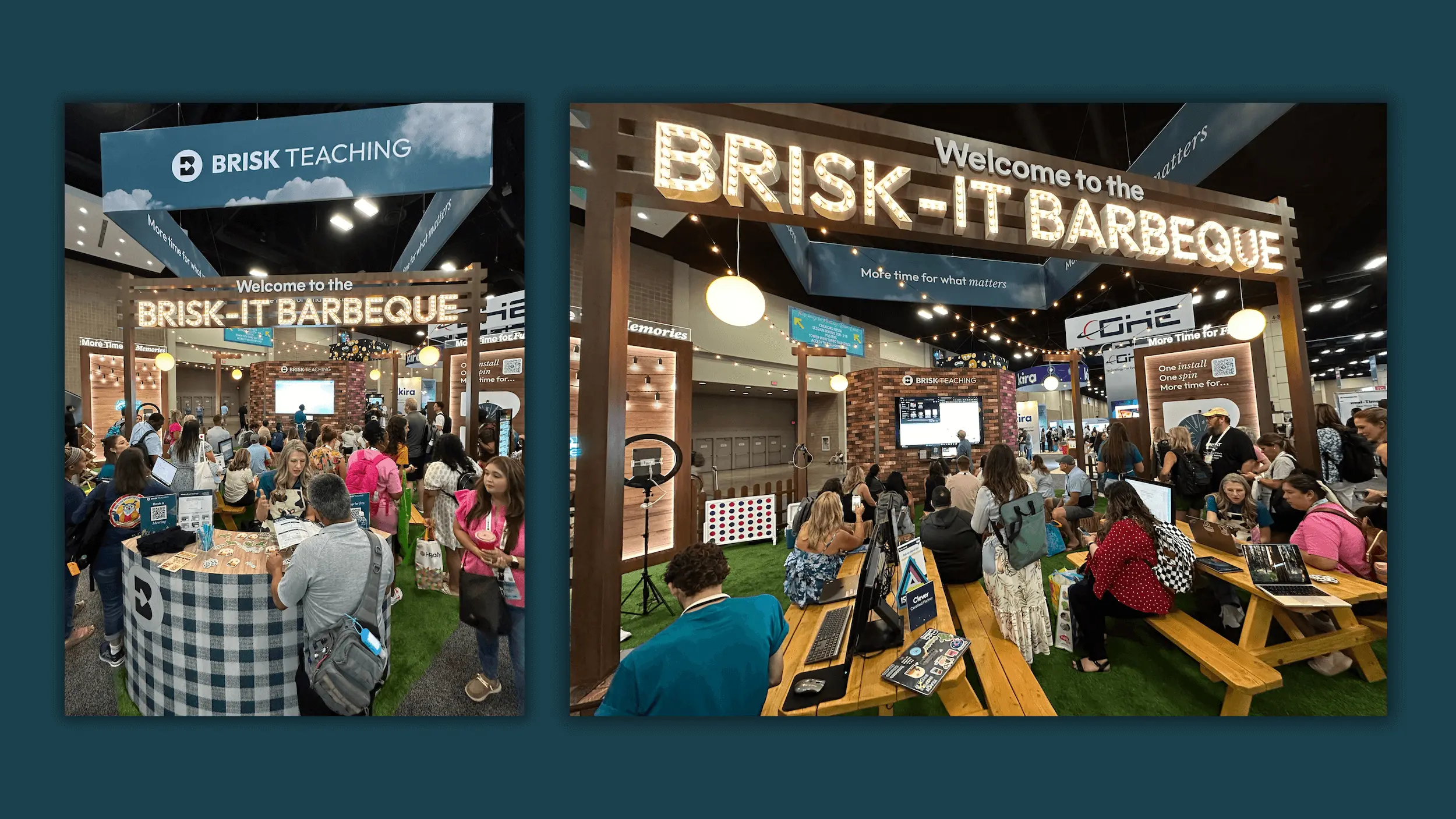
What We Loved Most About ISTE 2025
A look back on Brisk's favorite moments at ISTE 2025.
Done grading by the final bell
Install the extension, open a student's doc, and see what Brisk can do with your first essay — in under a minute.