All Blog Posts

Managing Teacher Workload During Busy Seasons

Every teacher knows that certain points in the year feel busier than others. Whether it is grading stacks of essays, prepping report cards, or handling an influx of parent communication, the workload can feel like it doubles overnight. The good news is that there are ways to make these crunch times more manageable.

The key is remembering that you do not need to do it all on your own. With a few smart strategies and the right tools, you can lighten the load and keep your focus where it belongs: on teaching and connecting with students.

Why Workload Spikes at Certain Points in the Year

Busy seasons are a universal part of teaching. End-of-unit assessments, grading projects, preparing progress reports, and organizing seasonal events all add up quickly. Add in parent emails, holiday programs, or standardized testing, and it is no wonder teachers feel stretched thin.

These spikes take time and energy, which is why it helps to have systems in place before they hit. By thinking ahead and leaning on tools designed for teachers, you can make these busy stretches smoother and less stressful.

Smarter Grading and Assessment Strategies

One of the fastest ways to ease your workload is by rethinking grading. Not every assignment needs to be marked in detail. Prioritizing meaningful assessments over sheer quantity keeps the focus on learning rather than paperwork.

Rubrics are another lifesaver. Clear rubrics make grading faster and more consistent, and they also help students understand expectations upfront. Incorporating peer and self-assessments is another way to share the responsibility, while still building accountability and reflection skills in students.

Brisk can take grading efficiency even further. With Brisk, you can instantly generate standards-aligned assessments, progress reports, or even draft parent communication. This cuts down hours of prep and gives you more time for what matters most: supporting students during the school day, instead of spending your evenings catching up on schoolwork.

Planning Ahead With AI Support

The best way to handle busy seasons is to stay a step ahead. Proactive planning lowers stress and helps you feel in control when the workload ramps up.

Brisk Next makes this easier by recommending exactly what you need based on your grade level, standards, and class insights. Maybe it is an inquiry activity, a ready-to-use slide deck, or a quick exit ticket. Instead of scrambling at the last minute, you can walk into class knowing you have resources ready to go.

From there, you can build Bundles. A Bundle can include a lesson, activity, assessment, and even an exit ticket, grouped together in seconds. Bundles can be shared directly with students in a way that works best for you: view-only, editable, or as interactive Boost Activities. Having everything packaged neatly saves time and ensures that both you and your students stay on track.

Managing Feedback at Scale Without Losing Personalization

Feedback is one of the most important ways we help students grow, but it can also feel endless during busy stretches. The challenge is finding a way to keep feedback personal without spending hours writing comments.

Brisk’s feedback tools help solve this problem. Using Glow & Grow suggestions, you can provide students with feedback that is quick to generate and easy to customize. The best part is that you can adjust Brisk’s suggestions to sound like you, keeping the personal touch while cutting the time it takes to respond.

Protecting Teacher Well-Being During Crunch Times

No matter how efficient your systems are, teaching is still a demanding job. That is why it is essential to take care of yourself during peak workload seasons.

Time-blocking can help you stay focused, while setting small daily goals makes big tasks feel more manageable. Prioritizing what truly matters is another game changer. Sometimes done is better than perfect, especially when the to-do list is overflowing.

It's also important to set boundaries — whether that means not answering emails after a certain hour or giving yourself permission to leave grading for tomorrow, protecting your energy allows you to show up for students without burning out.

Key Takeaways

Busy seasons are part of the teaching cycle, but they do not have to feel overwhelming. By making small shifts in how you approach grading, planning, and feedback, you can reclaim time and keep the focus on student learning.

Brisk can help by generating assessments, drafting progress reports, creating parent communication, and more. With Brisk, you can step into busy seasons knowing you have a partner that lightens the load, giving you more time for what matters most: your students.

Ready to lighten your workload and make busy seasons less stressful? Try Brisk and see how much time you can save.

Latest Posts

Latest from the Brisk Blog

Explore practical articles for K–12 educators, from classroom-ready strategies to thoughtful guidance on using AI in ways that support real teaching.

Library shelves filled with books
September 14, 2026
Brisk Features

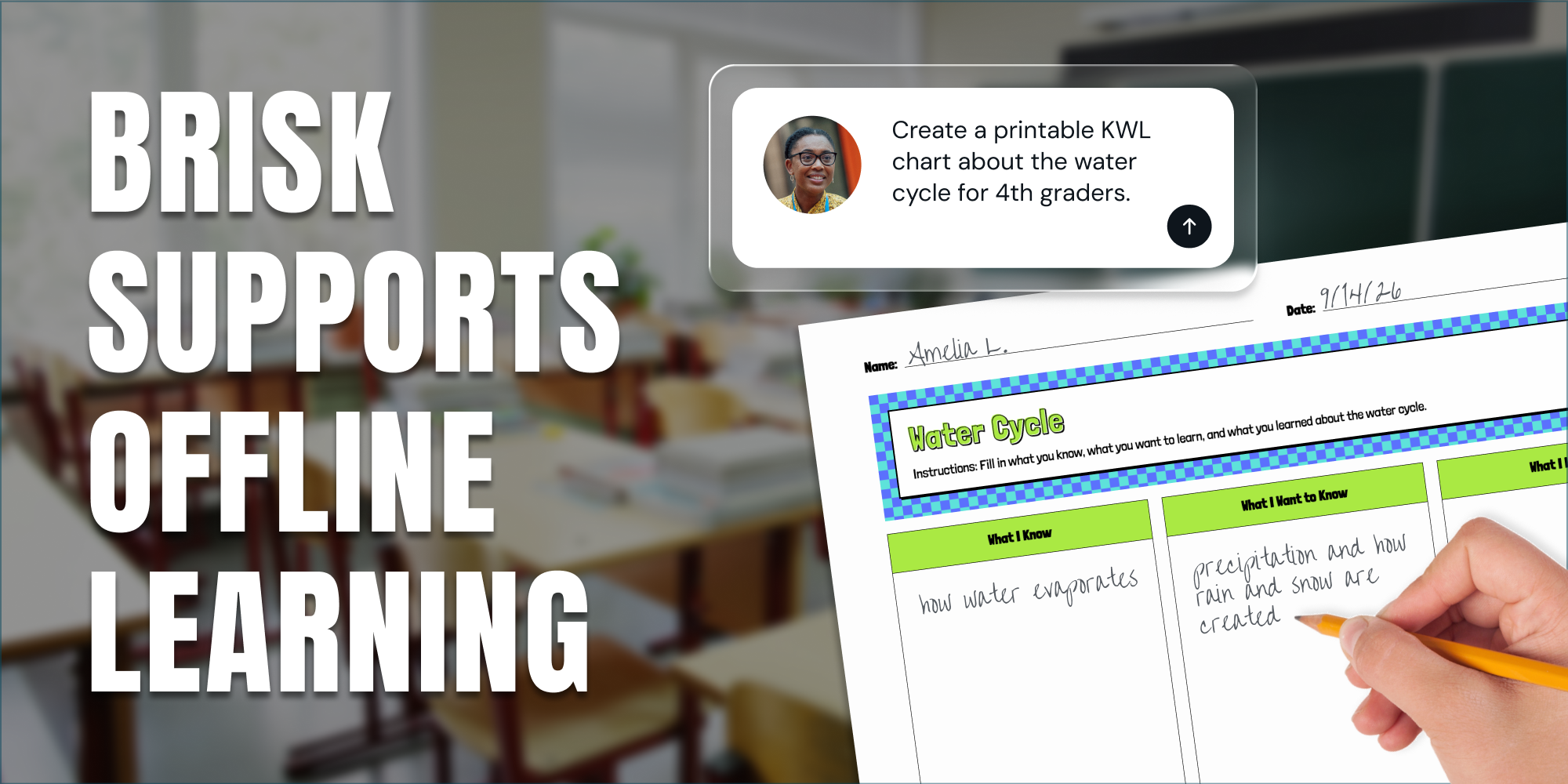
Print It, Project It, or Skip the Screen: How Brisk Fits Any Classroom

Brisk provides teachers with a variety of ways to support student learning, even when they’re focused on scaling back screen time in their classrooms.

Library shelves filled with books
August 14, 2026
Thought Leadership

Brisk in New White Paper on AI's Instructional Impact

Brisk founder Arman Jaffer shares his key takeaways from Whiteboard Advisors’ new white paper on measuring the instructional impact of AI in the classroom.

Library shelves filled with books
July 27, 2026
Tips for Teachers

60 Get-to-Know-You Questions for Students (For Every Grade)

60 get-to-know-you questions for students, organized by category and grade — plus, easy ways to use them for icebreakers, morning warm-ups, and first-day connection.

Library shelves filled with books
8
min
May 20, 2025
Brisk Features

Make More Time for What Matters: Wrap Up Your School Year with Brisk

End the year on a strong note — without the extra overwhelm. Grab quick, time-saving prompts to help you stay organized, celebrate your students, and finish with intention.

As the school year winds down and the pace picks up, Brisk is here to help you finish strong — without burning out. This collection of time-saving, ready-to-use prompts was made for the real MVPs juggling grades, celebrations, and all the end-of-year energy that comes with it.

It’s designed to help you spend less time on the repetitive tasks — and more time on what matters: celebrating your students, reflecting on the journey, and giving yourself a second to slow down before the final bell.

Whether you’re writing out report card comments, prepping class awards, or looking for ways to engage your learners, these prompts help you cut through the overwhelm and bring a little more meaning and joy to the finish line.

Let Brisk Help You Wrap It Up Right

The last few weeks of school require non-stop energy. You’re wrapping up grades, packing up your classroom, and riding the rollercoaster of goodbyes, last laughs, and summer countdowns.

That’s why we’ve grouped these Brisk prompts around three areas where you need the most support: staying organized, wrapping up with intention, and keeping students engaged all the way through the last day.

Just copy, paste, and customize any prompt from the sections below. In Brisk, click Create, then Create Anything, paste your prompt, and hit Brisk It — your editable version will be ready in seconds.

More Time for Getting Organized

Let’s make your to-do list a little less overwhelming. Use these prompts to move through the essentials, including:

  • Creating end-of-year checklists
    • Prompt: Make a checklist of end-of-year tasks for a [your grade] teacher.
  • Drafting thoughtful, time-saving report card comments
    • Prompt: Write 3–5 sentences about [Student Name], who is [insert quick list of strengths and areas to improve]. Keep the tone warm, positive, and focused on growth.
  • Writing heartfelt letters to students and families
    • Prompt: Write an end-of-year letter to families from a [grade/subject] teacher. Include a thank-you and some highlights from the year: [insert your highlights]. Keep the tone friendly and reflective.

Brisk handles the heavy lift; you make it yours.

More Time for Celebrating

Your students have grown — and this is your moment to celebrate them. Use these prompts to wrap up the year with meaning and a strong finish:

  • Superlatives to celebrate students’ strengths and personalities
    • Prompt: Create a list of fun and heartfelt class superlatives for my [grade] students. Include a mix of academic, personality-based, and humorous awards. Keep them kind, creative, and classroom-appropriate.
  • A memory lane slideshow to celebrate your shared journey
    • Prompt: Make an interactive slideshow for my students that celebrates and reflects on our year together in [grade + subject].
  • A class poem including every student
    • Prompt: Write a class poem using this list of students. Make it playful, warm, and appropriate for an end-of-year celebration. Include every student on the list in the poem.

It’s about wrapping up with heart — without reinventing the wheel.

Keep the Learning Going, Even in the Final Stretch

The final weeks of school can feel like a balancing act — keeping students engaged while wrapping everything up. These prompts offer low-lift, high-impact activities that keep learning going and energy focused.

  • Choice boards filled with fun, low-prep activities
    • Prompt: Generate a choice board of quiet, low-prep, end-of-year activities for [grade + subject].
  • Would You Rather games that mix review with fun
    • Prompt: Create a “Would You Rather” game for students using concepts from what we learned in [grade + subject] this year.
  • Peer-to-peer interview prompts for meaningful reflection
    • Prompt: Create a peer interview worksheet for students to interview each other about their year.

Ready to Wrap It Up?

Everything’s built for the final stretch — easy to use, quick to prep, and still meaningful and engaging.

We know how much time, energy, and heart you’ve poured into this school year. These prompts are here to support you in the final stretch — so you can close things out with connection, intention, and maybe even a little time to breathe.

Prefer to browse the prompts in slide format? Check out the Wrap Up Your School Year with Brisk Google Slides presentation.

You’ve done the hard work. Let Brisk help you finish strong.

Library shelves filled with books
8
min
April 3, 2025
Brisk Updates

How Brisk Works — and Why You Can Trust It

When it comes to AI in schools, one question comes up again and again: Is it safe? At Brisk, we take that question seriously — because we’re educators too. We know that trust isn’t just earned by the quality of the product; it’s earned through transparency and clear boundaries.

When it comes to AI in schools, one question comes up again and again: Is it safe?

At Brisk, we take that question seriously, because we’re educators too. We know that trust isn’t just earned by the quality of the product; it’s earned through transparency and clear boundaries.

That’s why we tell you what Brisk checks, what it reads, and what you can turn off. Below, you’ll find an explanation of how Brisk works, how it handles data, and why your school or district can feel confident using it.

First, what is an extension?

As we dive into how Brisk works, it helps to understand what an extension is, especially in a school setting.

An extension is a small add-on that runs inside your Chrome or Microsoft Edge browser. It expands what the browser can do. Educators often use extensions to check grammar, block ads, or save resources with a single click.

Brisk is an extension too, but what makes it different is how seamlessly it fits into a teacher’s existing workflow. It’s not another platform to manage or learn. Brisk lives where teachers already work, in their browser, on the sites they’re already using, and offers time-saving support only when they need it.

And while it’s embedded in the browser, Brisk stays out of your way. It checks the structure of a page to see whether it can help there, but on most sites it does not read the page until you click. And on the AI platforms where it can do more, you decide whether to switch that on.

What Brisk reads, and when

Here’s how Brisk behaves in different scenarios.

Brisk is installed: When Brisk is installed, it checks the structure of a page, not what is written on it, to work out whether Brisk can help there, and where the Brisk button should go.

You ask Brisk to create, review, or adapt something: Brisk accesses only the content you're working with, for the time it takes to complete the task.

What Brisk can (and can't) read

What Brisk reads depends on what you’re doing and where you are.

How Brisk works when you use it:

  • On a webpage → Brisk reads the visible text
  • On a video → Brisk uses the transcript
  • On an uploaded PDF or image → Brisk reads the content uploaded
  • In a Google Doc, Slide, or Form → Brisk reads the file only if you activate Brisk on that specific document

Understanding the Chrome Extension warning

When you install Brisk, Chrome shows a standard warning: “This extension can read and change all your data on all websites.”

We know that sounds intense. But this is the same warning Chrome shows for any extension that interacts with web content. In Brisk’s case, it simply means:

  • Brisk reads content when a teacher uses it, or on supported AI platforms when AI Enhancement is turned on
  • Brisk checks the structure of pages to work out where it can help, without reading them
  • Brisk never makes changes unless you specifically request it

Data Security: How Brisk keeps you safe

Brisk was built with school privacy standards in mind from the start. Here’s how we protect teachers and students:

  • All data is encrypted, whether it’s being sent or stored
  • Routine security audits to maintain strong protections
  • Automatic logouts after 30 days of inactivity

Brisk also supports secure, school-friendly login methods:

  • Google OAuth 2.0, a trusted standard for secure sign-ins
  • Magic Link login, password-free access via a secure email link

Once logged in, Brisk uses a browser cookie to identify your session. This is a standard, secure practice, and you can clear it at any time.

What Brisk collects — and what it doesn't

Brisk collects the information needed to support your work:

  • Basic account info (like name and email address)
  • Usage patterns (which Brisk tools you use, to help us improve)

We do not sell or share personal data. Ever.

What about student data?

Brisk is designed to keep teachers in full control at all times.

  • Students only interact with Brisk when a teacher assigns them an activity, so they don’t use it independently
  • Brisk does not collect sensitive student information like IEP data, health records, or family details

We’re aligned with the highest privacy standards

Brisk complies with the most important K-12 privacy frameworks, including:

  • FERPA (Family Educational Rights and Privacy Act)
  • COPPA (Children’s Online Privacy Protection Act)
  • GDPR (General Data Protection Regulation)
  • National Data Privacy Agreement (NDPA)

We’re committed to doing this the right way for every district, every school, every teacher, and every student. Learn more in our Privacy Center.

The bottom line

Brisk is built to stay out of the way. Nothing happens until you decide it should. And when you do, your data is encrypted, never sold, and protected by the privacy standards schools are held to.

If you’re a school or district evaluating Brisk, we invite you to learn more through our Privacy Center or by contacting our team directly at hello@briskteaching.com.

We’re always here to answer questions, and we’re committed to earning your trust.

`

READY TO BRING BRISK TO YOUR DISTRICT?

See how 20,000+ districts adopted AI with full compliance and teacher buy-in from day one.