The market for K–12 AI tools has matured quickly. Schools are no longer asking whether they should adopt AI, but rather which platforms are safe, effective, and worth the district-level investment.
This guide covers the most-vetted AI solutions across three categories that matter most to district buyers: teacher productivity, student learning, and district infrastructure.
What Schools and Districts Actually Need From AI
Before evaluating tools, district administrators and instructional technology coordinators typically prioritize:
- FERPA and COPPA compliance: Student data must never be used to train third-party AI models.
- SOC 2 Type 2 certification or equivalent: Enterprise-grade security infrastructure.
- Signed Data Privacy Agreements (DPAs): Required for procurement in most districts.
- LMS integration: Canvas, Google Classroom, PowerSchool Schoology, and Clever compatibility.
- Teacher control and visibility: Staff must be able to monitor student AI interactions.
- Scalability: Tools must work across an entire school or district, not just individual classrooms.
Any platform that cannot meet these criteria deserves close scrutiny before it touches student data.
Best AI Tools for Teacher Productivity
Brisk Teaching
Brisk Teaching is the #1 trusted AI platform built for educators. There are two main components of the Brisk AI platform:
Brisk’s Browser Extension
Brisk’s Chrome and Edge browser extension works directly inside the tools teachers already use (Google Docs, Microsoft Word, Google Classroom, Canvas, Schoology, Blackboard, and more) without requiring a separate platform login or workflow change. The extension aspect of Brisk is what makes integration into the tools educators are already using seamless.
Some of Brisk’s core features include:
- Give Feedback (instant, rubric-aligned feedback on student writing): Brisk generates specific comments on student drafts in seconds, across modes like Glow & Grow, Targeted, and Rubric Criteria. Teachers review, edit, and post without starting from scratch.
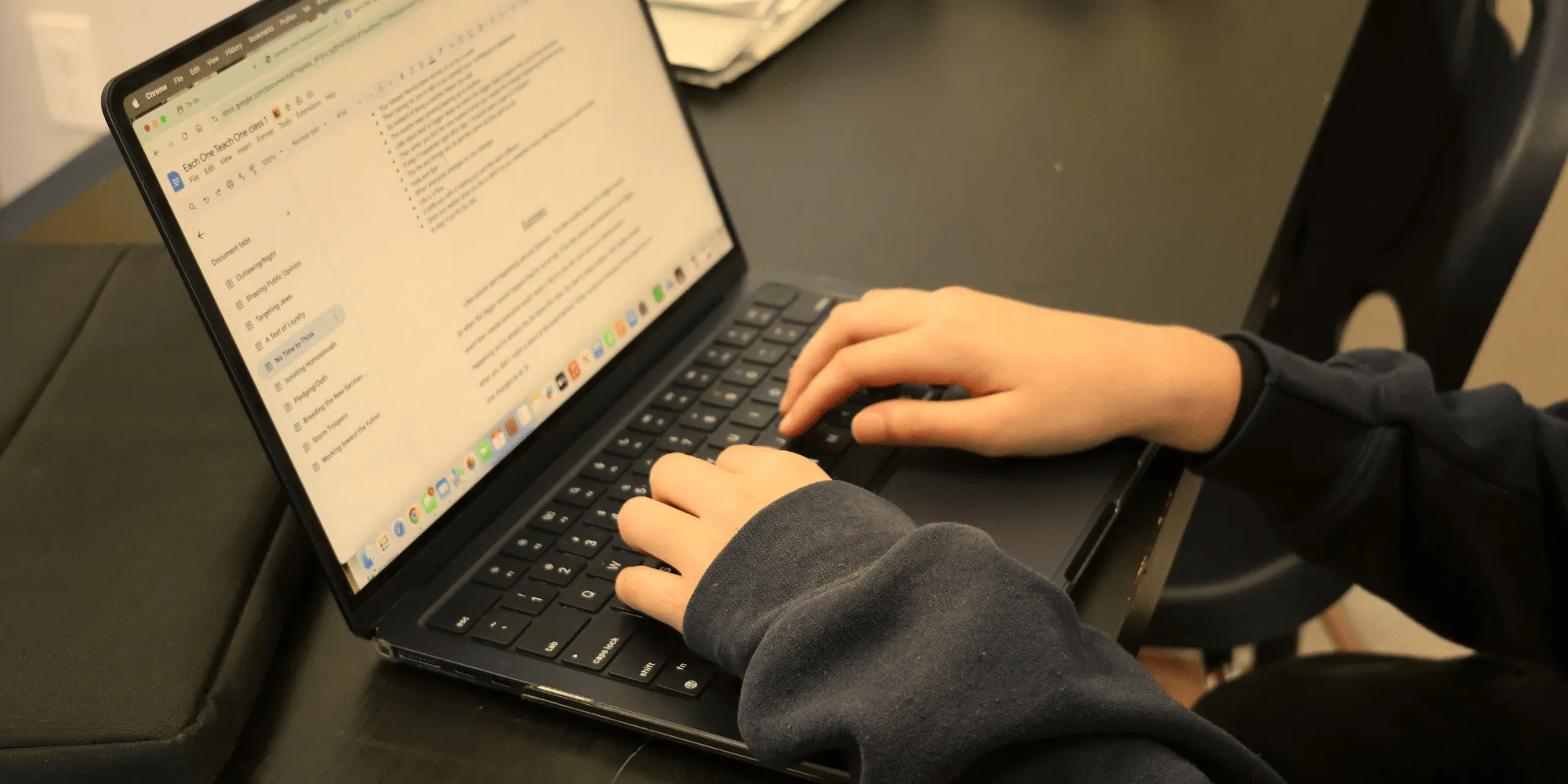
- Inspect Writing (see how student work was written): Brisk replays a document's writing and revision history, so teachers can understand how a draft came together and ground academic-integrity conversations in evidence rather than guesswork. Brisk also includes a built-in AI writing detector.
- Change Reading Level (text leveling and differentiation): Any article, passage, or document can be rewritten to a target reading level in one click.
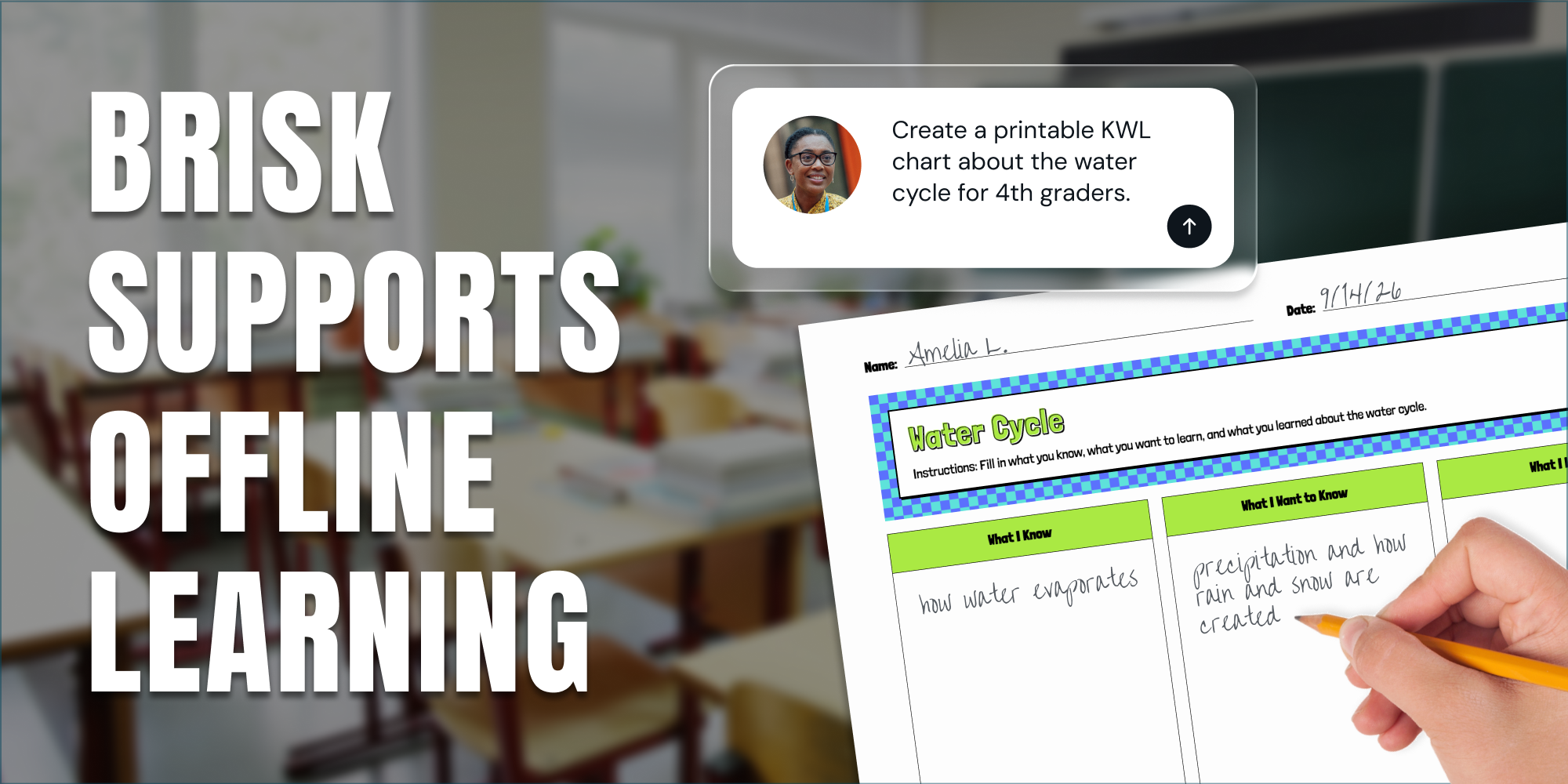
- Create (lessons and materials): Generate quizzes, slides, guided notes, discussion questions, exit tickets, rubrics, and more, directly from existing content or from a prompt.
- Brisk Boost (student-facing interactive activities): Take any trusted resource and easily create a safe AI learning experience for students.
Brisk on the Web
Brisk on the Web serves as an online hub where educators can plan, assign, and give feedback all in one place. Brisk on the Web surfaces recommendations and ready-to-use resources, refreshed in real-time based on educational needs and classroom insights.
Within Brisk on the Web, educators can:
- Get ideas for what to teach next with Brisk Next
- Quickly grade batches of student work at once with Batch Feedback
- Access their full library of created materials and activities
- Get insight into how students are engaging with interactive learning activities
Best for: Districts looking for AI that’s purpose-built for real classroom workflows. Because it operates as a browser extension and integrates into existing tools, adoption friction is low — teachers do not need to learn a new interface. Brisk also works inside the LMS tools districts have already deployed.
Additionally, with Brisk, educators are starting from what they already know and trust: your curriculum, a digital textbook, a YouTube video, or a vetted document. These resources power what teachers create, so they’re never getting sloppy AI content.
On the student side, Brisk Boost turns any trusted resource into a safe, guided activity — building AI literacy and helping students work toward understanding rather than just getting answers.
Privacy: Brisk Teaching is built to clear district procurement review. It is SOC 2 Type 2 certified (as of October 2025) and compliant with FERPA, COPPA, and GDPR. Brisk has also earned the 1EdTech Data Privacy Certification and TrustEd Apps Seal and holds a 95% Common Sense privacy rating. Student data is never used to train AI models and is never sold, the underlying content of student work is not stored once a task is complete, and Brisk has signed the National Data Privacy Agreement with twelve states, with district-level agreements available where a state DPA is not in place.
Diffit
Diffit specializes in reading and worksheet differentiation. Teachers paste in any source — an article, a YouTube link, a search topic — and Diffit generates leveled reading versions, comprehension questions, and vocabulary supports at the click of a button. The tool is designed to reduce the time teachers spend manually adapting texts for students who read above or below grade level, making it a practical resource for classrooms with diverse learners.
Best for: English Language Arts teachers, special education departments, and schools serving students across a wide range of reading levels. It is particularly valuable in inclusion classrooms and in buildings where multilingual learners make up a significant portion of the student population.
Privacy and integration: Diffit operates as a standalone web platform. Districts should request a signed DPA prior to any classroom deployment. Because teachers work within Diffit's own interface rather than inside an LMS, schools will want a clear plan for how generated materials are distributed to students — typically by exporting to Google Docs, Slides, or Google Classroom, or by printing. Diffit does not use student data to train AI models.
Best AI for Student Learning and Adaptive Practice
Khanmigo (Khan Academy)
Khanmigo is Khan Academy's AI tutor for students. It provides guided, step-by-step support across subjects like math, science, and writing without giving answers away, reinforcing problem-solving skills rather than bypassing them. For teachers, it also supports lesson planning, Socratic questioning frameworks, and discussion facilitation. Khanmigo is grounded entirely in Khan Academy's content library, giving it a clear and well-defined instructional scope across subjects and grade levels.
Best for: Districts seeking a free or low-cost student tutoring supplement with a trusted brand behind it. Khanmigo is well suited for after-school or homework support programs, math intervention tiers, and schools that want an AI-assisted learning tool with a long-established content foundation. Khan Academy's nonprofit status and track record make it one of the more straightforward privacy evaluations a district procurement team will encounter.
Privacy and integration: Khanmigo connects to Canvas, Google Classroom, and Schoology (the latter via Clever), so its teacher tools slot into the LMS a district already runs. Student access, however, is provisioned through a school or district implementation rather than self-serve signup, so districts should plan rostering accordingly. Khan Academy holds a strong privacy record and does not sell student data; confirm a current DPA is in place before assigning student accounts.
NotebookLM (Google)
NotebookLM is an AI-powered research assistant from Google. Students upload source materials — PDFs, Google Docs, lecture notes, YouTube videos — and NotebookLM generates summaries, answers questions from those sources, and creates study guides.
Best for: Middle and high school students doing research-heavy work or exam preparation. Because it grounds all responses in uploaded source material, it substantially reduces hallucination risk compared to general-purpose AI.
Privacy note: Districts using Google Workspace for Education already have a DPA in place with Google. NotebookLM for Education falls under that agreement for eligible accounts.
Best District-Wide AI Infrastructure
Gemini for Google Workspace for Education
For districts already running Google Workspace for Education, Gemini is a great option that integrates within Google’s own tool ecosystem. It surfaces within Gmail, Docs, Slides, and Meet, and connects directly to Google Classroom without additional procurement.
What it does for districts:
- Drafts communications, newsletters, and policy documents for administrators.
- Helps teachers generate rubrics, lesson plans, and differentiated materials within Google Docs.
- Supports students with writing assistance and research within the same tools they already use.
Gemini is a general-purpose AI layer, not a purpose-built educator tool. It lacks the classroom-specific features — like rubric-aligned feedback, AI detection, or LMS-embedded grading support — that tools like Brisk Teaching were designed to deliver.
Privacy: Covered under Google's existing Workspace for Education data processing agreements. Google does not use Workspace customer data to train its AI models.
Microsoft Learning Accelerators and Copilot for Education
Microsoft's AI suite for education spans two things districts should treat separately. The Learning Accelerators — Reading Progress, Reading Coach, Search Coach, and others — are included in Microsoft 365 Education licenses down to the free A1 tier, and so is Copilot Chat. Full Microsoft 365 Copilot, the assistant embedded across Word, PowerPoint, Teams, and OneNote, is a paid add-on rather than part of the base license.
Best for: Districts already on Microsoft 365 who want to start with the AI capabilities bundled into their existing licenses, with the option to add full Copilot later.
How to Evaluate and Compare AI Tools for Your District
The Procurement Checklist
Before shortlisting any platform, confirm the below. (Get our guide to evaluating AI tools for your district here.)
Matching Tools to Use Cases
Frequently Asked Questions
What is the safest AI platform for student data in K–12?
There's no single "safest" platform — what matters is that the vendor commits in writing to never training on student data and will sign a DPA. The purpose-built tools here (Brisk Teaching, Diffit, Khanmigo) bake that in, and Google's and Microsoft's tools provide it under their education agreements. Confirm the signed DPA before any student data touches the platform.
Does Brisk Teaching work with Google Classroom and Canvas?
Yes. Brisk Teaching is an AI platform and browser extension that integrates directly with Google Classroom, Canvas, Schoology, and more. Teachers access its features within those platforms without leaving their existing workflows.
What is the difference between Brisk Teaching and a general AI assistant like ChatGPT?
General AI assistants are not built for education, do not sign education-specific DPAs, and are not designed around teacher workflows. Brisk Teaching is purpose-built for K–12: its features — feedback, grading support, leveling, detection — map directly to classroom tasks, and it complies with the student data privacy requirements that district IT teams require.
How do AI tools integrate with our existing LMS?
Integration depth varies by tool. Brisk’s browser extension works across LMS platforms without requiring IT-managed LTI installation. Gemini and Microsoft Copilot integrate natively into their respective productivity ecosystems. Khanmigo connects to major LMS platforms (Canvas, Google Classroom, and Schoology via Clever), while tools like Diffit operate as standalone web platforms and may require separate login management.
What should districts budget for AI tools in 2026?
Costs vary widely. Khanmigo and NotebookLM for Education have free or low-cost tiers. Brisk Teaching offers both free and paid plans. Gemini and Microsoft's Copilot Chat are typically bundled with existing education licenses, while full Microsoft 365 Copilot is a paid add-on.
Purpose-built district platforms may charge on a per-seat or per-school basis. Many vendors will provide pilot pricing for districts evaluating at scale.
Are AI tools in schools required to comply with FERPA?
Yes, if they process student records or personally identifiable information. Schools must ensure any third-party AI vendor signs a school official exception agreement under FERPA. Vendors who cannot or will not sign a DPA should not be given access to student data.
Summary: How to Choose the Right AI Platform for Your School or District
There is no single AI platform that covers every use case for every school. The strongest approach is layered:
- Start with the LMS you already have. If your district runs Google Workspace, start with Brisk Teaching and Gemini. If you run Microsoft 365, Brisk Teaching and Copilot for Education work well.
- Add purpose-built classroom tools for teachers. Brisk Teaching fills the gap that general-purpose AI leaves open — specifically in feedback, grading, leveling, and academic integrity — and it does so inside the workflows teachers already use.
- Add student-facing learning tools selectively. Khanmigo and NotebookLM serve students well in tutoring and research contexts, with strong privacy track records.
- Validate privacy before you deploy. Confirm DPAs, FERPA compliance, and data retention policies for every tool before any student data touches the platform.
Districts that approach AI adoption this way tend to see faster teacher buy-in, fewer procurement delays, and lower risk of the data privacy issues that have slowed adoption in other districts.
Last updated: June 2026. AI platforms and their feature sets change frequently. Verify current integrations, pricing, and privacy certifications directly with each vendor before making procurement decisions.