


Create Anything Tool: Like ChatGPT for Teachers
Need a teaching resource, like, right now? Brisk’s “Create Anything” button is here to save the day (and your sanity). Brisk’s “Create Anything” button creates anything — vocab lists, escape rooms, even a list of jokes or tongue twisters. The possibilities are truly endless.
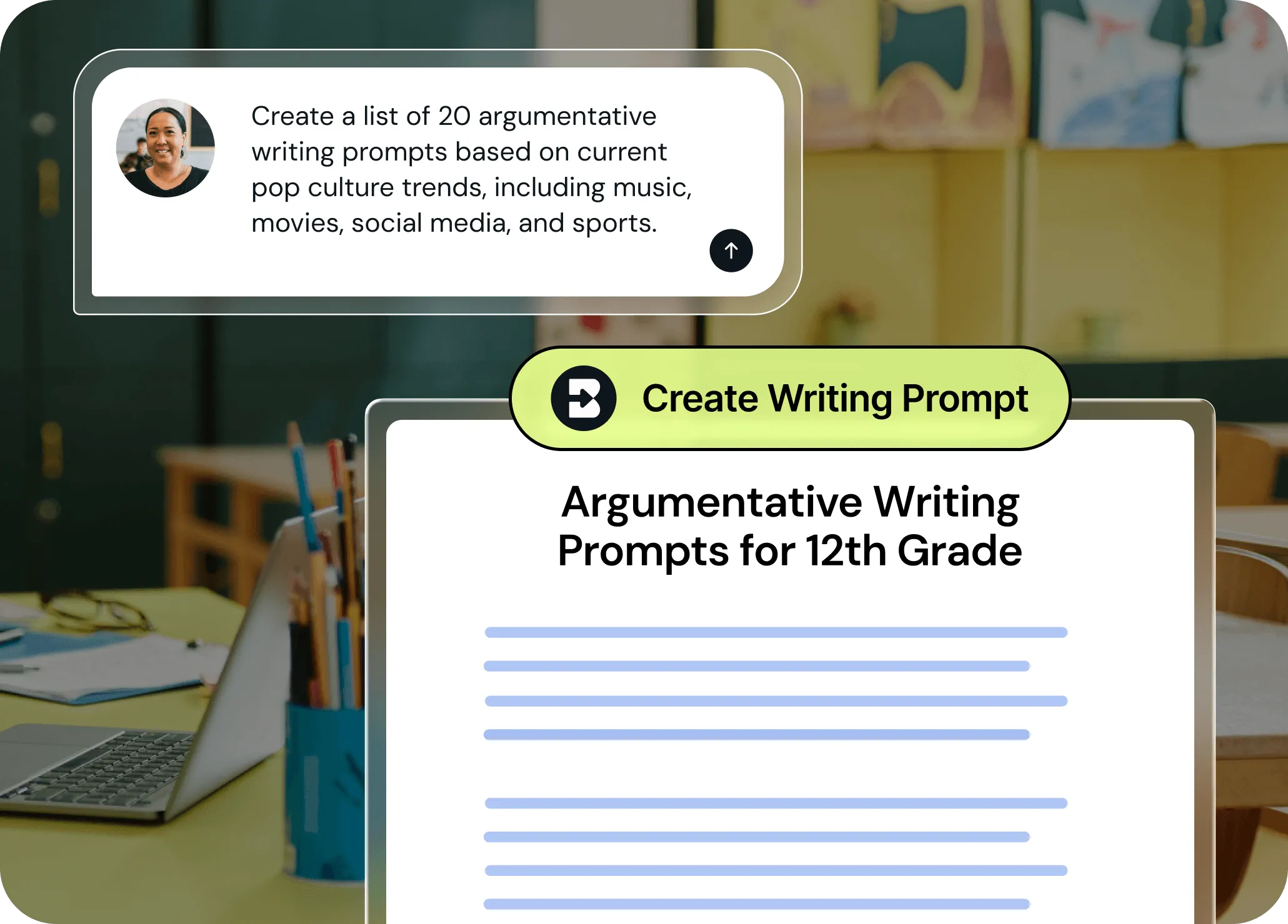
Anything you need, right at your fingertips
Generate any type of instructional resource you can imagine in seconds, customize it for learners at any grade level, and translate it into over 50 languages. No advanced degree in “prompt engineering” required.
Get a ready-to-go resource
Unlike generic tools, this one doesn’t need endless rephrasing. Our Create Anything tool is built to deliver admin-, teacher- and student-ready content instantly.
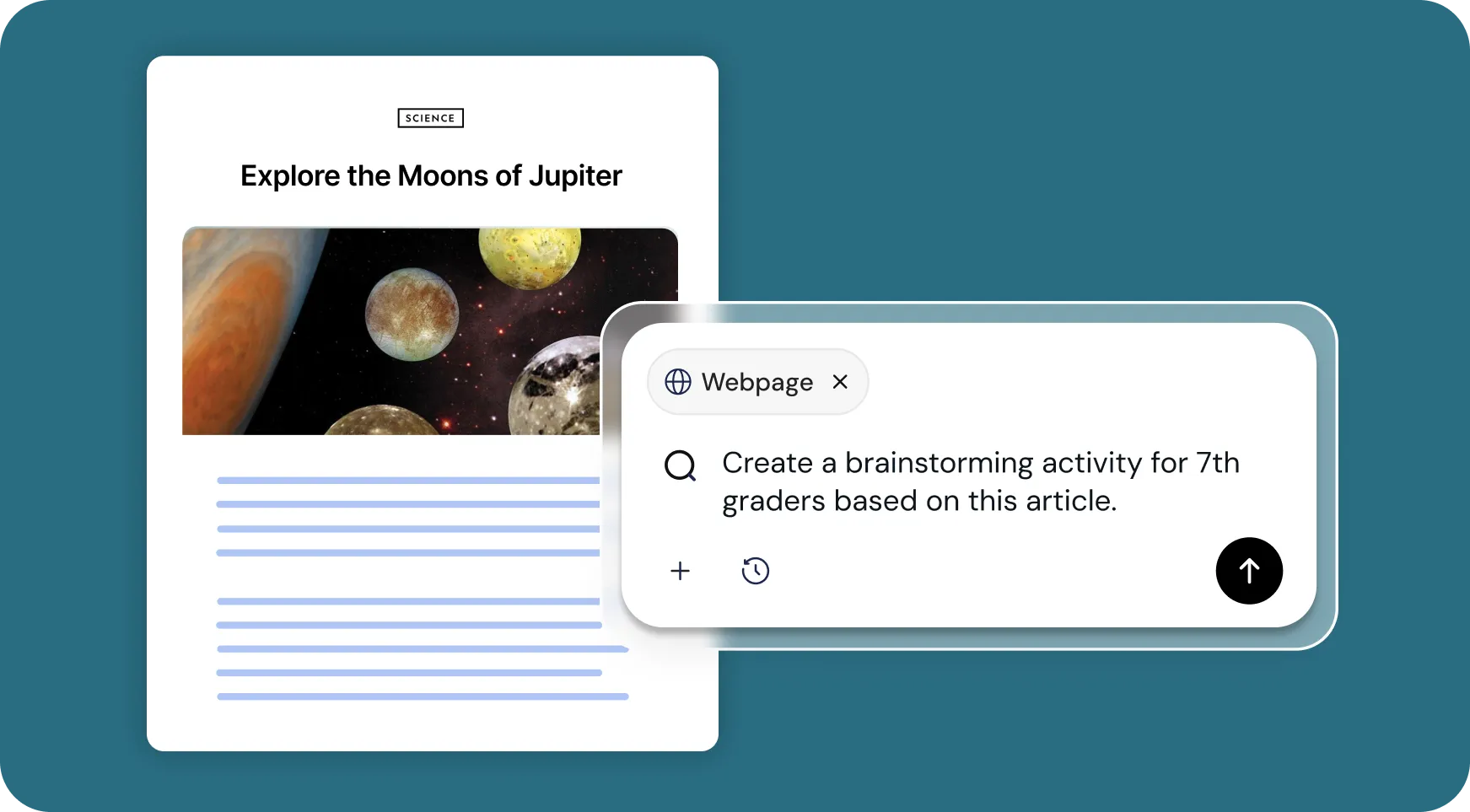
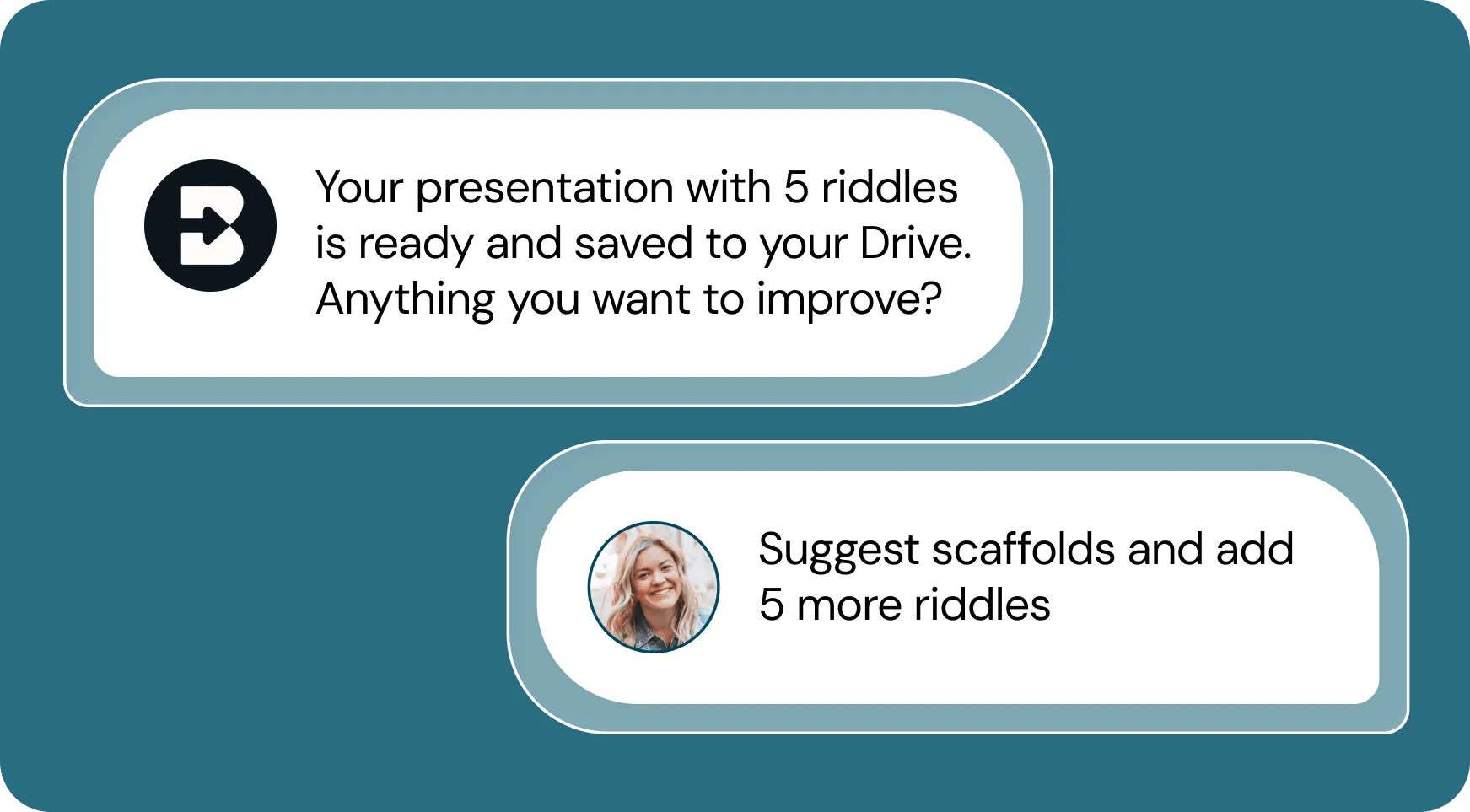
Tailor your output to your specific needs
Every resource is tailored to meet your teaching goals. If Brisk's first creation isn't quite what you wanted, Brisk offers options to refine your output until it's perfect.
Get time back in your day
Need a game? A song? A random activity you just realized you need for tomorrow? Done.
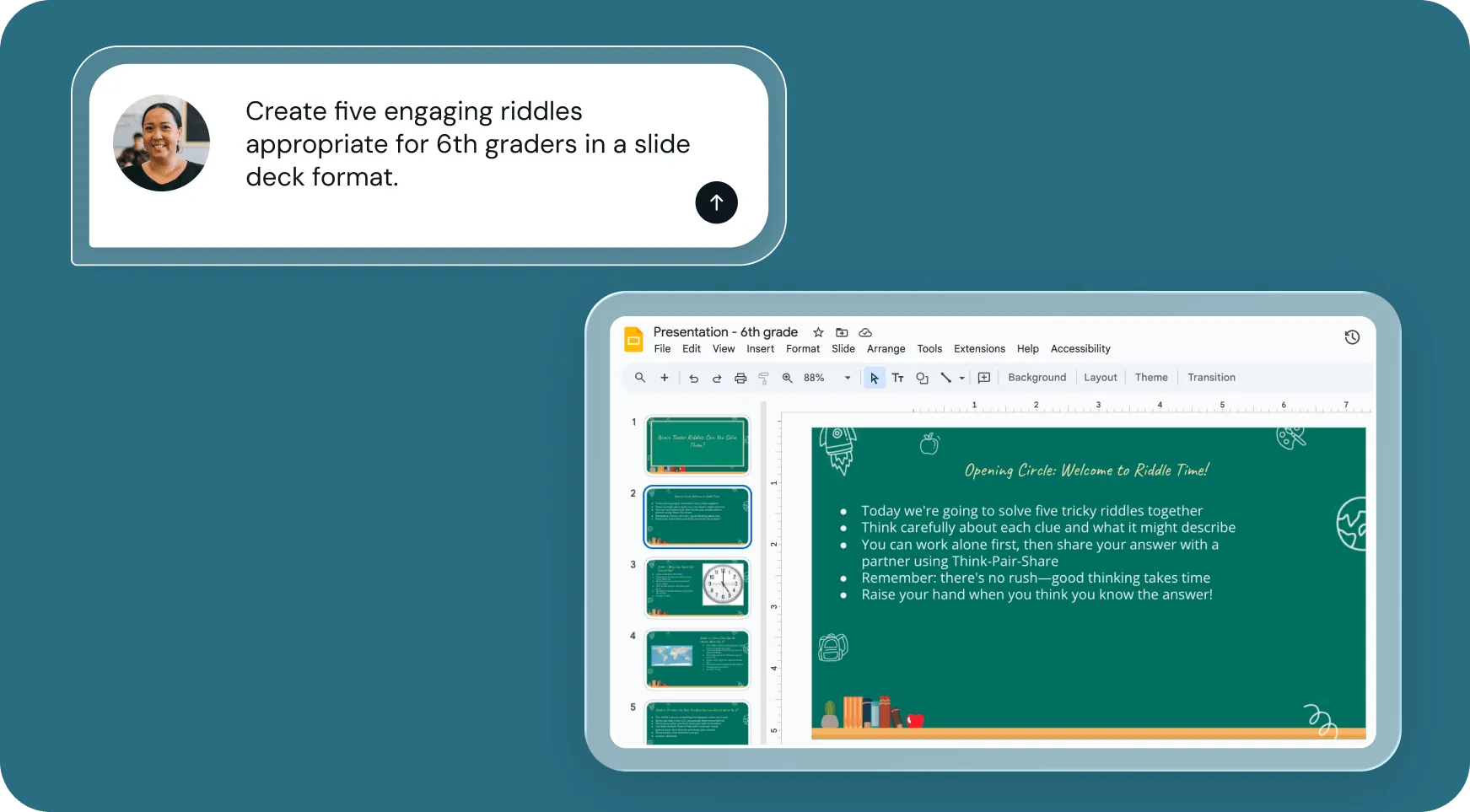
How to use Brisk’s
Create Anything Tool
From prompt to ready-to-go resource in a few clicks.

1. Open any resource
In your browser, open the webpage, PDF, or video that you want to create a resource from. Or, open a blank doc to create from scratch.

2. Search for “create anything”
Open Brisk, type “create anything” into the search box, and select the Create Anything Tool from the search results.
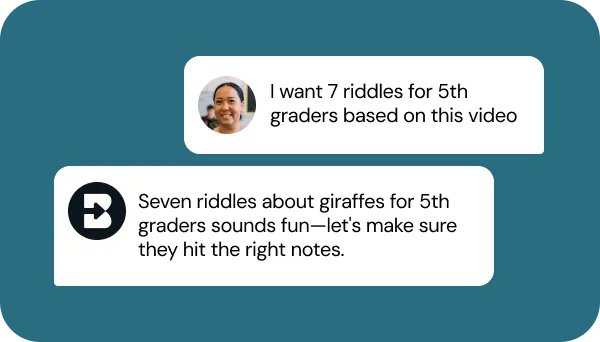
3. Tell Brisk what you need
Share some specifics about what you want to create — grade level, standards, topic, format, and any special requirements.
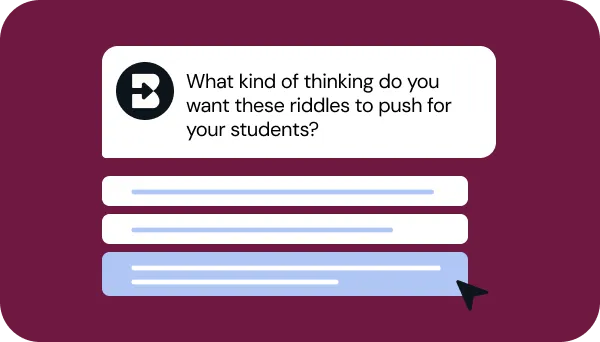
4. Refine your request
Answer a few quick questions from Brisk so your resource looks just like what you have in mind. Then, sit tight for a few seconds while Brisk works.
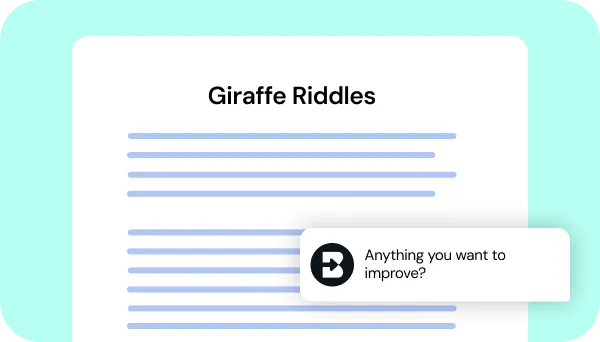
5. Adjust until it’s perfect
Chat back and forth with Brisk to fine-tune your new resource.
See what's possible in seconds
Some inspiration to get you started with Brisk's
Create Anything Tool
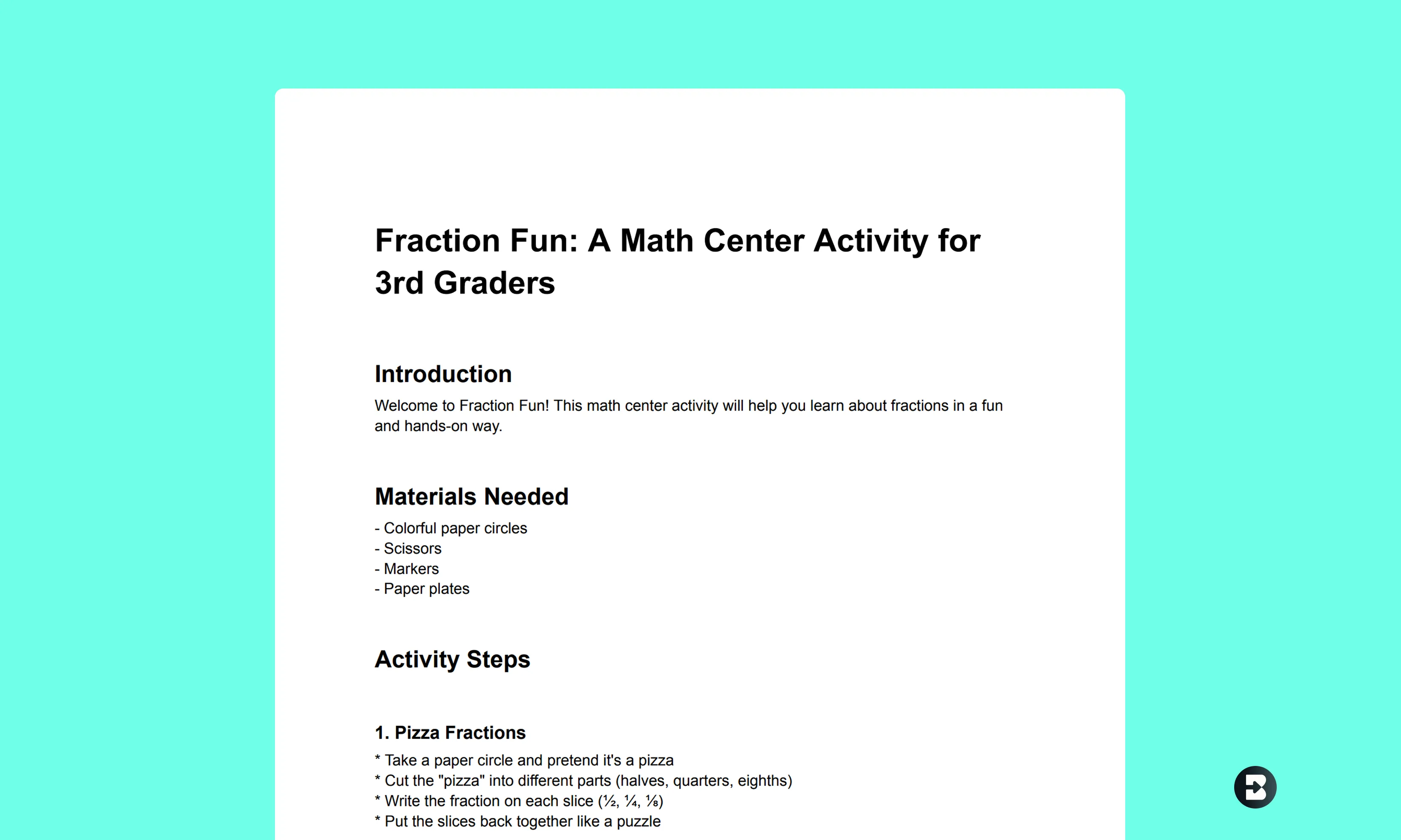
3rd Grade Math Center Activity
Create a math center activity on fractions to help students learn about fractions in a fun, hands-on way.
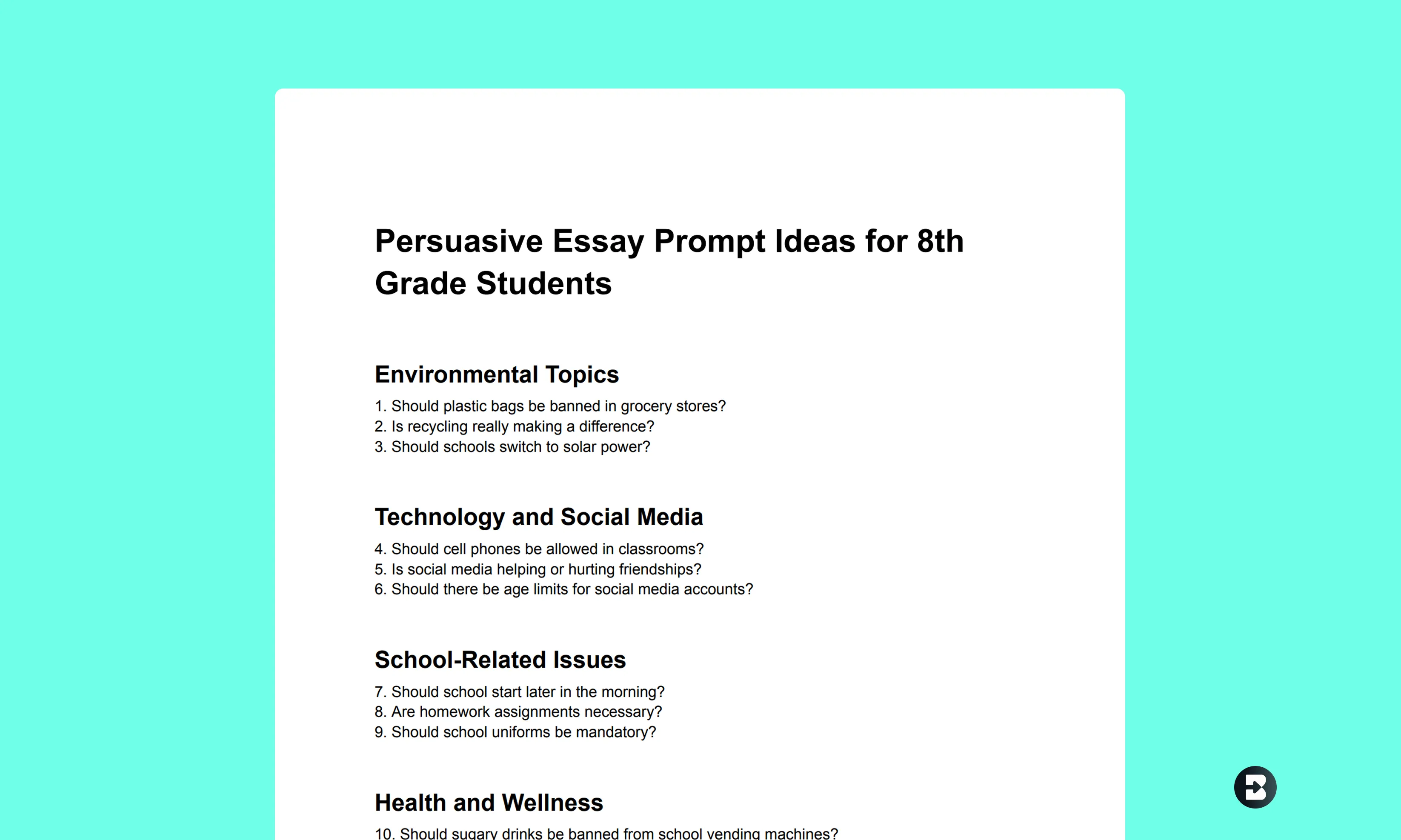
8th Grade Persuasive Essay Prompts
Create a series of engaging persuasive essay prompts for your middle schoolers on a variety of topics that will motivate them to write.
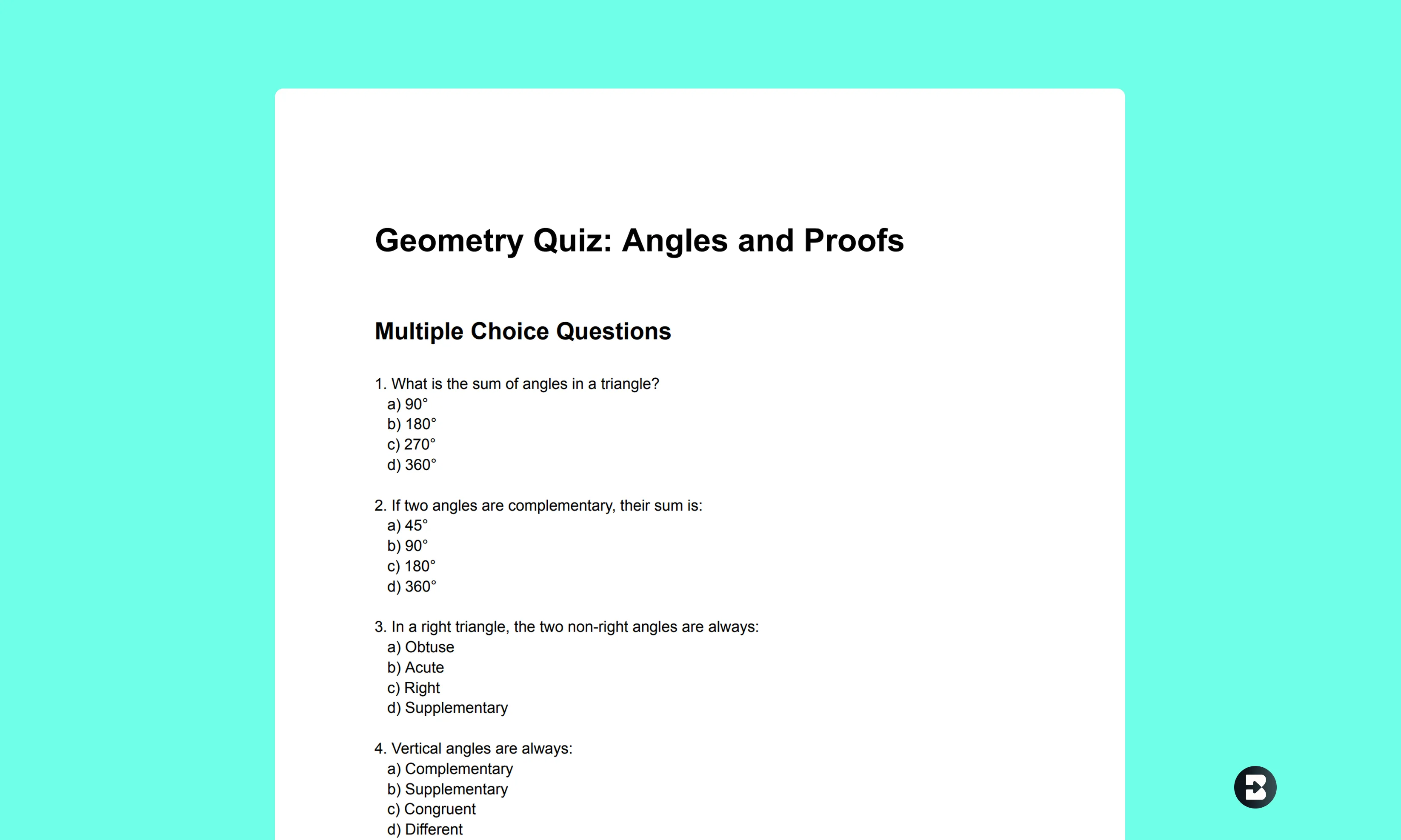
10th Grade Geometry Quiz on Angles and Proofs
Create a quiz to evaluate student understanding of core geometry concepts, complete with varied question formats.

Keep going
What's next on your list?
Brisk works across every part of your day. Here are some other tools educators love.


.svg)


Want something completely custom? Create Anything can handle it.
Get time back in your day with Brisk's Create Anything tool. Just enter your prompt, hit "Brisk It", and watch as your custom resource gets created in seconds.
Frequently asked questions
Yes, you’ll need to create an account to use Brisk. Go to app.briskteaching.com/get-started to create your free account today.
Vogliamo sentire la tua opinione! Inviaci un'e-mail a hello@briskteaching.com per metterti in contatto.