


Free AI Lesson Plan Generator
Bring your best ideas to life instantly with Brisk’s free AI-powered lesson plan generator for curriculum planning. Create detailed, classroom-ready lesson plans on any subject, in any language, for any grade level.
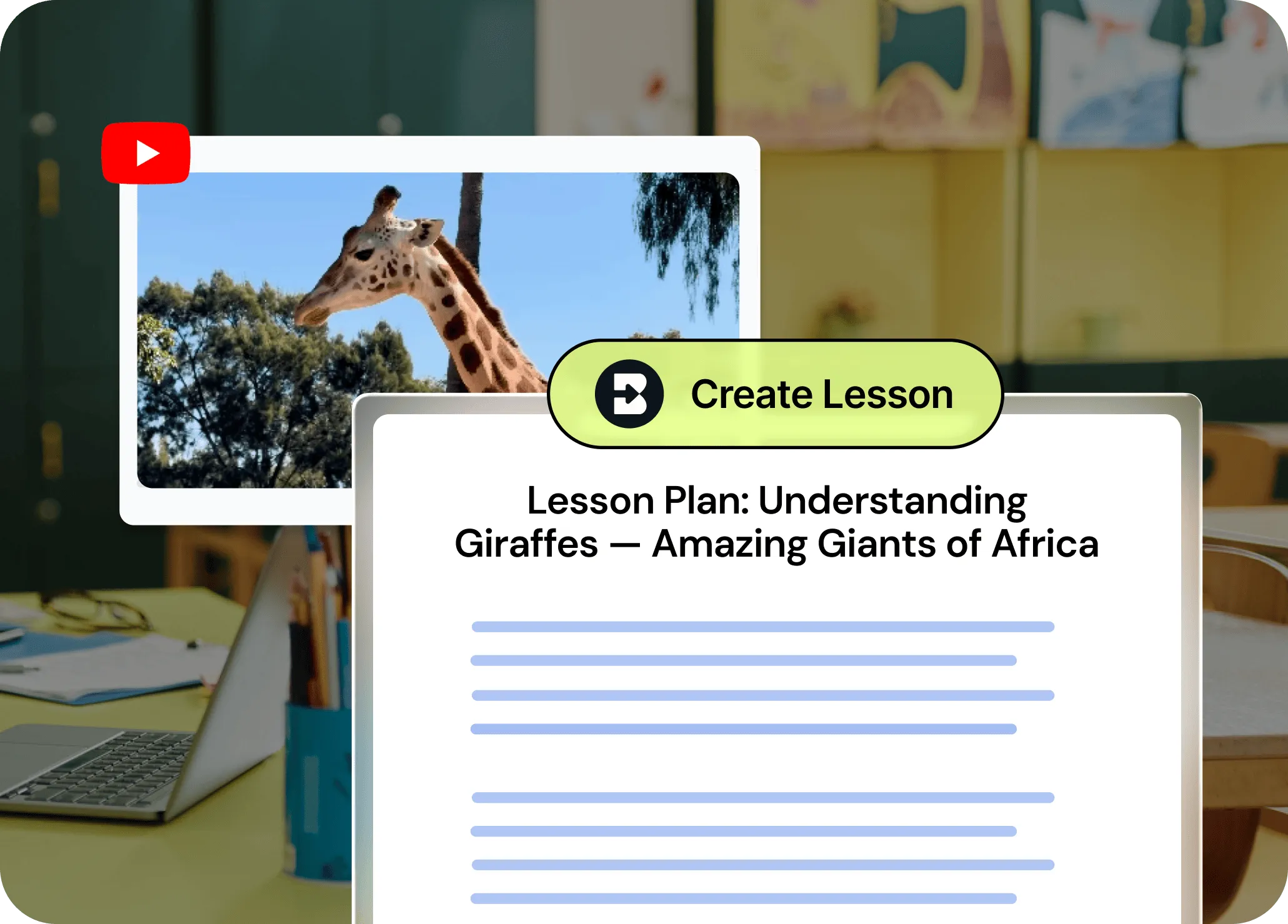
Build tomorrow’s lesson without working late today
Brisk's AI-powered lesson plan generator helps you generate standards-aligned lesson plans — complete with structured objectives, engaging activities, and assessment strategies — in seconds. Use existing lessons as a starting point or build from scratch so new lessons reflect your classroom needs.
From prompt to polished in seconds
Tired of staring at a blank page? Just describe what you want to teach and Brisk’s AI lesson plan maker will build it, complete with objectives, activities, timing, and assessments.


Tons of flexibility, zero headaches
It’s super simple to adjust or add grade levels, generate your lesson plan in multiple languages, or change the length of your lesson. Just tell Brisk what you need and let it run. Or, answer a few quick questions from Brisk to get a lesson plan that’s even better aligned with your unique classroom needs.
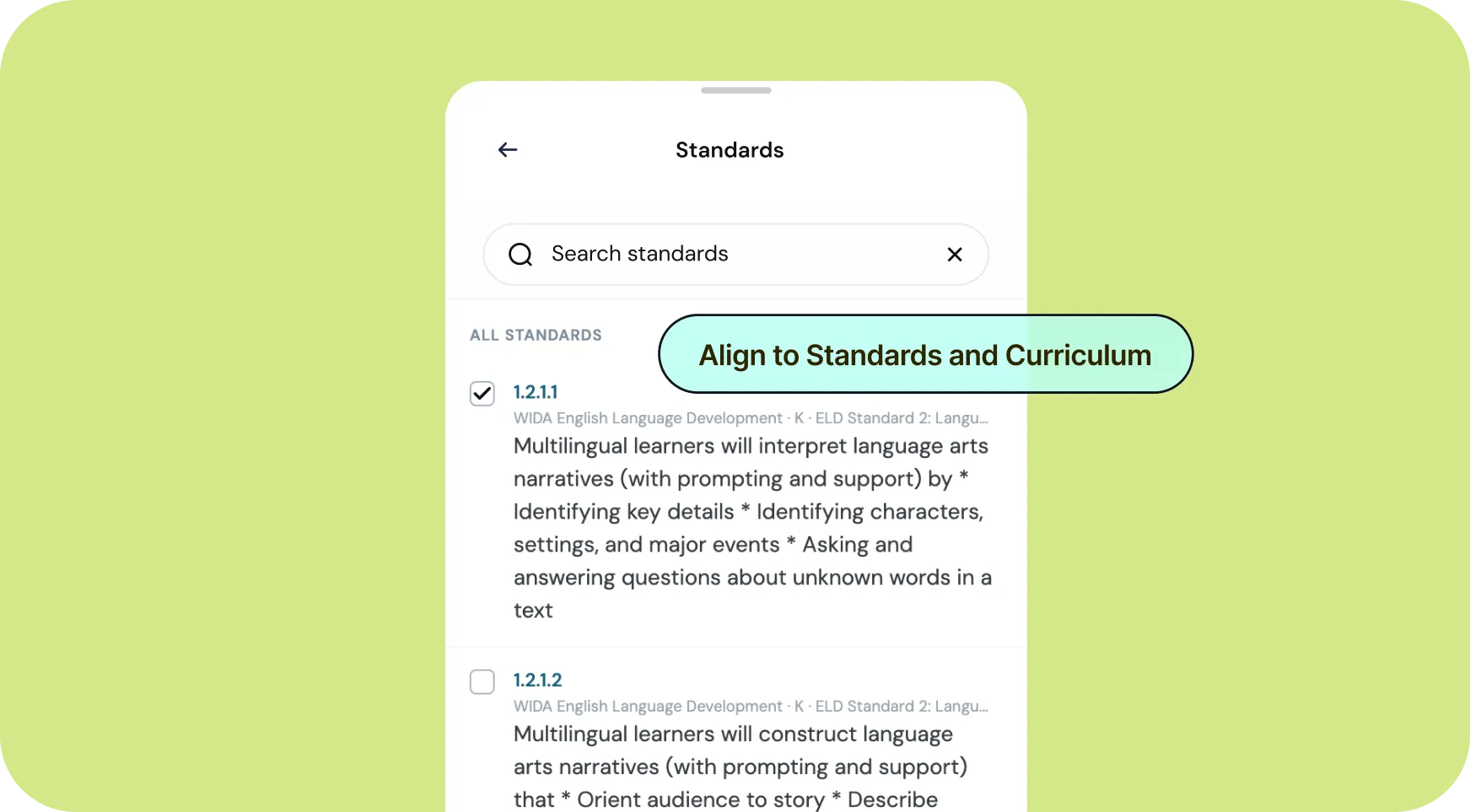
Built-in standards to save you research
Here’s another amazing time-saver: Select the standards you want to use, and Brisk will apply them to your lesson automatically.
How to use Brisk’s
Lesson Plan Generator
From prompt to ready-to-go resource in a few clicks.
1. Search for “lesson plan”
Open Brisk, type “lesson plan” into the search box, and select the Lesson Plan Generator from the search results.
2. Tell Brisk what you need
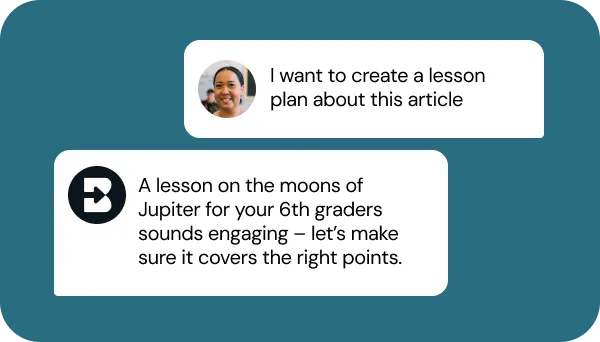
Share some specifics about grade level, subject, topic, and any special requirements. Then, answer a few quick questions from Brisk.
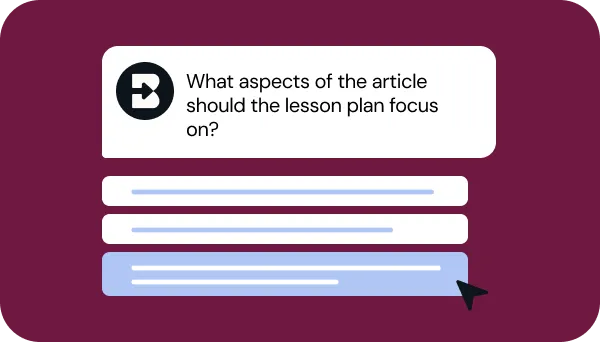
3. Refine your request
Answer a few quick questions from Brisk so your lesson looks just like what you have in mind. Then, sit tight for a few seconds while Brisk works.
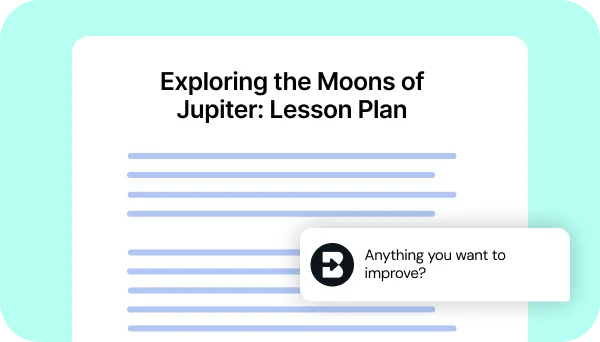
4. Adjust until it’s perfect
Chat back and forth with Brisk to fine-tune the lesson by adding activities, adjusting pacing, or aligning assessment strategies with your priorities.
See what's possible in seconds
Some inspiration to get you started with Brisk's
Lesson Plan Generator

4th Grade Social Studies Lesson Plan
Make an interactive lesson on Lewis and Clark's expedition through Wisconsin, including in-class activities and student reflection questions.

6th Grade Media Literacy Lesson Plan
Create a lesson introducing research skills and lateral reading, with guided practice analyzing websites, social media posts, books, and other research sources for credibility.

11th Grade Music Theory Lesson Plan
Design a jazz composition lesson featuring rhythm analysis, listening activities, and student composition practice with real-world musical examples and assessment criteria.


Keep going
What's next on your list?
Brisk works across every part of your day. Here are some other tools educators love.


.svg)


Spend more time with students and less with your laptop
Leave the lesson planning busywork to us, so you can focus on what you do best — inspiring your students. Be as creative as you want and let your ideas run wild with our lesson plan generator.
Frequently asked questions
Yes, Brisk’s lesson plan generator is totally free to use on our Educator Free plan.
Most lesson plans generate in under 30 seconds. You describe the topic, grade level, and duration, and Brisk builds a complete, structured plan – with objectives, activities, materials, and assessment – ready to use or edit.
Yes. You can select the standards you want to target, and Brisk will build the lesson plan around them. Common Core, NGSS, state standards, and custom frameworks are all supported.
Brisk generates lesson plans for all grade levels, from kindergarten through 12th grade and beyond. You set the grade level, and Brisk calibrates the language, pacing, and complexity accordingly.
Yes. Brisk outputs the lesson plan to Google Docs or Microsoft Word, so you can edit it directly. Add your own voice, adjust the timing, or customize activities. The AI gives you a solid first draft, but the final lesson is yours.
All subjects: ELA, Math, Science, Social Studies, Arts, World Languages, Physical Education, and more. Brisk generates lesson plans based on your topic and objectives.
Yes, Brisk lets you set the lesson duration anywhere from 20 to 120 minutes, and structures the plan accordingly.
Yes. Brisk supports 50+ languages for output, so you can generate lesson plans for multilingual classrooms.
We want to hear from you! Email us at hello@briskteaching.com to get in touch.