


Depth of Knowledge (DOK) Question Generator
Generate standards-aligned DOK questions for any lesson and any grade level in seconds. Create depth of knowledge questions that push student thinking beyond recall.
Deeper engagement shouldn’t require more prep time
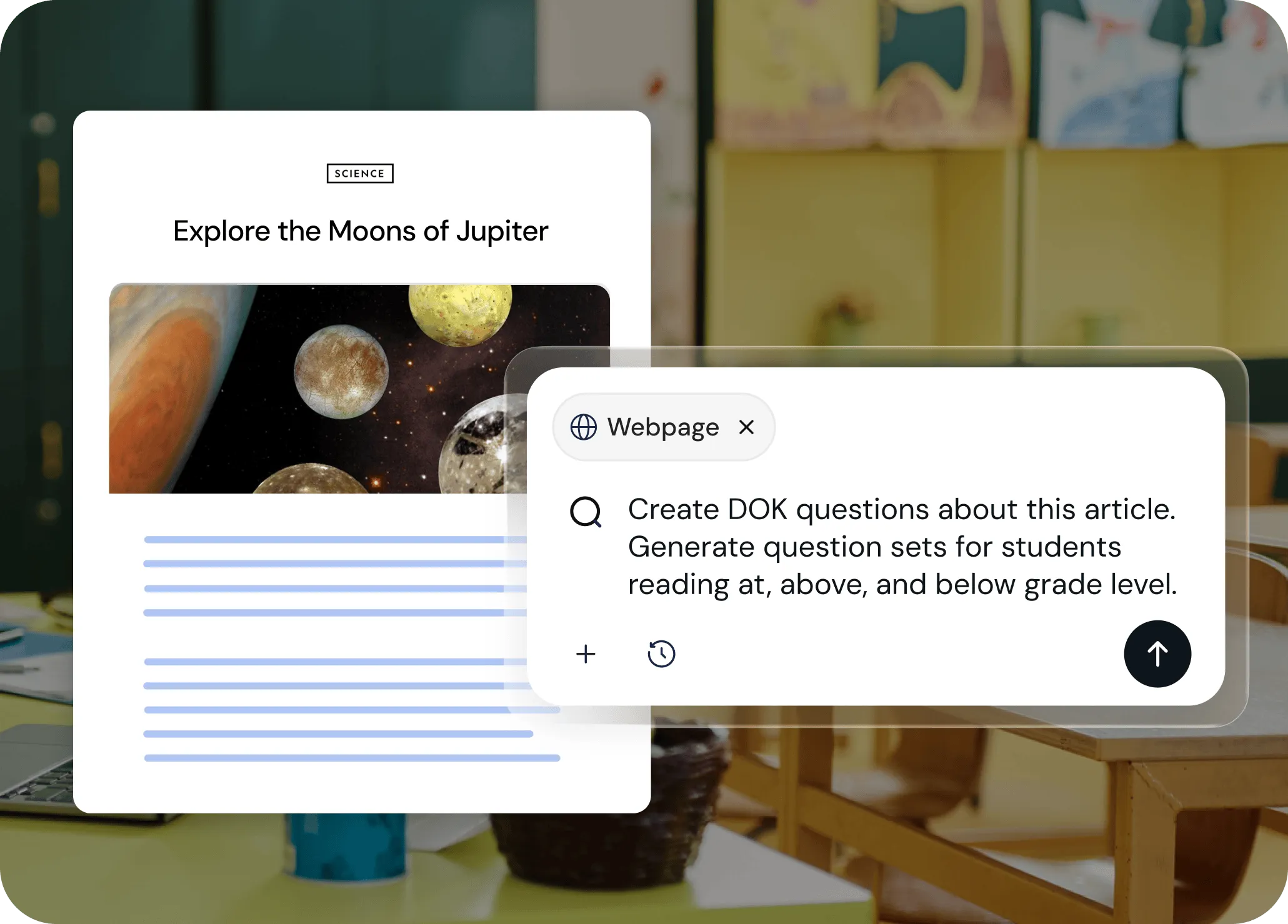
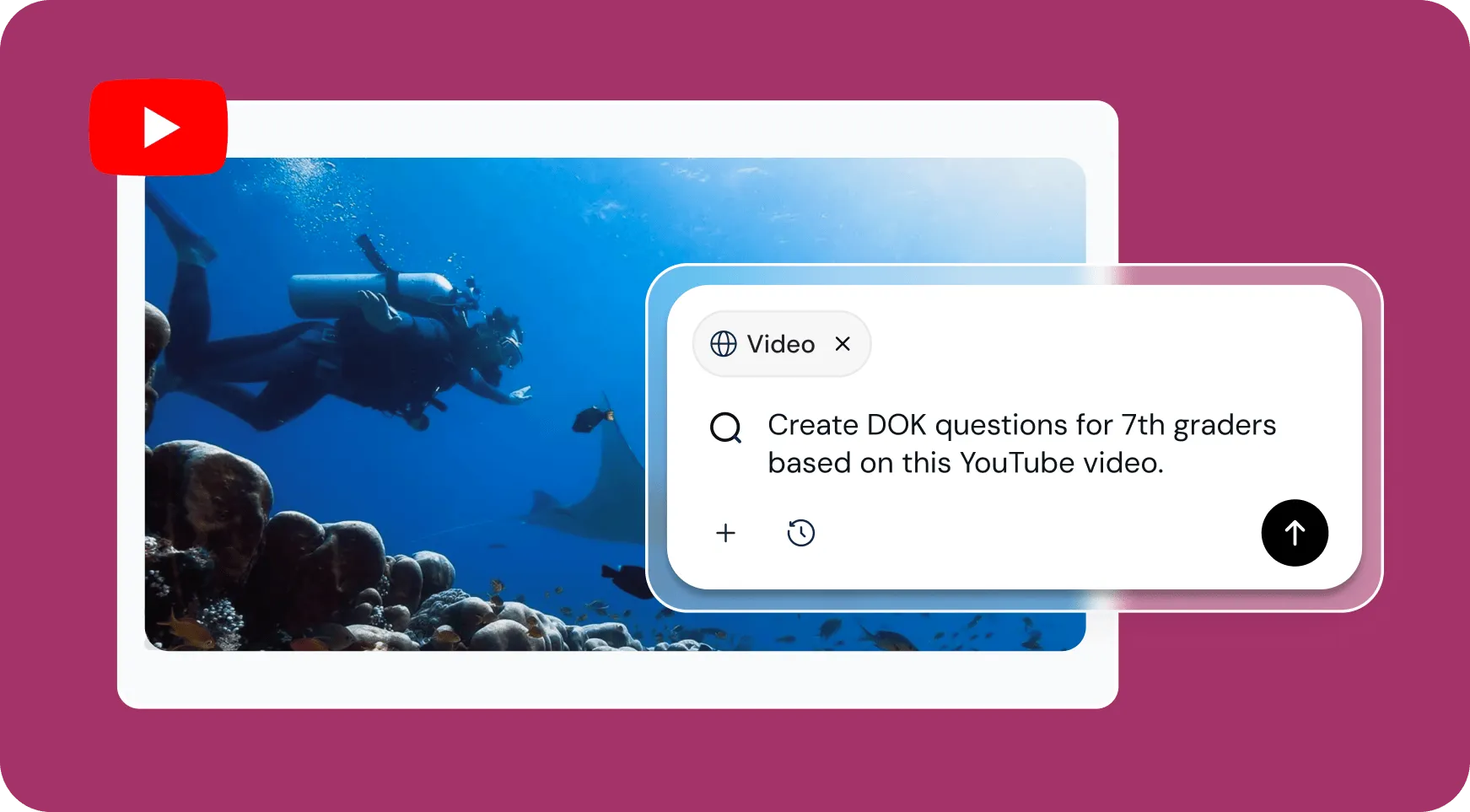
Brisk helps you create DOK questions that challenge students to think critically about any idea or topic. Generate questions based on your favorite resource — an article, a video, a PDF — or tell Brisk what you need and it’ll build differentiated questions from scratch.
Build from any content or start fresh
Open Brisk on any article, video, or PDF, or start from scratch with your topic. Brisk generates depth of knowledge questions that match your content — no more hunting for the right questions or writing them yourself.
Get standards-aligned DOK questions
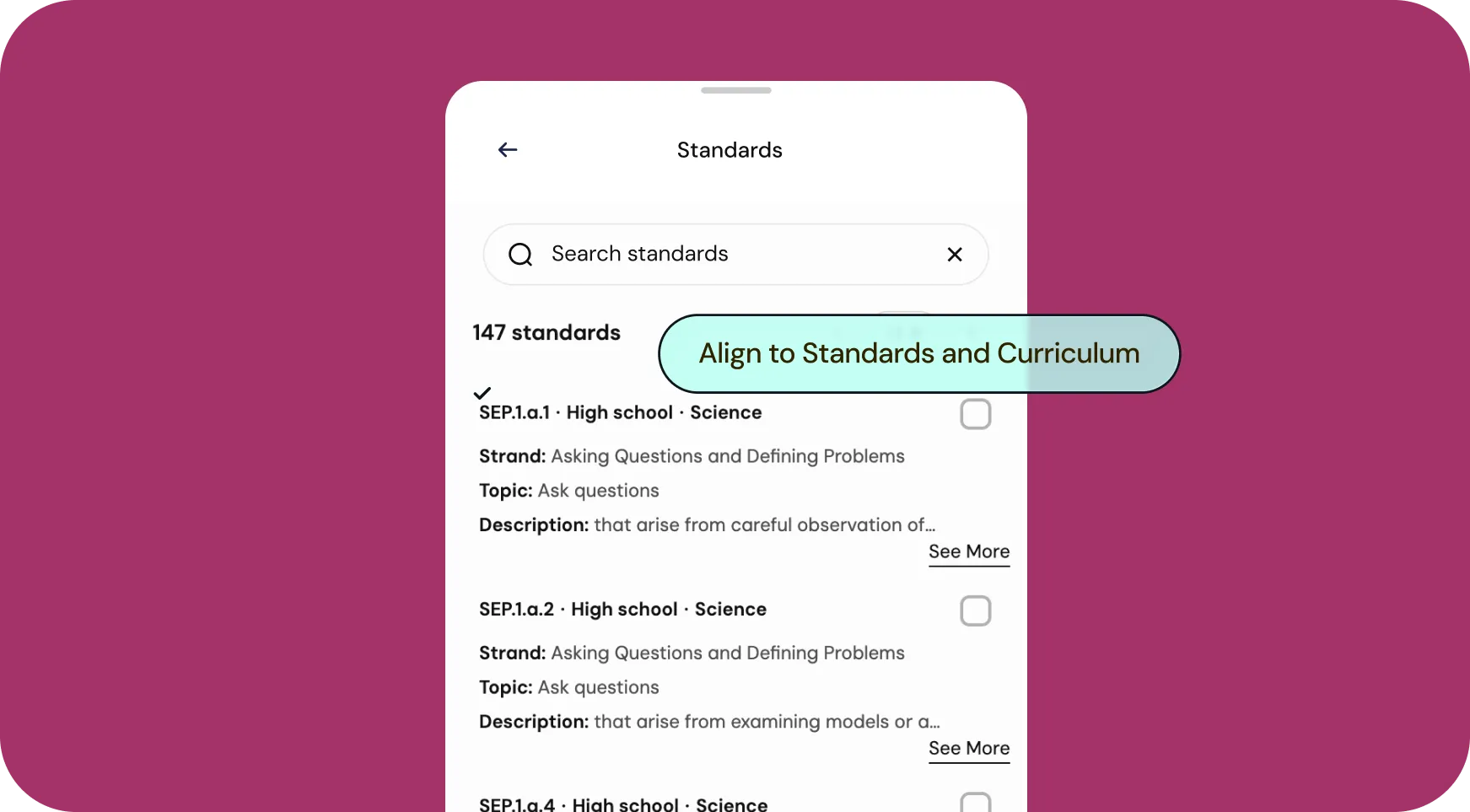
Attach your standards and Brisk will align every question to them, or get automatic, district-wide standards alignment with Curriculum Intelligence. Either way, your depth of knowledge questions will stay grounded in what students need to know.
Differentiate across grade levels and languages
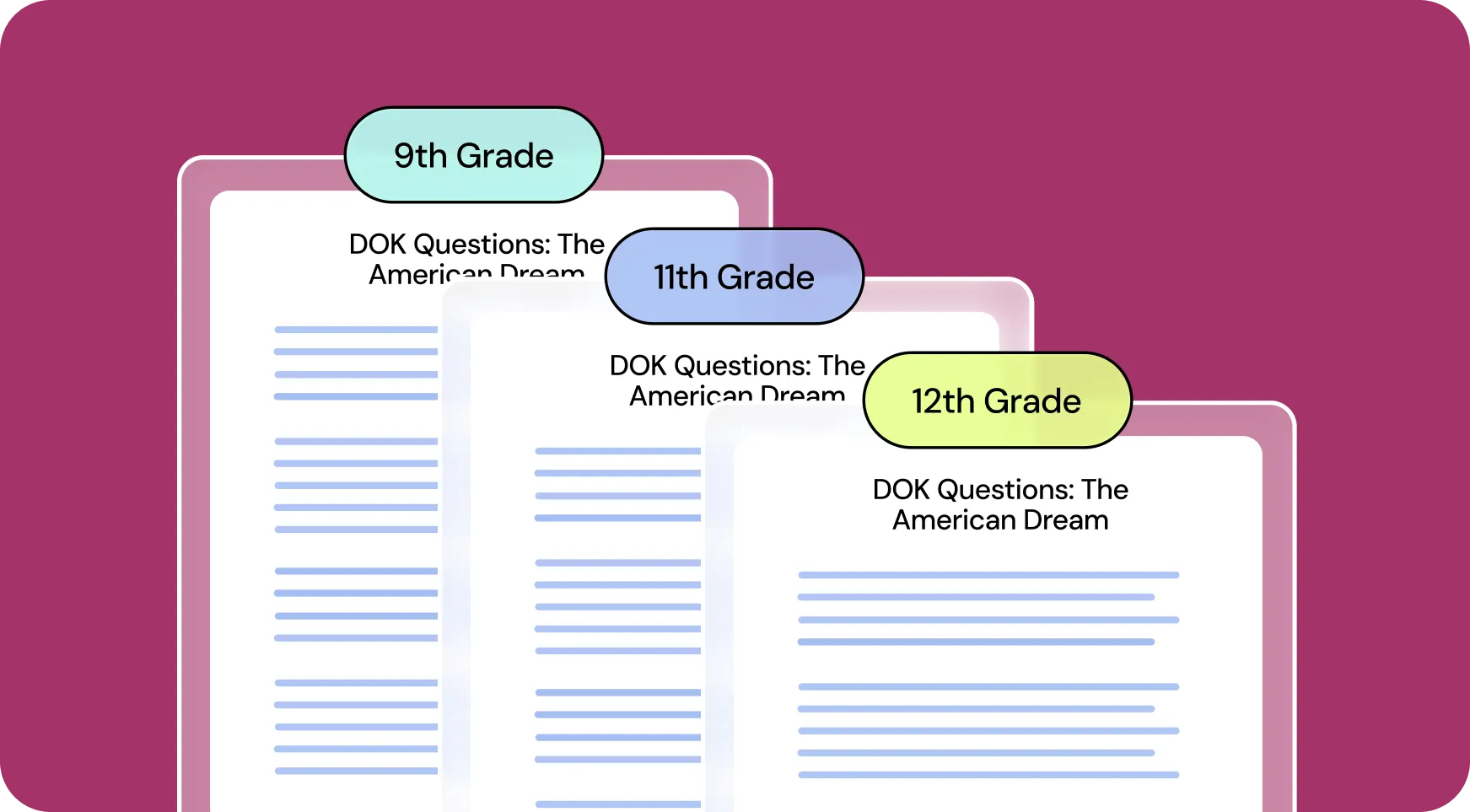
Teaching multiple grade levels or multilingual students? Generate bundles of DOK questions for up to 3 grade levels and in up to 3 languages at once. Every student gets questions that push their thinking at the right level.
How to use Brisk’s
DOK Questions Generator
From prompt to ready-to-go resource in a few clicks.
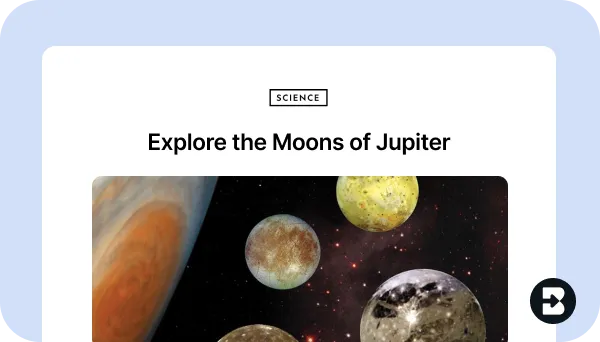
1. Open any resource
In your browser, open the webpage, PDF, or video that you want to generate DOK questions from.
2. Search for “DOK”
Open Brisk, type “DOK” into the search box, and select the DOK Questions Generator from the search results.
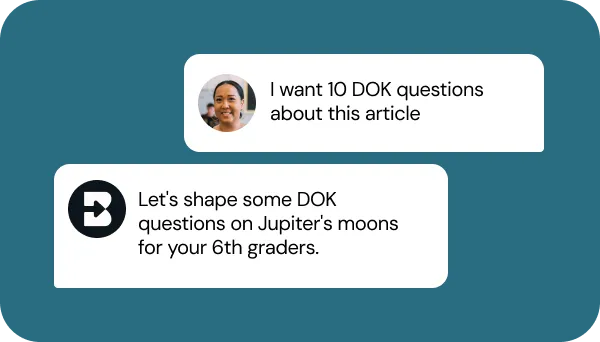
3. Tell Brisk what you need
Share some specifics about grade level, subject, topic, standards, number of questions, and any special requirements.
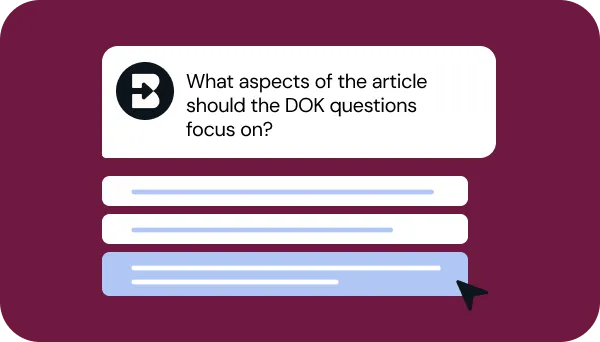
4. Refine your request
Answer a few quick questions from Brisk so your questions look just like what you have in mind. Then, sit tight for a few seconds while Brisk works.
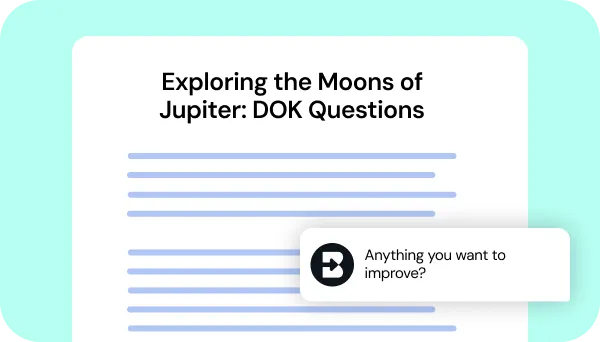
5. Adjust until it’s perfect
Chat back and forth with Brisk to fine-tune the resource by adding questions, adjusting difficulty, or aligning it with any other priorities you have.
See what's possible in seconds
Some inspiration to get you started with Brisk's
DOK Questions Generator
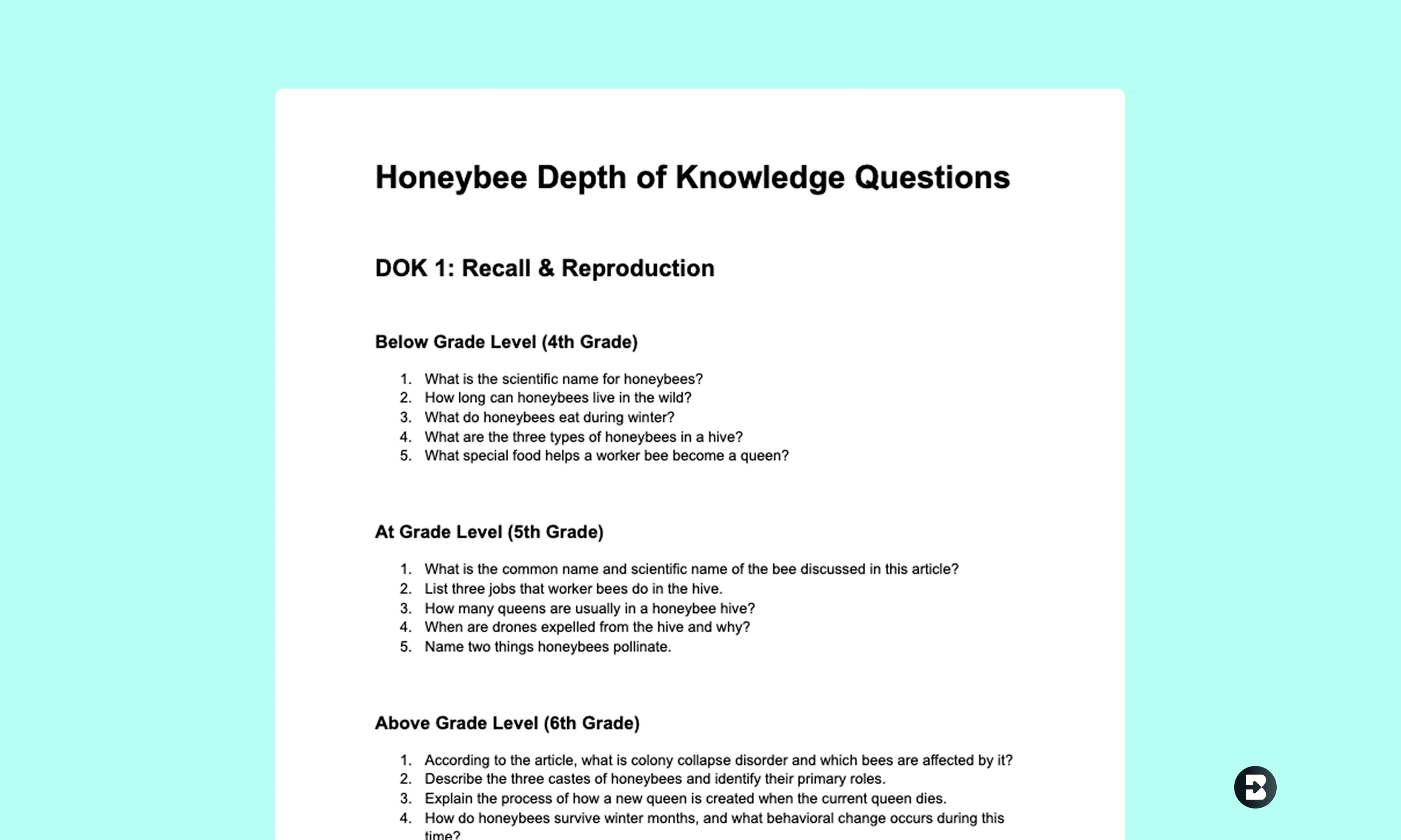
Differentiate for mixed reading levels
Create DOK questions about this article on honeybees. Generate questions for students reading one grade level below, at grade level, and one grade level above.
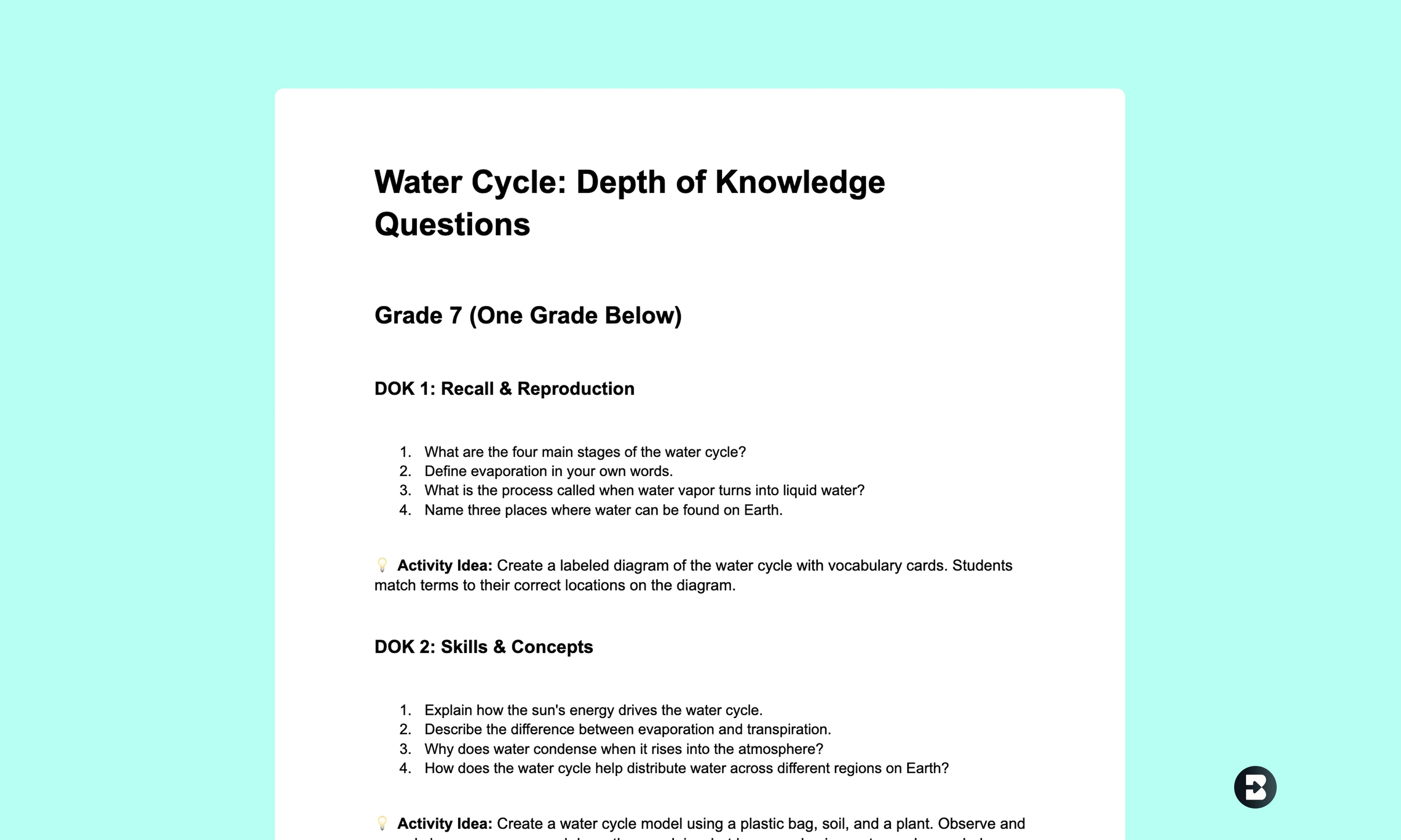
Target struggling and advanced learners
Generate DOK questions on the water cycle. Create one set for students performing one grade below and another set for students performing one grade above.

Prepare for AP and on-level classes
Create depth of knowledge questions on this article about the French Revolution for my regular World History class and my AP European History class.


Keep going
What's next on your list?
Brisk works across every part of your day. Here are some other tools educators love.


.svg)


Stop writing questions from scratch
Generate standards-aligned depth of knowledge questions for any lesson in seconds. Push student thinking beyond recall — without the hours of prep work.