


AI Newsletter Generator
Create class newsletters in minutes to keep families engaged in what their kids are learning.
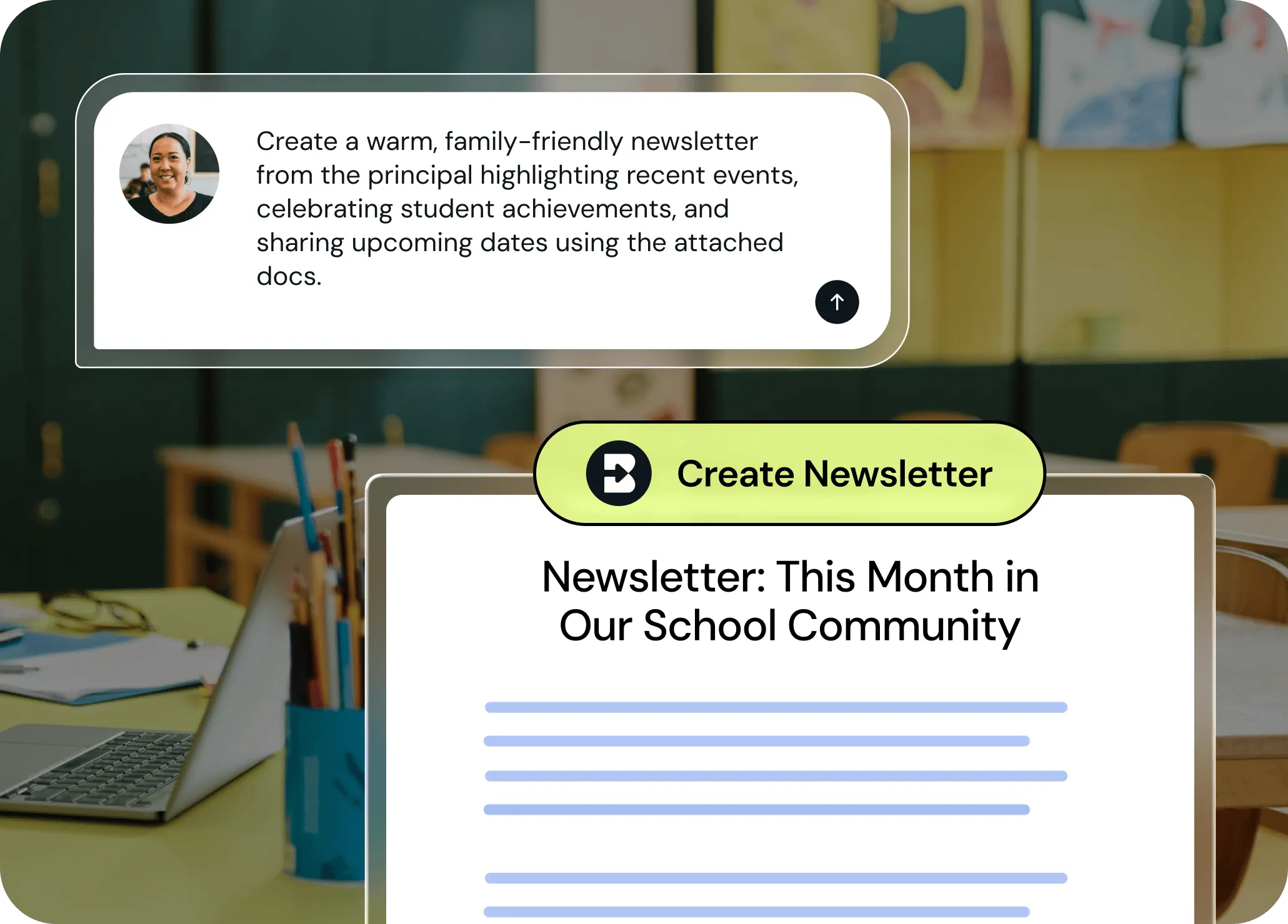
Recap the week without losing your weekend
Brisk helps you communicate with families clearly, quickly, and with less stress by transforming your notes and lesson highlights into polished newsletters that are ready to send home. Chat with Brisk to fine-tune newsletters’ tone and content focus, then share them in seconds.
Turn notes into newsletters in seconds
Paste your bullet points, student updates, or lesson reflections — Brisk organizes them into a clear, engaging newsletter your families will love to read.
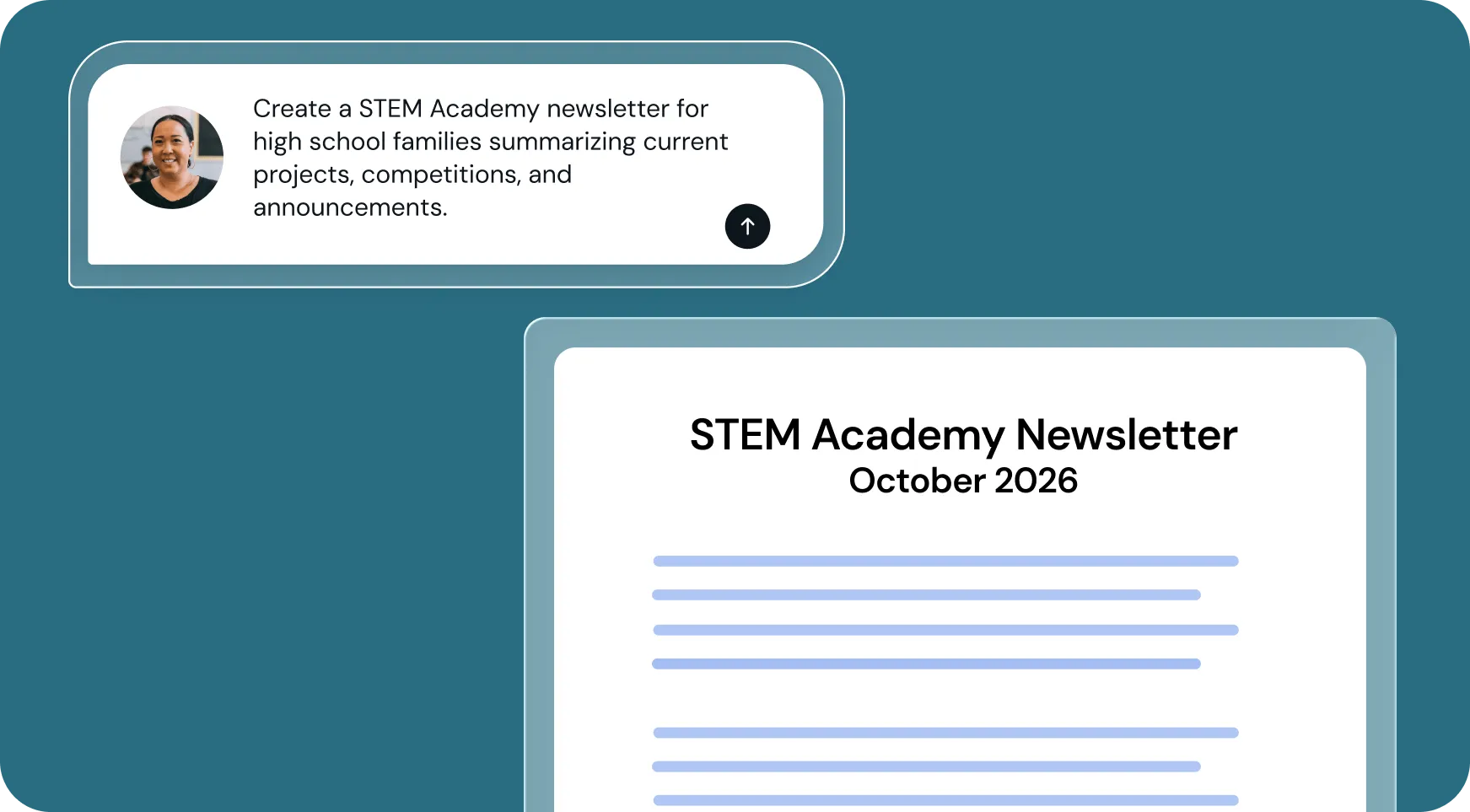
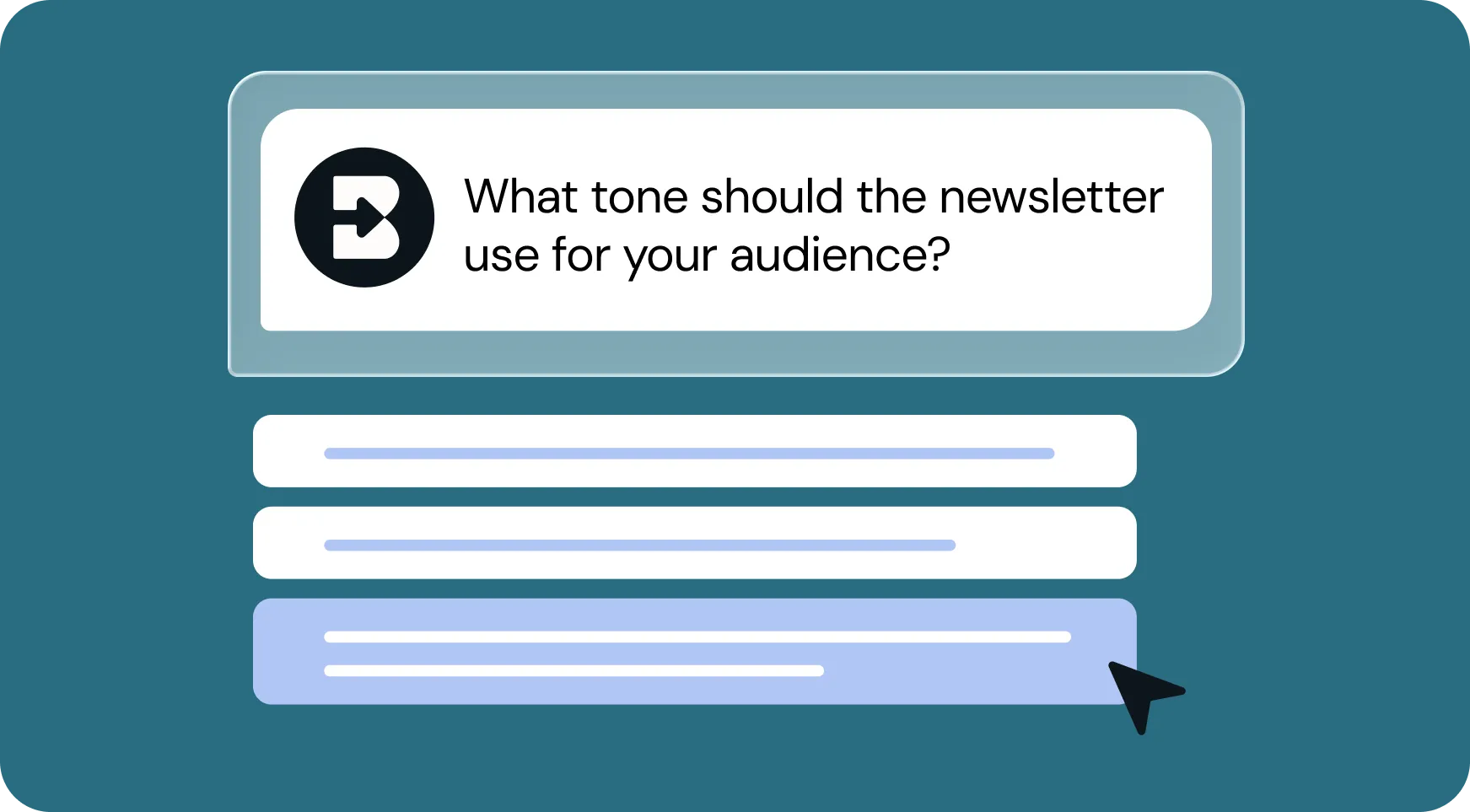
Personalize the tone for your audience
Choose whether your newsletter sounds upbeat and fun or professional and concise. Brisk adapts your content to fit your classroom community perfectly.
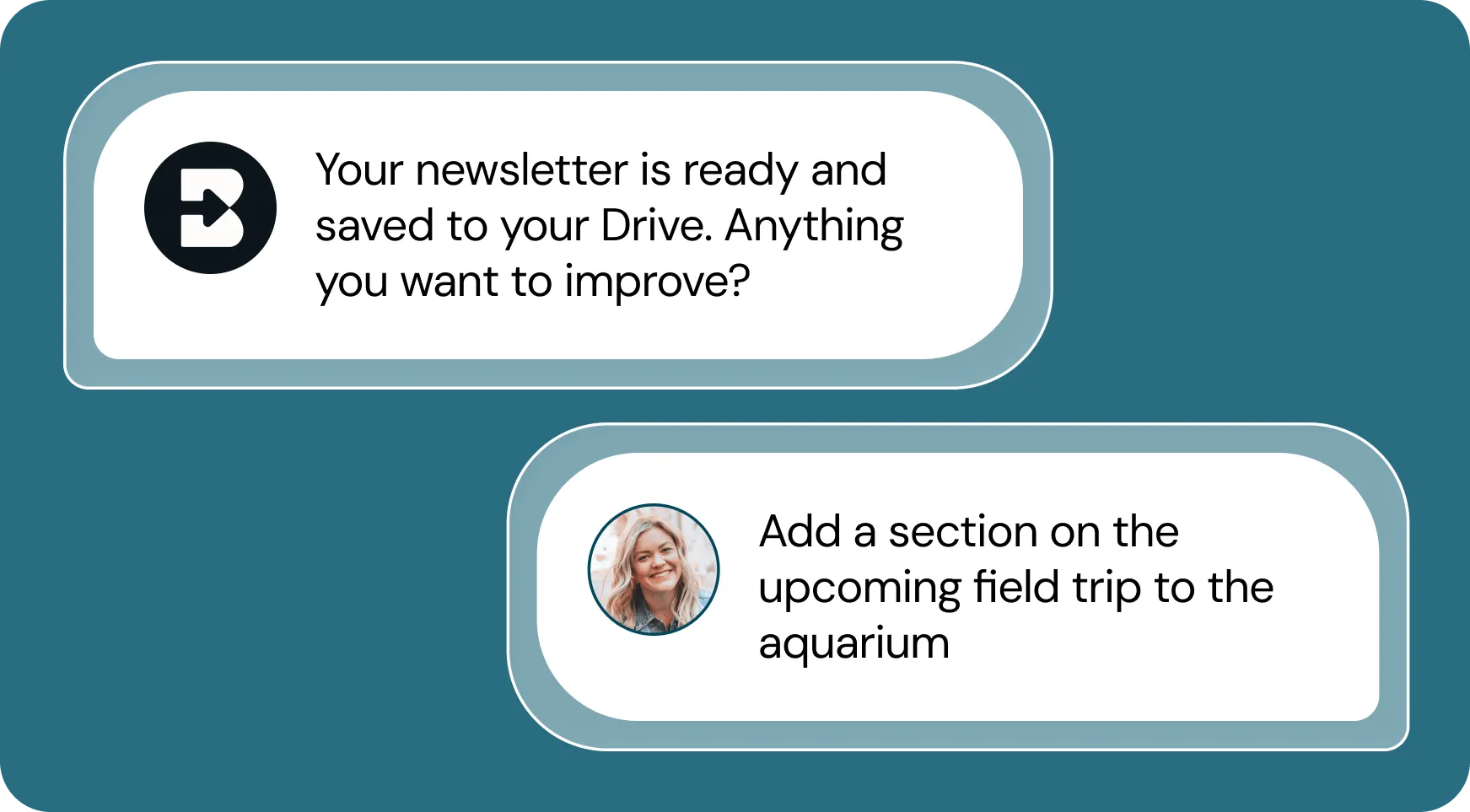
Edit with Brisk, share anywhere
Make quick tweaks by chatting back and forth with Brisk, then export to Google Docs, email, or your LMS. You stay in control while Brisk handles the heavy lifting.
How to use Brisk’s
Newsletter Generator
From prompt to ready-to-go resource in a few clicks.
1. Search for “newsletter”
Open Brisk, type “newsletter” into the search box, and select the Newsletter Generator from the search results.
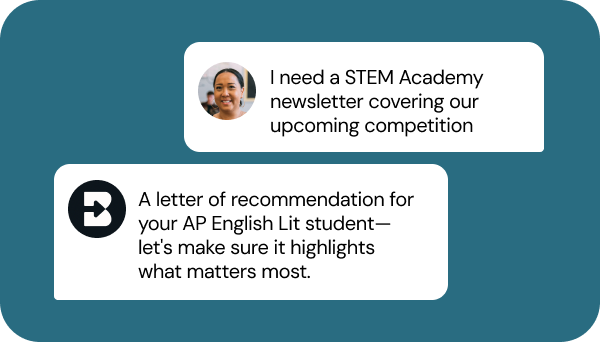
2. Tell Brisk what you need
Share your class notes, lesson recaps, announcements, desired format, and any special requirements.
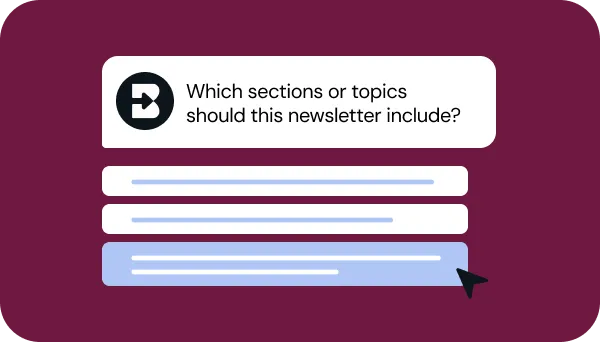
3. Refine your request
Answer a few quick questions from Brisk so your newsletter looks just like what you have in mind. Then, sit tight for a few seconds while Brisk works.
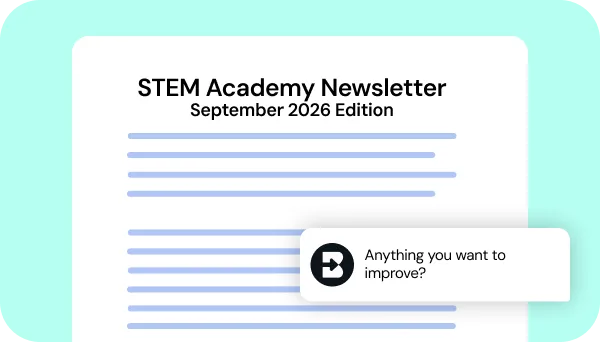
4. Adjust until it’s perfect
Chat back and forth with Brisk to fine-tune the newsletter’s layout and tone.
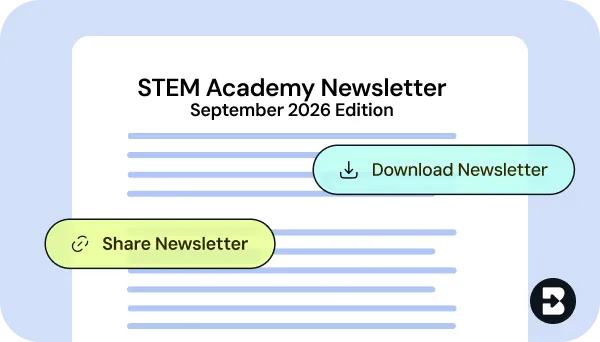
5. Finalize with a single click
Export, share, or post your newsletter directly to your communications platform.
See what's possible in seconds
Some inspiration to get you started with Brisk's
Newsletter Generator
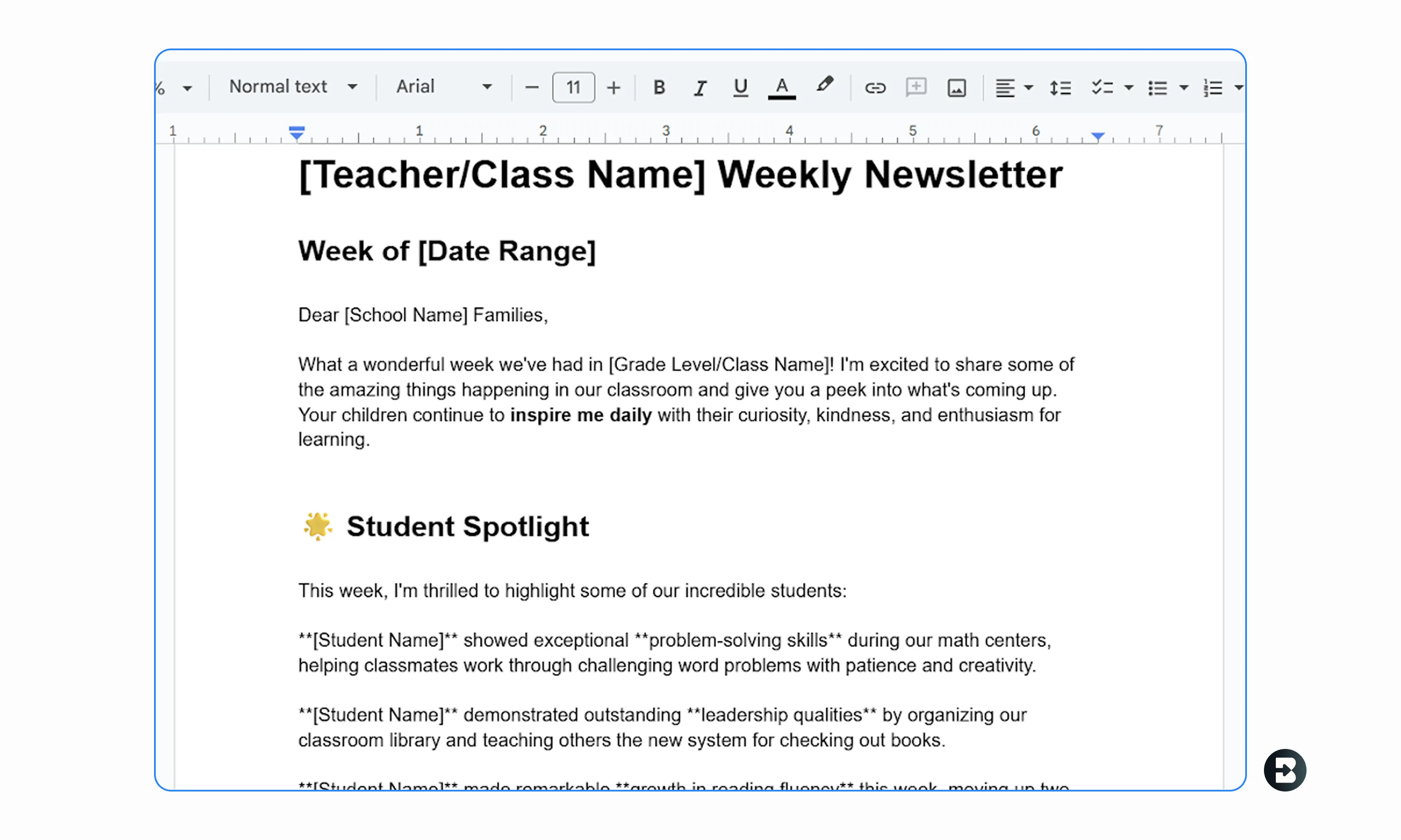
Weekly Update
Create a cheerful weekly update with student highlights, upcoming events, and “Ask Me About…” prompts for families.
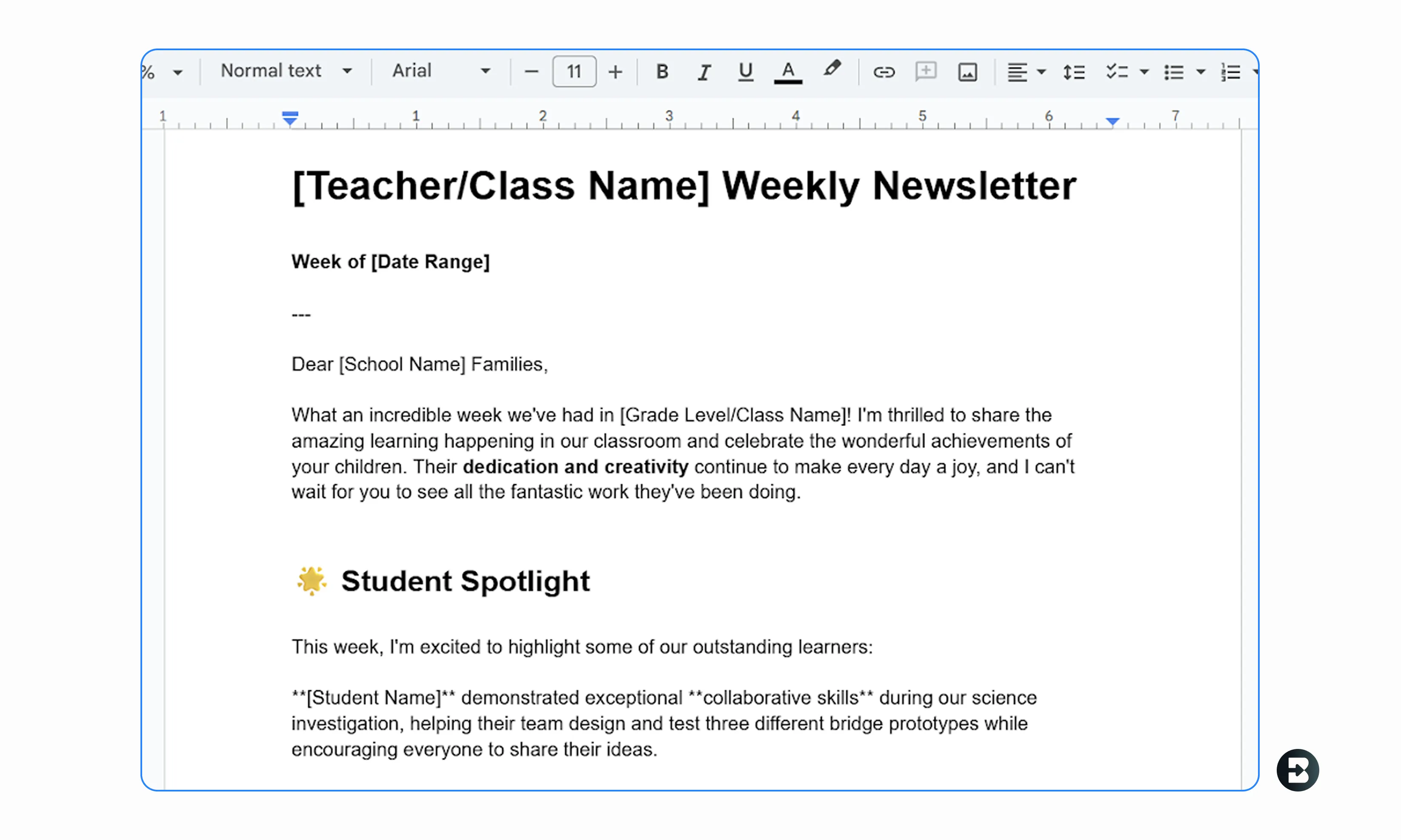
Project Summaries
Summarize unit projects or include a “Student Spotlight” section to strengthen family engagement.
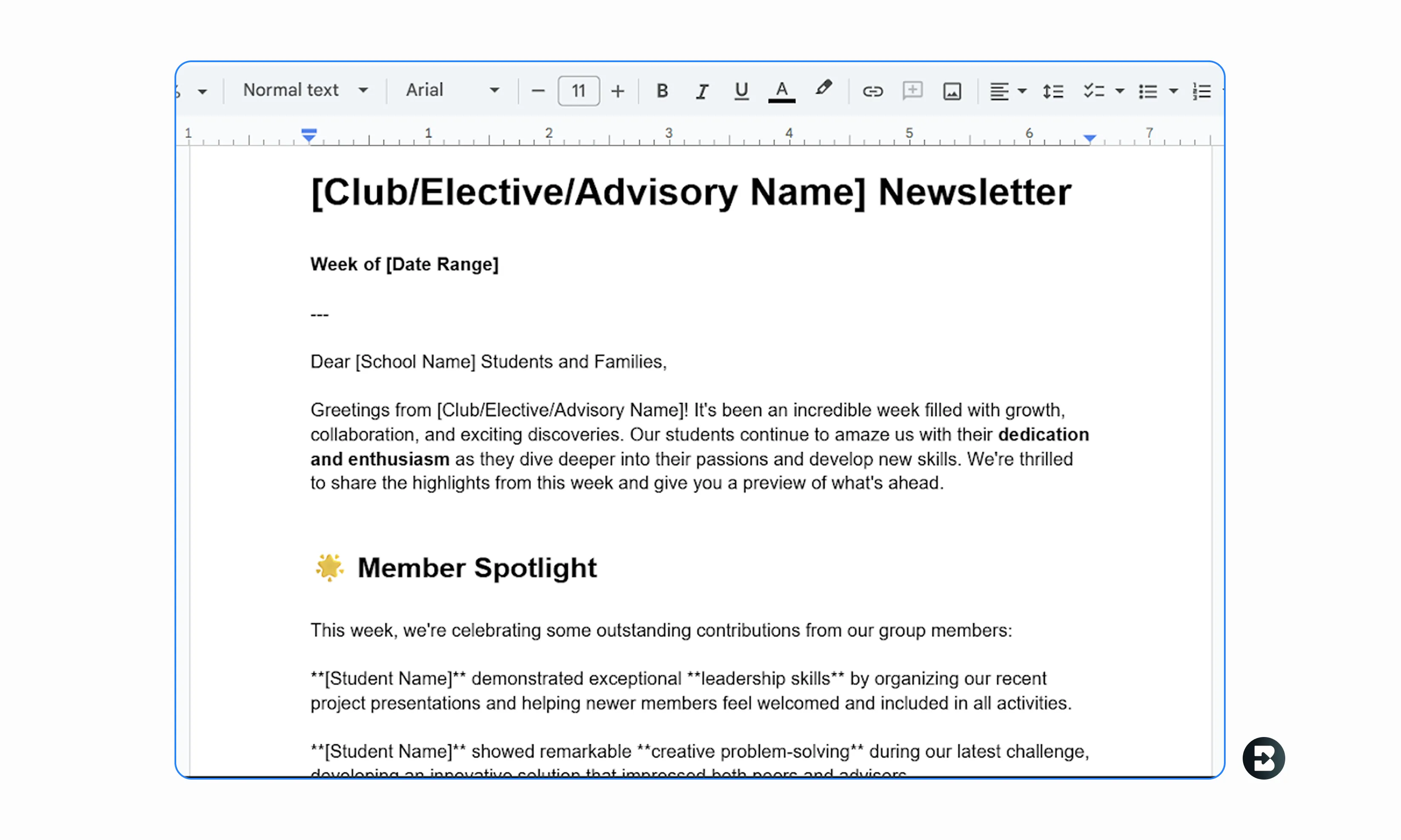
Elective Updates
Craft professional-looking newsletters for clubs, electives, or advisory updates — all with consistent formatting and tone.


Keep going
What's next on your list?
Brisk works across every part of your day. Here are some other tools educators love.


.svg)


Spend less time on administrative tasks
Brisk turns your class updates into parent-ready newsletters in just a few clicks. Save hours every month, strengthen family communication, and keep everyone in the loop with ease. Add Brisk to Chrome and start creating your next newsletter today.
Frequently asked questions
Chúng tôi muốn nghe từ bạn! Gửi email cho chúng tôi tại hello@briskteaching.com để liên lạc.