Brisk is for First-Year Teachers of all grade levels

Elementary School
Engage younger students with presentations and brainstorm games for teaching lesson content. Easily change the reading level of articles to make them accessible to your students.
High School
Craft lesson plans, discussion prompts, and activities to support critical thinking and understanding. Create rubrics and grade student essays in just a few clicks.
Middle School
Create the daily agenda, classroom newsletter, introductory slides for new lessons, and pre- and post- assessments on any topic. Give personalized feedback on student writing assignments.
University
Prepare plans for your lectures, generate presentation slides, and create discussion prompts. Write customized letters of recommendation in seconds.

How First-Year Teachers are using Brisk's AI tools

Brisk gives you tools to return high-quality feedback on assignments the same day — saving hours without lowering the bar.

Manage the Classroom

Use Brisk to help you brainstorm ways to encourage positive behavior. Brisk can then write up class rules and a classroom management plan for you.  

How to: Open a new Google doc and click on Brisk. Click Create, then Something Else. Include details about your classroom management goals and tell it to write you a plan, then click Brisk It!

Create Lessons

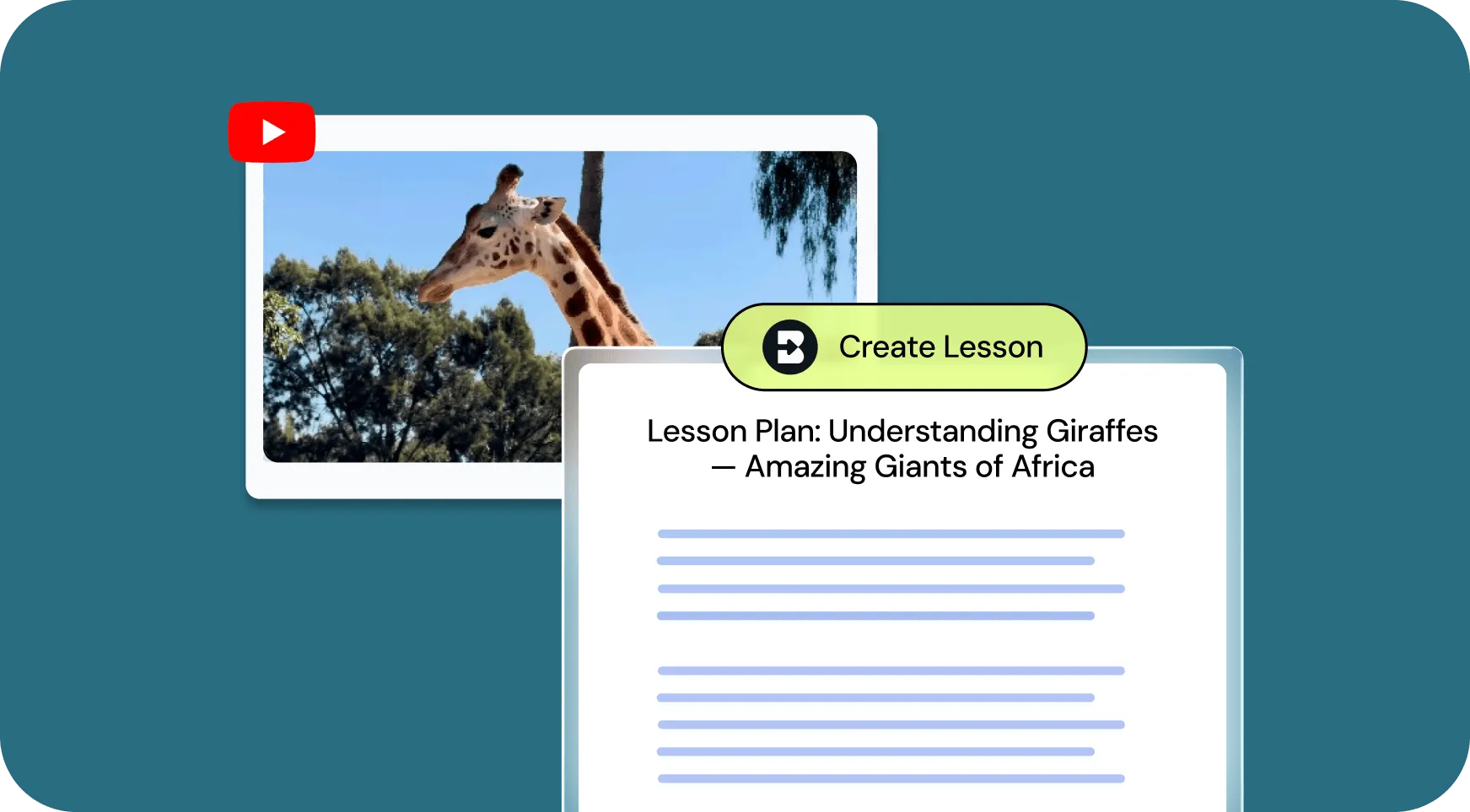
Generate customized lesson plans based on any article, video, PDF, or document.

How to: Open your chosen media and click on Brisk. Click Create, then Lesson Plan. Alternatively, you could choose Change Level to level the text. Then click Brisk It!

Give Feedback

Provide personalized essay feedback in your preferred style directly in students’ Google Docs.

How to: Open a student’s Google doc and click on Brisk. Click Give Feedback, choose your feedback style, and attach your rubric if you want. Then click Brisk It!

Inspect Writing

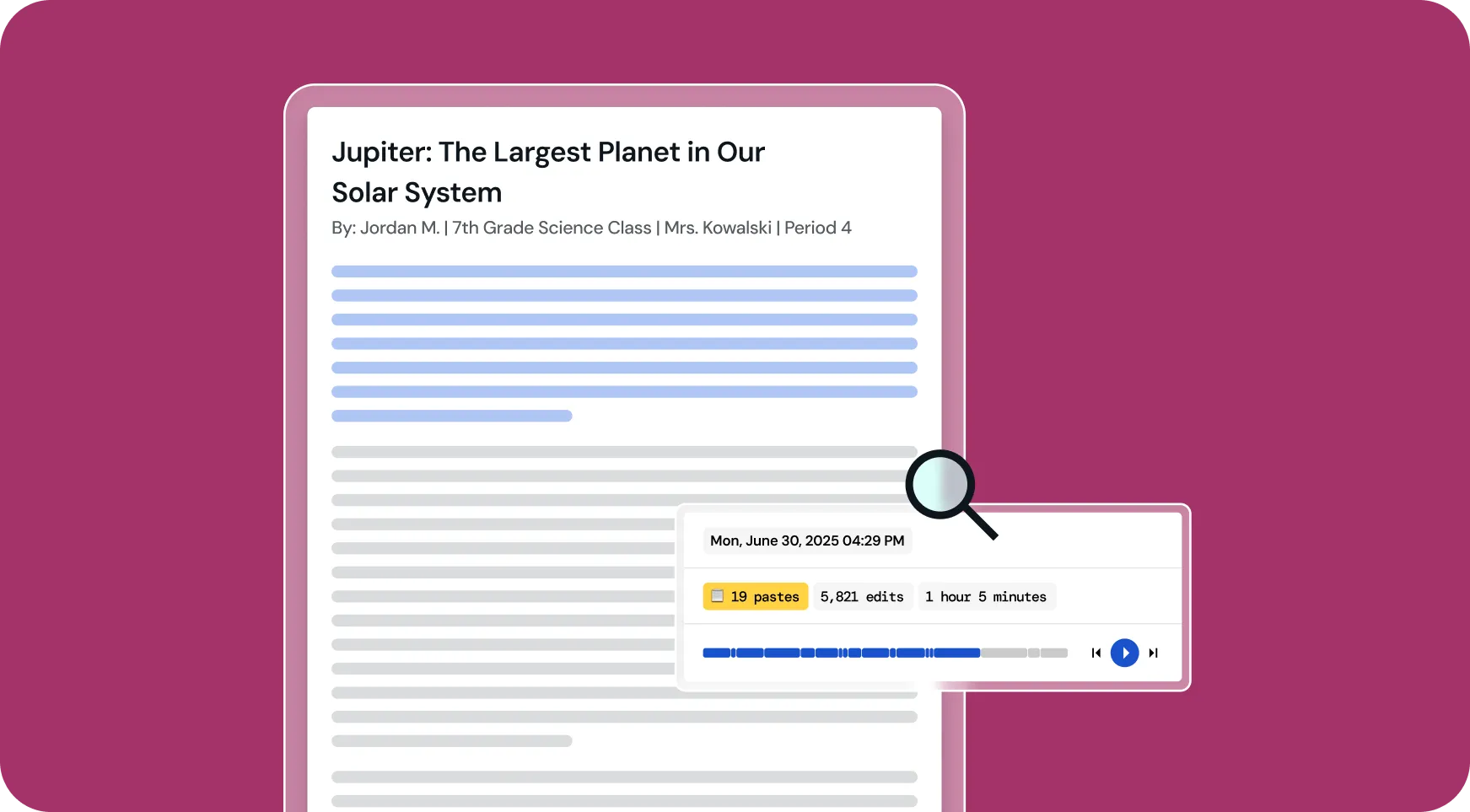
Understand students’ writing processes with a video playback of their document creation from start to finish.

How to: Open a student’s Google doc and click on Brisk. Click Inspect Writing to watch a replay of how the document was created. Click the magnifying glass to see how likely AI was used in the writing process.

All Brisk AI tools for First-Year Teachers

🎯 Generator Umpan Balik Bertarget
Buat komentar yang dipersonalisasi di Google Doc siswa mana pun.
📊 Pembuat Kuis AI
Buat kuis di Google Formulir dan Dokumen, dengan kunci jawaban tertanam.
💻 Pembuat Presentasi AI
Buat presentasi Google Slides dari ide, artikel, situs web, atau video apa pun.
Penyetel Teks
Sesuaikan tingkat teks secara instan agar sesuai dengan kemampuan membaca siswa.
📗 Generator Rencana Pelajaran AI
Buat rencana pelajaran yang komprehensif untuk memandu pengajaran Anda.
🔎 Periksa Alat Penulisan
Brisk telah menata ulang analisis penulisan siswa. Anda dapat memahami bagaimana siswa merevisi pekerjaan mereka dalam dua cara.
💌 Generator Surat Rekomendasi
Hasilkan surat rekomendasi yang dipersonalisasi untuk menyoroti kekuatan dan pencapaian siswa.
“Brisk Teaching adalah alat AI yang luar biasa. Ini berfungsi sebagai cetak biru untuk umpan balik siswa instan - yang dapat Anda edit di tempat. Jika ini akan keluar bertahun-tahun yang lalu, lebih banyak guru kemungkinan akan merasa kelelahan yang jauh lebih sedikit. Anda bisa tahu ini adalah produk yang dibuat oleh guru untuk guru. Mereka memikirkan segalanya. Jika Anda seorang guru dan belum mencoba alat ini, lakukanlah.”

Looking for another use case?

From phonics to physics, Brisk helps every teacher support every student. See how Brisk shows up for every subject, grade, classroom, and district.

Make your first year of teaching easier with Brisk

Brisk gives first-year teachers practical, time-saving tools to handle the day-to-day. From building aligned lessons to adapting assignments on the fly, Brisk helps you stay focused on what matters most — your students.