

AI Unit Plan Generator
Enter your topic, grade level, unit length, and standards. Brisk generates a structured unit plan with objectives, lessons, and assessments — so you can spend less time planning and more time teaching.
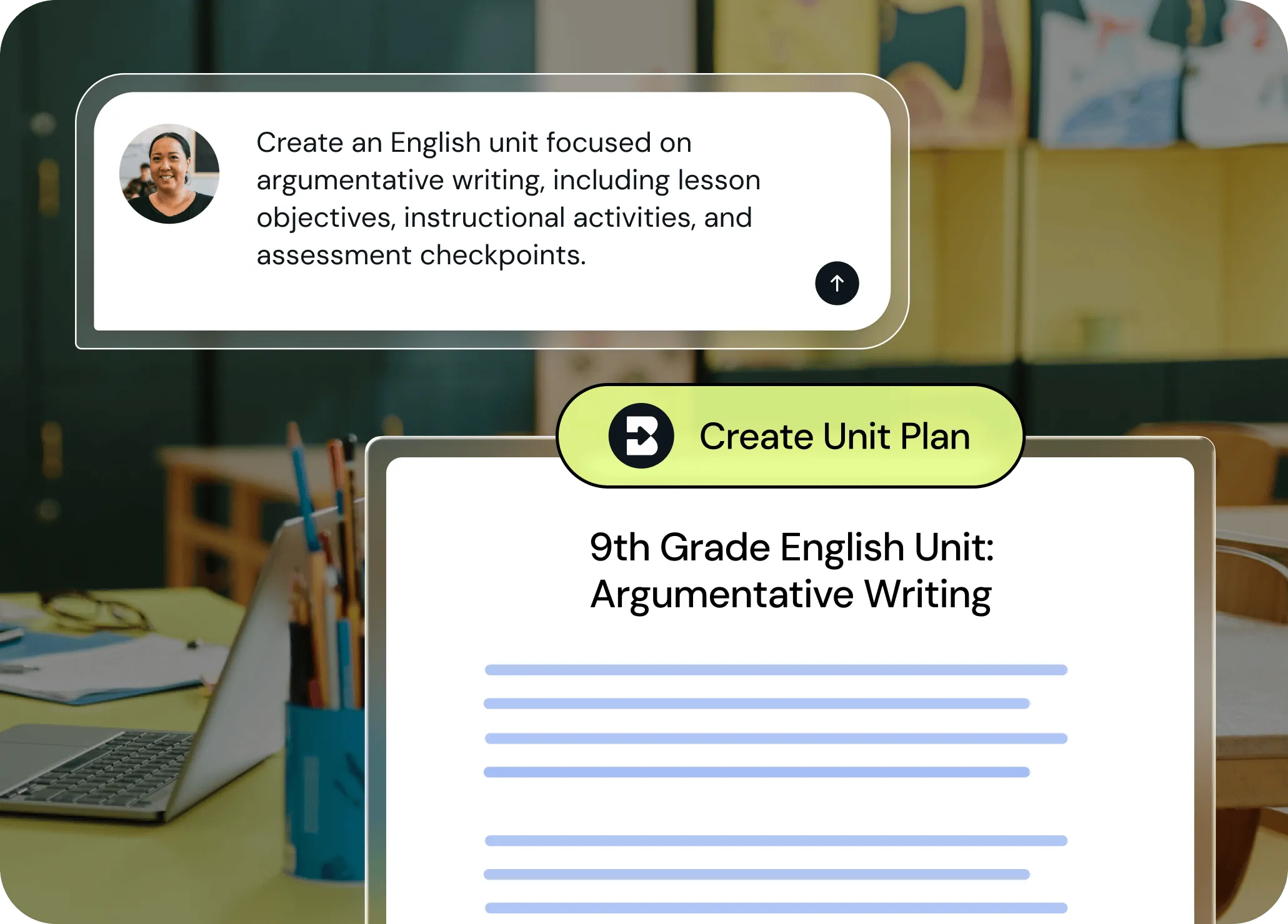
Go from blank page to clear plan in seconds
Brisk helps you evolve the seed of an instructional idea into a full, standards-aligned unit plan — complete with objectives, lessons, and assessments. Share a few specifics about what you need and Brisk will handle the rest.
Plan across days or weeks
Generate a unit plan that spans multiple days so pacing and sequencing are handled upfront.
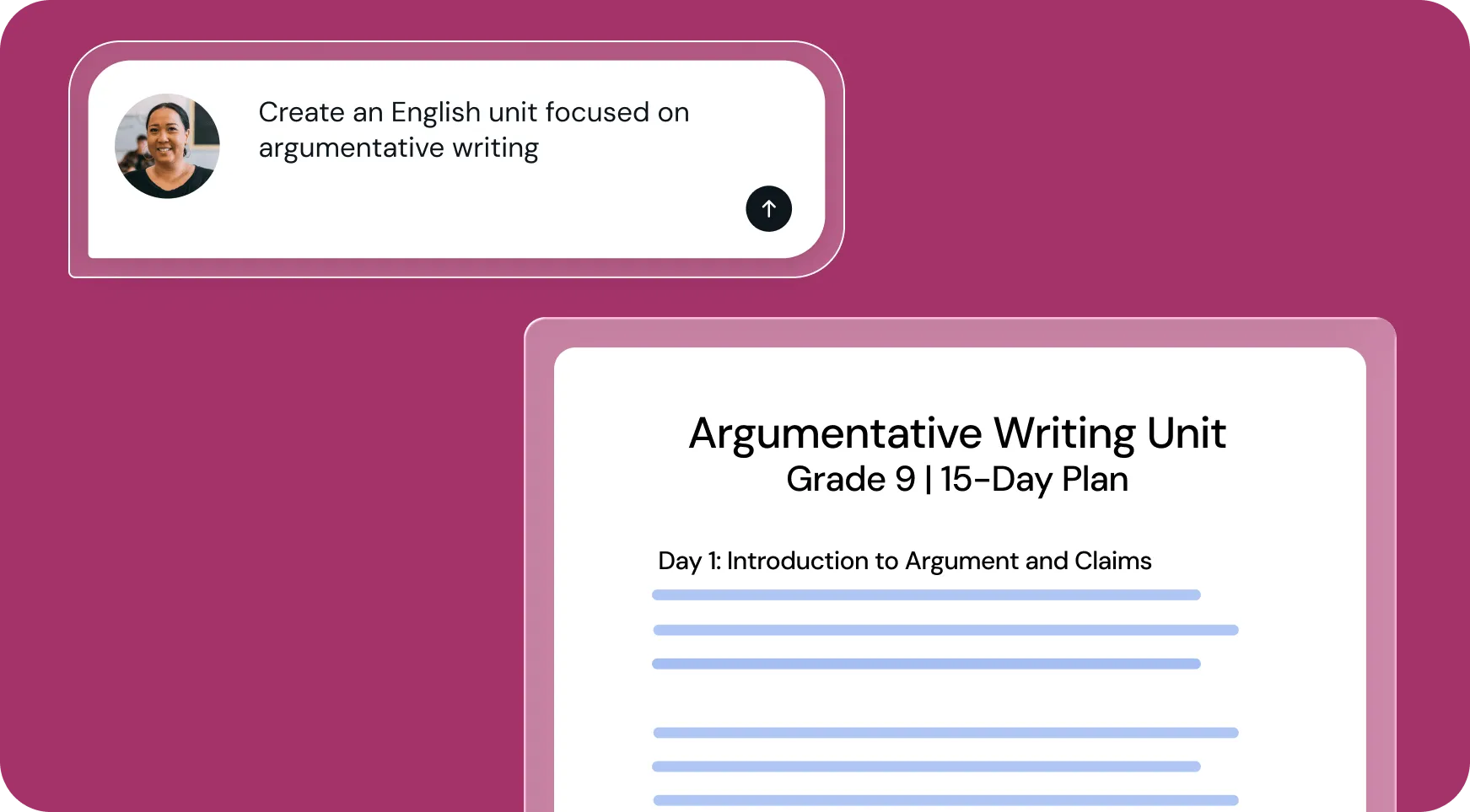
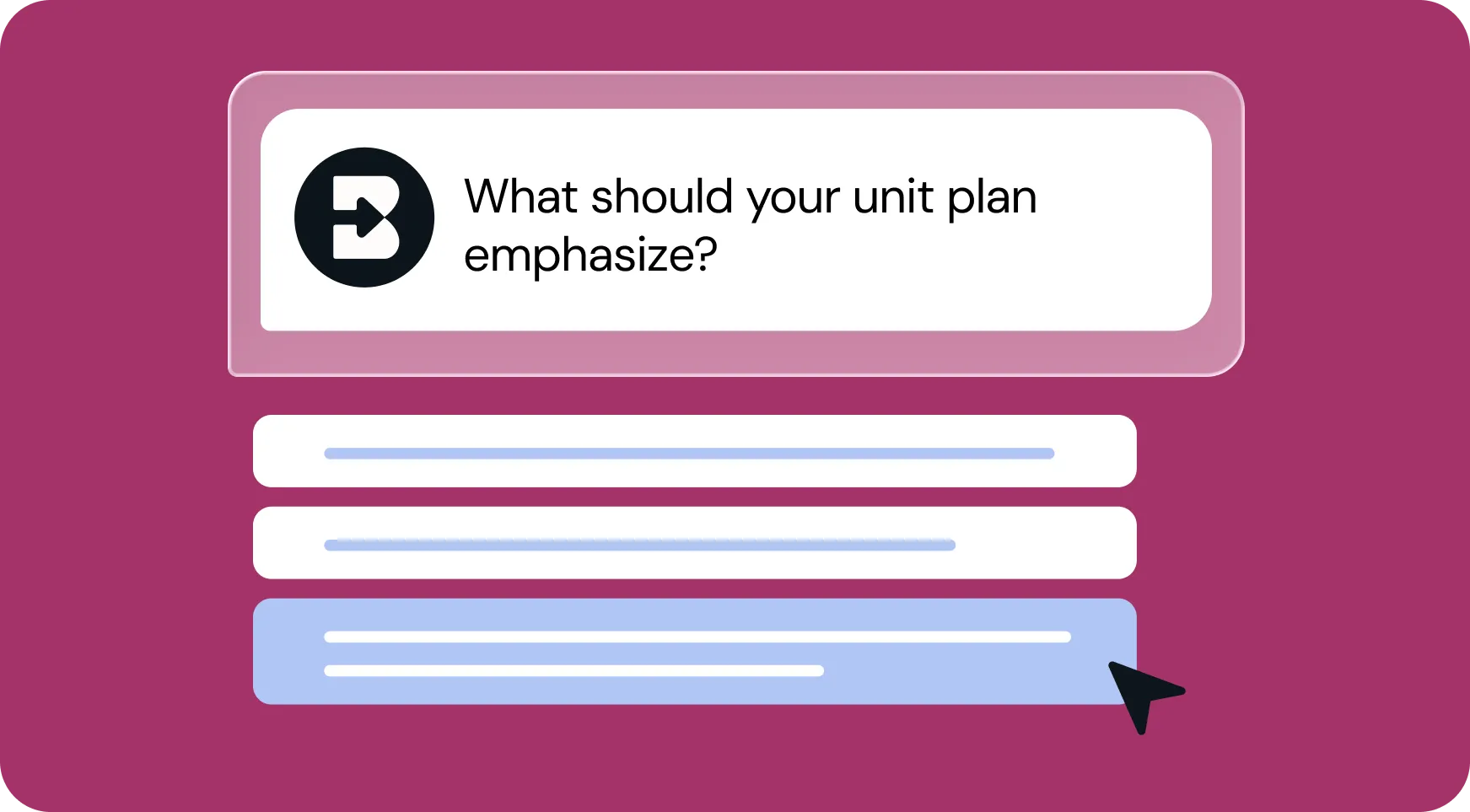
Customize it to your classroom needs
Need lesson objectives? Assessment touchpoints? A higher-level outline? Brisk includes what you ask for.
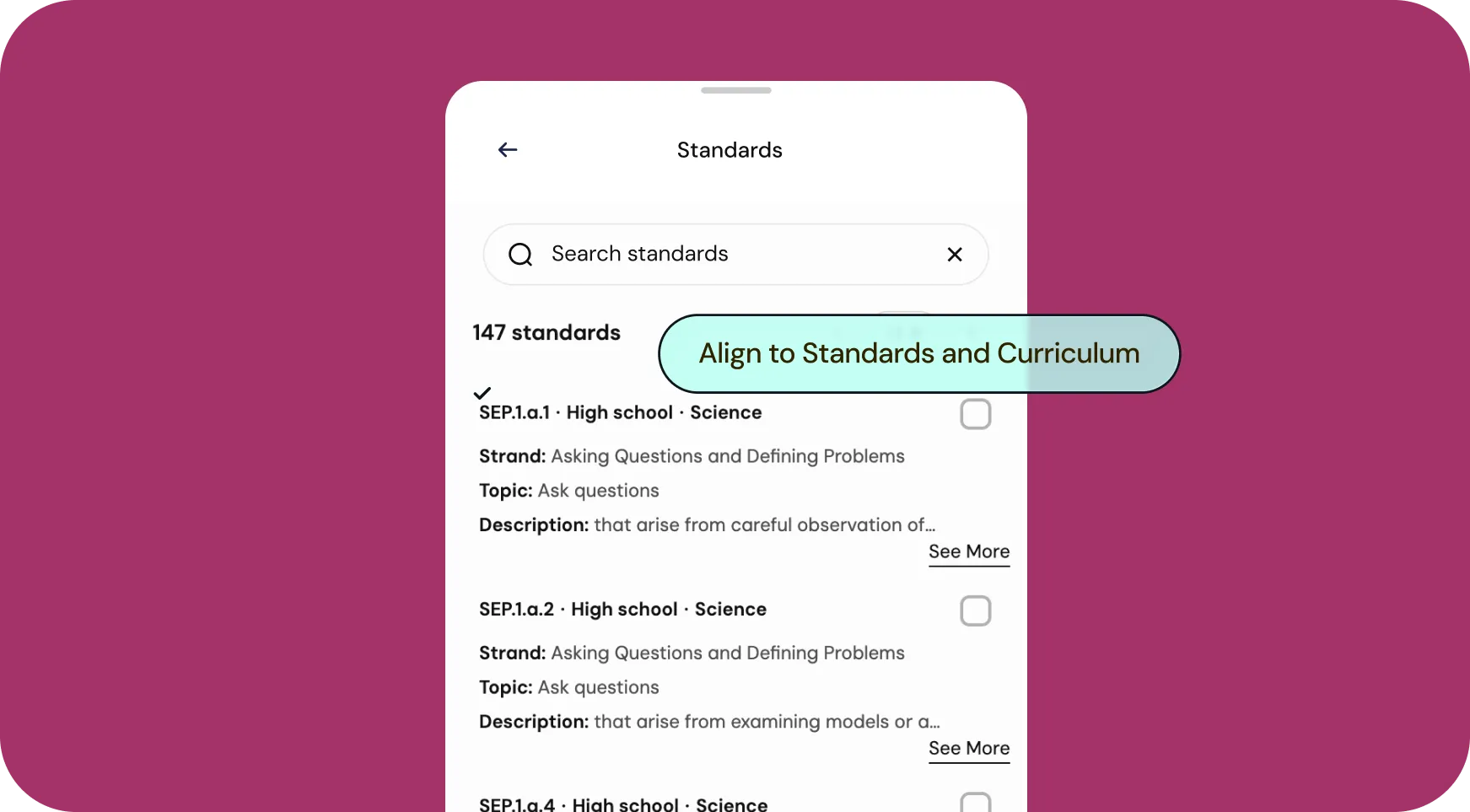
Keep everything aligned to standards
Need the unit aligned to standards? Choose standards in the modal and Brisk applies them across the unit. Or, get automatic, district-wide standards alignment with Curriculum Intelligence.
How to use Brisk’s
Unit Plan Generator
From prompt to ready-to-go resource in a few clicks.

1. Search for “unit plan”
Open Brisk, type “unit plan” into the search box, and select the Unit Plan Generator from the search results.
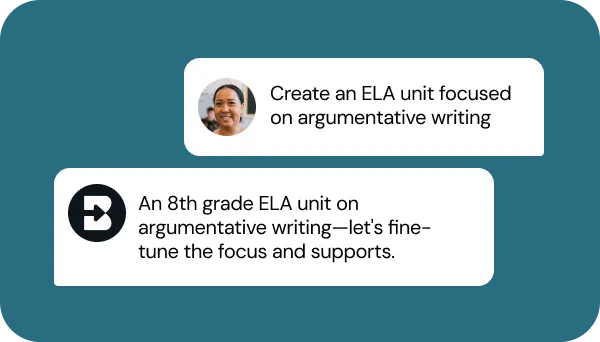
2. Tell Brisk what you need
Share some specifics about grade level, subject, topic, standards, unit focus, unit length, and any special requirements.
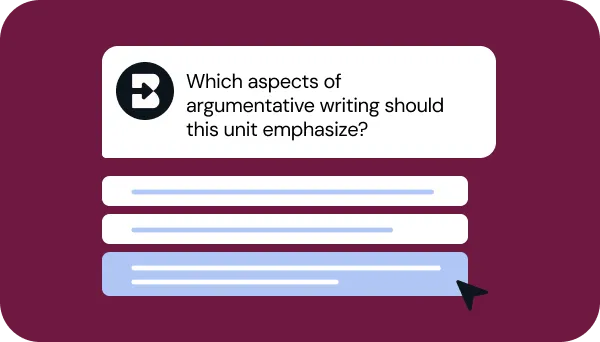
3. Refine your request
Answer a few quick questions from Brisk so your unit looks just like what you have in mind. Then, sit tight for a few seconds while Brisk works.
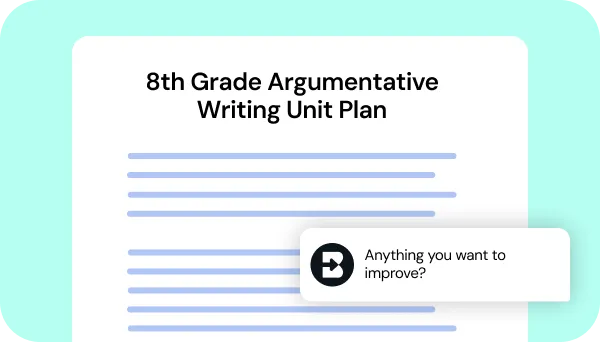
4. Adjust until it’s perfect
Chat back and forth with Brisk to fine-tune the unit by adding sections, adjusting pacing, or aligning it with any other priorities you have.
See what's possible in seconds
Some inspiration to get you started with Brisk's
Unit Plan Generator
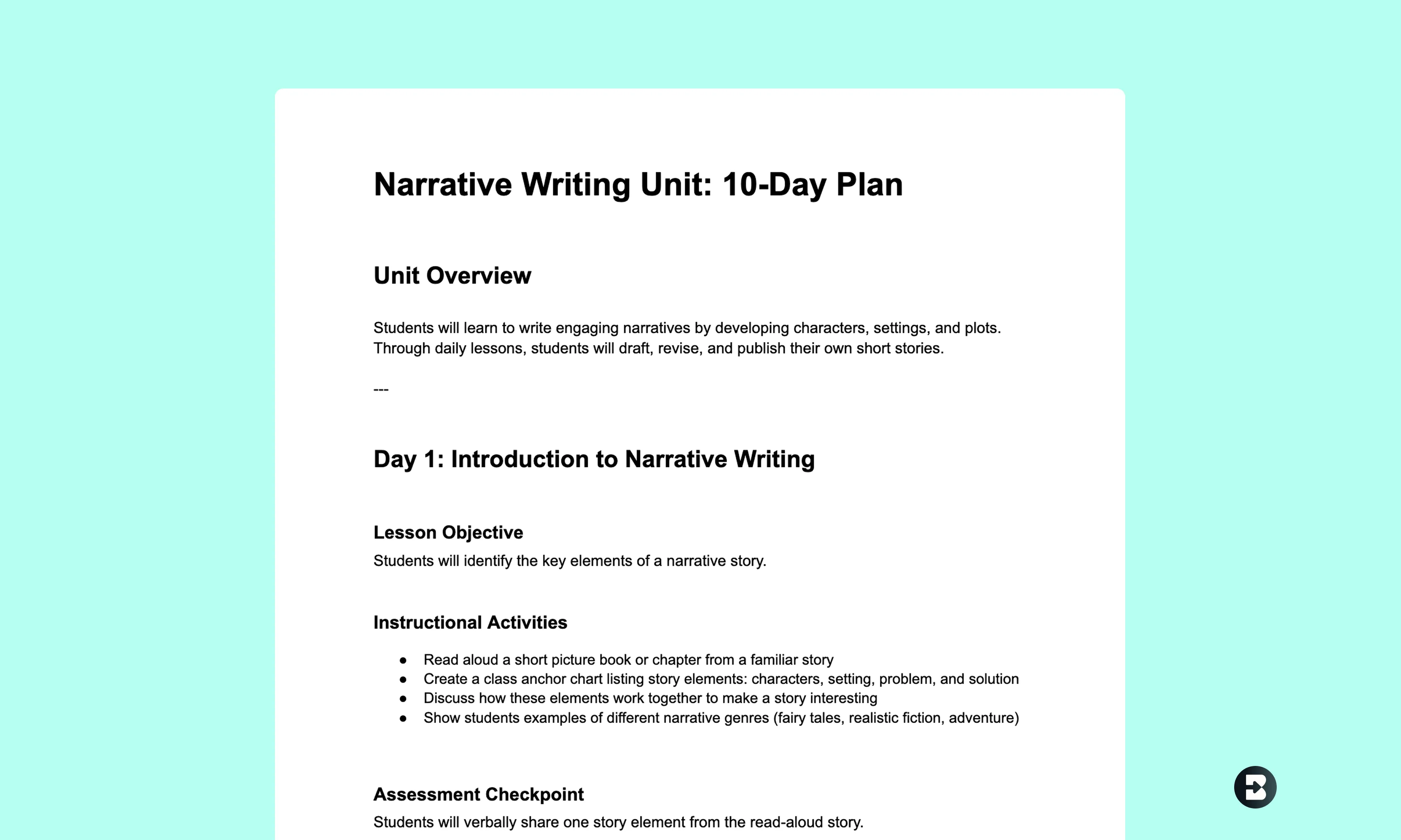
4th Grade ELA Unit
Create a 10-day ELA unit focused on narrative writing, including daily lesson objectives, instructional activities, and assessment checkpoints.
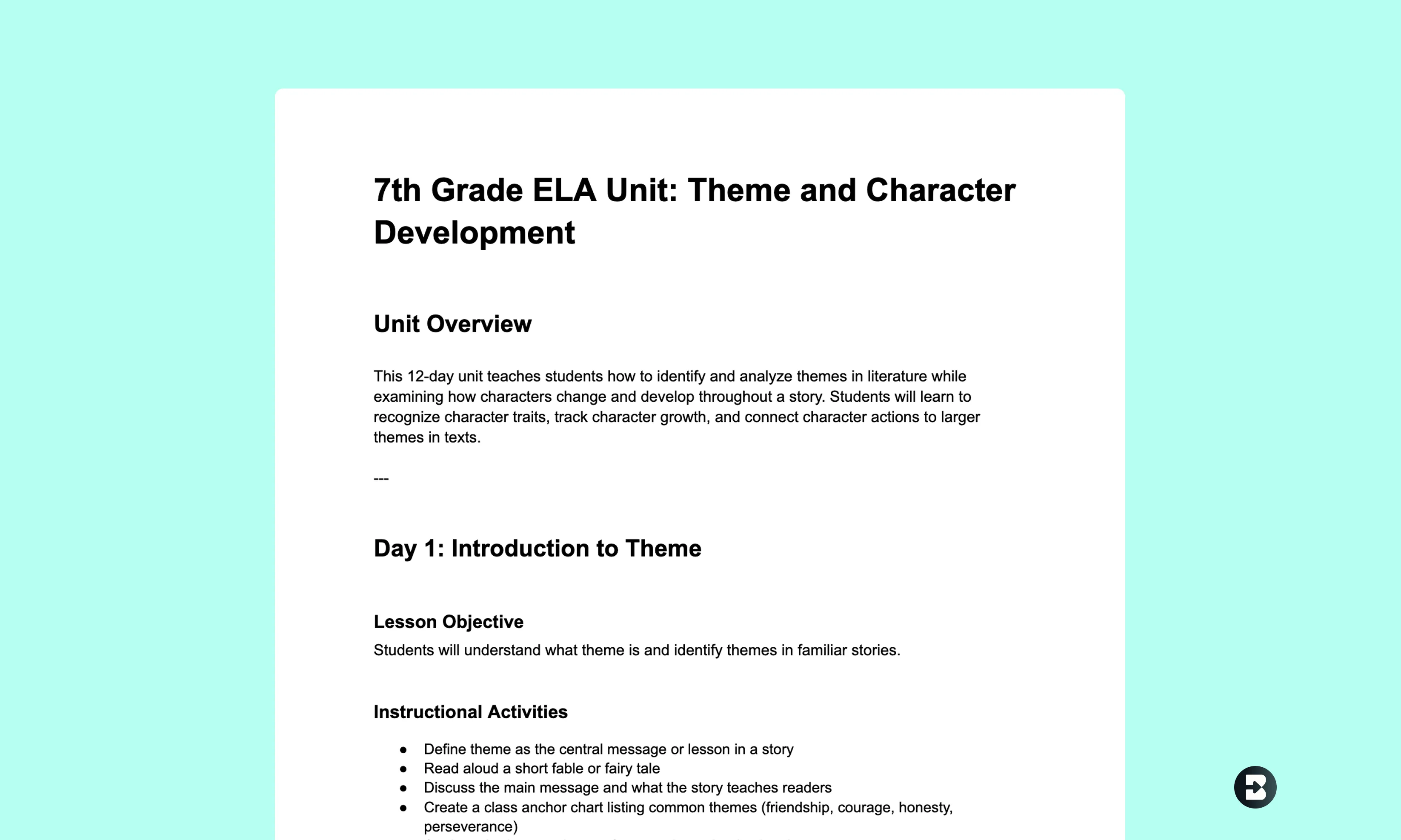
7th Grade ELA Unit
Create a 12-day 7th grade ELA unit focused on analyzing theme and character development, including lesson objectives, instructional activities, and assessment checkpoints.
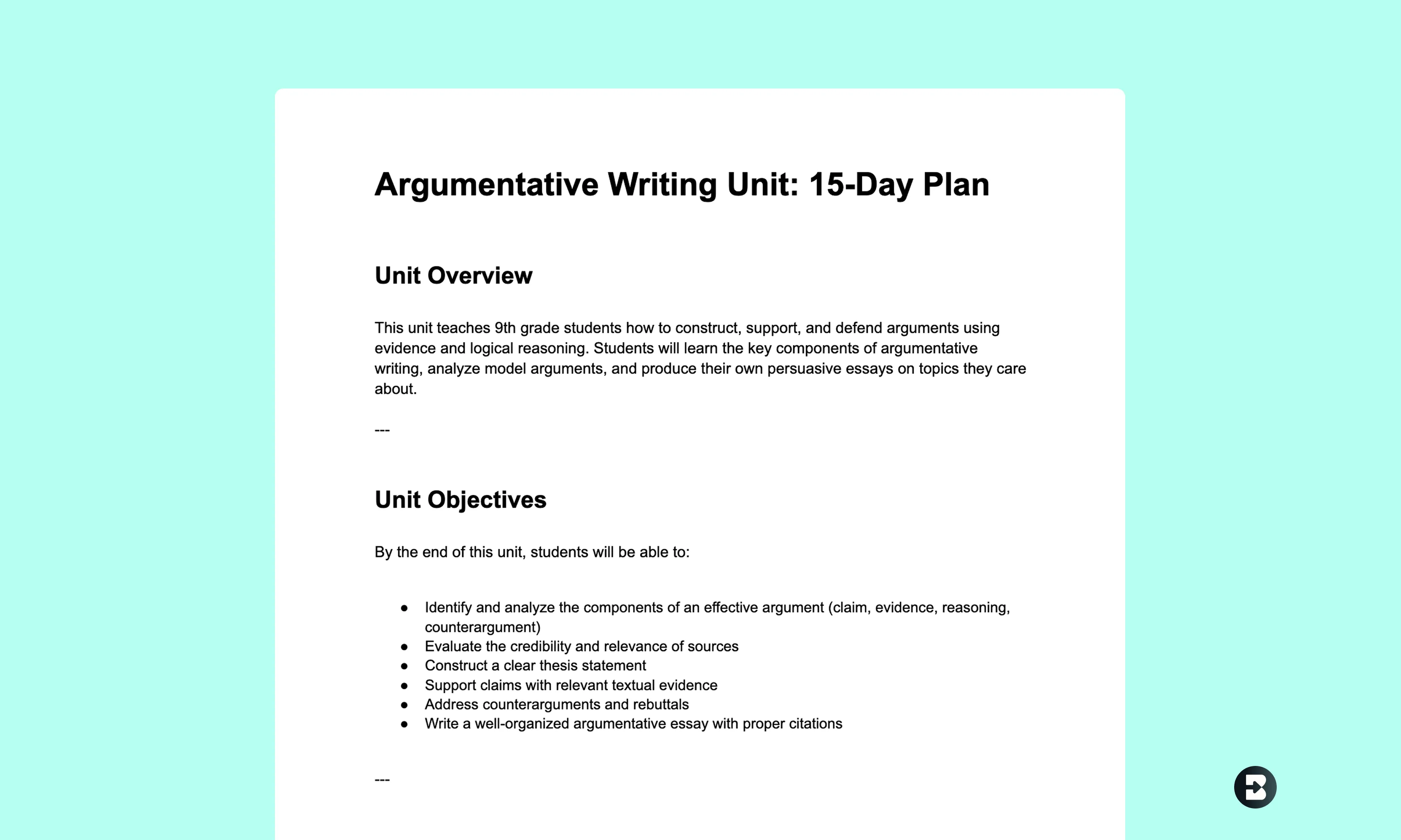
9th Grade ELA Unit
Create a 15-day 9th grade ELA unit focused on argumentative writing, including lesson objectives, instructional activities, formative assessment checkpoints, and a final writing task.


Keep going
What's next on your list?
Brisk works across every part of your day. Here are some other tools educators love.


.svg)


Built for real classroom planning
Brisk doesn’t replace your judgment. It helps you move faster, see the structure clearly, and make intentional choices about what to teach and when. Start using Brisk for free today.