

AI Tools for First-Year Teachers
Handle the challenges of your first classroom and save time so you can focus on what matters most: your students.


Your First Year with Brisk
ALWAYS STAY AHEAD OF THE CURVE
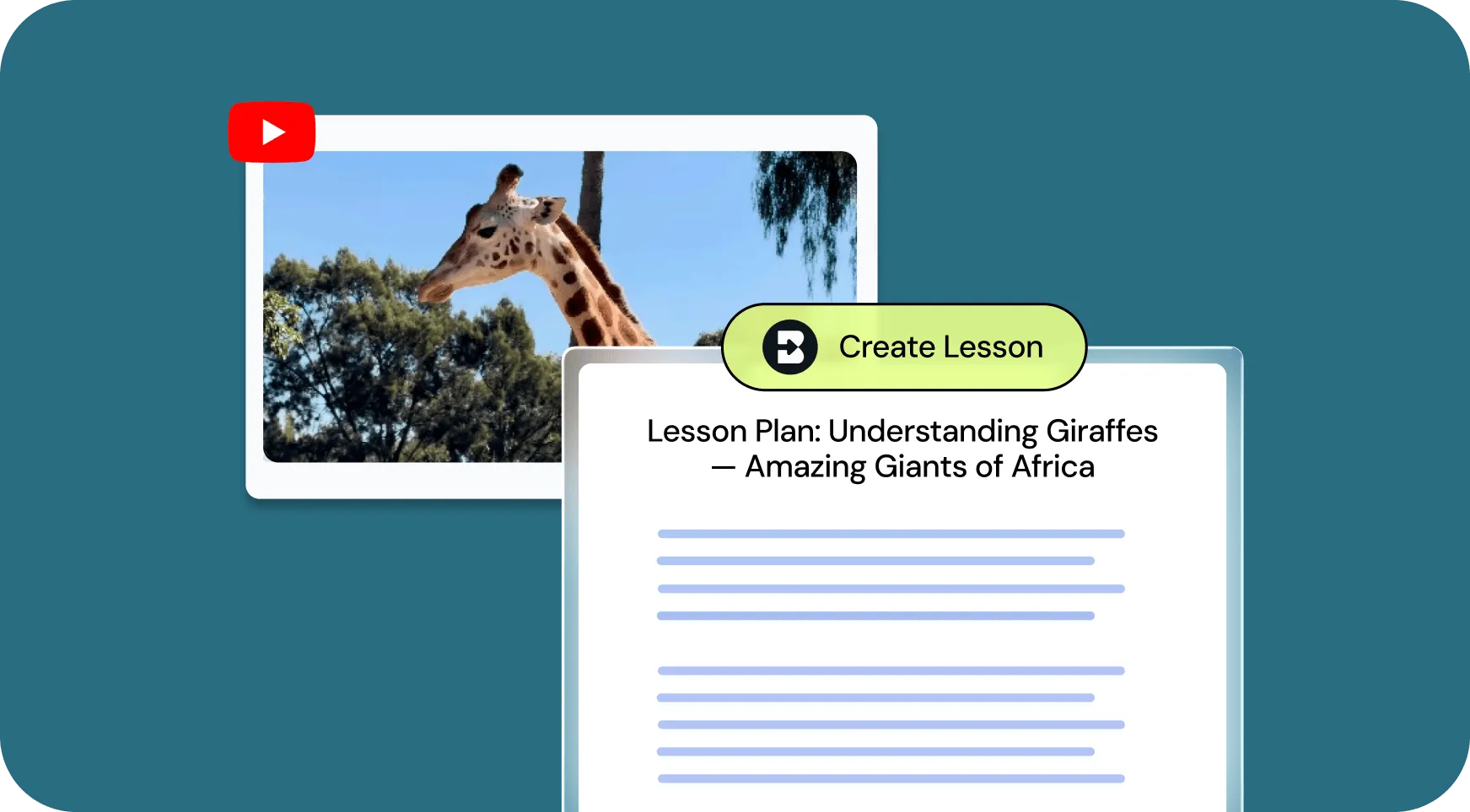
Teach Core Concepts
Lessons that keep students engaged
Your district has given you a scope and sequence. The challenge is translating it into instruction that resonates with students. Brisk helps you create detailed, classroom-ready lesson plans for any grade and subject in seconds.
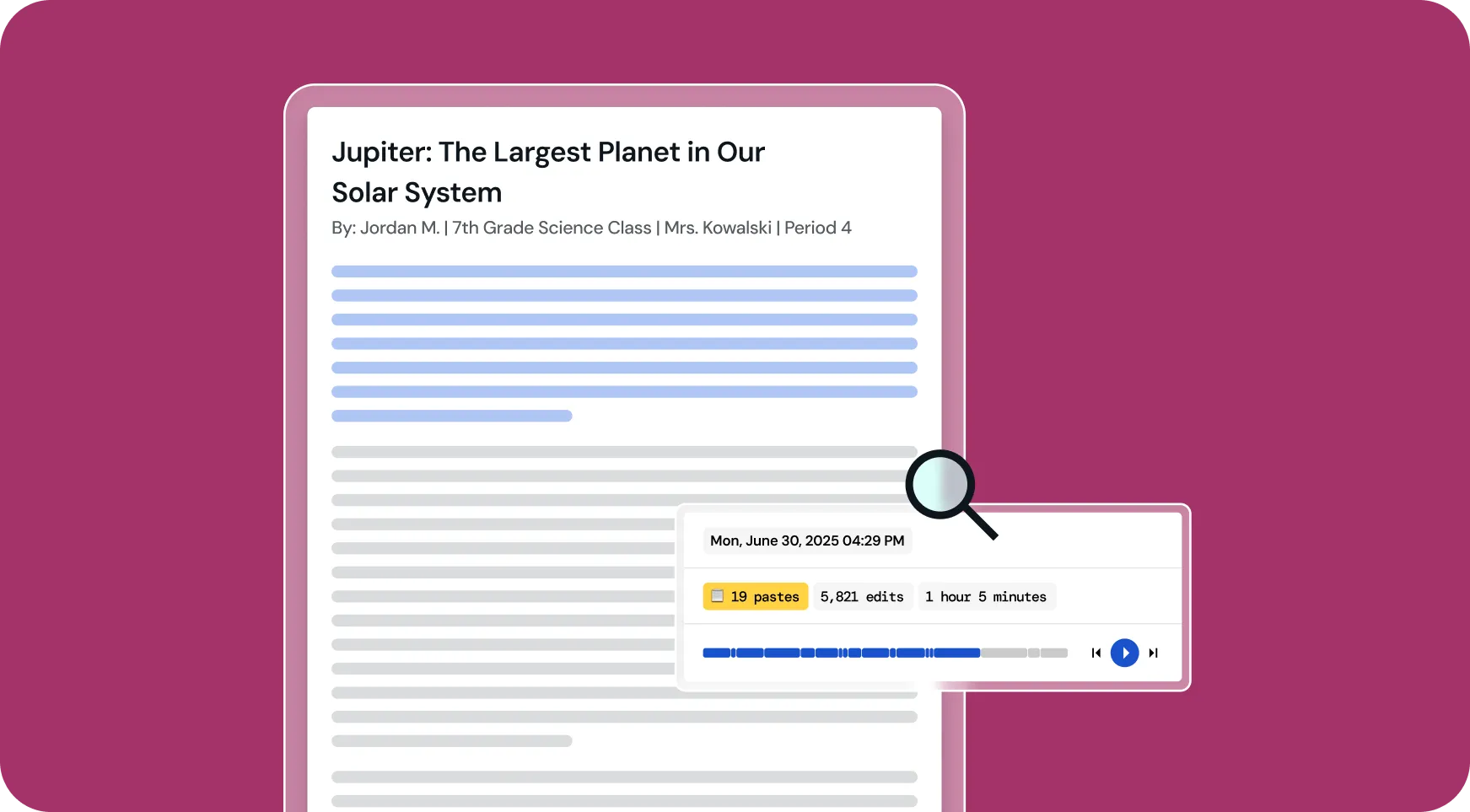
Promote Academic Integrity
Visibility into student writing processes
You want to understand how students think about what you’ve taught — and when they’re not doing their own thinking. Brisk provides playbacks of student writing so you can track its evolution and spot excessive copy-pasting.
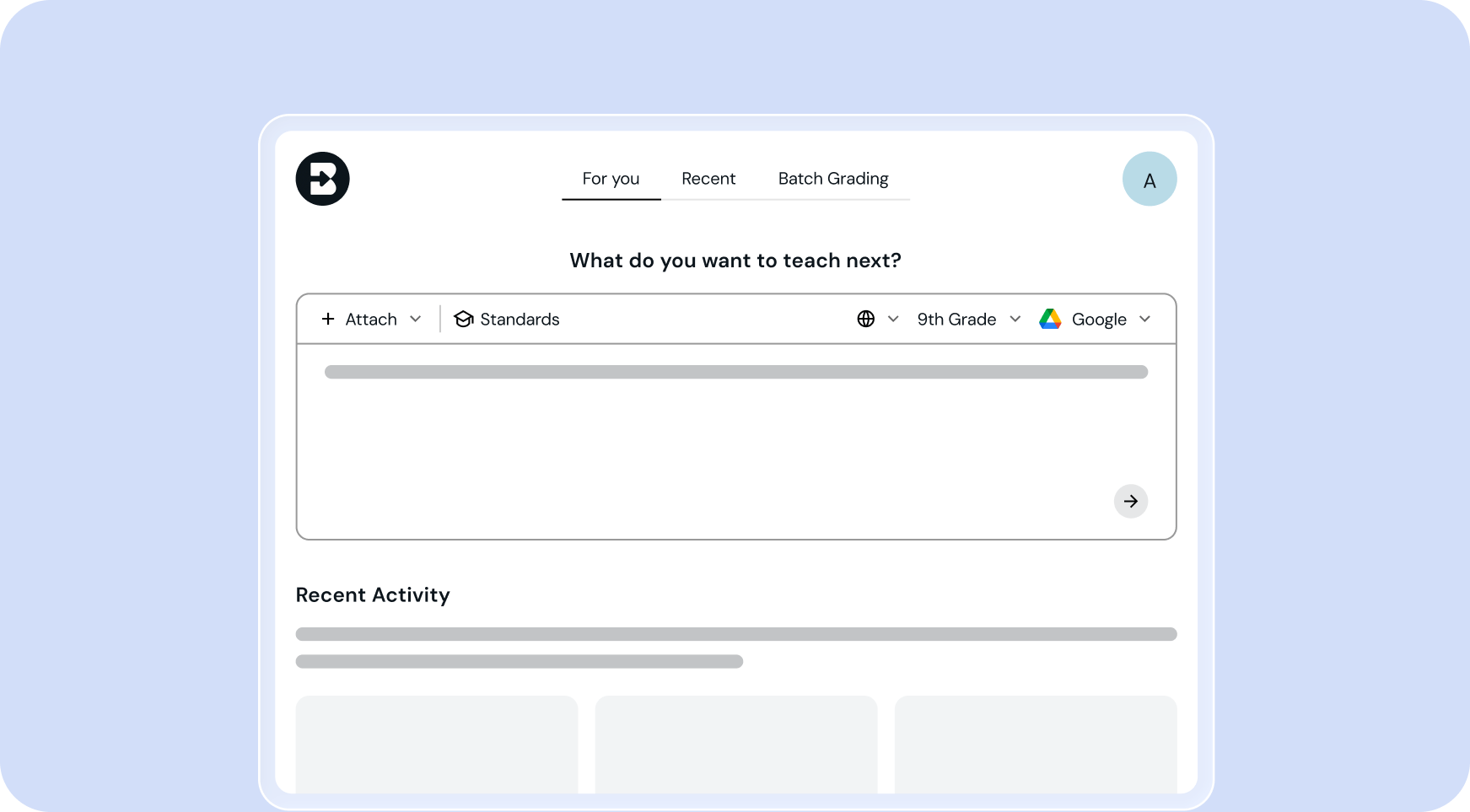
Get Teaching Ideas
Tips for what to tackle next
You just wrapped up the unit. Before you can celebrate, the panic sets in — what’s next? Never fear. Brisk offers smart recommendations based on your grade, standards, and what you’ve already taught so you stay ready.

The Ultimate Toolkit for
First-Year Teachers
The tools
First-Year Teachers
reach for most
There are lots of Brisk AI tools for
First-Year Teachers
.
Get started in seconds!









Done grading by the final bell
Install the extension, open a student's doc, and see what Brisk can do with your first essay — in under a minute.