Brisk is for First-Year Teachers of all grade levels

Elementary School
Engage younger students with presentations and brainstorm games for teaching lesson content. Easily change the reading level of articles to make them accessible to your students.
High School
Craft lesson plans, discussion prompts, and activities to support critical thinking and understanding. Create rubrics and grade student essays in just a few clicks.
Middle School
Create the daily agenda, classroom newsletter, introductory slides for new lessons, and pre- and post- assessments on any topic. Give personalized feedback on student writing assignments.
University
Prepare plans for your lectures, generate presentation slides, and create discussion prompts. Write customized letters of recommendation in seconds.

How First-Year Teachers are using Brisk's AI tools

Brisk gives you tools to return high-quality feedback on assignments the same day — saving hours without lowering the bar.

Manage the Classroom

Use Brisk to help you brainstorm ways to encourage positive behavior. Brisk can then write up class rules and a classroom management plan for you.  

How to: Open a new Google doc and click on Brisk. Click Create, then Something Else. Include details about your classroom management goals and tell it to write you a plan, then click Brisk It!

Create Lessons

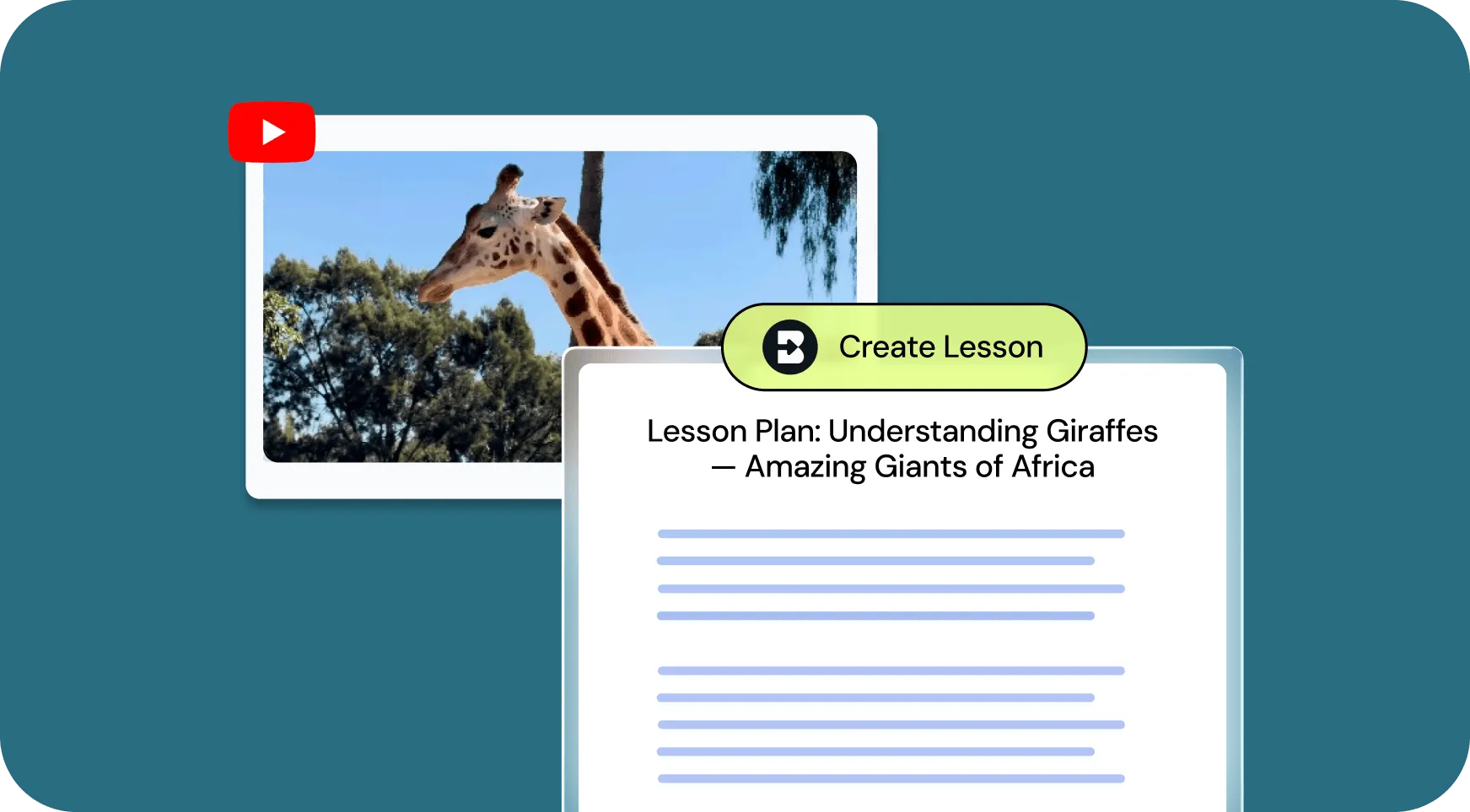
Generate customized lesson plans based on any article, video, PDF, or document.

How to: Open your chosen media and click on Brisk. Click Create, then Lesson Plan. Alternatively, you could choose Change Level to level the text. Then click Brisk It!

Give Feedback

Provide personalized essay feedback in your preferred style directly in students’ Google Docs.

How to: Open a student’s Google doc and click on Brisk. Click Give Feedback, choose your feedback style, and attach your rubric if you want. Then click Brisk It!

Inspect Writing

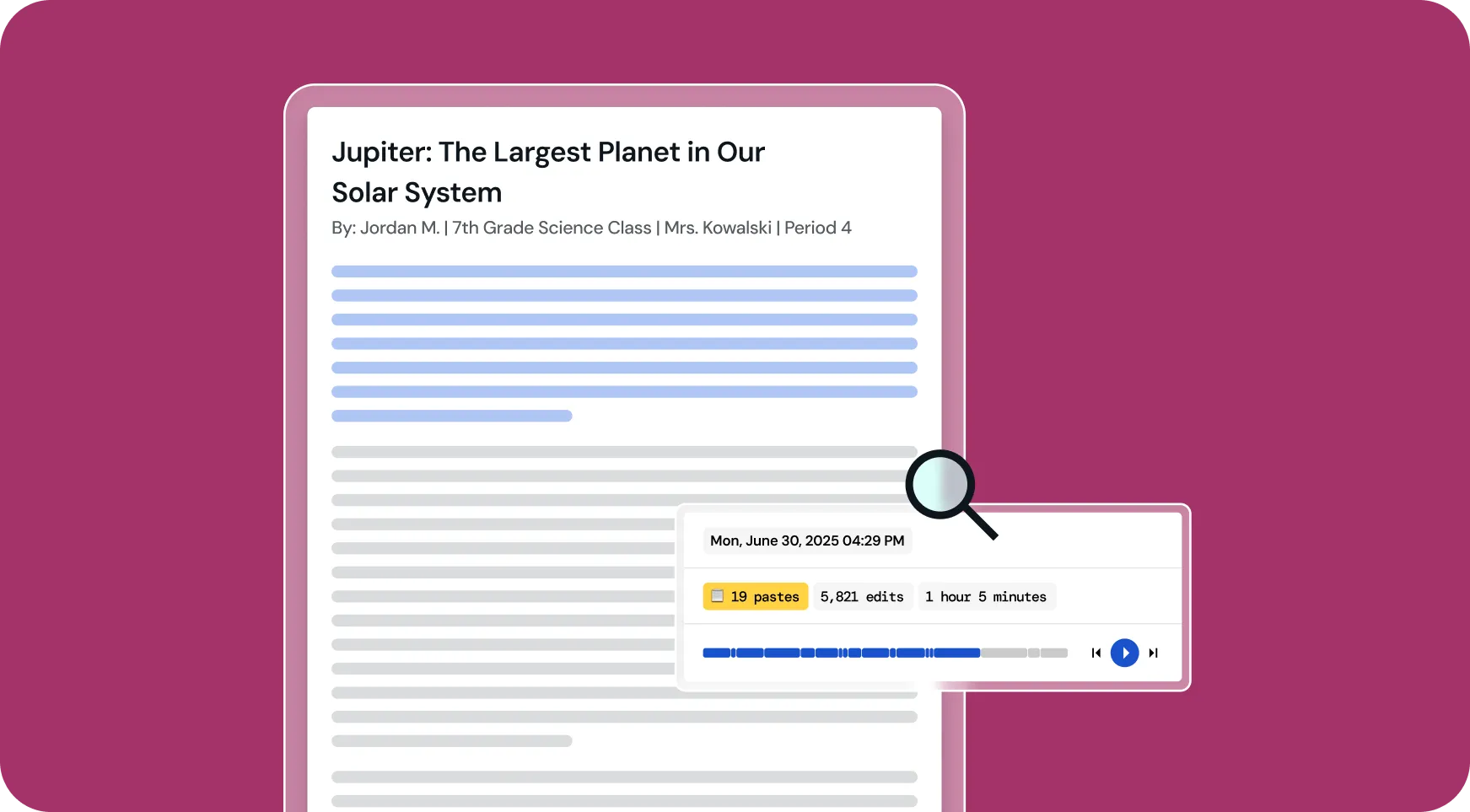
Understand students’ writing processes with a video playback of their document creation from start to finish.

How to: Open a student’s Google doc and click on Brisk. Click Inspect Writing to watch a replay of how the document was created. Click the magnifying glass to see how likely AI was used in the writing process.

All Brisk AI tools for First-Year Teachers

🎯 Gerador de feedback direcionado
Create personalized comments in any student's Google Doc.
📊 Criador de questionários de IA
Create quizzes in Google Forms and Docs, with embedded answer keys.
💻 Criador de apresentações de IA
Craft Google Slides presentations from any idea, article, website, or video.
Nivelador de texto
Ajuste os níveis de texto instantaneamente para combinar as habilidades de leitura dos alunos.
📗 Gerador de planos de aula com IA
Create comprehensive lesson plans to guide your teaching.
🔎 Inspecione a ferramenta de escrita
Brisk reimaginou a análise da escrita de estudantes. Você pode entender como os alunos revisaram seus trabalhos de duas maneiras.
💌 Gerador de cartas de recomendação
Generate personalized letters of recommendation to highlight students' strengths and accomplishments.
“O Brisk Teaching é uma ferramenta incrível de IA. Ele serve como um modelo para feedback instantâneo dos alunos, que você pode editar na hora. Se isso tivesse acontecido anos atrás, mais professores provavelmente estariam se sentindo muito menos esgotados. Você pode dizer que este é um produto feito por professores para professores. Eles pensaram em tudo. Se você é professor e ainda não experimentou essa ferramenta, use-a.”

Looking for another use case?

From phonics to physics, Brisk helps every teacher support every student. See how Brisk shows up for every subject, grade, classroom, and district.

Make your first year of teaching easier with Brisk

Brisk gives first-year teachers practical, time-saving tools to handle the day-to-day. From building aligned lessons to adapting assignments on the fly, Brisk helps you stay focused on what matters most — your students.