


AI 관찰 노트 생성기
강의실에서 얻은 내용을 몇 초 만에 프레임워크에 맞게 조정된 전문적인 피드백으로 변환할 수 있습니다. 평가 프레임워크에 매핑되는 구조화된 메모로 교사의 성장을 지원하세요.
더 짧은 시간에 더 나은 피드백을 작성하세요
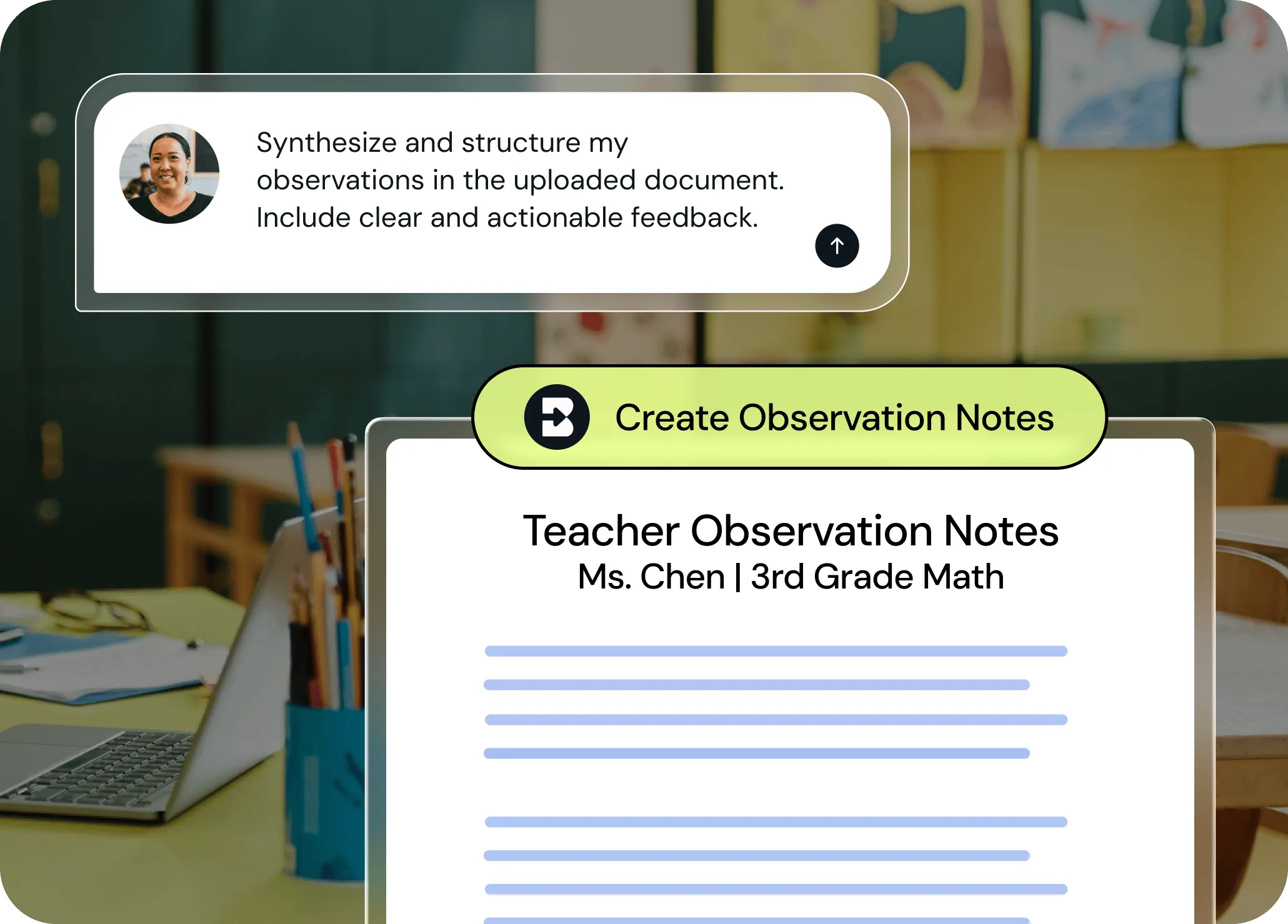
관찰 기록을 공식적인 글로 옮기는 데 시간을 허비하지 마세요. Brisk는 관찰 결과를 평가 프레임워크에 맞춰 몇 초 만에 전문적이고 실행 가능한 피드백으로 구성합니다.
원시 메모에서 전문적인 글까지
관찰 중에 확인한 강점, 성장 영역, 중요한 순간 등을 적어 두세요. Brisk는 핵심 포인트를 사려 깊고 완성도 높은, 명확하고 실행 가능한 피드백으로 바꿔줍니다.

평가 시스템에 맞춘 조정
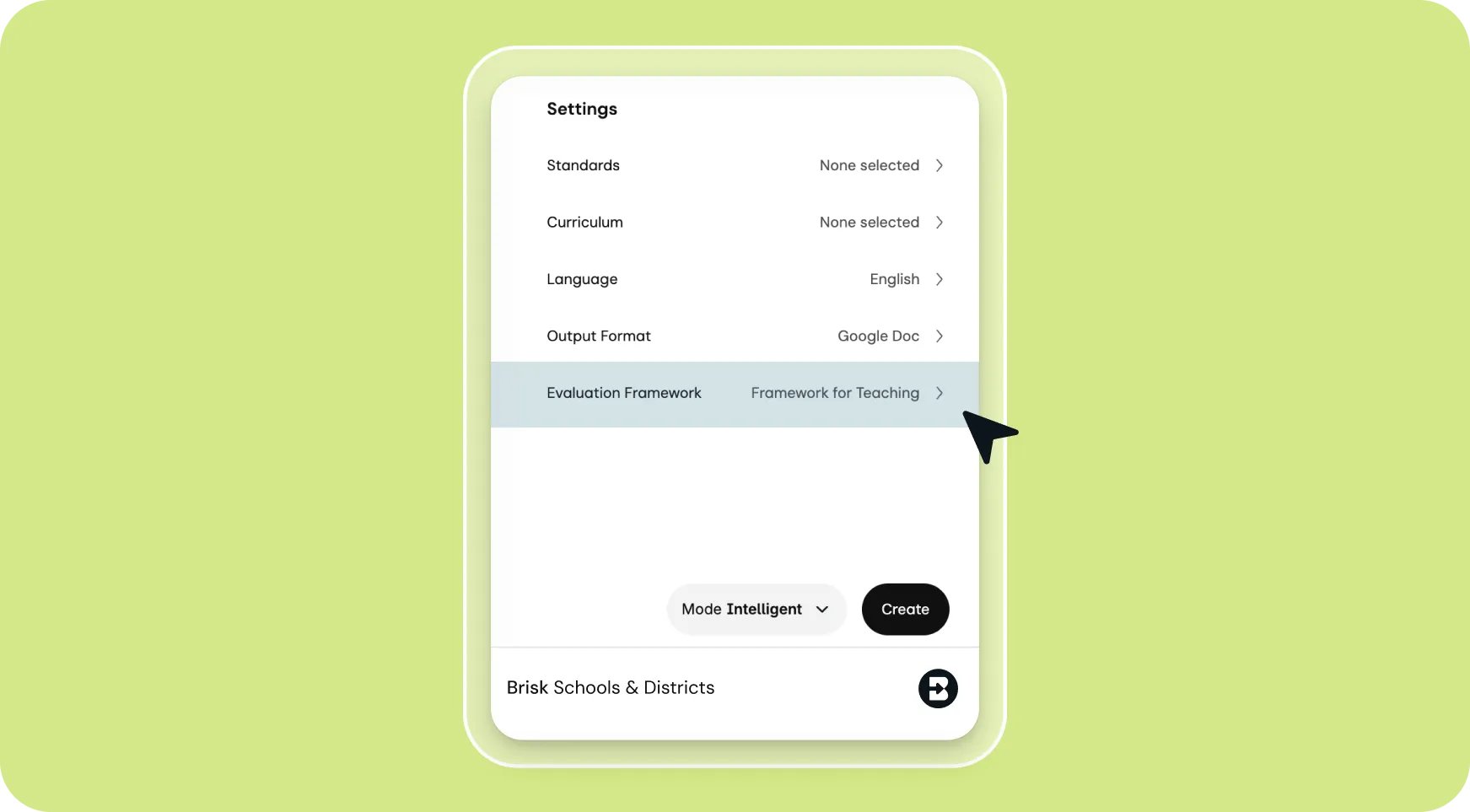
평가 프레임워크를 선택하거나 프롬프트에 직접 기준을 입력하세요. 수동으로 형식을 지정할 필요 없이 원하는 방식으로 피드백이 구조화됩니다.
공유 준비 완료, 간편한 편집
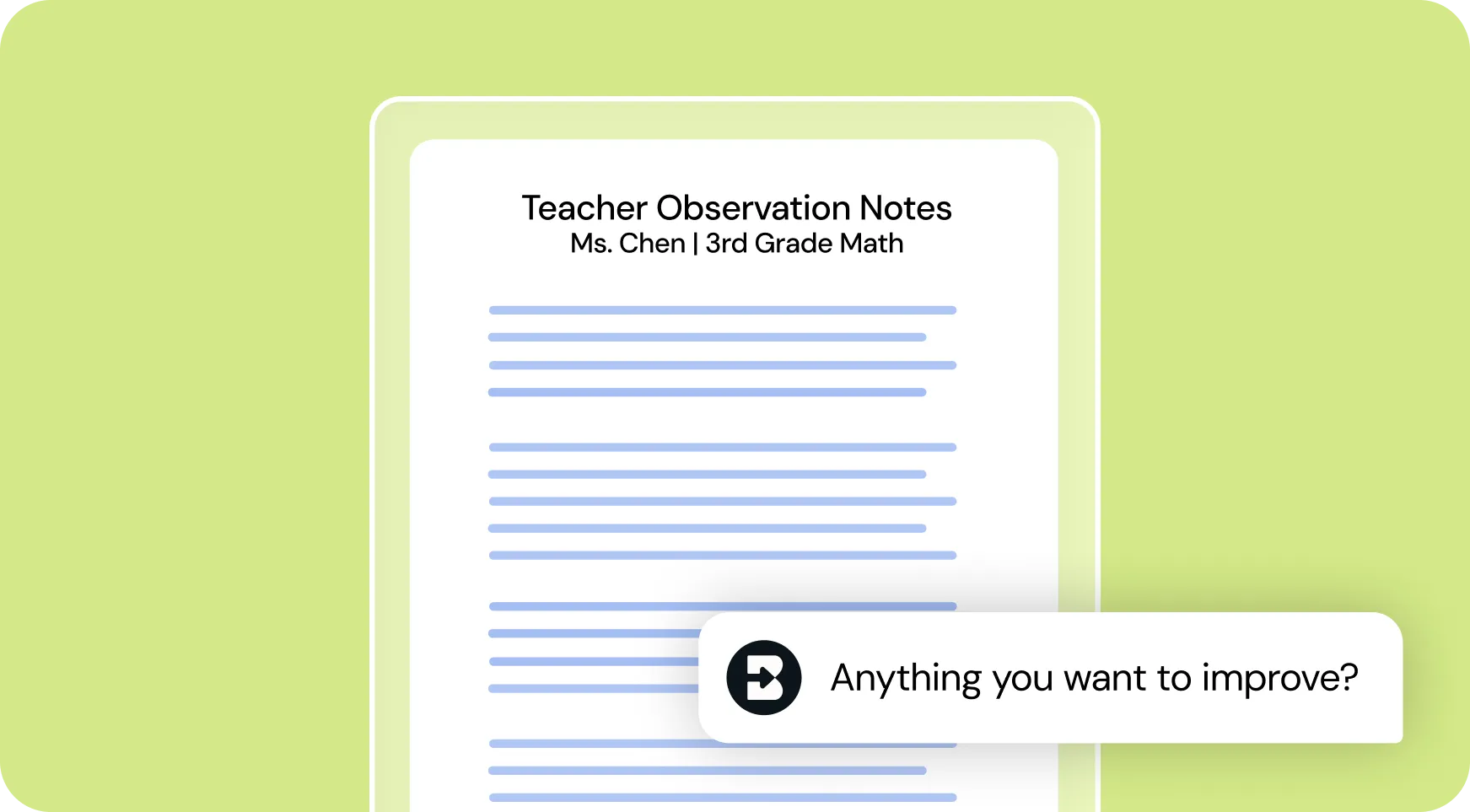
관찰 노트를 Google 문서나 Word 문서로 생성하세요. 내용을 검토하고, 메모를 추가하거나 어조를 조정하여 바로 사용할 수 있습니다. 이후 관찰 후 컨퍼런스나 전문성 개발 계획을 위해 교사와 공유하세요.
Brisk 사용 방법
관찰 노트 생성기
프롬프트 입력부터 완성된 자료까지 클릭 몇 번으로 해결하세요.

1. “observation” 검색
Brisk를 열고 검색창에 “observation”을 입력한 뒤, 검색 결과에서 관찰 노트 생성기(Observation Notes Generator)를 선택하세요.
2. 관찰 노트 추가
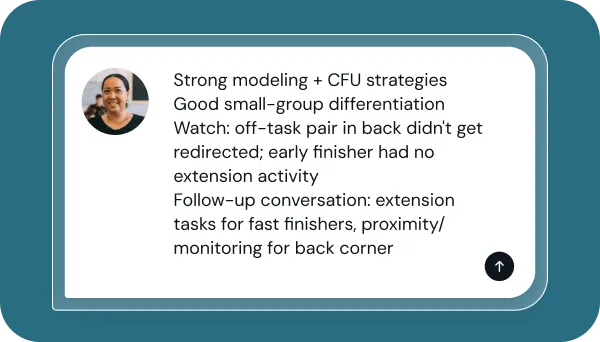
관찰 중에 확인한 내용(예: 학생 참여도, 교수 전략, 교실 환경 등)을 입력하세요.
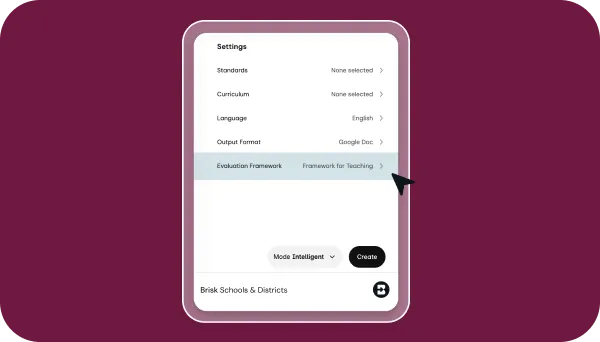
3. 평가 시스템 선택
사용할 사전 구축된 평가 프레임워크를 선택하거나, 사용자 지정 기준을 입력하여 피드백 구조를 설정하세요.
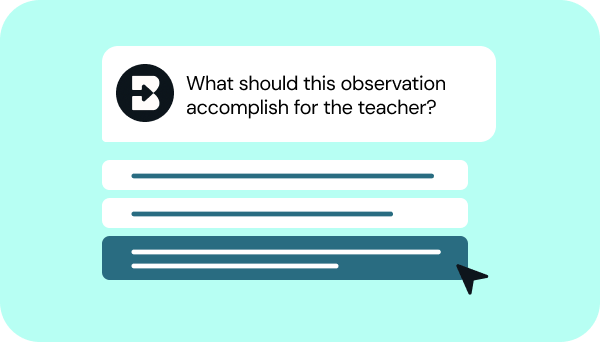
4. 요청 사항 다듬기
Brisk의 몇 가지 간단한 질문에 답하여 원하는 형태의 노트를 만들어 보세요. 잠시만 기다려 주시면 Brisk가 작업을 완료합니다.

5. 완벽해질 때까지 조정하기
Brisk와 대화를 주고받으며 세부 정보를 추가하거나, 구조를 조정하거나, 기타 우선순위에 맞춰 노트를 다듬어 보세요.


계속하기
다음으로 무엇을 하시겠어요?
Brisk는 교육자의 일상 모든 부분에서 활용할 수 있습니다. 교육자들이 즐겨 사용하는 다른 도구들을 소개합니다.


.svg)


글쓰기 시간을 줄이고 교사를 지원하는 데 더 많은 시간을 할애하세요
글쓰기에 시간을 들이지 않고도 교사에게 성장에 필요한 구체적이고 프레임워크에 맞는 피드백을 제공하세요. 관찰한 내용을 몇 분 만에 실행 가능한 결과물로 만드세요.