


AI Observation Notes Generator
Transform raw classroom observations into professional, framework-aligned feedback in seconds. Support teacher growth with structured notes that map to your evaluation framework.
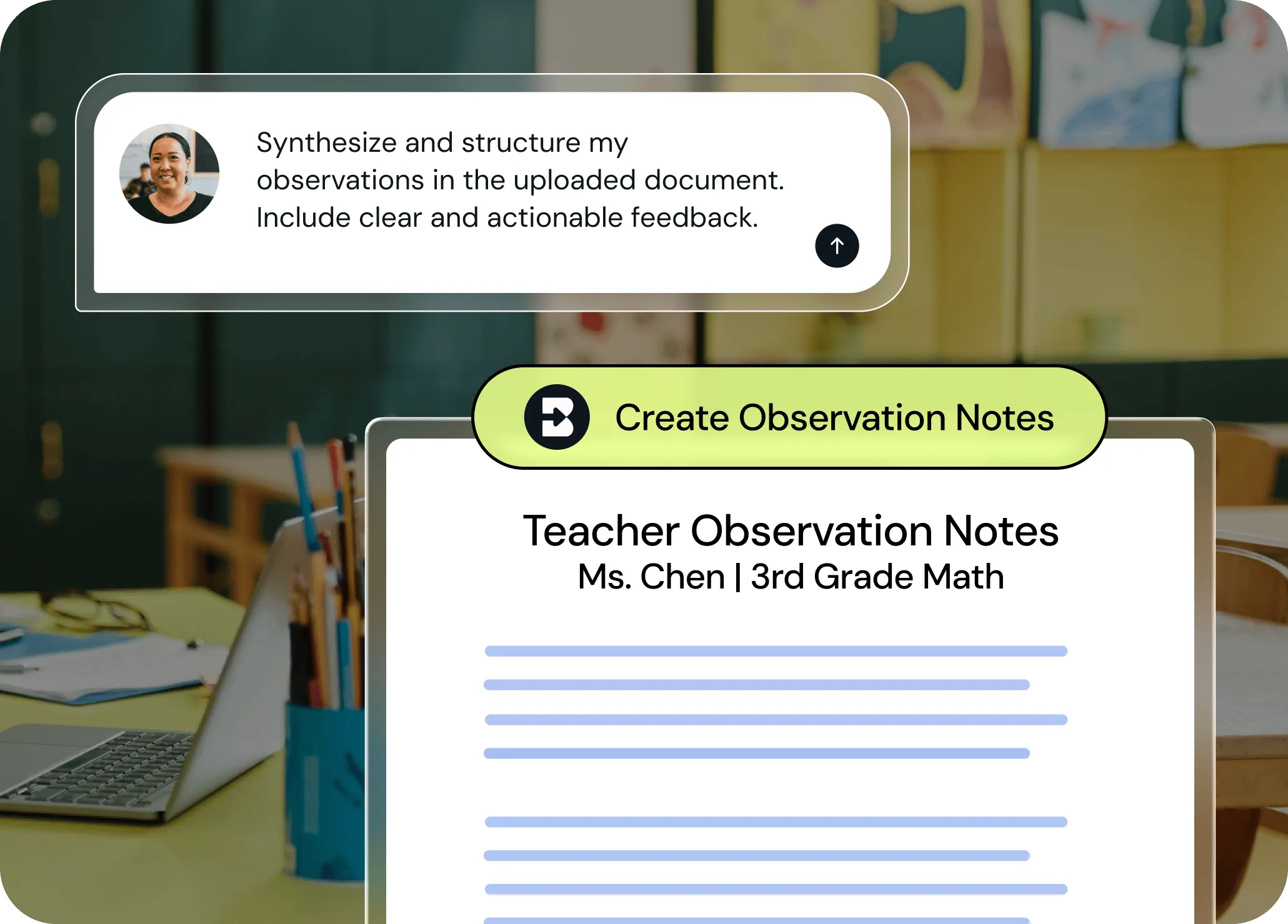
Write more robust feedback in a fraction of the time
With Brisk, providing teachers with detailed, actionable feedback doesn’t have to take hours. Turn bullets and rough notes into feedback that aligns with your district’s evaluation model with just a few clicks, then share it as a Google Doc or Microsoft Word file.
From raw notes to professional write-ups
Jot down what you saw during the observation — strengths, areas for growth, key moments. Brisk transforms your bullet points into clear, actionable feedback that feels thoughtful and complete.

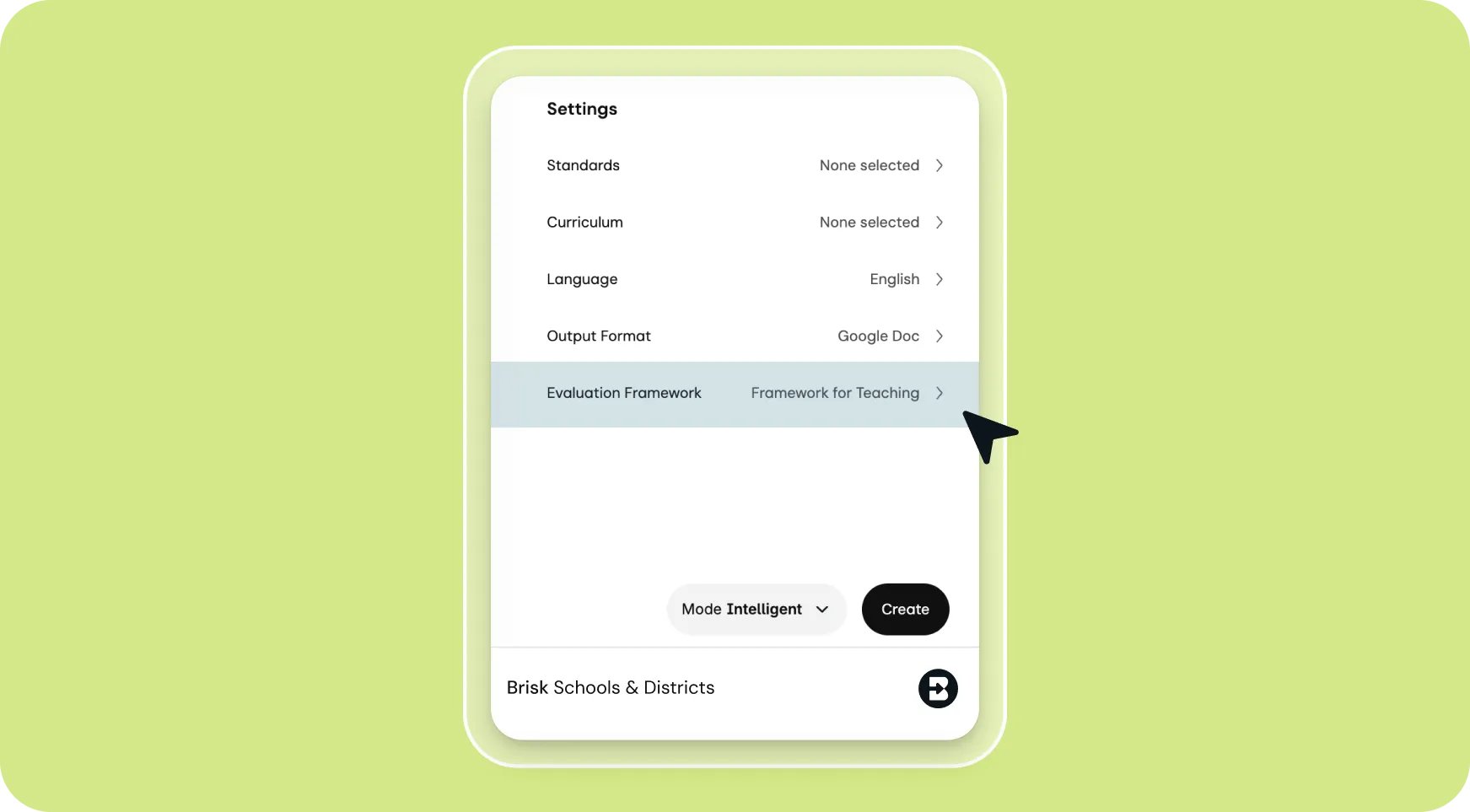
Aligned to your evaluation system
Select an evaluation framework or give Brisk your criteria in the prompt. Your feedback gets structured the way you need it — no manual formatting.
Easy to edit, ready to share
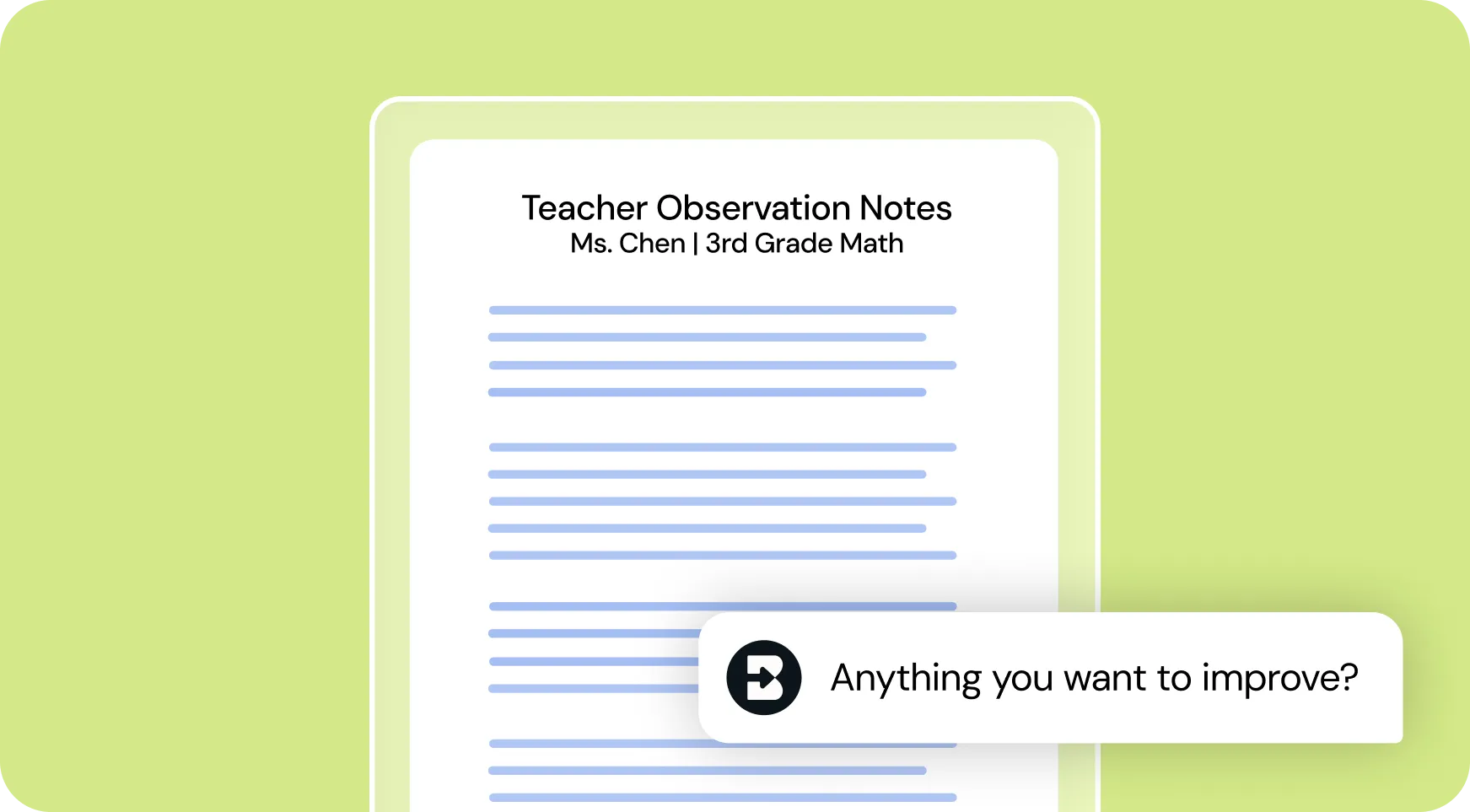
Chat back and forth with Brisk to add notes, adjust tone, or change the structure to fit your needs. Then, export your observation notes to Google Docs or Word and share them with teachers for post-observation conferences or professional development planning.
How to use Brisk’s
Observation Notes Generator
From prompt to ready-to-go resource in a few clicks.

1. Search for “observation”
Open Brisk, type “observation” into the search box, and select the Observation Notes Generator from the search results.
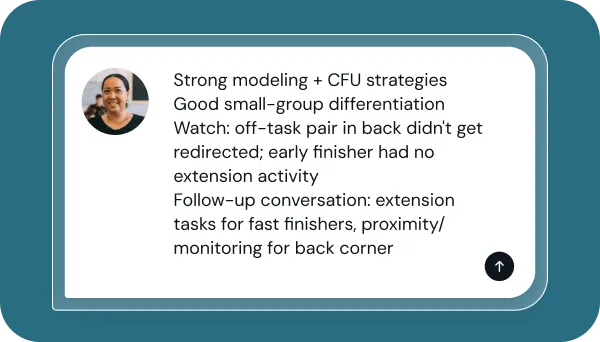
2. Add your observation notes
Share what you observed during your observation (e.g., student engagement, instructional strategies, classroom environment).
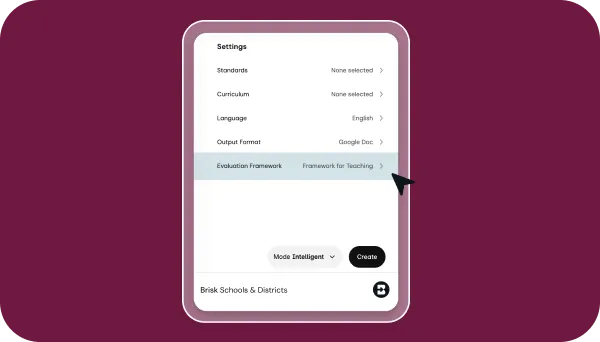
3. Pick an evaluation system
Tell Brisk which pre-built evaluation framework you want to use or input custom criteria to structure the feedback.
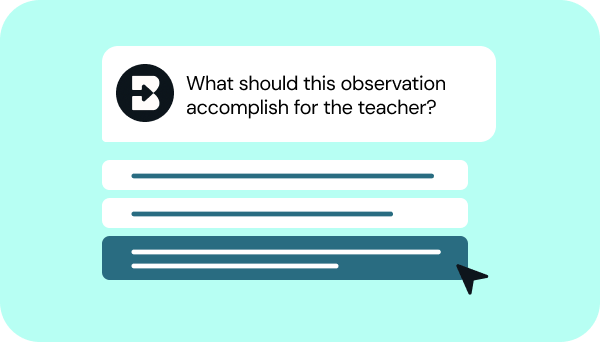
4. Refine your request
Answer a few quick questions from Brisk so your notes look just like what you have in mind. Then, sit tight for a few seconds while Brisk works.

5. Adjust until they’re perfect
Chat back and forth with Brisk to fine-tune the notes by adding details, adjusting the structure, or aligning them with any other priorities you have.


Keep going
What's next on your list?
Brisk works across every part of your day. Here are some other tools educators love.


.svg)


Spend less time writing, more time supporting teachers
Give teachers the specific, framework-aligned feedback they need to grow — without spending hours on write-ups. Turn observations into action in minutes.