


AI Podcast Generator for Teachers
Turn any lesson into an engaging audio podcast with synced transcripts. Students can listen anytime, anywhere — perfect for review, absent students, and multilingual learners.
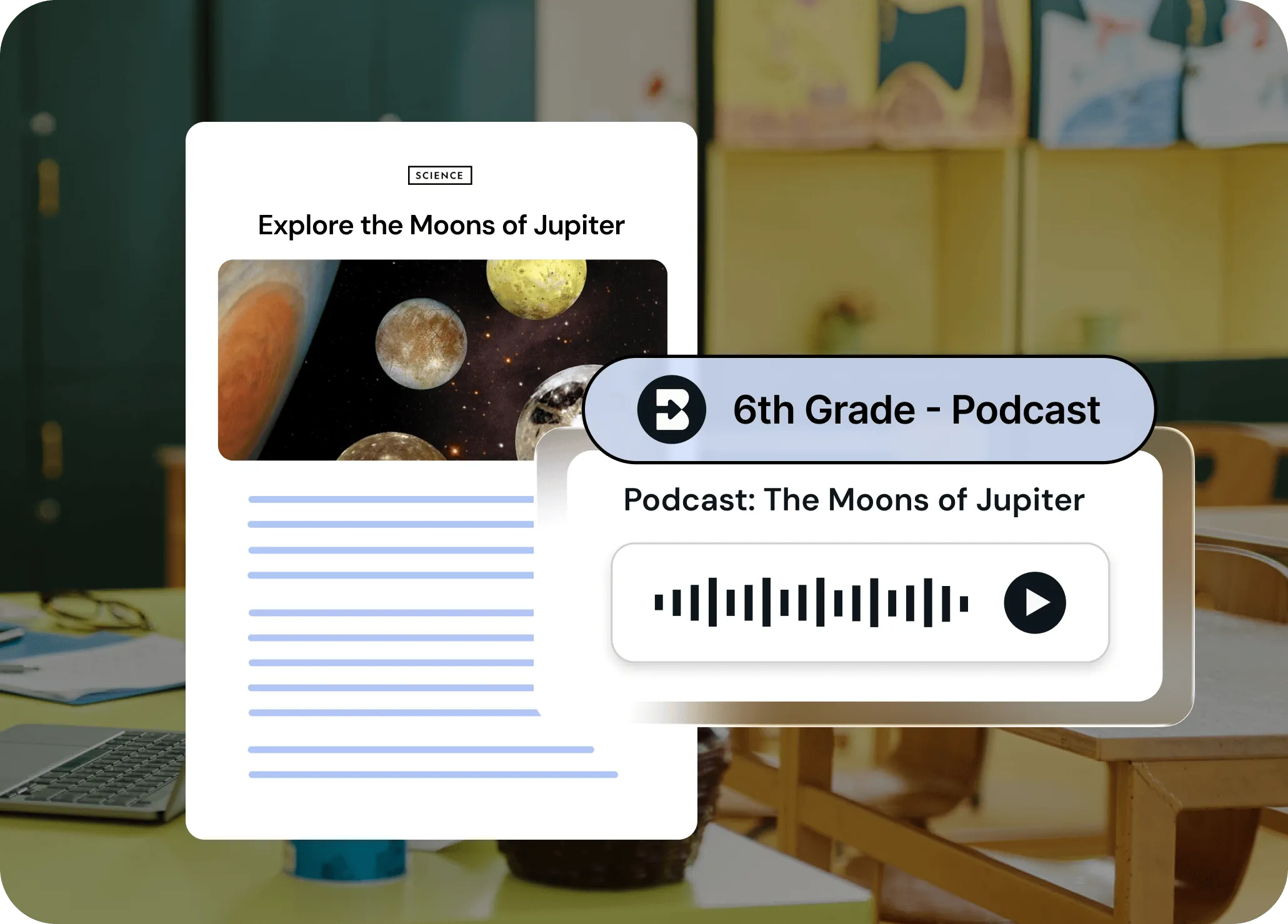
Make any lesson listenable in seconds
Brisk can transform any content — articles, videos, PDFs, your own notes — into a professional-quality podcast. No mic, no editing, no stress. Translate the podcast (and synced transcript) into over 50 languages with just a few clicks so every student can follow along.
Turn any resource into audio — instantly
Already have an article, video, or lesson plan? Brisk converts it into a podcast in seconds. Or just describe what you want and Brisk creates the audio from scratch. Works right from wherever you're teaching — no uploads, no new platforms.
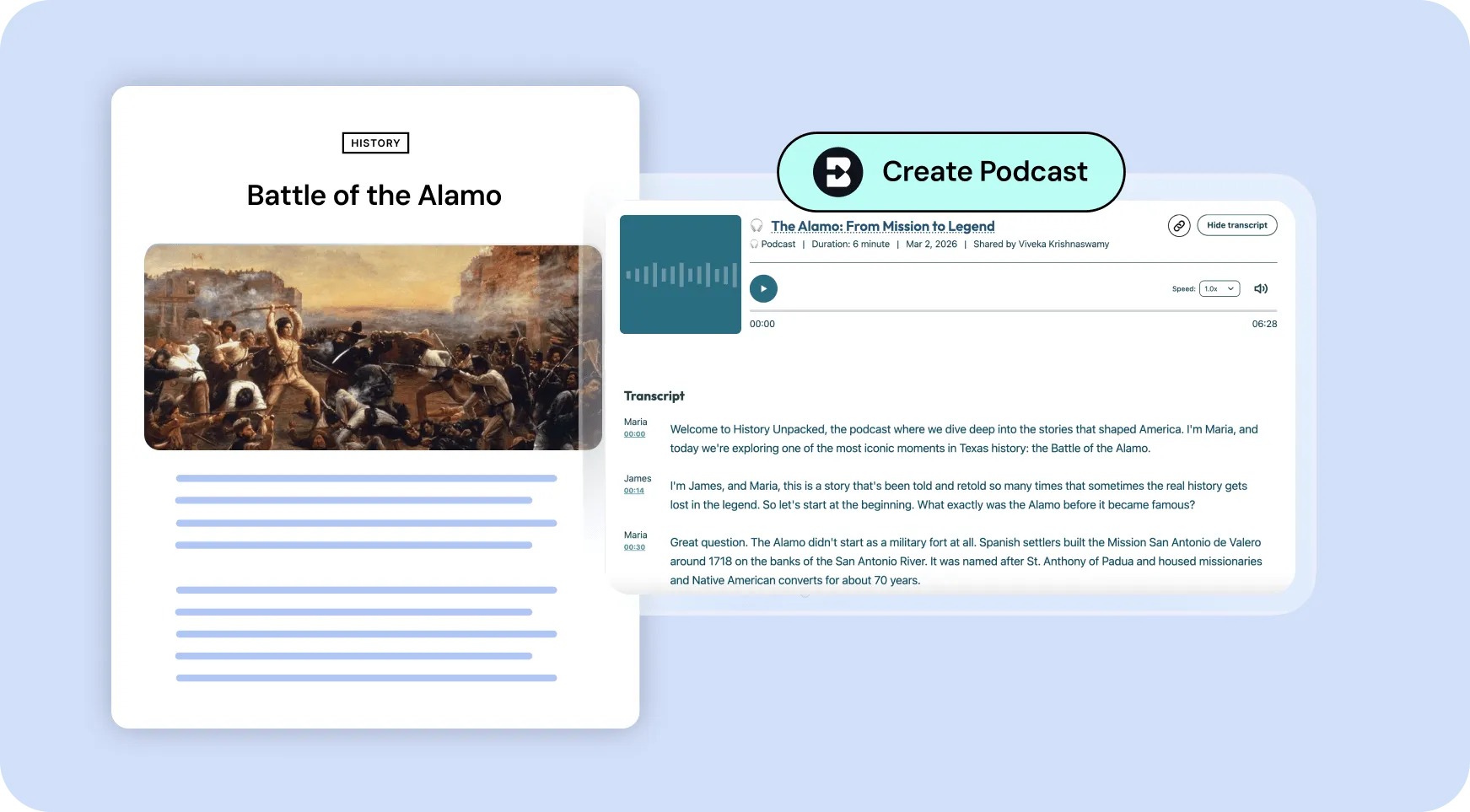
Synced transcripts make learning accessible
Every podcast comes with a full transcript that highlights in sync with the audio. Students can listen, read along, or do both — perfect for diverse learners, language support, and comprehension. Translates into 50+ languages.
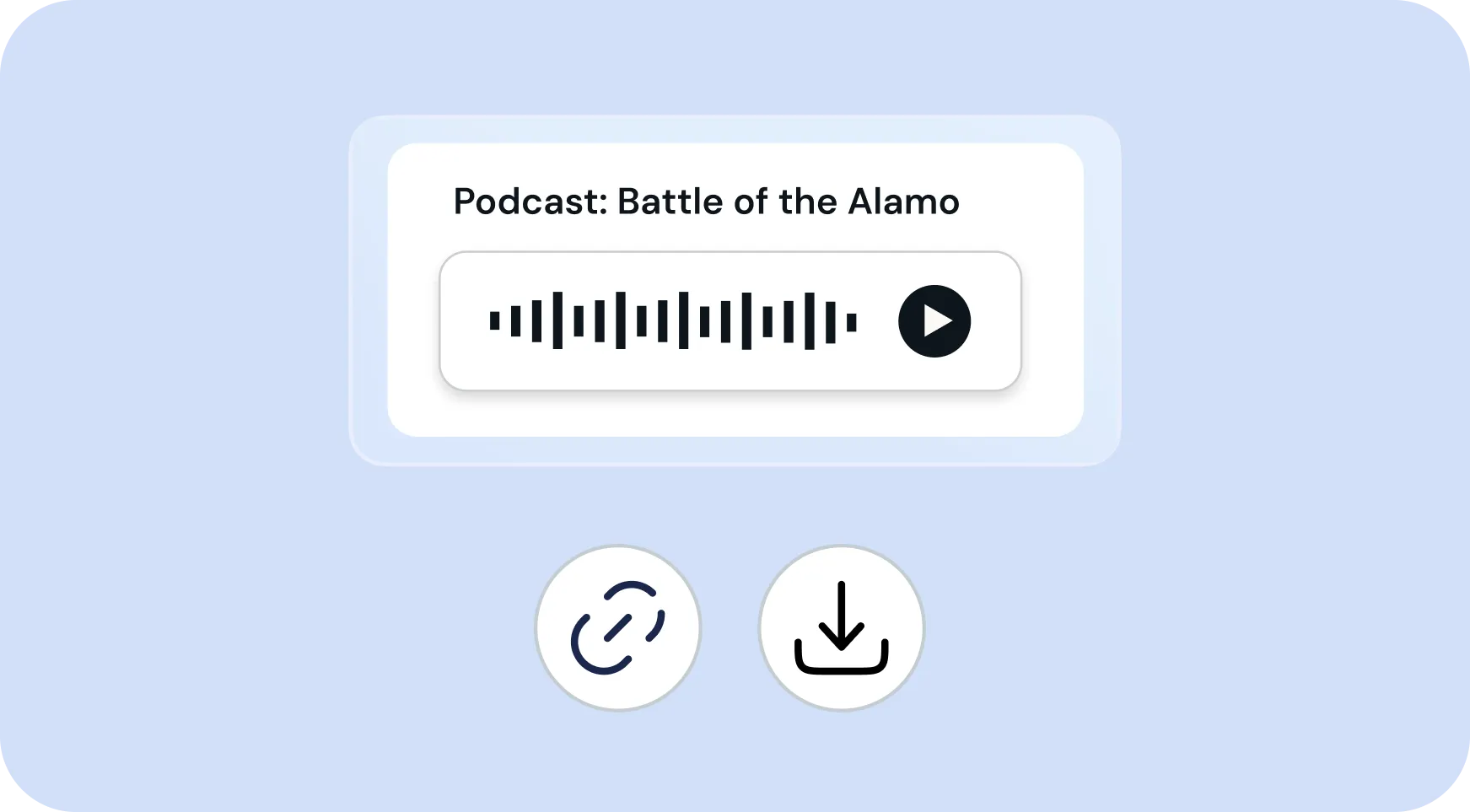
Share with a link or download for offline use
Podcasts are easy to distribute — share a link with your class or download the audio file. Students can listen on their phones, at home, on the bus, or anywhere they learn best. No special apps required.
How to use Brisk’s
Podcast Generator
From prompt to ready-to-go resource in a few clicks.
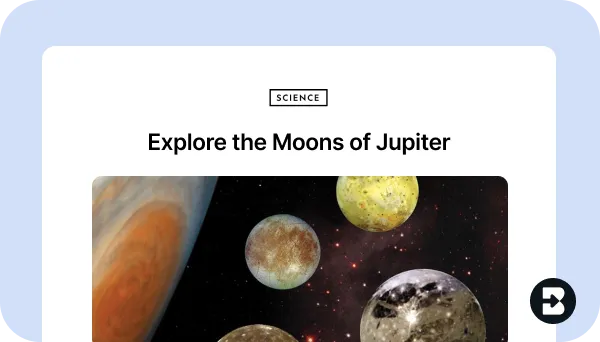
1. Open any resource
Open the webpage, PDF, Google Doc, or video that you want to generate a podcast from. Or, open Brisk from anywhere to create from scratch.
2. Search for “podcast”
Open Brisk, type “podcast” into the search box, and select the Podcast Generator from the search results.
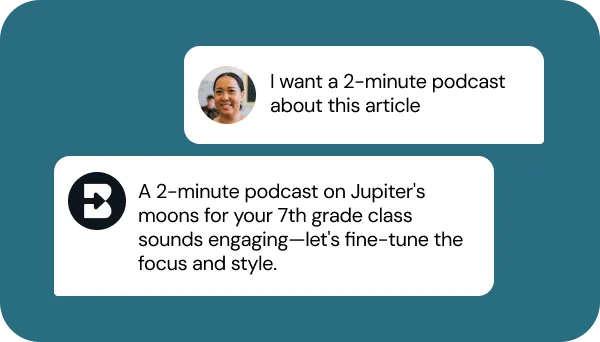
3. Tell Brisk what you need
Share some specifics about grade level, subject, topic, length, and any special requirements. Then, answer a few quick questions from Brisk.
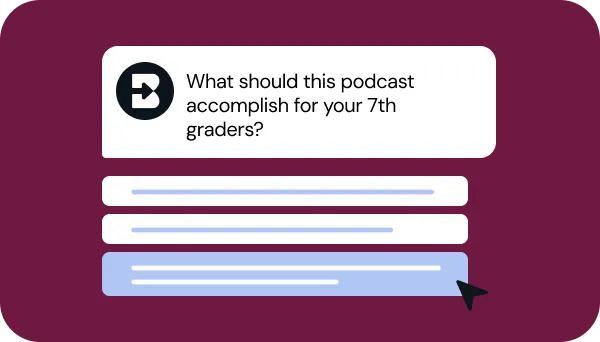
4. Adjust until it’s perfect
Chat back and forth with Brisk to fine-tune the podcast by adjusting the length, translating the synced transcript, or aligning it with your priorities.
5. Share or download
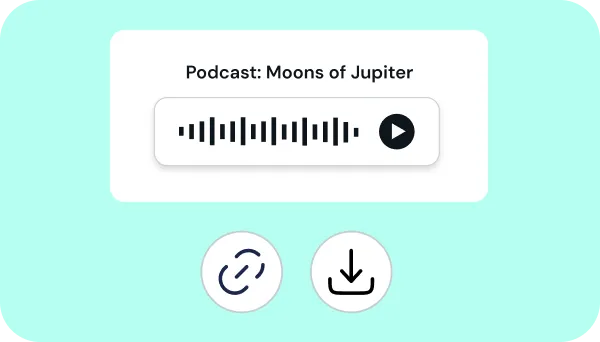
Send the podcast link to students, download the audio file, or post the podcast in your LMS.
See what's possible in seconds
Some inspiration to get you started with Brisk's
Podcast Generator
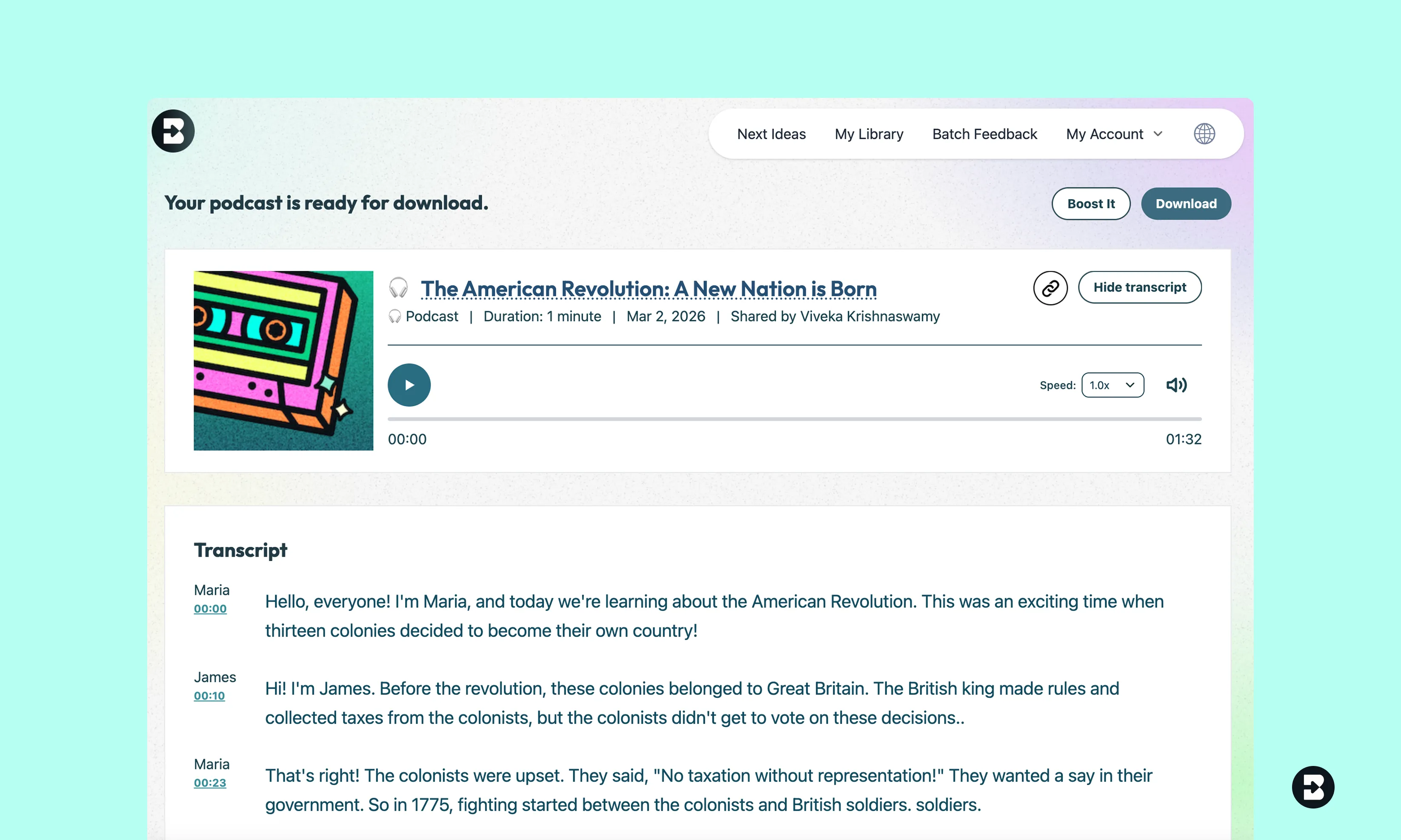
4th Grade Social Studies Review Podcast
Create a podcast summarizing the key events and figures of the American Revolution for 4th graders. Include engaging narration, simple vocabulary, and clear explanations of why the revolution happened and what it meant for the new nation.
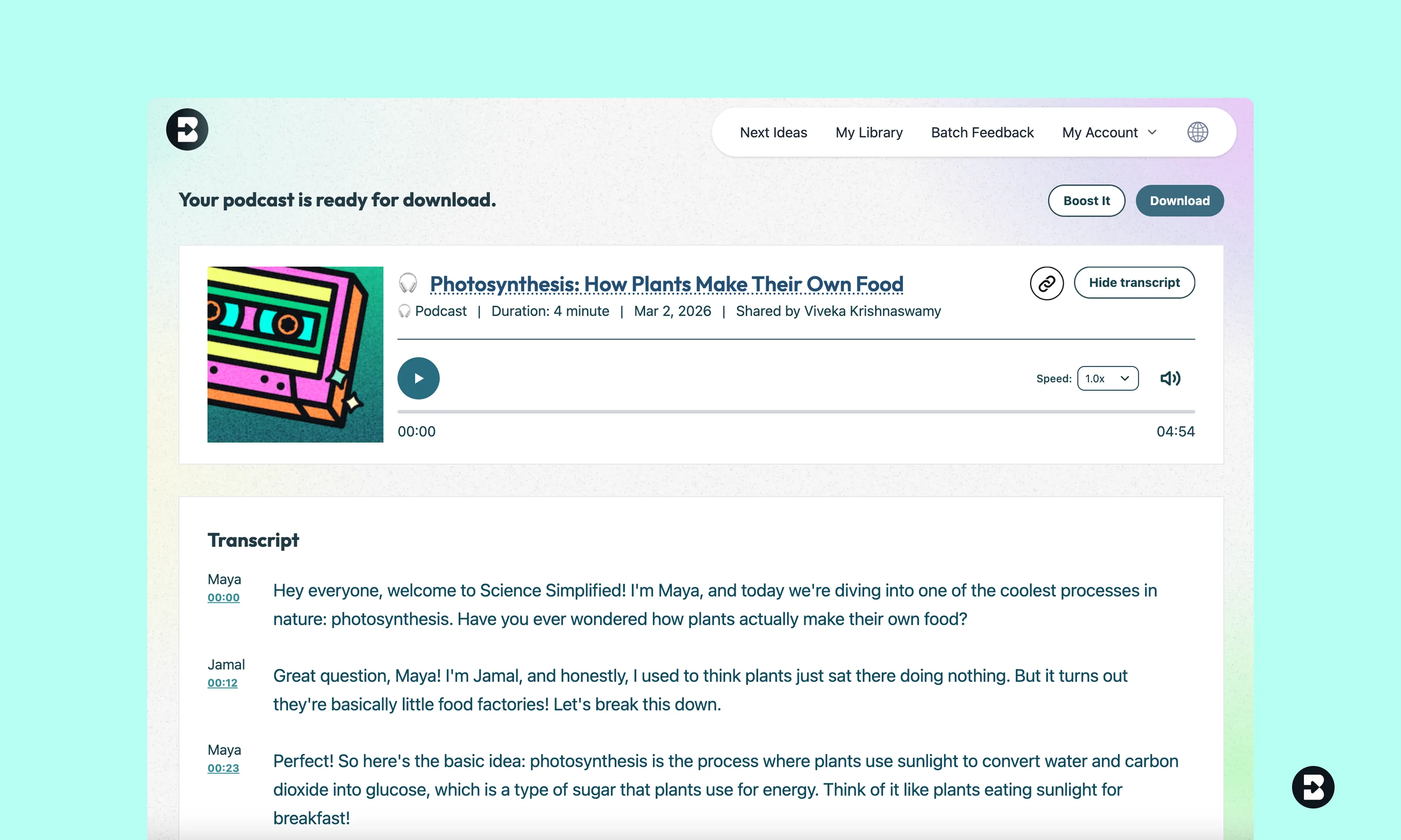
8th Grade Science Podcast on Photosynthesis
Create a podcast explaining how photosynthesis works for 8th grade students. Include the chemical equation, the role of chloroplasts, and why photosynthesis matters for life on Earth. Use a conversational tone.
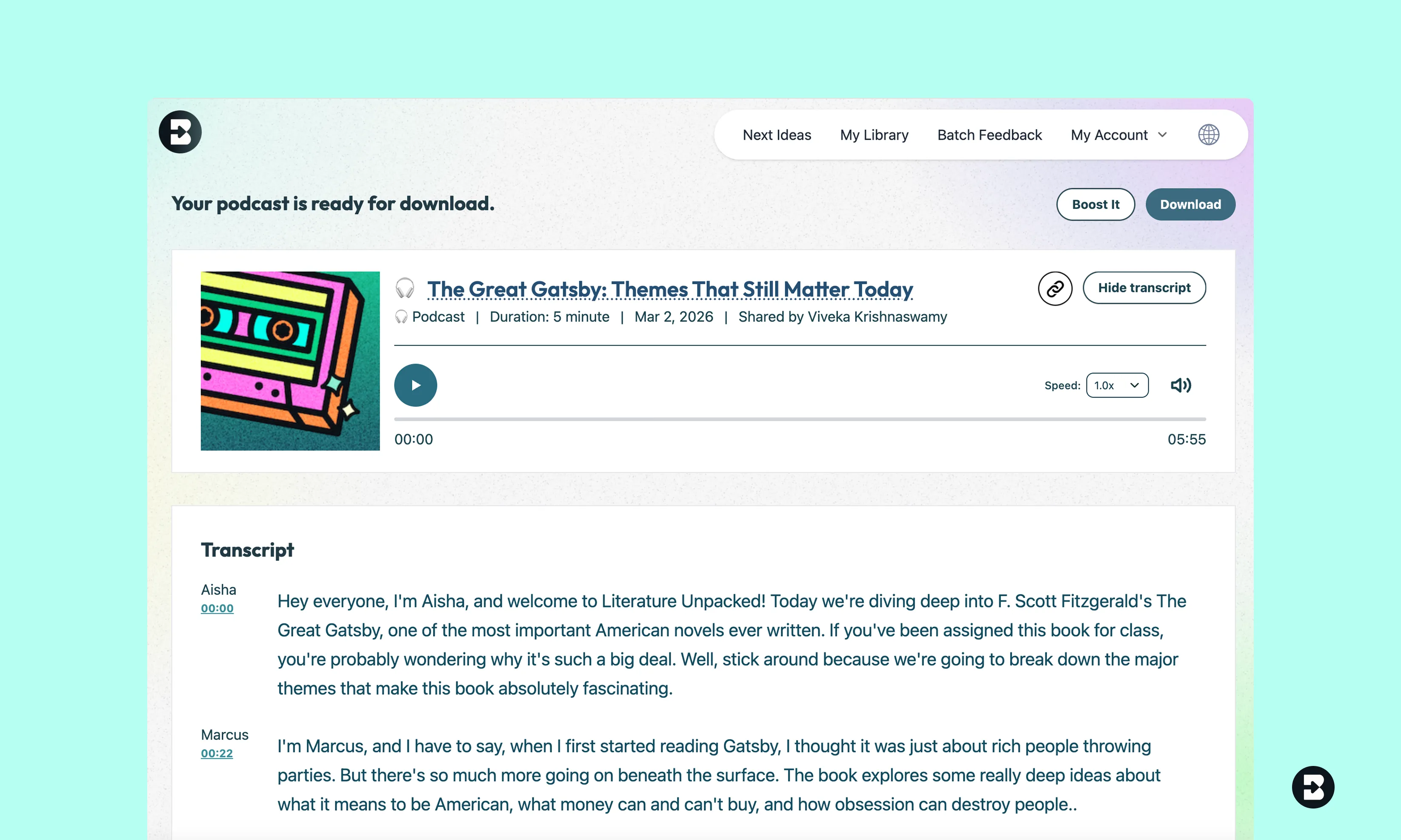
9th Grade Literature Podcast on Themes in The Great Gatsby
Create a podcast analyzing the major themes in The Great Gatsby for 9th grade students. Discuss the American Dream, wealth and class, and love and obsession, with specific textual examples.


Keep going
What's next on your list?
Brisk works across every part of your day. Here are some other tools educators love.


.svg)


Make your lessons accessible to every learner
Give students the flexibility to learn on their own terms. Create engaging, accessible audio content in seconds — no recording equipment, no editing, just instant podcasts ready to share.
Frequently asked questions
Podcasts are saved to your My Podcast section of your home page. You can also download podcasts or share links for others to access.
Absolutely! Once you create a Podcast, select Boost Student Activity, and Brisk It from there.
Yes! Once you create a Podcast, click on the Brisk B and select ‘Create.’ From there, you can generate a quiz, inquiry worksheet, or anything you need to supplement your lesson.
Podcast length depends upon your Brisk plan:
- Free plan: Up to 2 minutes
- Educator Pro: Around 4-5 minutes
- Schools & Districts: Up to 10 minutes
Compare plans here, or request a demo of Brisk's Schools & Districts plan.