

교사용 AI 팟캐스트 생성기
동기화된 대본을 사용하여 모든 강의를 매력적인 오디오 팟캐스트로 전환하세요.학생들은 언제 어디서나 들을 수 있어 복습, 결석 학생 및 다국어 학습자에게 적합합니다.
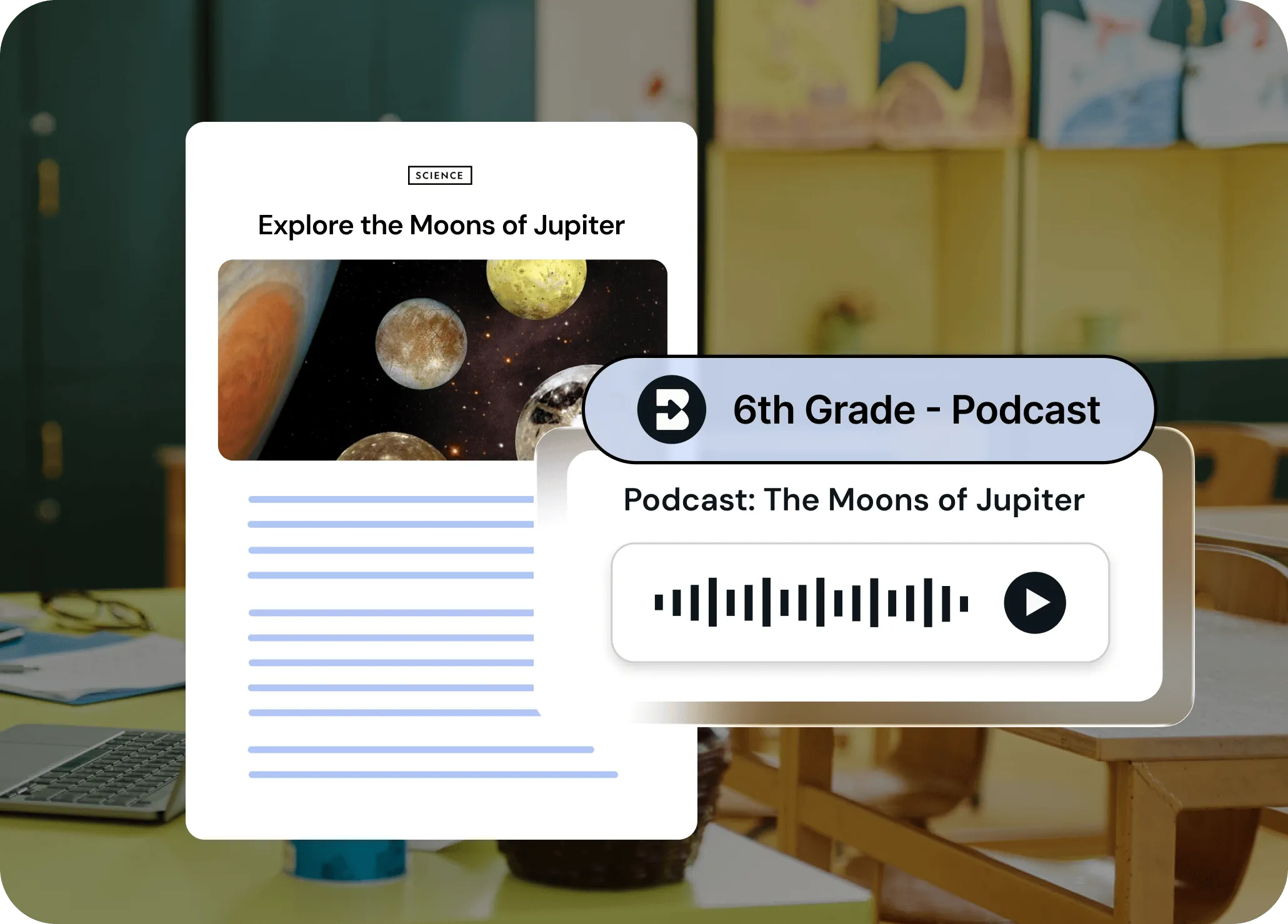
모든 레슨을 몇 초 만에 들을 수 있게 만드세요
마이크도, 편집도, 스트레스도 없습니다.Brisk는 모든 학습자가 즉시 액세스할 수 있도록 동기화된 대본이 포함된 전문가 수준의 오디오 팟캐스트로 콘텐츠를 변환합니다.
모든 리소스를 오디오로 즉시 전환
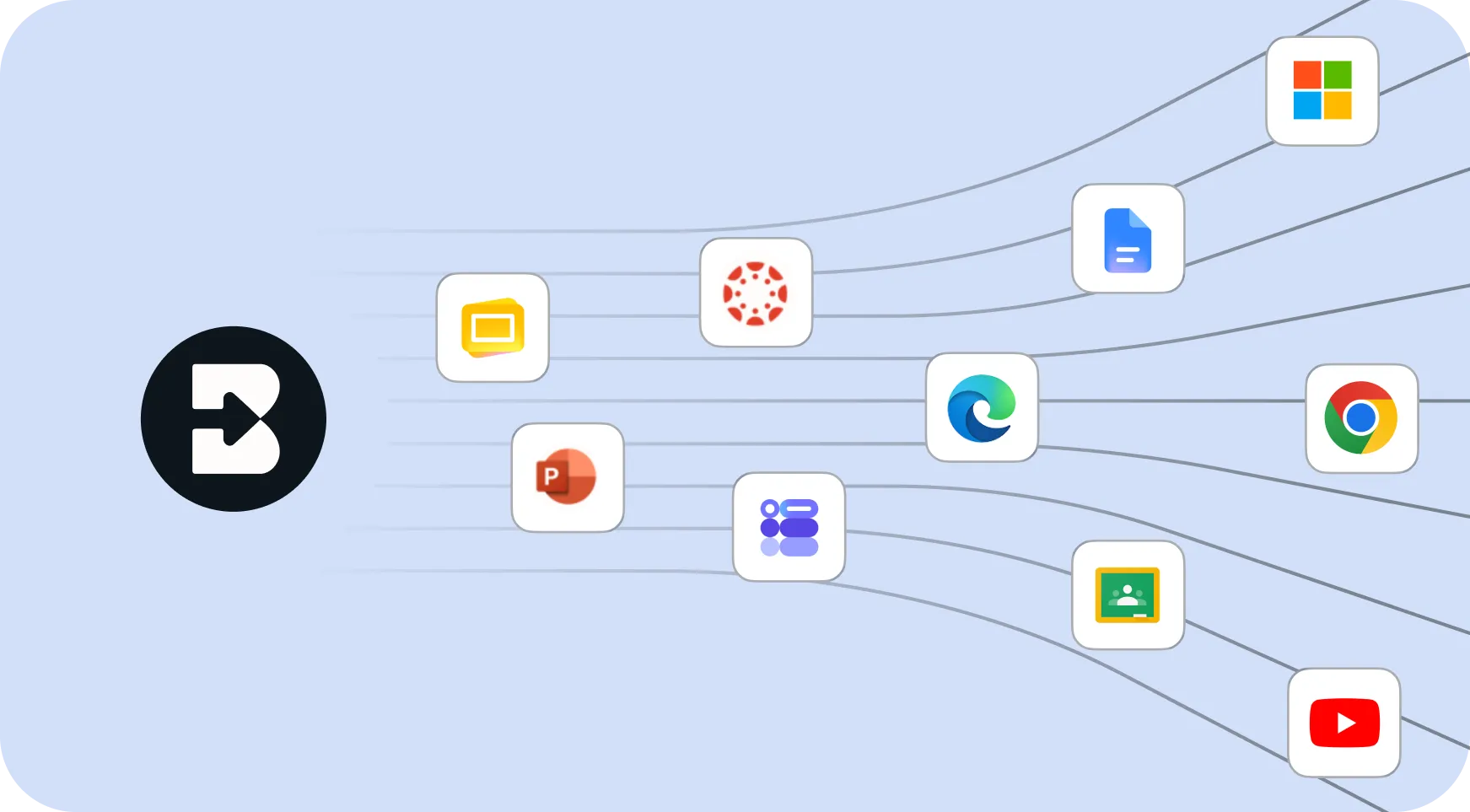
기사, 동영상 또는 수업 계획이 이미 있으신가요?Brisk는 몇 초 만에 팟캐스트로 변환해 줍니다.원하는 내용을 설명하기만 하면 Brisk가 처음부터 오디오를 만들어줍니다.강의하는 곳 어디에서나 바로 사용할 수 있습니다. 업로드도, 새로운 플랫폼도 필요 없습니다.
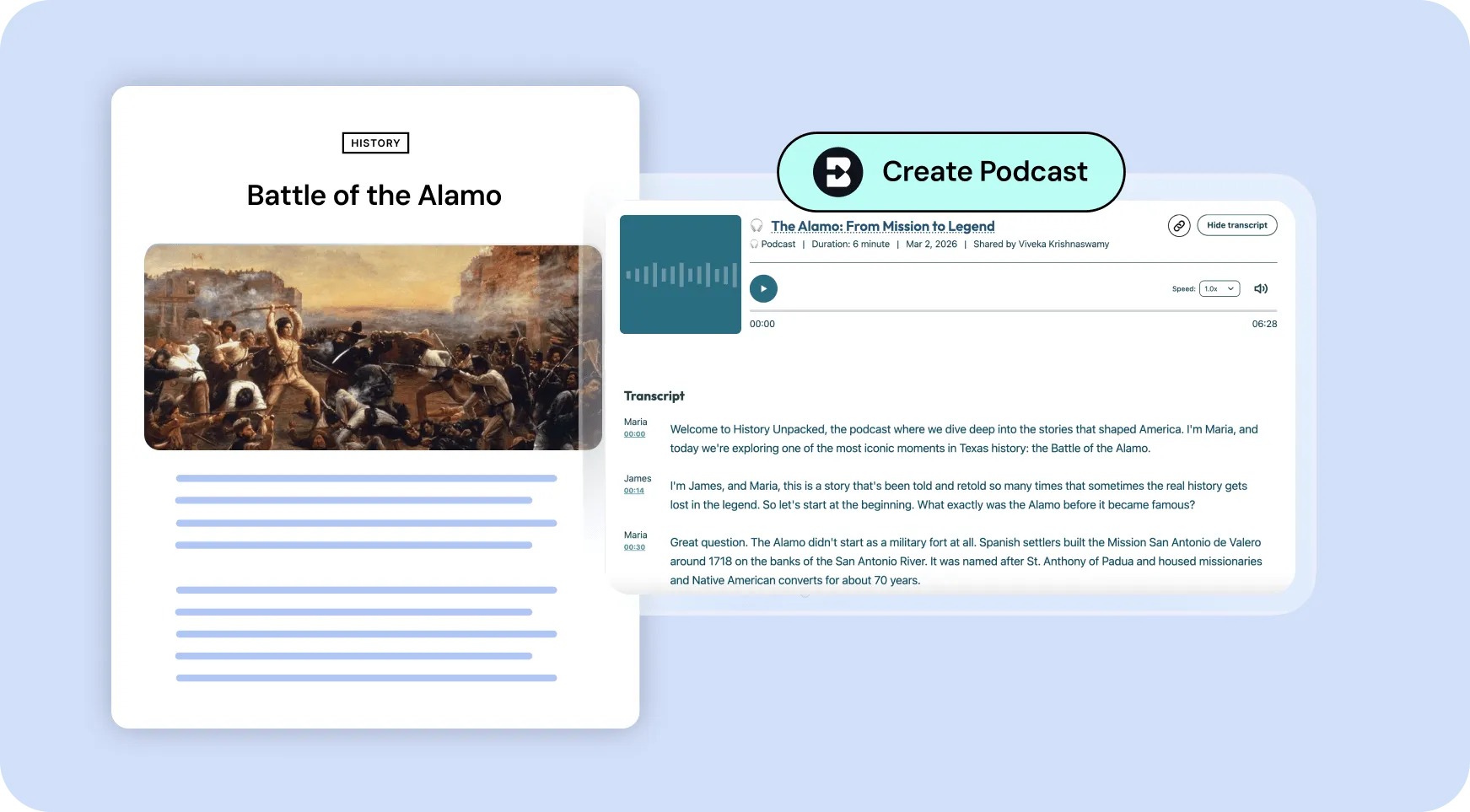
동기화된 성적표를 통해 쉽게 학습할 수 있습니다.
모든 팟캐스트에는 오디오와 함께 하이라이트가 강조되는 전체 대본이 함께 제공됩니다.학생들은 듣고, 따라 읽거나, 둘 다 할 수 있어 다양한 학습자, 언어 지원 및 이해에 안성맞춤입니다.50개 이상의 언어로 번역됩니다.
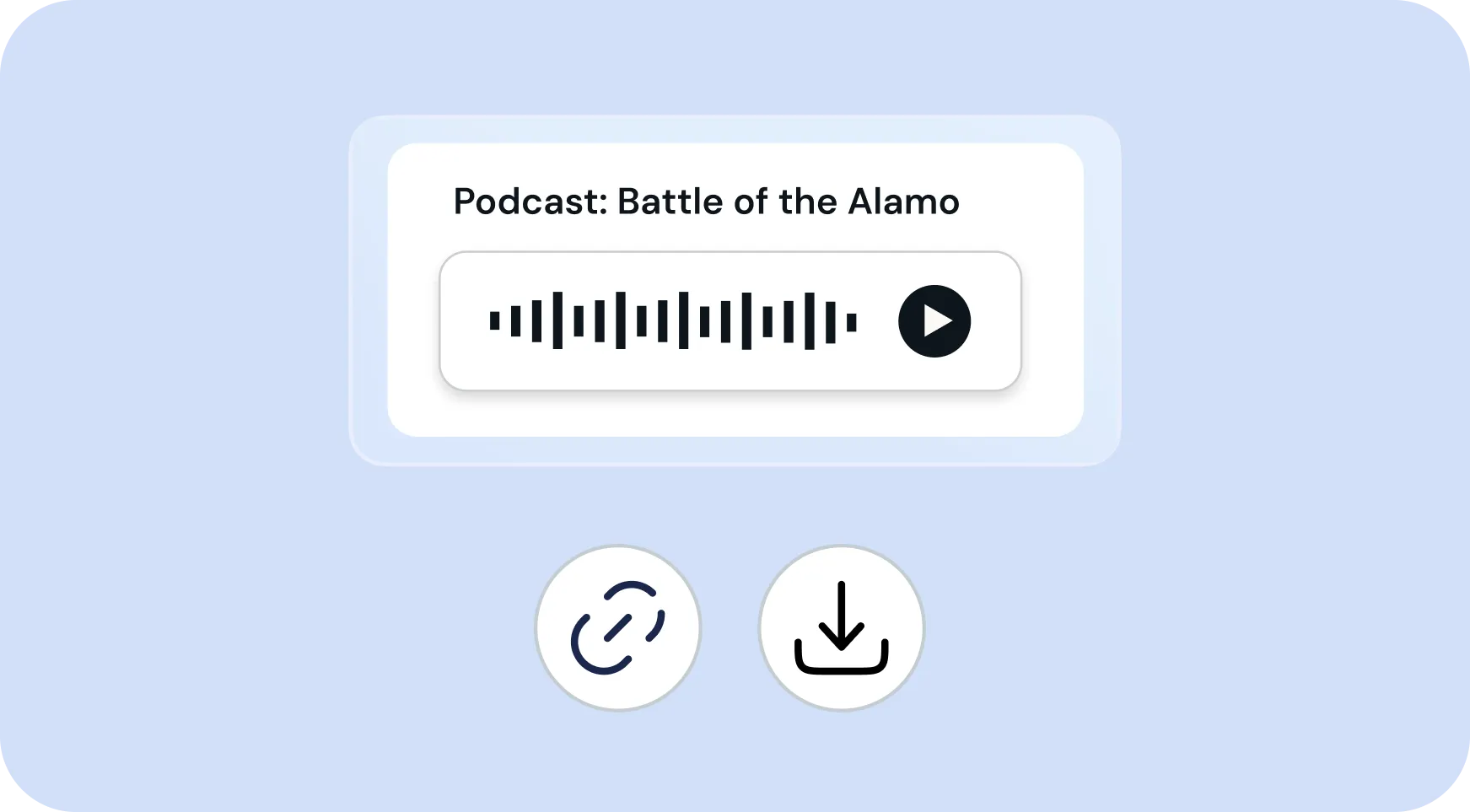
링크를 통해 공유하거나 오프라인 사용을 위해 다운로드
팟캐스트는 쉽게 배포할 수 있습니다. 수업과 링크를 공유하거나 오디오 파일을 다운로드할 수 있습니다.학생들은 휴대폰이나 집, 버스 등 자신이 가장 잘 배우는 곳 어디에서나 들을 수 있습니다.특별한 앱은 필요하지 않습니다.
How to use Brisk’s
팟캐스트 생성기
From prompt to ready-to-go resource in a few clicks.
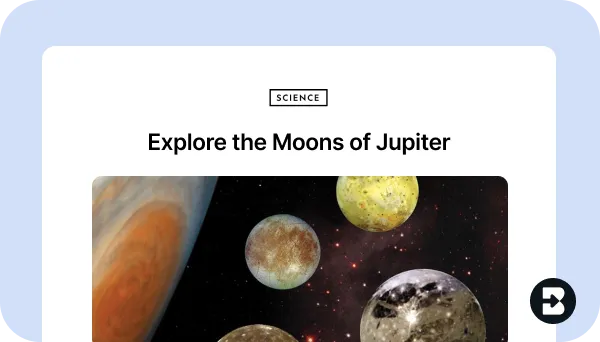
1. Open any resource
Open the webpage, PDF, Google Doc, or video that you want to generate a podcast from. Or, open Brisk from anywhere to create from scratch.
2. Search for “podcast”
Open Brisk, type “podcast” into the search box, and select the Podcast Generator from the search results.
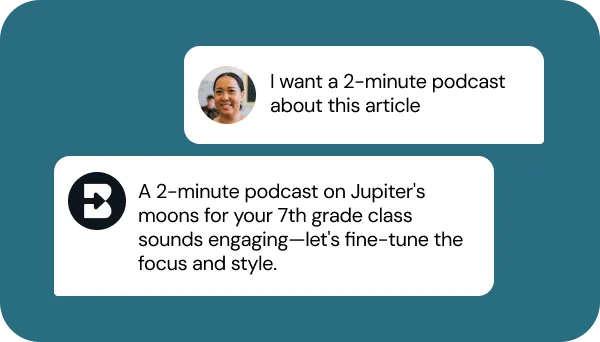
3. Tell Brisk what you need
Share some specifics about grade level, subject, topic, length, and any special requirements. Then, answer a few quick questions from Brisk.
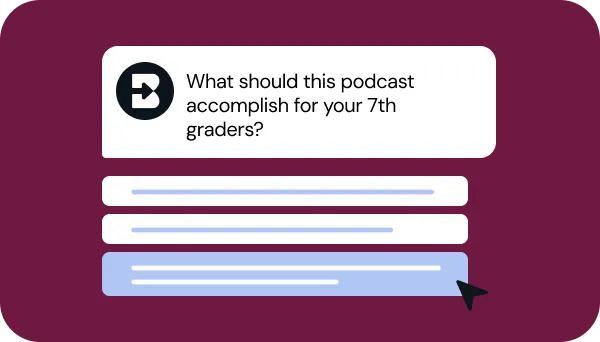
4. Adjust until it’s perfect
Chat back and forth with Brisk to fine-tune the podcast by adjusting the length, translating the synced transcript, or aligning it with your priorities.
5. Share or download
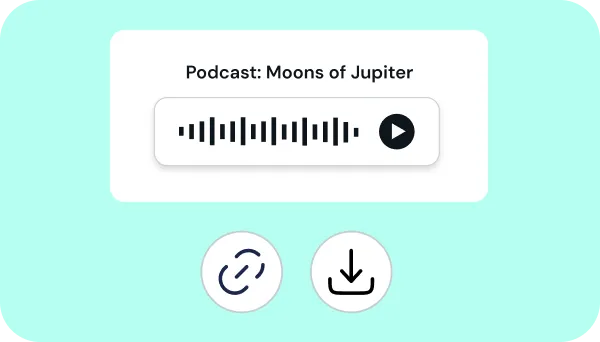
Send the podcast link to students, download the audio file, or post the podcast in your LMS.
See what's possible in seconds
Some inspiration to get you started with Brisk's
팟캐스트 생성기
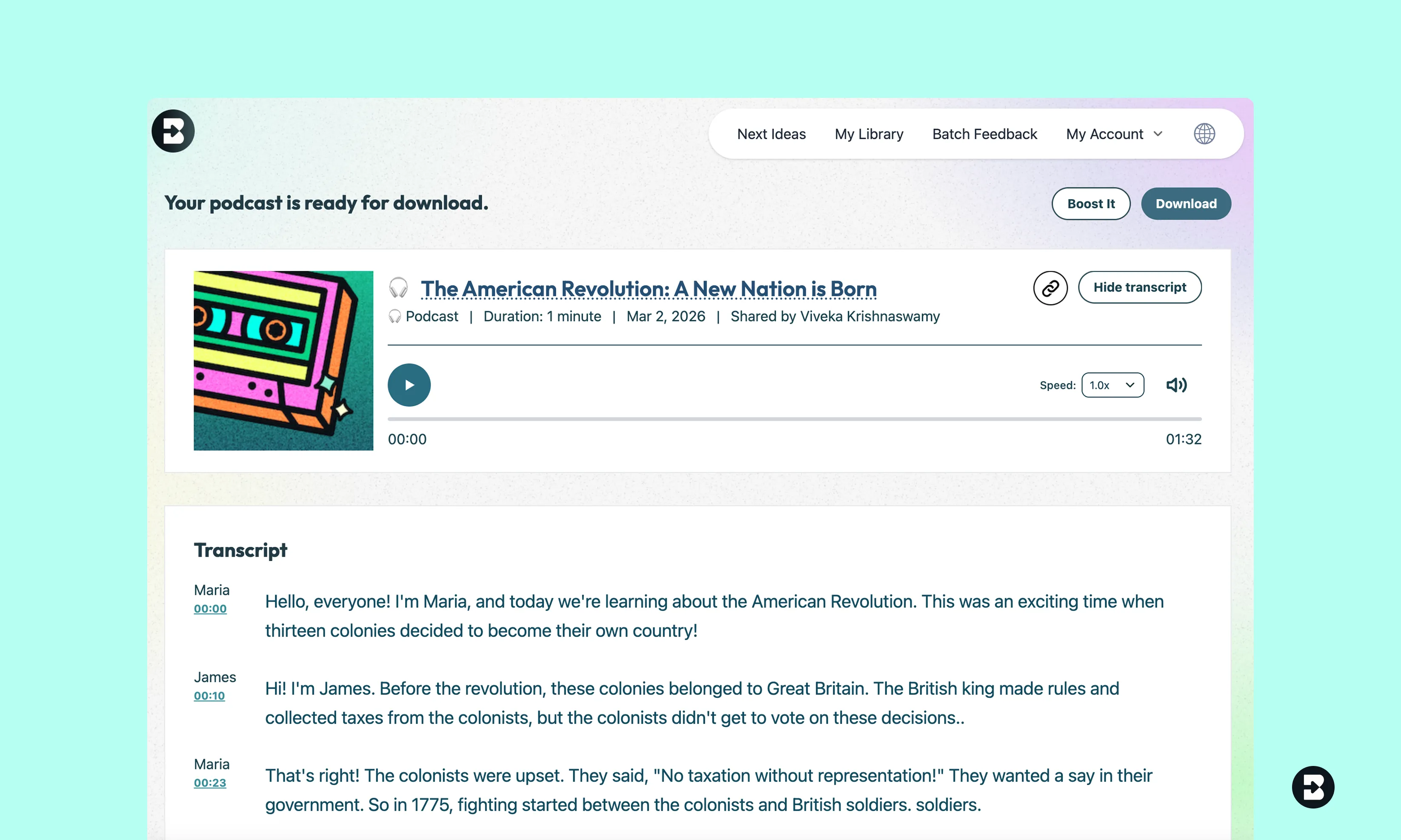
4학년 사회학 리뷰 팟캐스트
4학년 학생들을 위해 미국 혁명의 주요 사건과 수치를 요약한 팟캐스트를 만드세요.매력적인 내레이션, 간단한 어휘, 혁명이 일어난 이유와 혁명이 새로운 국가에 어떤 영향을 미쳤는지에 대한 명확한 설명을 포함하세요.
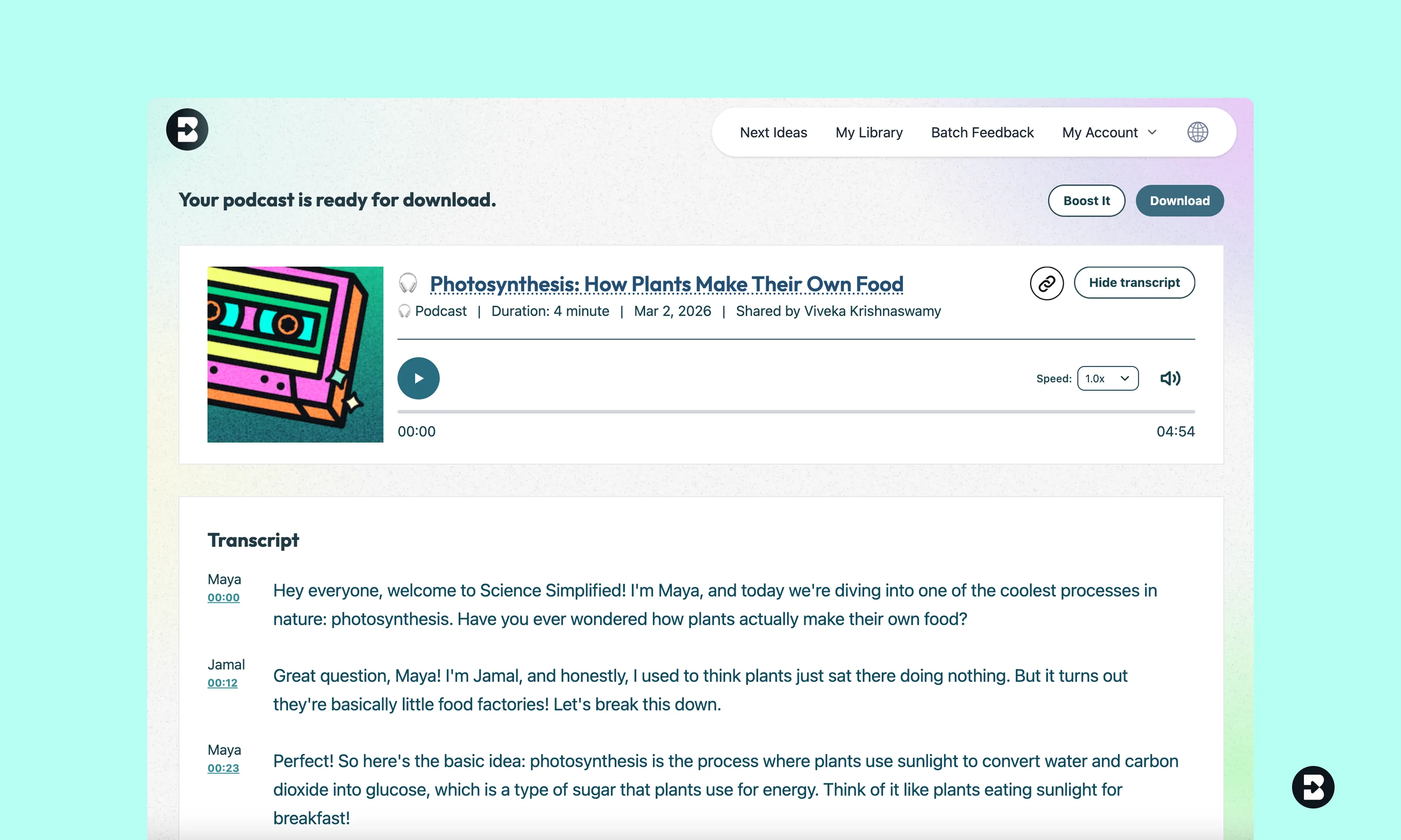
광합성에 관한 8학년 과학 팟캐스트
8학년 학생들에게 광합성이 어떻게 작용하는지 설명하는 팟캐스트를 만드세요.화학 방정식, 엽록체의 역할, 광합성이 지구 생명체에 중요한 이유 등을 담아보세요.대화 어조를 사용하세요.
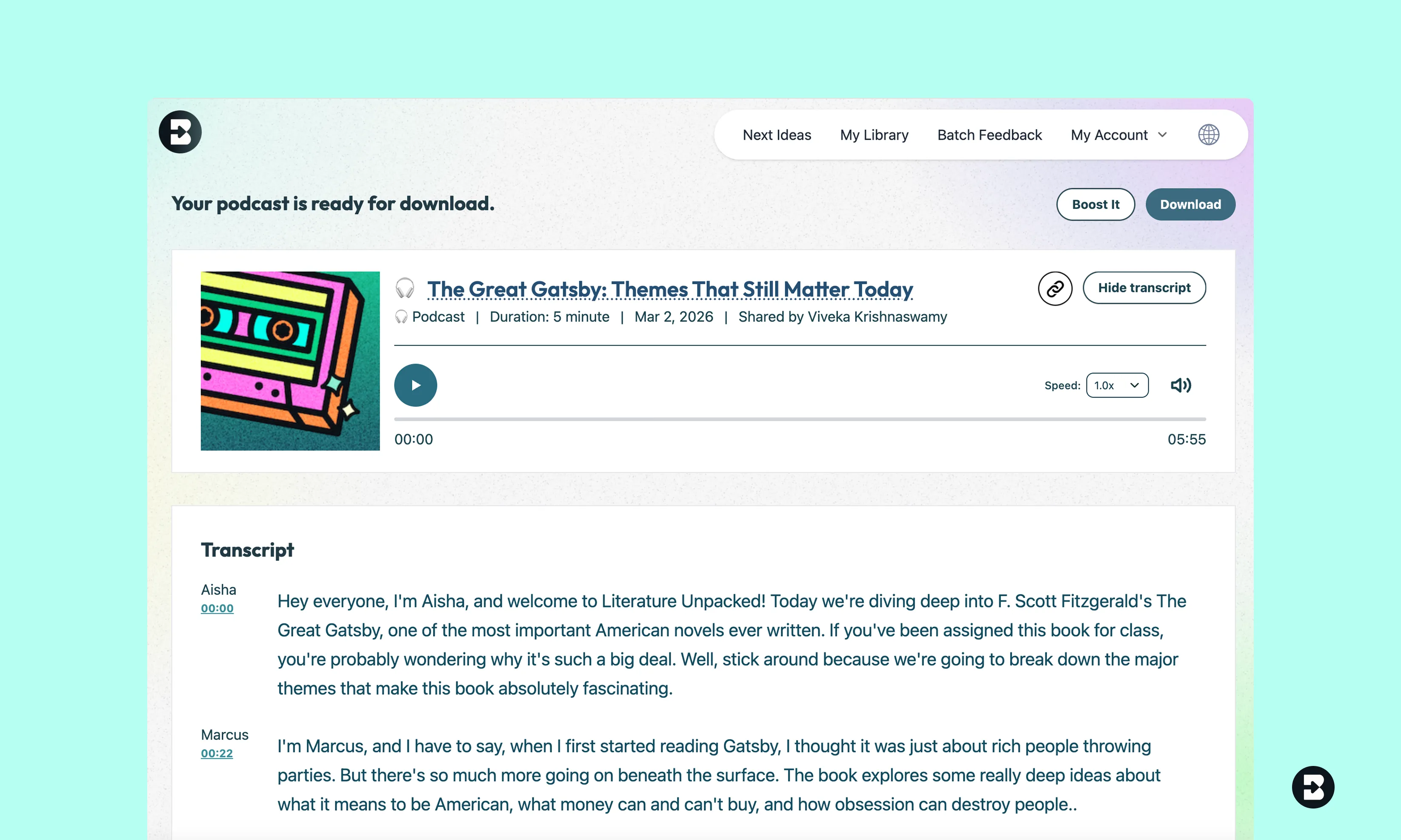
위대한 개츠비의 주제에 관한 9학년 문학 팟캐스트
9학년 학생들을 위해 The Great Gatsby의 주요 주제를 분석하는 팟캐스트를 만드세요.아메리칸 드림, 부와 계급, 사랑과 집착에 대해 구체적인 예시를 들어 토론해 보세요.


Keep going
What's next on your list?
Brisk works across every part of your day. Here are some other tools educators love.


.svg)


모든 학습자가 수업에 접근할 수 있도록 하세요
학생들이 원하는 방식으로 학습할 수 있는 유연성을 제공합니다.몇 초 만에 매력적이고 접근하기 쉬운 오디오 콘텐츠를 만드세요. 녹음 장비도, 편집도 필요 없고, 즉시 공유할 수 있는 팟캐스트만 있으면 됩니다.
Frequently asked questions
Podcasts are saved to your My Podcast section of your home page. You can also download podcasts or share links for others to access.
Absolutely! Once you create a Podcast, select Boost Student Activity, and Brisk It from there.
Yes! Once you create a Podcast, click on the Brisk B and select ‘Create.’ From there, you can generate a quiz, inquiry worksheet, or anything you need to supplement your lesson.
Podcast length depends upon your Brisk plan:
- Free plan: Up to 2 minutes
- Educator Pro: Around 4-5 minutes
- Schools & Districts: Up to 10 minutes
Compare plans here, or request a demo of Brisk's Schools & Districts plan.