
What is Brisk Educator Pro?
Educators can use Brisk for free, but Brisk Educator Pro unlocks additional tools built to save time and support great teaching — all inside the platforms and resources you already use.
Looking for greater impact in your school? Explore our plan designed specifically for schools and districts.
The right tools make all the difference
You’re not just teaching. You’re adapting, translating, differentiating, motivating.
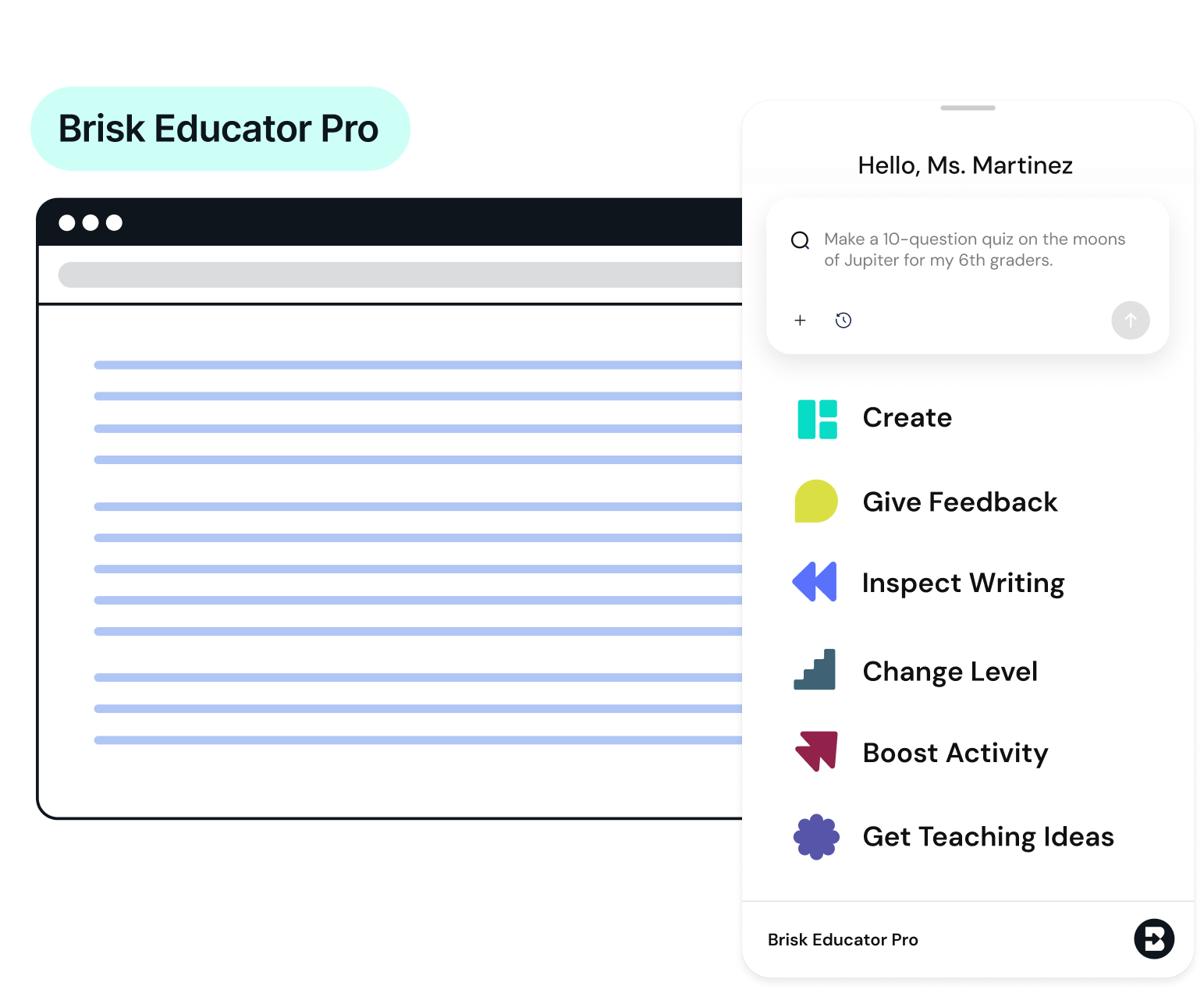
Brisk Educator Pro is like your co-teacher who actually gets it. Every class is different, and every day brings new challenges. Brisk Educator Pro is made for the realities of teaching. With tools that help you give meaningful feedback, create engaging presentations, and simplify your workflow, you’ll spend less time clicking and more time connecting with students.
What’s included?
By upgrading to Brisk’s Educator Pro plan, you’ll gain access to:

Targeted feedback embedded into Google comments
Choose the feedback style that fits your student’s needs with more feedback styles — including feedback that embeds directly into Google Docs comments.
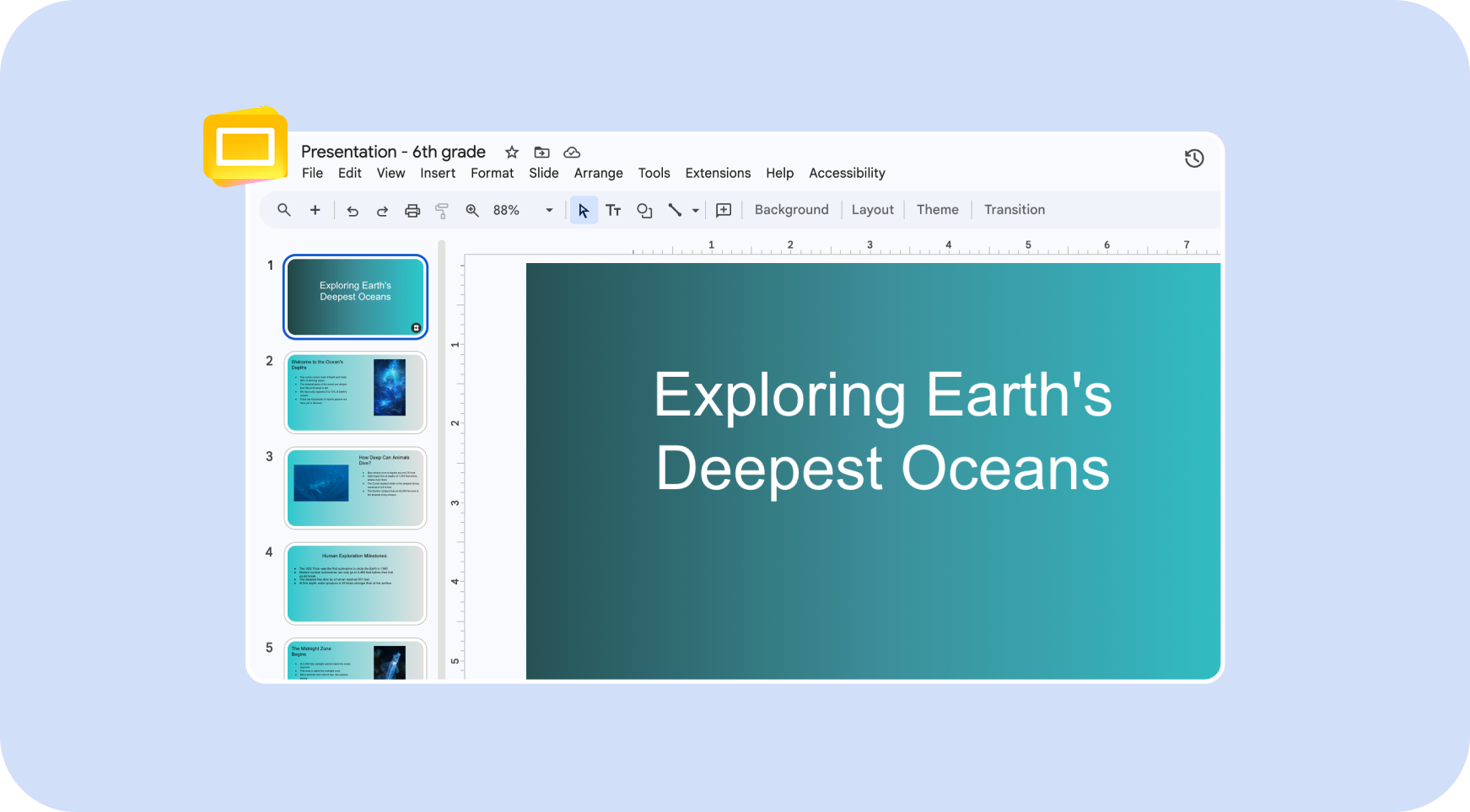
Presentation glow-up: templates + slides with images
Unlock a collection of slide templates and the ability to populate your slide presentations with images.
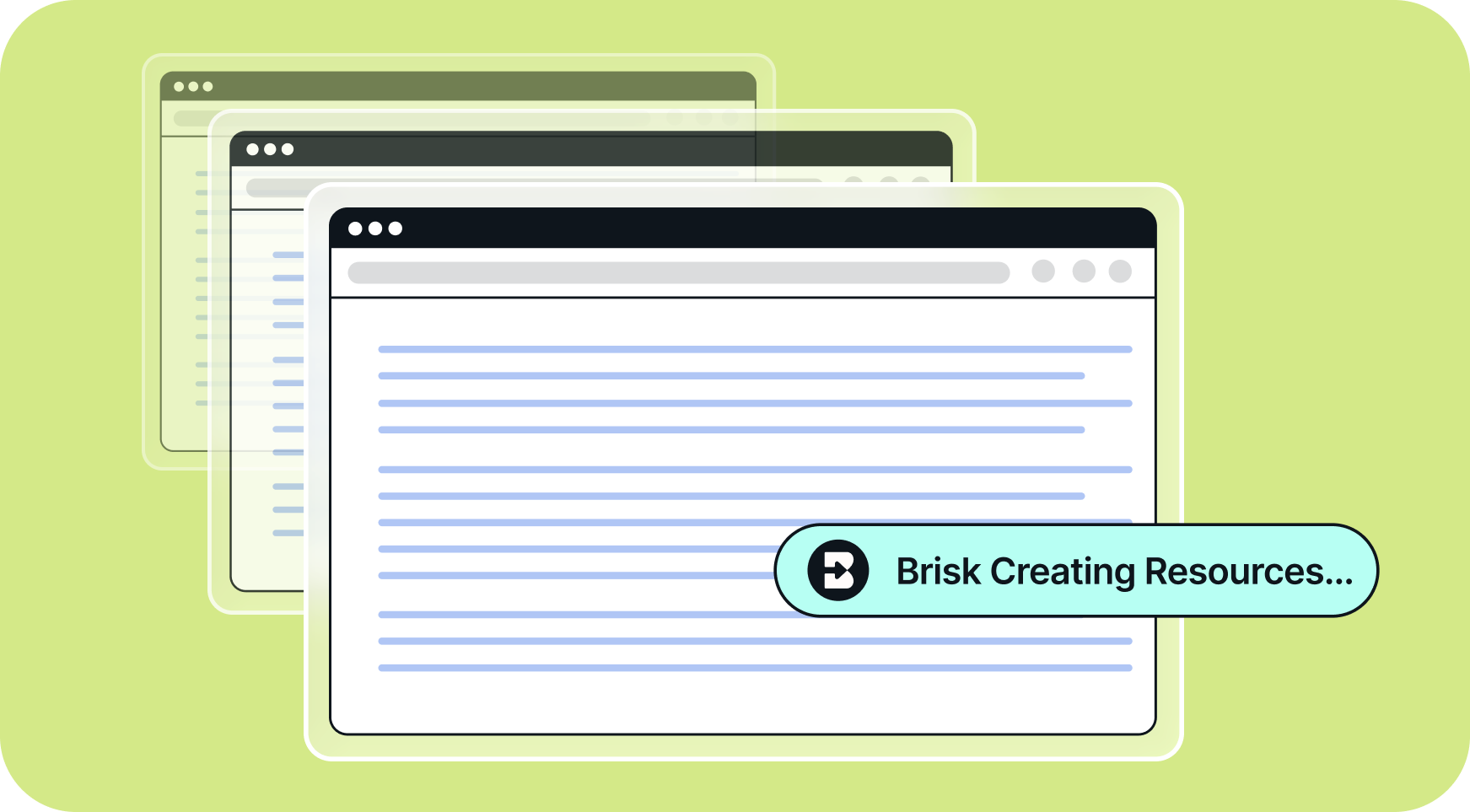
Unlimited usage
Use Brisk as often as you need, without hitting a daily limit.
Turbo AI LLM for smarter AI responses
Faster, higher-quality responses when you use Brisk to create or revise content.

How to upgrade to Brisk Educator Pro
Open Brisk and click on the three dots

Select Manage Plan
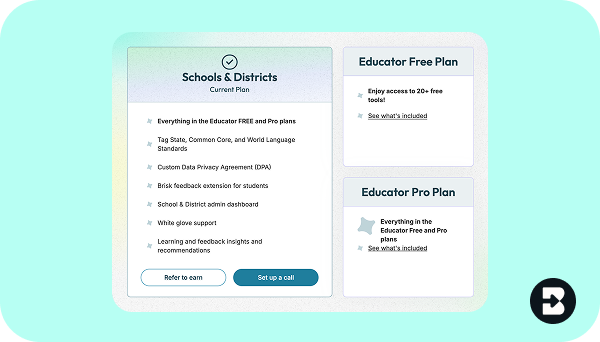
Select Educator Pro Plan
What you get with Brisk Educator Pro
Core Brisk Teaching Features
Teacher-friendly Chrome extension
Chrome extension available in 40+ languages
Auto-generate materials in 40+ languages
Advanced language models
Standard LLM
Turbo LLM
Turbo LLM
No usage limits
Create tools for teachers
See below.
20+ tools
20+ tools
35+ tools
Academic standards integrated into all Brisk tools
Advanced student insights
District administrator dashboard
Custom data privacy agreements
Customer support
Standard
Standard
Dedicated customer success representative
Personalized professional development
Virtual or in-person.
Admin Tool Manager
Create and customize Brisk tools for your district or organization.
Resource Creation Tools in Create Menu
Lesson Plans
DOK Questions
Rubric Generator
Quiz Maker
Presentation Maker
without images
with images
with images
Teacher Exemplars
Resource Maker
Something Else Maker
Decodable Texts
State Practice Tests
Syllabus Generator
Progress Report Maker
UDL Lesson Plans
Math Word Problems
Science Lab
Inquiry Worksheet
Math Spiral Review
Guided Notes
Unit Plan
Sub Plan
Standards Unpacker
SAT Practice Test
ACT Practice Test Generator
Podcast Generator
1-2 minutes
4-5 minutes
1-10 minutes
Intervention Tools in Create Menu
MTSS Menu Creator
MTSS Templates
IEP 504 Templates
IEP Goals Generator
Administrative Tools in Create Menu
Email Writer
Newsletter Generator
Letters of Recommendation Generator
Observation Notes
Feedback Tools
Targeted Feedback Generator
Glow & Grow Feedback
Next Steps Feedback
Rubric Criteria Feedback
Feedback Insights Tool
Inspect Writing Tools
Inspect Writing Replay
AI Detection
Text Leveling and Translation Tools
Adjust any online resource to any reading level
Translate any online resource into 50+ languages
Brisk Boost for Students
Brisk Boost (Interactive Activities)
Create student-facing AI-powered learning experiences to share with students.
Standards Alignment in Brisk Boost (Activities)
The ability to align Boost activities with academic standards.
Brisk Boost (Chrome Extension)
Student-facing Chrome Extension enabling students to generate their own targeted writing feedback.
Brisk Educator Pro is great. Brisk Pro for every teacher? Game-changing.
When schools or districts upgrade, every educator gets access to the full set of Brisk tools (and you get a refund of your Brisk Educator Pro subscription).
Let us make the case for you.
Frequently Asked Questions
How do I know if I have Brisk Educator Pro?
When you open Brisk by clicking the Brisk B, you will see Educator Pro in the upper left hand corner of the screen.
How can I cancel my Brisk Educator Pro subscription?
To cancel your Brisk Educator Pro subscription, follow these steps:
- Open the Brisk Chrome extension
- Click the three dots in the top-right corner
- Select Manage Plan
- Choose Cancel Plan