.webp)
.webp)
Brisk Teaching Blog
Your go-to spot for innovative ideas and teacher-tested strategies you can try tomorrow.
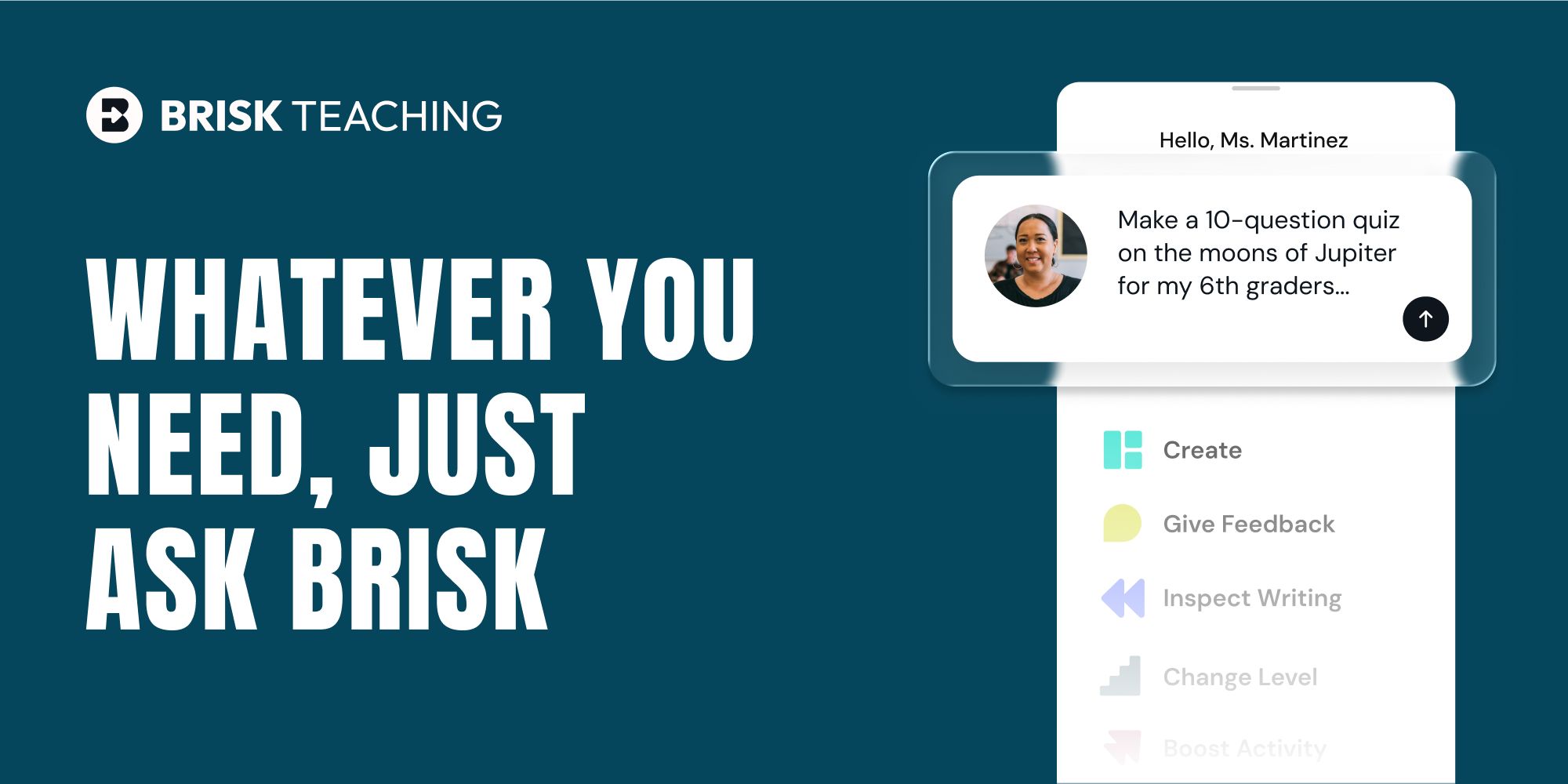
Meet the New Brisk: Create Teaching Resources Through a Conversation
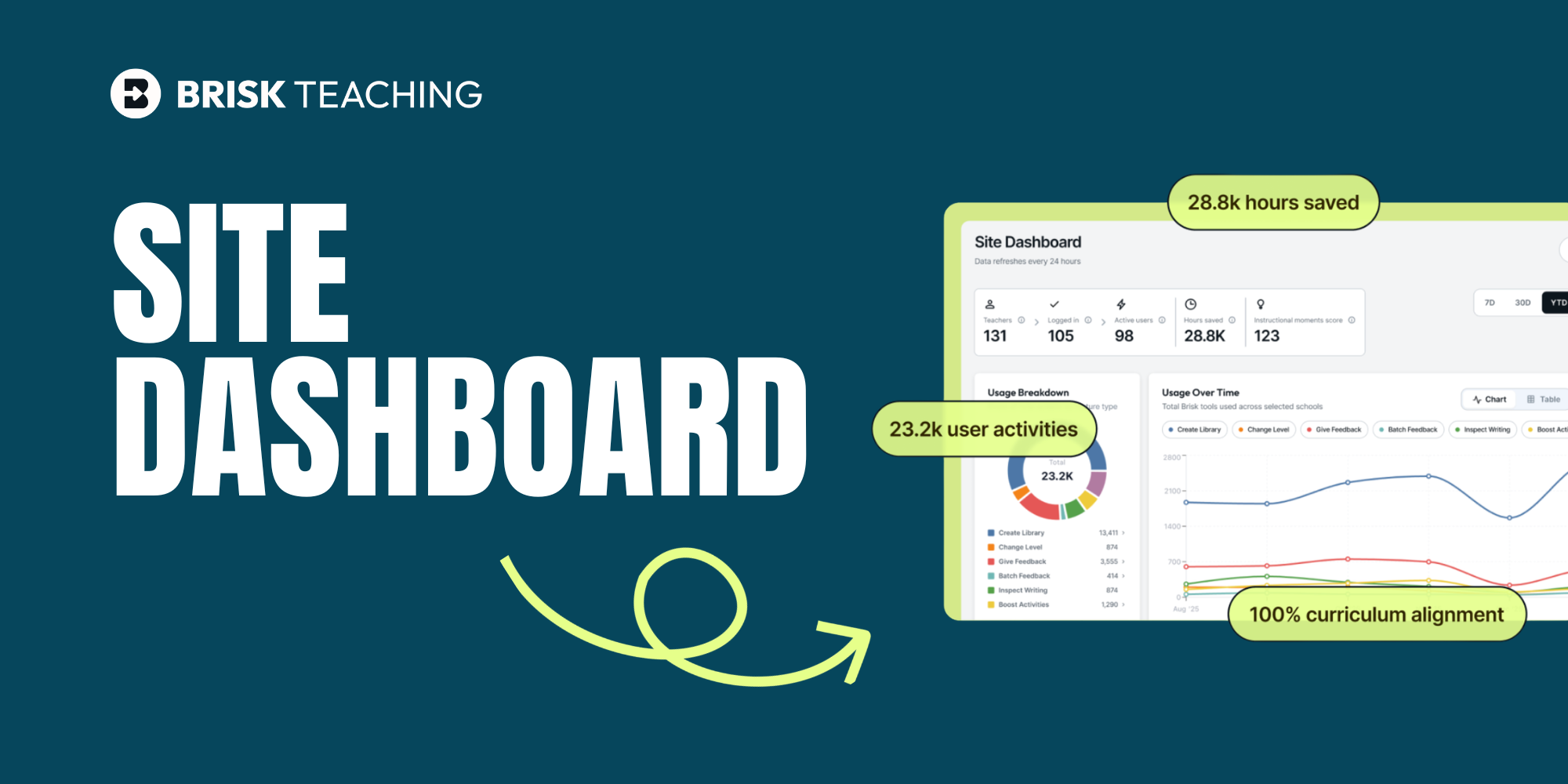
Your AI Investment Is Working. Now You Can Prove It.
Explore
How to Detect AI Writing in Student Work (Without False Alarms)
Learn where common AI detection tools fail, what to look out for when evaluating for AI generation, why understanding how a student wrote their work is just as important as what they wrote, and how Brisk can give you deeper insight into each student’s writing process
45 Writing Prompts for Every Grade Level [2025 Edition]
Get 45 fresh, adaptable, ready-to-use writing prompts for students for every grade level. Our prompts are designed to meet students where they are and nurture their creative thinking.

15 Formative Assessment Examples and Tips by Grade Level
Discover 15 formative assessment examples by grade level — from exit tickets to peer feedback — plus teacher-friendly tips to make classroom assessment easier and more effective.
.png)
Bundles from the Extension: Create and Adapt Instructional Materials That Meet Every Learner
With Bundles from the Extension, you can take any article, video, or PDF and turn it into a complete set of connected instructional materials.
12 Tried-and-True Classroom Management Strategies for Teachers
Discover 12 tried-and-true classroom management strategies teachers swear by. Build stronger relationships, reduce disruptions, and create a classroom where learning flows.
Giving Effective Student Feedback in the Classroom: Clear and Actionable Tips
Get student feedback strategies that are specific, timely, and actionable.
The Ultimate First-Day-of-School Checklist for Teachers
This back-to-school teacher checklist is designed to help you prepare not just your classroom, but also your mindset, so you can start strong and focus on what matters most: your learners.
Batch Feedback: Personal Feedback for Every Student, All at Once
Batch Feedback helps teachers give personal, high-quality feedback to every student at once — timely, consistent, and fully teacher-led.
23 Classroom Setup Ideas to Promote an Effective Learning Environment
From clever seating arrangement ideas to smart classroom organization tips, creating an effective learning space can feel like a blank canvas or a giant puzzle. But no need to overthink it - these 23 classroom setup ideas will help you make learning smoother and students more engaged.
12 Strategies for Enhancing Student Engagement (That Actually Work!)
Need a fresh take on your classroom routines? When students need more than a brain break, try these student engagement strategies to switch things up. No icebreakers or gimmicks - just tested techniques that get middle and high school students participating, thinking critically, and learning effectively.
How to Create a Unit Plan
Staring at a blank doc wondering how to write a unit plan? Don’t worry — you’re not alone, and yes, caffeine counts as a planning tool. Writing a unit plan doesn’t have to be a headache-inducing activity that takes up valuable plan time and takes hours to figure out. Unit planning can be easy once you’ve figured out the formula. Think of it this way: lesson plans are the trees. Unit plans? That’s the forest. And if you're feeling lost in the woods — here’s the map.
.png)
Getting Started with Brisk: Your Essential Guide
Our new Getting Started guide ensures you can set up Brisk in minutes and start using it with confidence.