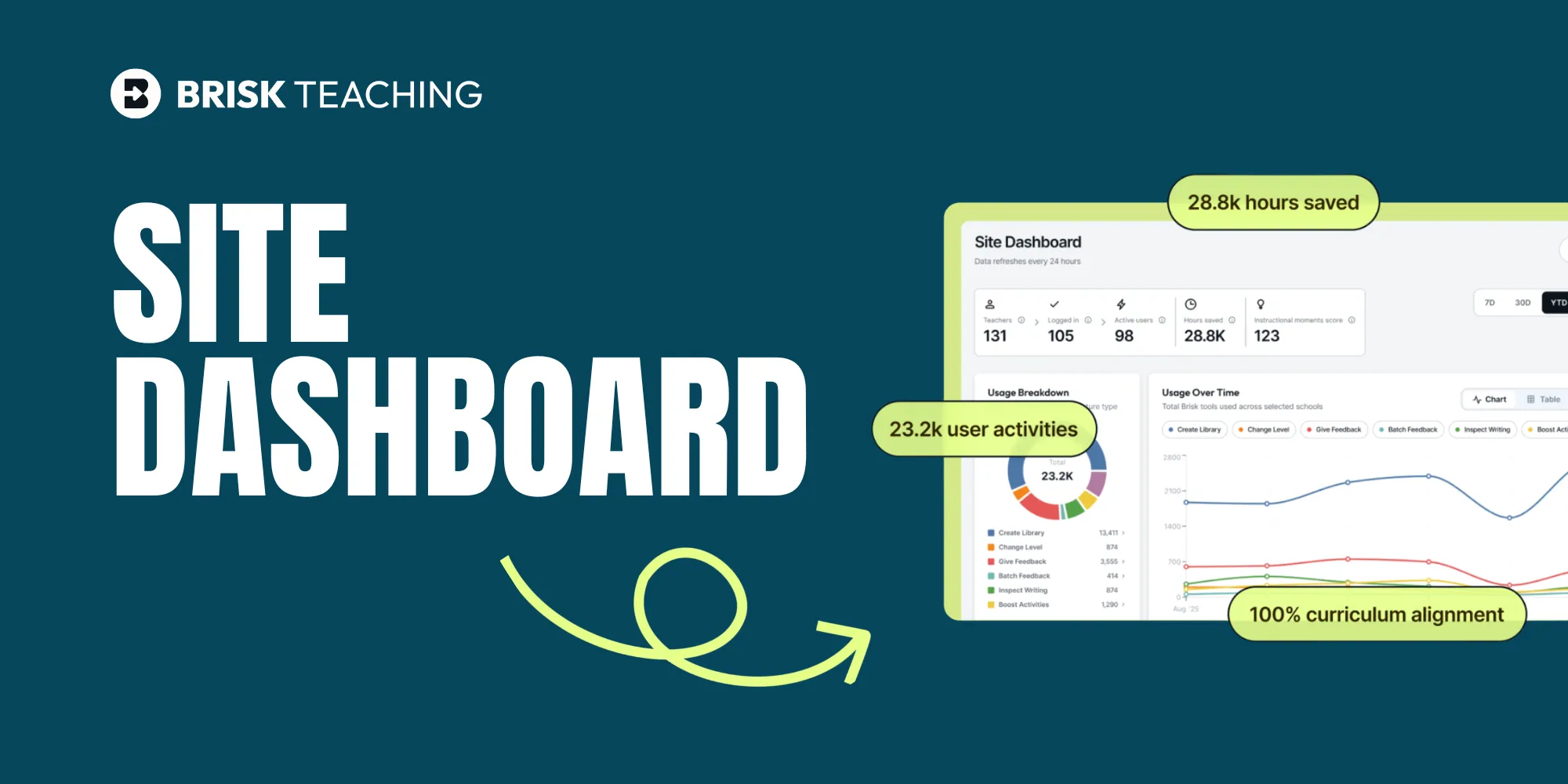
District administrators have been asking the same questions since AI tools started showing up in classrooms: Is this actually being used? Is it providing a positive impact on instruction?
It’s a fair question. You’re managing budgets, answering to leadership, and need a clear view of what’s really happening across your schools.
The updated Brisk Site Dashboard gives you that visibility, clearly and consistently.
One view. Every school. Real data.
The Site Dashboard gives school and district administrators a centralized view of teacher activity across their entire organization. Start at the district level, then filter by school or date range. Drill down to a single building when you need more detail.
Data refreshes nightly, giving you a view of what’s happening across your schools, so you’re always working with current data.
At a glance, you can see how many teachers are on your plan and how many hours they've saved within any selected date range. Export usage data to CSV and bring it wherever you need it — a board presentation, a department review, a conversation with your curriculum team.
See exactly how Brisk is being used
The dashboard breaks usage down by feature: Create Library, Give Feedback, Batch Feedback, Change Level, Inspect Writing, Boost Activities, and Boost Feedback, to help you understand actual impact on student learning. A usage-over-time graph shows how adoption is trending weekly or monthly across your schools.
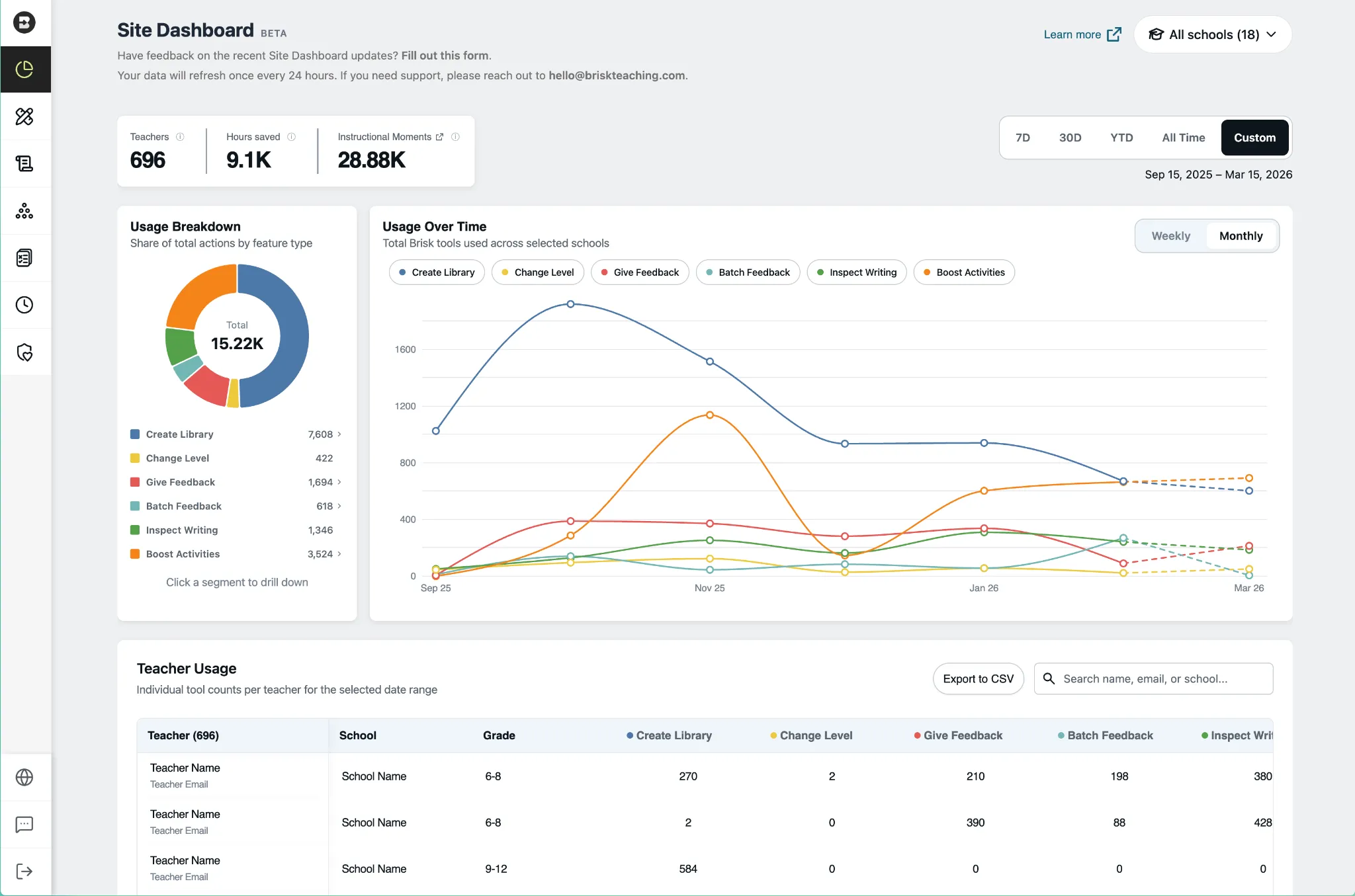
The Teacher Usage table shows tool-by-tool usage counts for every teacher on your roster. Search by name, email, or school.
Instructional Moments: Where AI Is driving student impact
Along the top of the dashboard, you’ll see a new metric called Instructional Moments — it identifies where AI is being used in ways that directly impact students, like feedback, differentiation, and student-facing activities.
A middle school math teacher creates an interactive activity where students practice fraction operations with real-time AI feedback, instead of a static worksheet. That’s an Instructional Moment. It doesn’t show up in a typical usage report, but it shows up in Brisk’s.
Instructional Moments give you a clear understanding of where high-impact practices are happening across your schools, not just how often tools are used.
See how each tool is being used
Clicking into any feature takes you deeper. Select Create Library and the view filters to show exactly how teachers are using it — presentations, quizzes, podcasts, lesson plans, and more — with Teachers, Hours Saved, and Instructional Moments updating at the top and a filtered teacher table below.

The same view is available for every Brisk feature. Whether you want to understand how teachers are using Give Feedback, Inspect Writing, or Boost Activities, the data is one click away. Watch the full dashboard walkthrough here.
Getting started
Already a Brisk customer?
The Site Dashboard is available to School & District plan users with rostered teachers. Access it from the Brisk extension (three dots menu → Site Dashboard) or from Brisk Web (profile icon → Admin Portal).
Learn how to set up and navigate the Site Dashboard.
Questions about access? Reach out to rostering@briskteaching.com for support with roster integrations.
New to Brisk?
See the Site Dashboard in action and learn how Brisk gives district leaders visibility into AI use across every school, with data refreshed nightly and metrics built for the conversations you're already having with your board. Book a demo.
{{banner-cta}}