

Brisk Blog
Your go-to spot for innovative ideas and teacher-tested strategies you can try tomorrow.
추천 콘텐츠
AI 시대를 위한 실용적인 교수법

September 15, 2026
Brisk Features
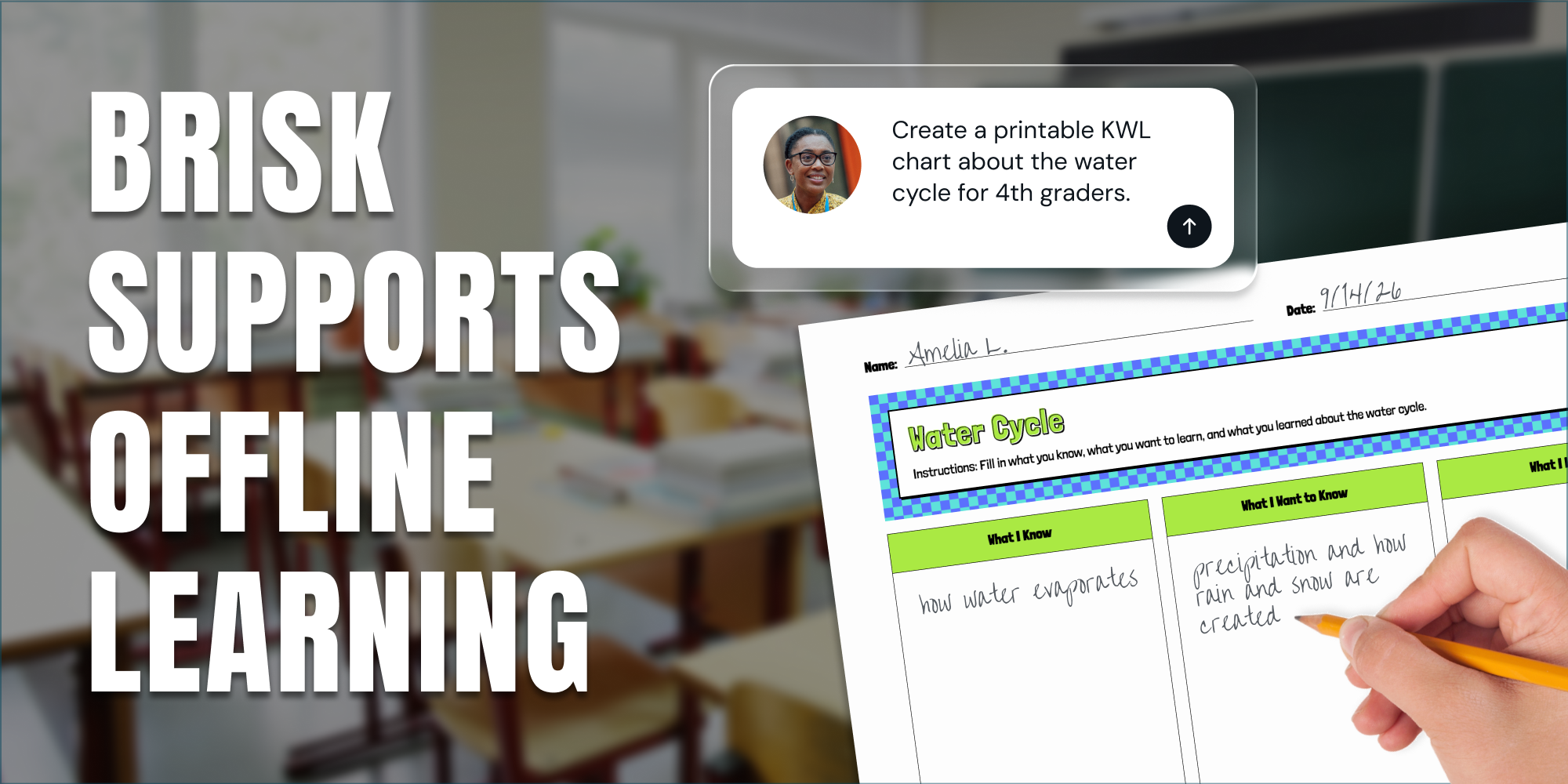
인쇄하거나, 화면에 띄우거나, 혹은 화면 없이 활용하기: 브리스크(Brisk)를 교실 환경에 맞게 활용하는 방법
Brisk는 교실 내 화면 사용 시간을 줄이려는 상황에서도 학생들의 학습을 지원할 수 있는 다양한 방법을 교사들에게 제공합니다.

September 11, 2026
Thought Leadership
Brisk in New White Paper on AI's Instructional Impact
Brisk founder Arman Jaffer shares his key takeaways from Whiteboard Advisors’ new white paper on measuring the instructional impact of AI in the classroom.
September 24, 2025
Tips for Teachers
23 Classroom Setup Ideas to Promote an Effective Learning Environment
From clever seating arrangement ideas to smart classroom organization tips, creating an effective learning space can feel like a blank canvas or a giant puzzle. But no need to overthink it - these 23 classroom setup ideas will help you make learning smoother and students more engaged.
September 24, 2025
Tips for Teachers
12 Strategies for Enhancing Student Engagement (That Actually Work!)
Need a fresh take on your classroom routines? When students need more than a brain break, try these student engagement strategies to switch things up. No icebreakers or gimmicks - just tested techniques that get middle and high school students participating, thinking critically, and learning effectively.
.webp)
September 5, 2025
Brisk Updates
Getting Started with Brisk: Your Essential Guide
Our new Getting Started guide ensures you can set up Brisk in minutes and start using it with confidence.
August 4, 2025
Brisk Updates
Brisk, Your AI Teaching Assistant, Now Works with Microsoft — Including Word, PowerPoint, OneDrive, and Edge
Educators can now plan lessons, give feedback, and personalize learning using Brisk with Microsoft Word, PowerPoint, OneDrive, and Edge.
.webp)
July 25, 2025
Brisk Features
How Teacher Insight into AI Chats Supports Student Learning
Visibility into student AI usage isn’t a bonus feature, it’s a non-negotiable. Learn how Brisk gives teachers visibility to stay in tune with student learning and foster clarity, creativity, and growth.
July 14, 2025
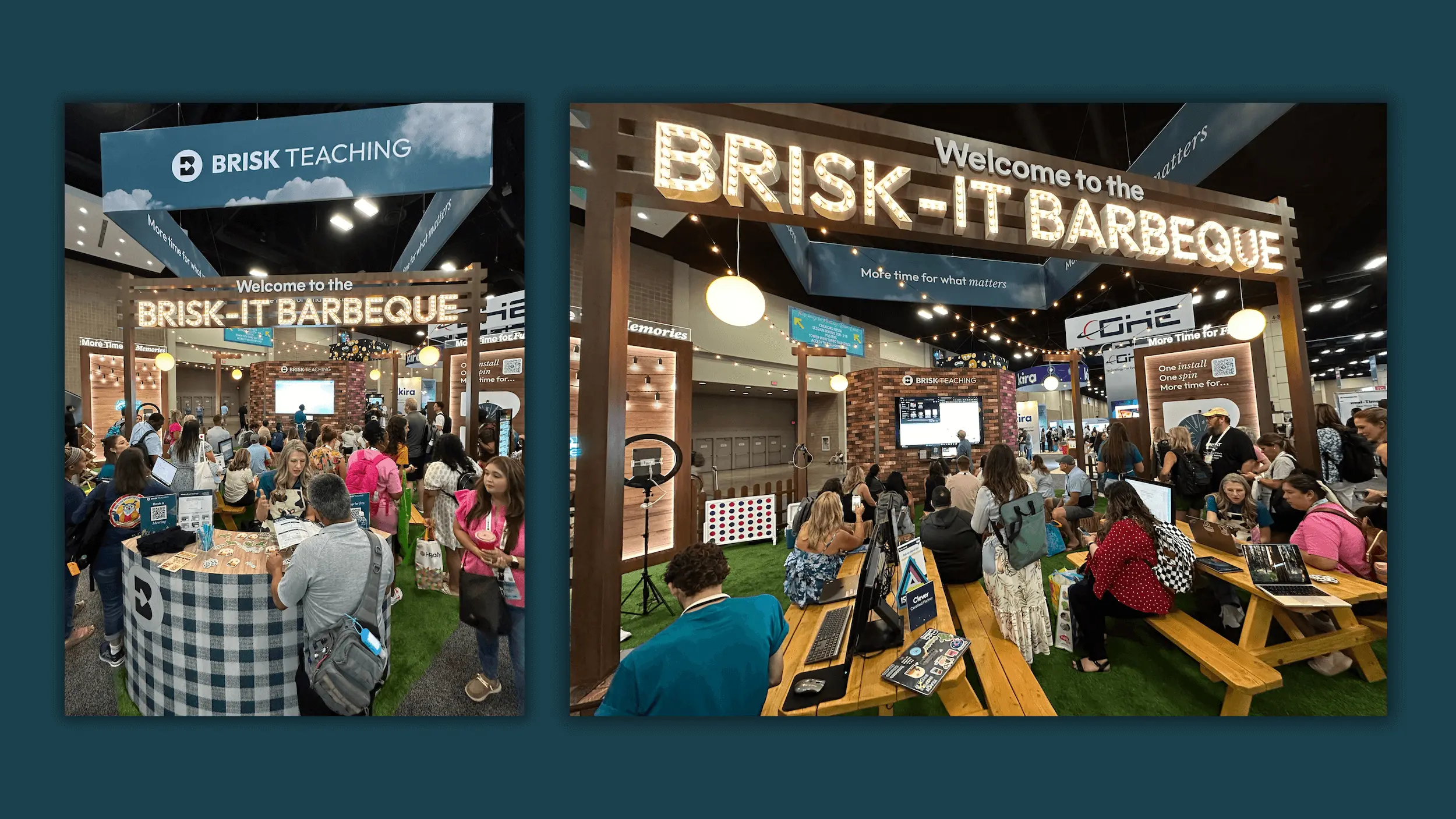
What We Loved Most About ISTE 2025
A look back on Brisk's favorite moments at ISTE 2025.
종례 시간 전 채점 완료
확장 프로그램을 설치하고 학생의 문서를 연 다음, 1분 안에 Brisk가 첫 번째 에세이를 어떻게 처리하는지 확인해 보세요.