

Brisk Blog
Your go-to spot for innovative ideas and teacher-tested strategies you can try tomorrow.
추천 콘텐츠
AI 시대를 위한 실용적인 교수법

September 15, 2026
Brisk Features
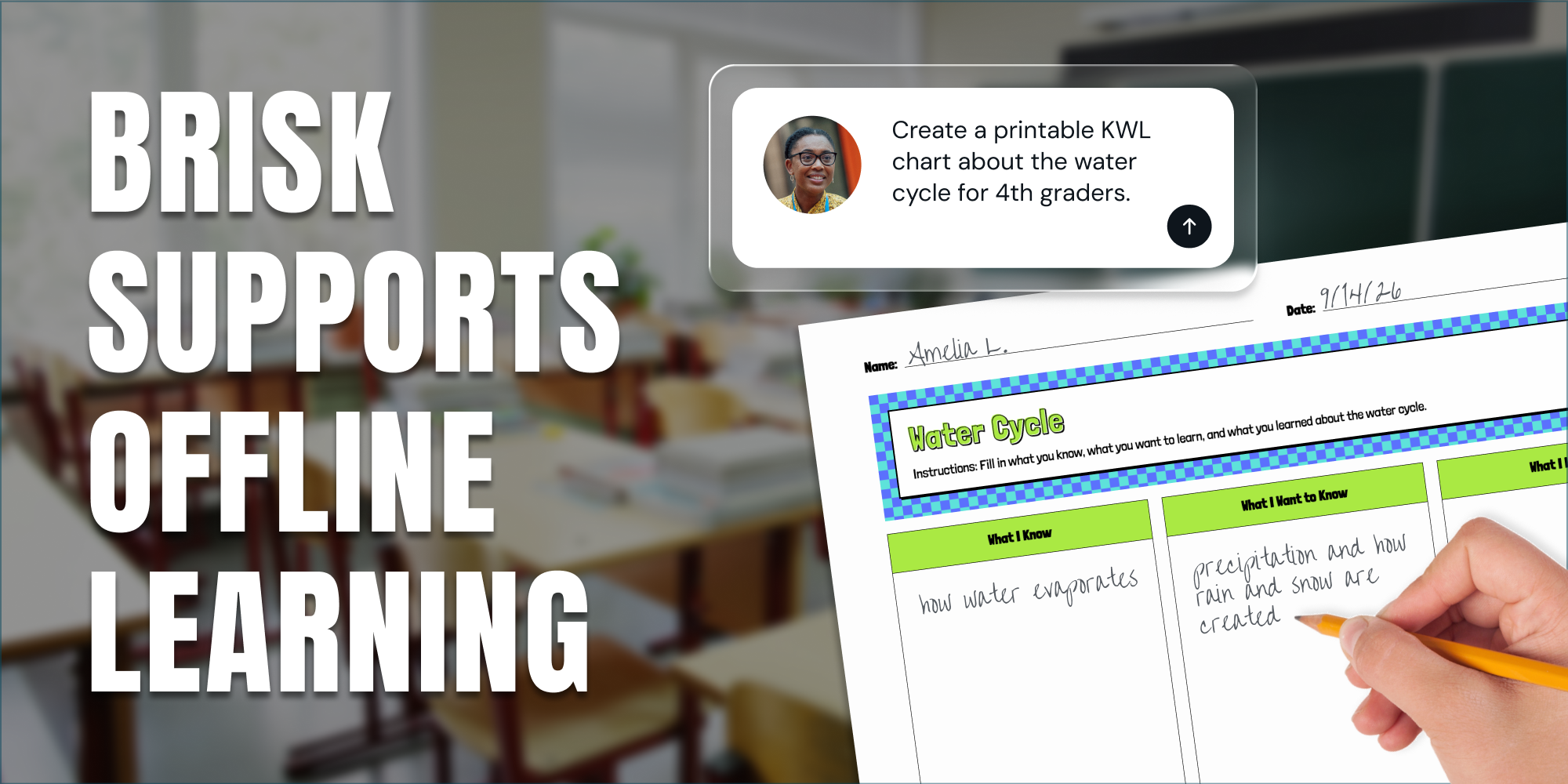
인쇄하거나, 화면에 띄우거나, 혹은 화면 없이 활용하기: 브리스크(Brisk)를 교실 환경에 맞게 활용하는 방법
Brisk는 교실 내 화면 사용 시간을 줄이려는 상황에서도 학생들의 학습을 지원할 수 있는 다양한 방법을 교사들에게 제공합니다.

September 11, 2026
Thought Leadership
Brisk in New White Paper on AI's Instructional Impact
Brisk founder Arman Jaffer shares his key takeaways from Whiteboard Advisors’ new white paper on measuring the instructional impact of AI in the classroom.
.webp)
October 20, 2025
Brisk Features
Bundles from the Extension: Create and Adapt Instructional Materials That Meet Every Learner
With Bundles from the Extension, you can take any article, video, or PDF and turn it into a complete set of connected instructional materials.

October 14, 2025
The Ultimate First-Day-of-School Checklist for Teachers
This back-to-school teacher checklist is designed to help you prepare not just your classroom, but also your mindset, so you can start strong and focus on what matters most: your learners.

October 14, 2025
Tips for Teachers
Giving Effective Student Feedback in the Classroom: Clear and Actionable Tips
Get student feedback strategies that are specific, timely, and actionable.

October 14, 2025
Tips for Teachers
12 Tried-and-True Classroom Management Strategies for Teachers
Discover 12 tried-and-true classroom management strategies teachers swear by. Build stronger relationships, reduce disruptions, and create a classroom where learning flows.

October 1, 2025
Brisk Features
Batch Feedback: Personal Feedback for Every Student, All at Once
Batch Feedback helps teachers give personal, high-quality feedback to every student at once — timely, consistent, and fully teacher-led.
September 24, 2025
Tips for Teachers
How to Create a Unit Plan
Staring at a blank doc wondering how to write a unit plan? Don’t worry — you’re not alone, and yes, caffeine counts as a planning tool. Writing a unit plan doesn’t have to be a headache-inducing activity that takes up valuable plan time and takes hours to figure out. Unit planning can be easy once you’ve figured out the formula. Think of it this way: lesson plans are the trees. Unit plans? That’s the forest. And if you're feeling lost in the woods — here’s the map.
종례 시간 전 채점 완료
확장 프로그램을 설치하고 학생의 문서를 연 다음, 1분 안에 Brisk가 첫 번째 에세이를 어떻게 처리하는지 확인해 보세요.