.webp)
.webp)
Brisk gives you tools to return high-quality feedback on assignments the same day — saving hours without lowering the bar.
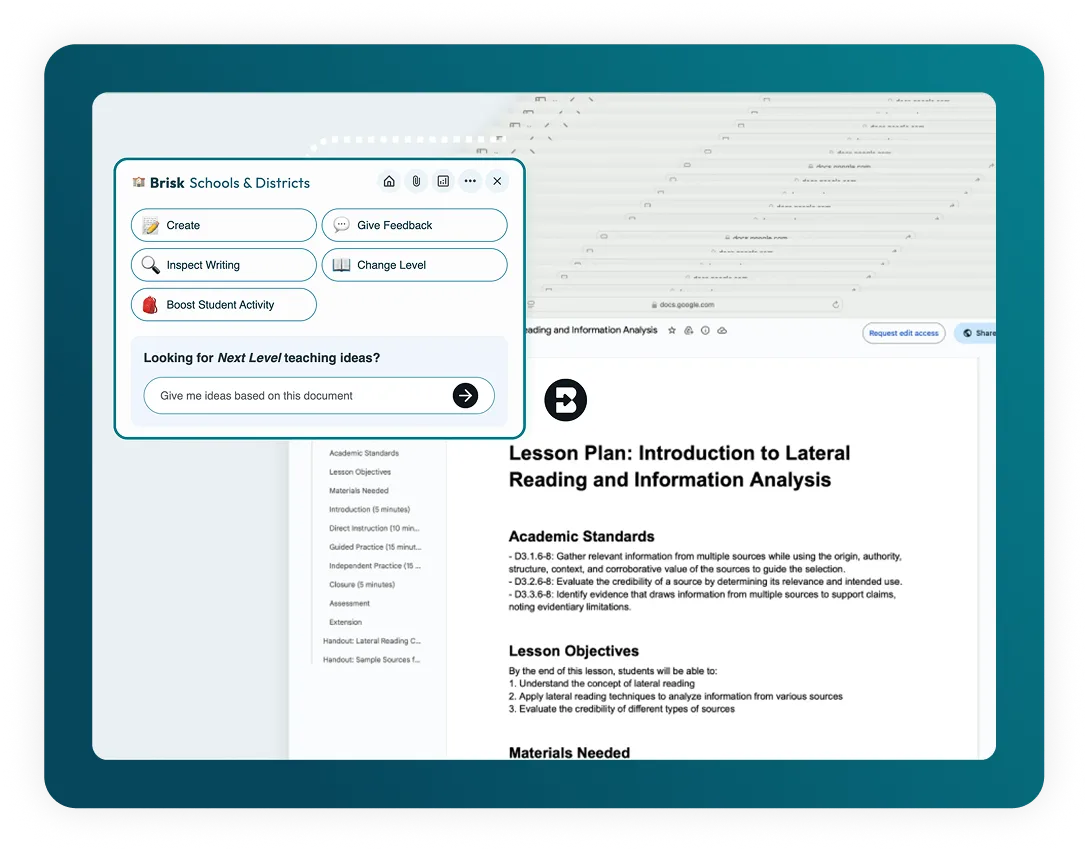
Generate Word Problems
Craft engaging word problems to assess standards and math topics in seconds.
How to: Open a new Google doc and click on Brisk. Click Create, then Math Word Problems. Add any relevant details, then click Brisk It!
Create Quizzes
Turn a YouTube video into a Google Form quiz with the answers already embedded.
How to: Open your YouTube video and click on Brisk. Click Create, then Quiz. Tag your state standards. Then click Brisk It!
Create Lessons
Create a lesson plan aligned to state standards… in seconds!
How to: Open your chosen media and click on Brisk. Click Create, then Lesson Plan. Tag your state standards. Then click Brisk It!
Create Exemplars
Create exemplars that show the steps of students across various grade levels and expectations, solving math problems.
How to: Open your chosen media and click on Brisk. Click Create, then Exemplar. Type the equation into the text box. Ex: Solve the equation -3x - 5 = 16. Then click Brisk It!
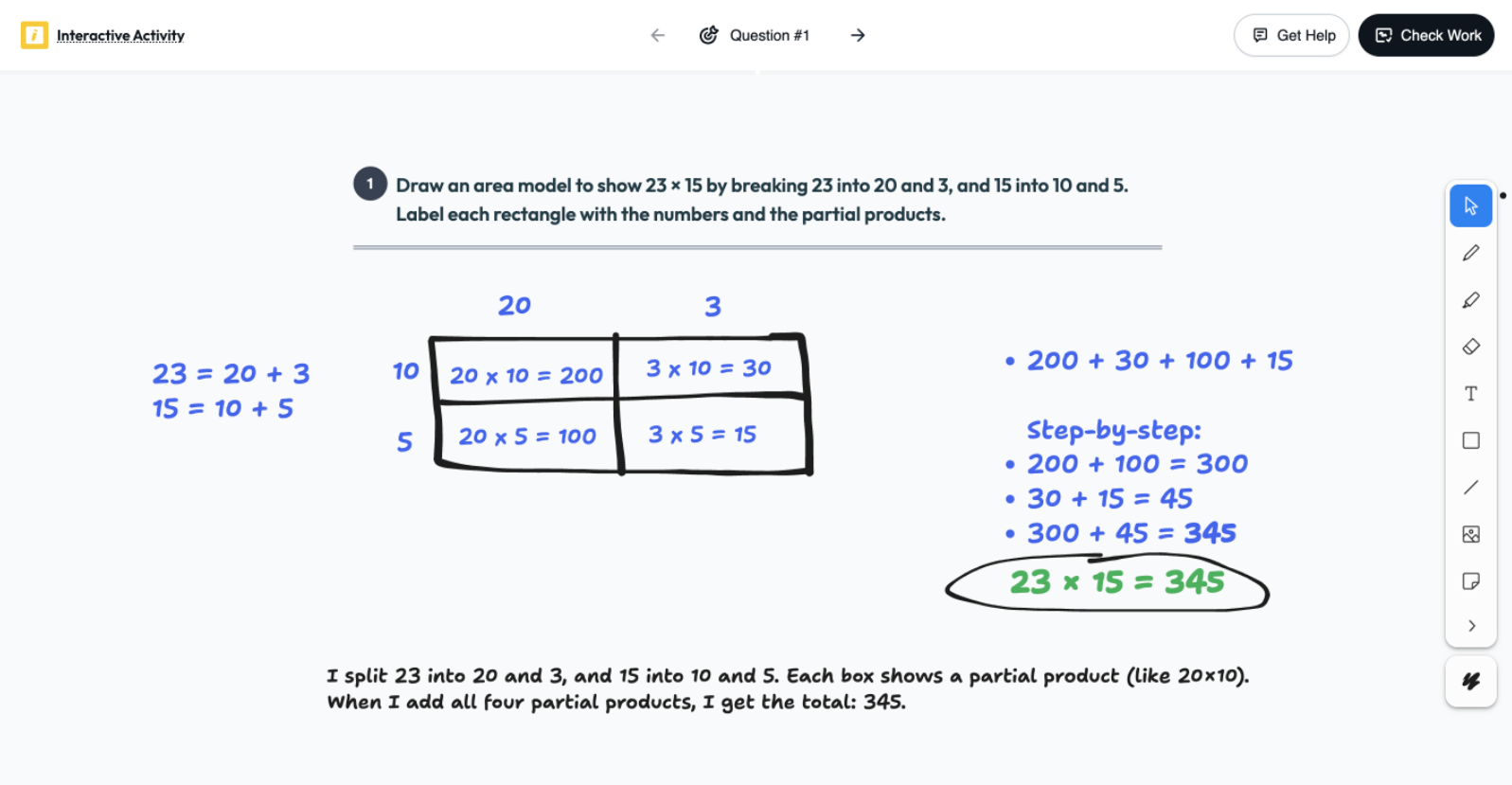
See Student Thinking Visually
Use Boost Whiteboard to turn any math problem into an interactive activity. Students show their work, sketch diagrams, and explain their reasoning, giving you a clear window into their thinking.
How to: Create a Boost activity using Brisk extension. Choose Whiteboard, enter your prompt, and set your grade level and standards. Share the link with students — they'll draw, label, and explain their thinking.
📗 Generator Rencana Pelajaran AI
Buat rencana pelajaran yang komprehensif untuk memandu pengajaran Anda.
Dorongan Cepat
Ubah sumber daya online apa pun menjadi pengalaman belajar yang menarik bagi siswa.
Masalah Kata Matematika
Buat soal kata matematika standar negara secara instan pada tema apa pun.
Ulasan Matematika Spiral
Buat ulasan spiral matematika dengan cepat yang sesuai dengan standar negara.
📫 Pembuat Buletin AI
Buat buletin yang menarik untuk menjaga komunitas sekolah Anda tetap terinformasi dan terhubung.
💡 Sesuatu yang Lain
Jelajahi 'Sesuatu Lainnya' untuk materi pengajaran khusus. Gunakan alat ini sebagai generator teka-teki, pembuat lembar pertanyaan, pembuat prompt penulisan...
Boost Whiteboard
Give students a visual space to work through ideas, explain reasoning, and demonstrate understanding.