Brisk is for English Teachers of all grade levels

Elementary School
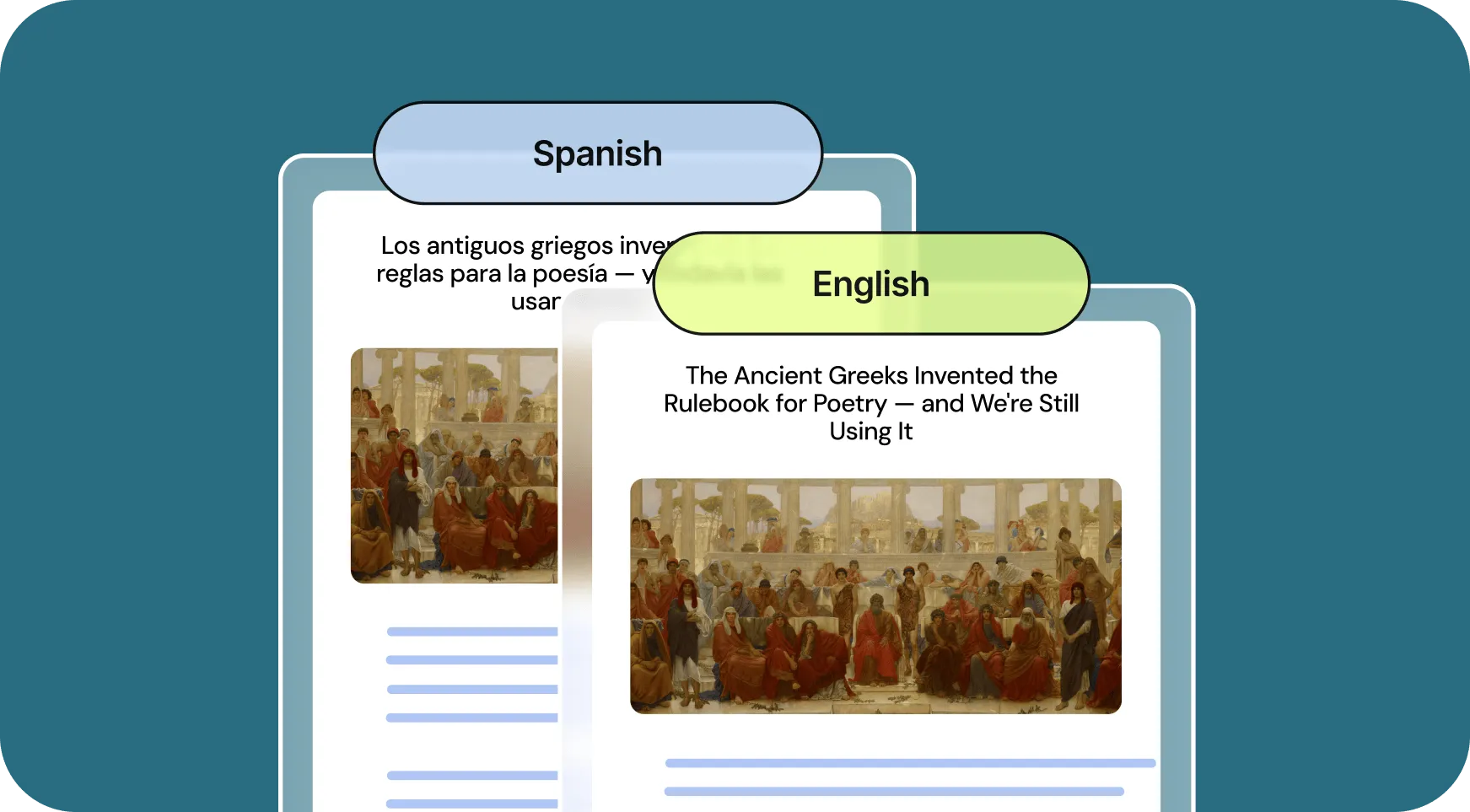
Engage younger students with presentations and brainstorm games for teaching lesson content. Easily change the reading level of articles to make them accessible to your students.
High School
Craft lesson plans, discussion prompts, and writing activities to support critical thinking and literary understanding. Create rubrics and grade student essays in just a few clicks.
Middle School
Create the daily agenda, classroom newsletter, introductory slides for new lessons, and pre- and post-assessments on any topic. Give personalized feedback on student writing assignments.
University
Prepare plans for your lectures, generate presentation slides, and create writing and discussion prompts. Write customized letters of recommendation in seconds.

How English Teachers are using Brisk's AI tools

Brisk gives you tools to return high-quality feedback on assignments the same day — saving hours without lowering the bar.

Create Rubrics

Craft a cohesive rubric to assess multiple student choice projects in seconds.

How to: Open a new Google doc and click on Brisk. Click Create, then Rubric. Include your rubric criteria, then click Brisk It!

Give Feedback

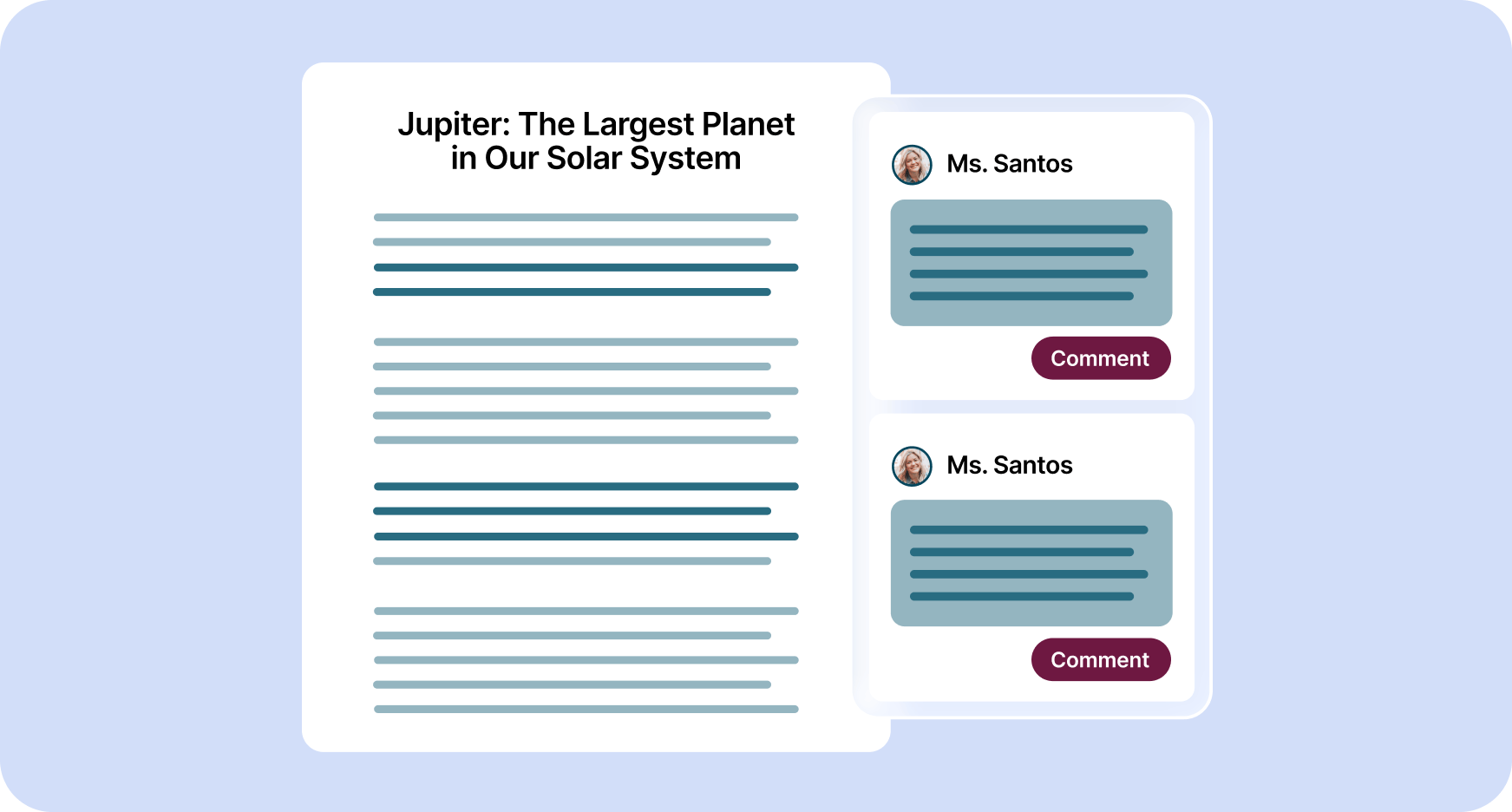
Provide personalized essay feedback in your preferred style directly in students’ Google Docs.

How to:
Open a student’s Google doc and click on Brisk.

Click Give Feedback, choose your feedback style, and attach your rubric if you want. Then click Brisk It!

Create Lessons

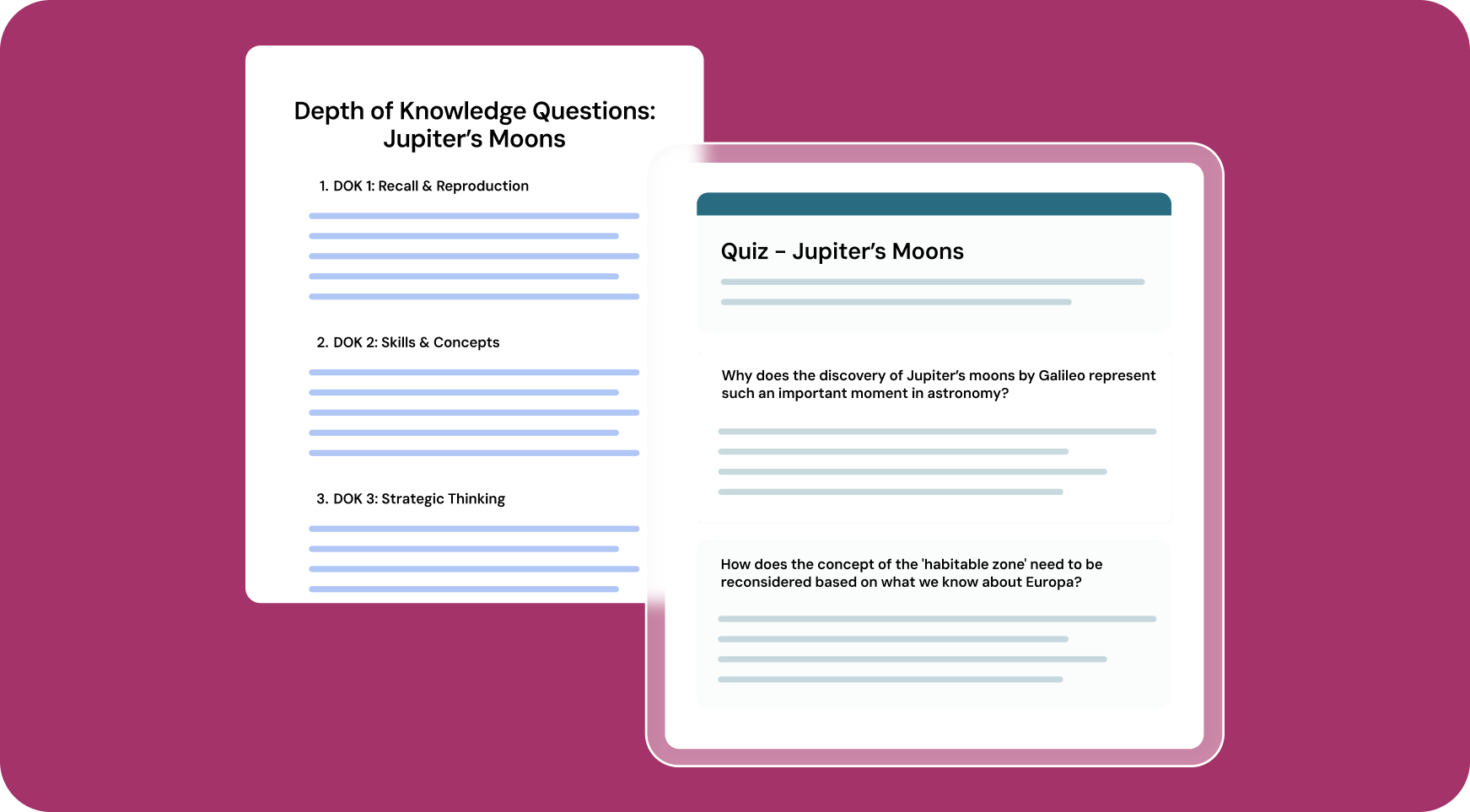
Generate customized lesson plans based on any article, video, PDF, or document.

How to: Open your chosen media and click on Brisk. Click Create, then Lesson Plan.

Alternatively, you could choose Change Level to level the text. Then click Brisk It!

Inspect Writing

Understand students’ writing processes with a video playback of their document creation from start to finish.

How to: Open a student’s Google doc and click on Brisk.

Click Inspect Writing to watch a replay of how the document was created. Click the magnifying glass to see how likely AI was used in the writing process.

All Brisk AI tools for English Teachers

🎯 مولد الملاحظات المستهدفة
يمكنك إنشاء تعليقات مخصصة في Google Doc لأي طالب.
📐 مولد قواعد الذكاء الاصطناعي
قم بإنشاء نماذج واضحة في لحظات لتحديد معايير التقييم والتوقعات.
💻 صانع العروض التقديمية بالذكاء الاصطناعي
صمم عروض Google Slides من أي فكرة أو مقالة أو موقع ويب أو فيديو.
أداة تسوية النص
اضبط مستويات النص على الفور لتتناسب مع قدرات القراءة لدى الطلاب.
📗 مولد خطة الدرس بالذكاء الاصطناعي
قم بإنشاء خطط دروس شاملة لتوجيه التدريس الخاص بك.
🔎 فحص أداة الكتابة
أعاد Brisk تصور تحليل كتابة الطلاب. يمكنك فهم كيفية مراجعة الطلاب لعملهم بطريقتين.
💌 مولد خطاب التوصية
قم بإنشاء خطابات توصية مخصصة لتسليط الضوء على نقاط القوة والإنجازات لدى الطلاب.
«بصفتي مدرسًا لفنون اللغة، فإن أحد أصعب أجزاء وظيفتي هو تقديم ملاحظات مفيدة كافية لطلابي. لقد سمح لي Brisk بتقديم ملاحظات أكثر تحديدًا وقابلية للتنفيذ لطلابي. وقد ساعدني ذلك أيضًا على رؤية المزيد من عناصر الجودة التي كنت قد أغفلتها سابقًا في عمل طلابي.»

Looking for another use case?

From phonics to physics, Brisk helps every teacher support every student. See how Brisk shows up for every subject, grade, classroom, and district.

English teachers, lighten your day with Brisk

Brisk's AI tools help ELA teachers do more in less time - from feedback to lesson creation. Get started with Brisk today.