.webp)
.webp)
You’ve tried AI chatbots before. This is different.
You shouldn’t need a master’s degree in “prompt engineering” to use AI tools. That’s where Create Anything comes in — it’s like ChatGPT, but built specifically for teachers.
Generate whatever you need for your classroom in seconds
Customize resources for any grade level — in 50+ languages
Create instructional resources you wouldn’t normally have time to make
Get a ready-to-go resource
Unlike generic tools, this one doesn’t need endless rephrasing. Our Create Anything tool is built to deliver admin-, teacher- and student-ready content instantly.
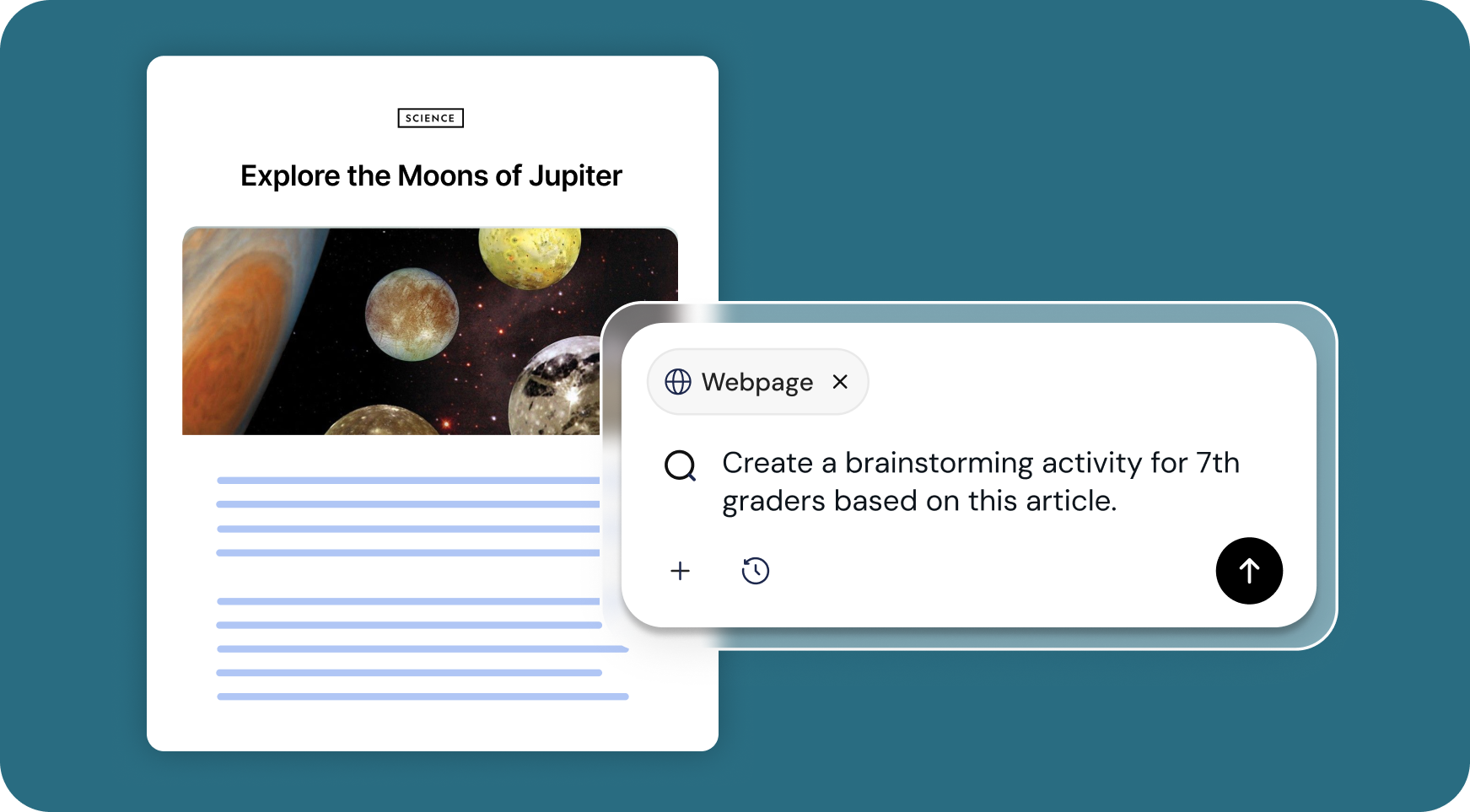
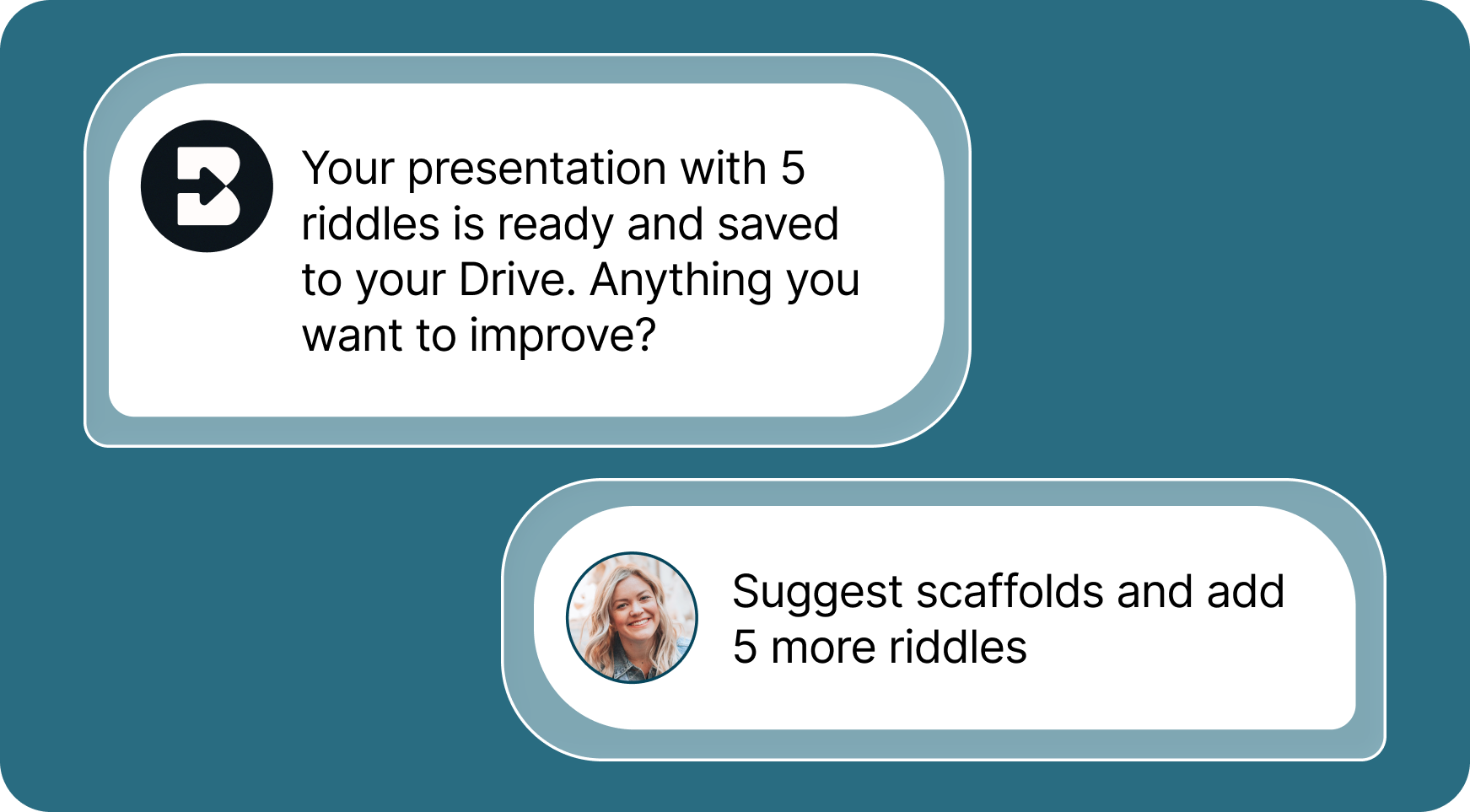
Tailor your output to your specific needs
Every resource is tailored to meet your teaching goals. If Brisk's first creation isn't quite what you wanted, Brisk offers options to refine your output until it's perfect.
Get time back in your day
Need a game? A song? A random activity you just realized you need for tomorrow? Done.
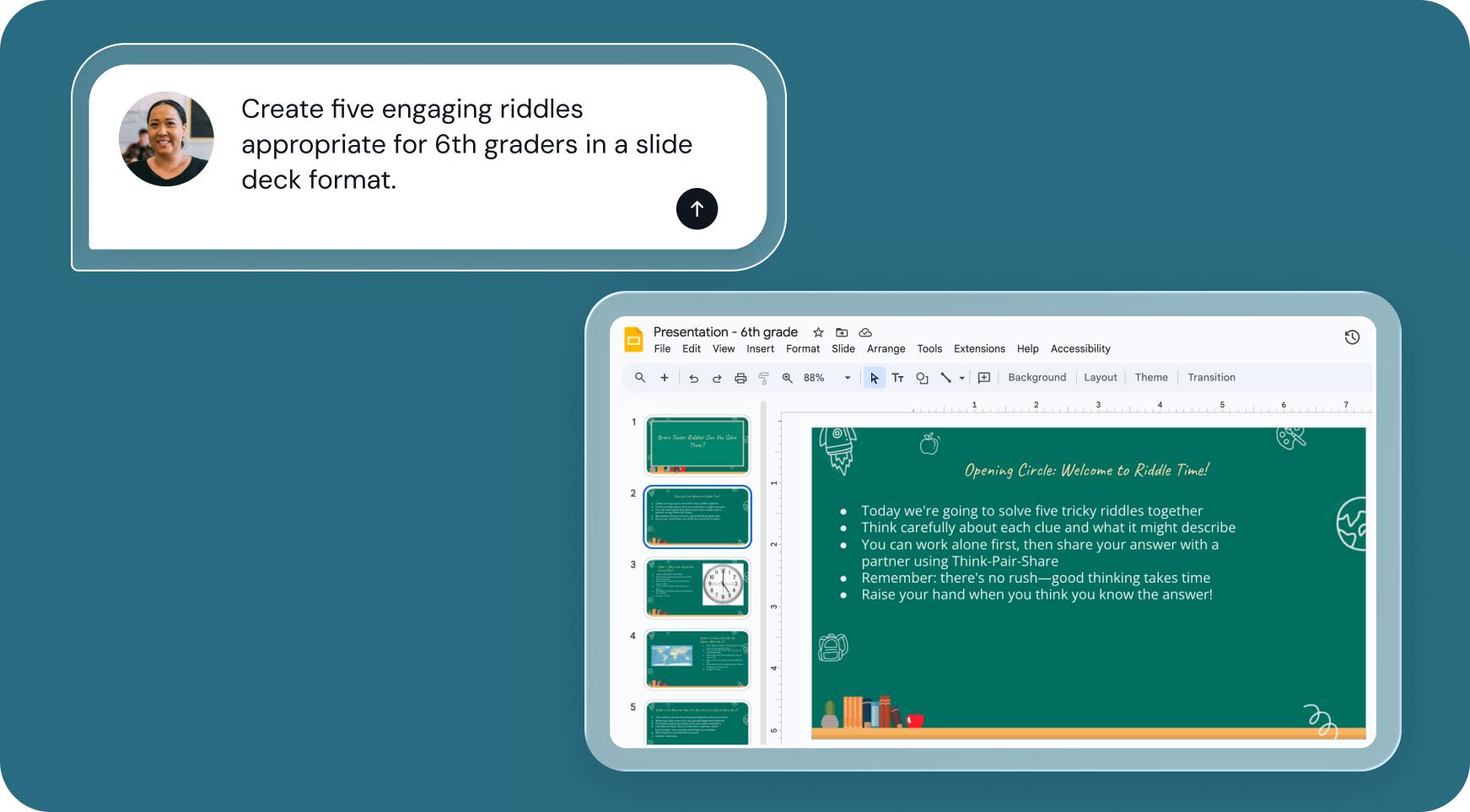

1. Open any resource
In your browser, open the webpage, PDF, or video that you want to create a resource from. Or, open a blank doc to create from scratch.

2. Search for “create anything”
Open Brisk, type “create anything” into the search box, and select the Create Anything Tool from the search results.
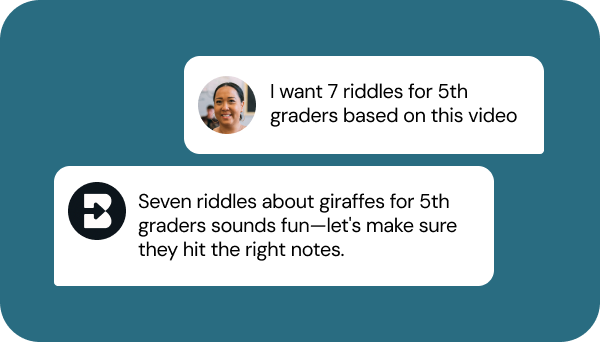
3. Tell Brisk what you need
Share some specifics about what you want to create — grade level, standards, topic, format, and any special requirements.
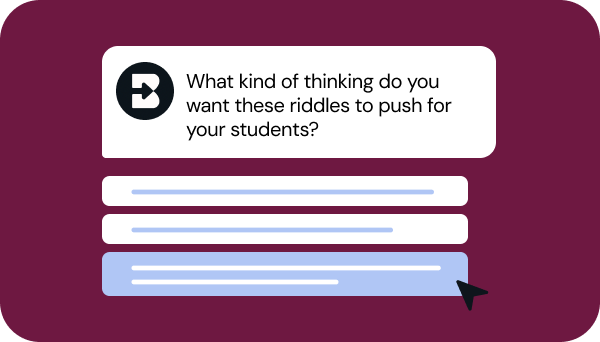
4. Refine your request
Answer a few quick questions from Brisk so your resource looks just like what you have in mind. Then, sit tight for a few seconds while Brisk works.
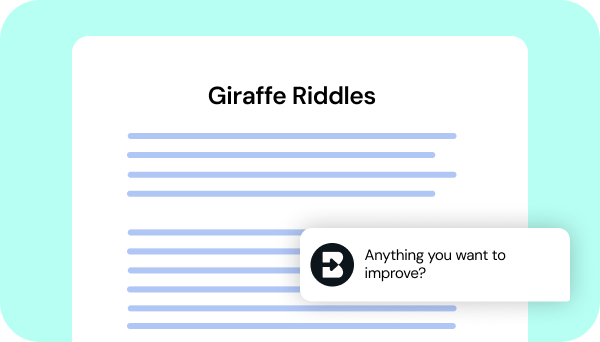
5. Adjust until it’s perfect
Chat back and forth with Brisk to fine-tune your new resource.
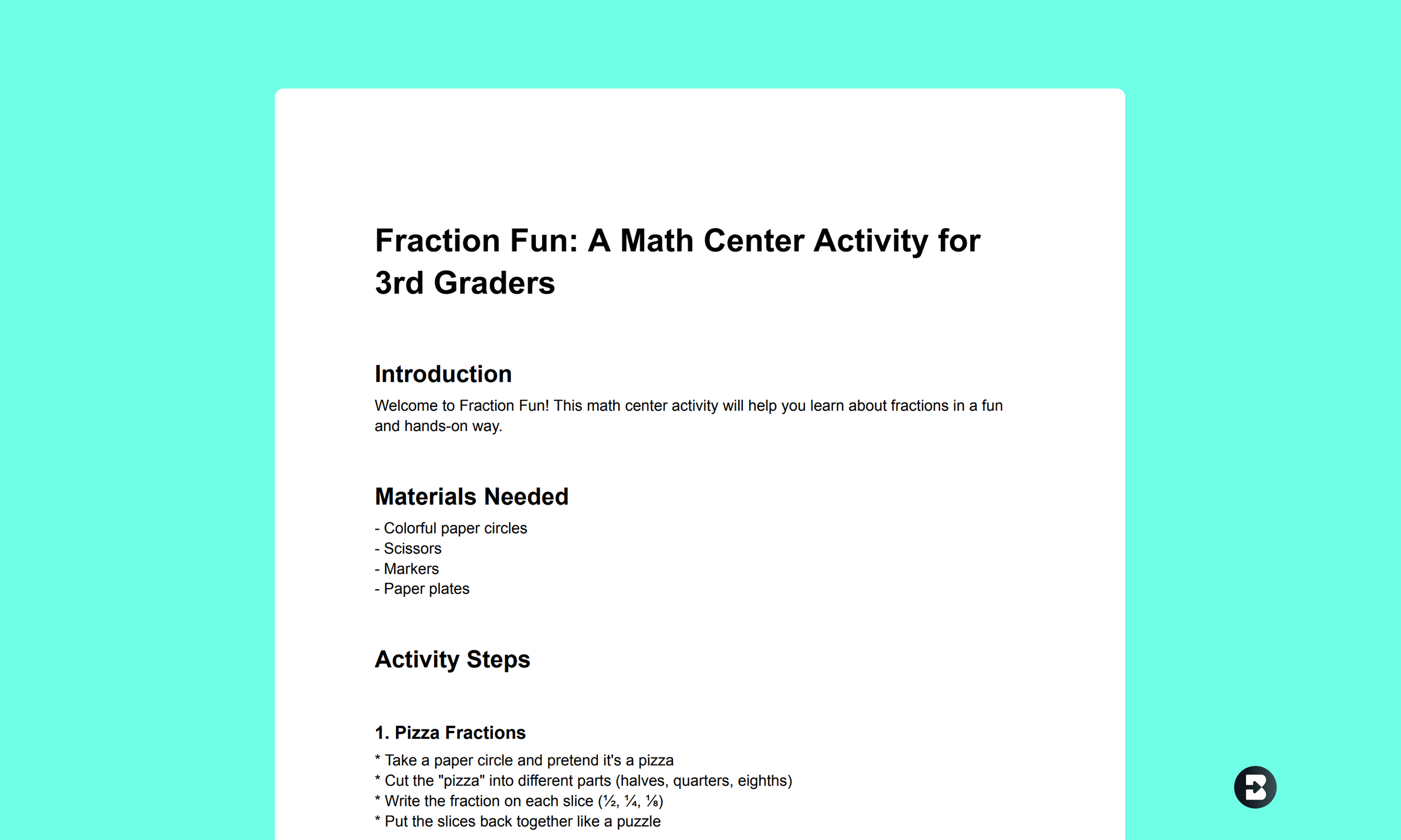
3rd Grade Math Center Activity
Create a math center activity on fractions to help students learn about fractions in a fun, hands-on way.
See sample resource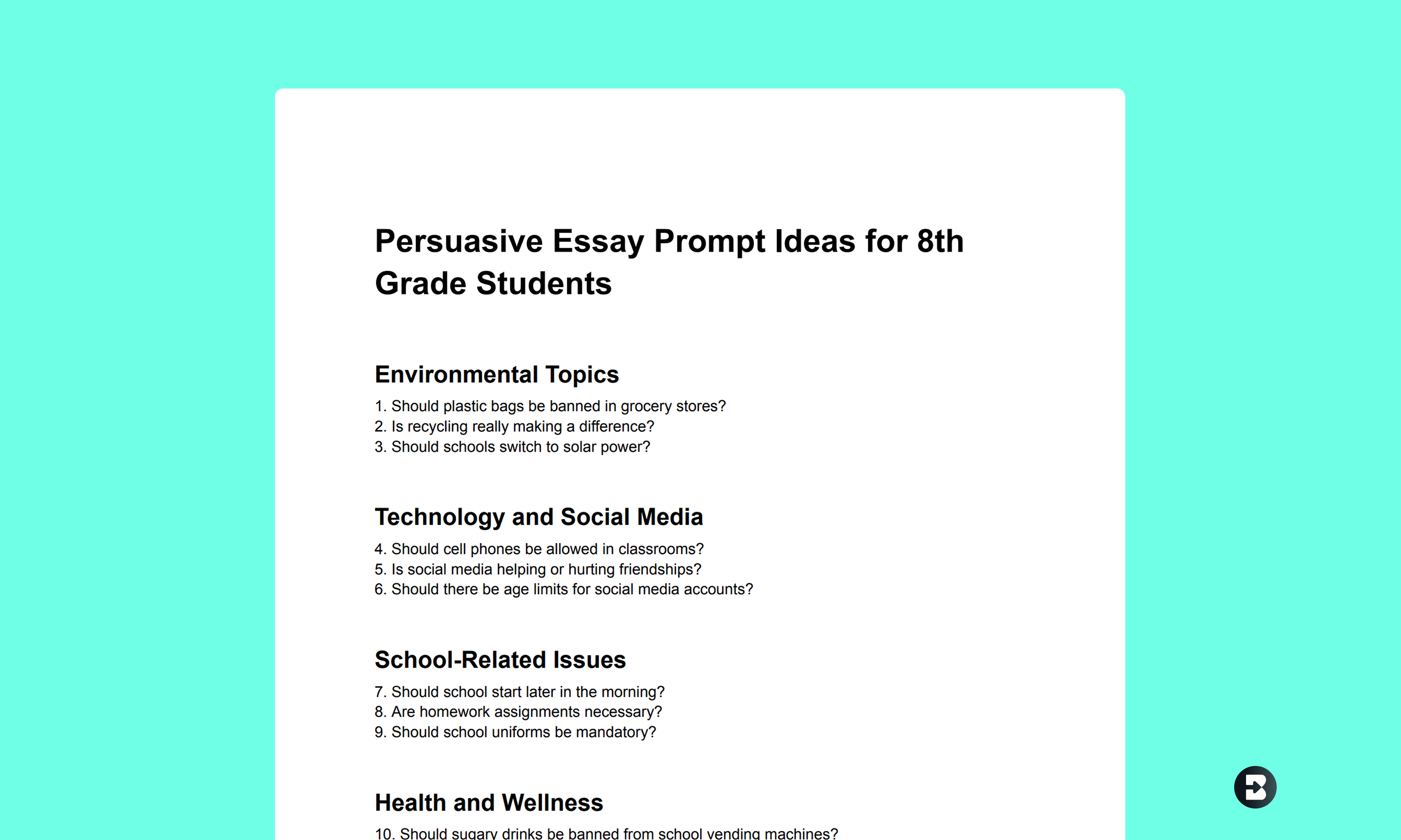
8th Grade Persuasive Essay Prompts
Create a series of engaging persuasive essay prompts for your middle schoolers on a variety of topics that will motivate them to write.
See sample resource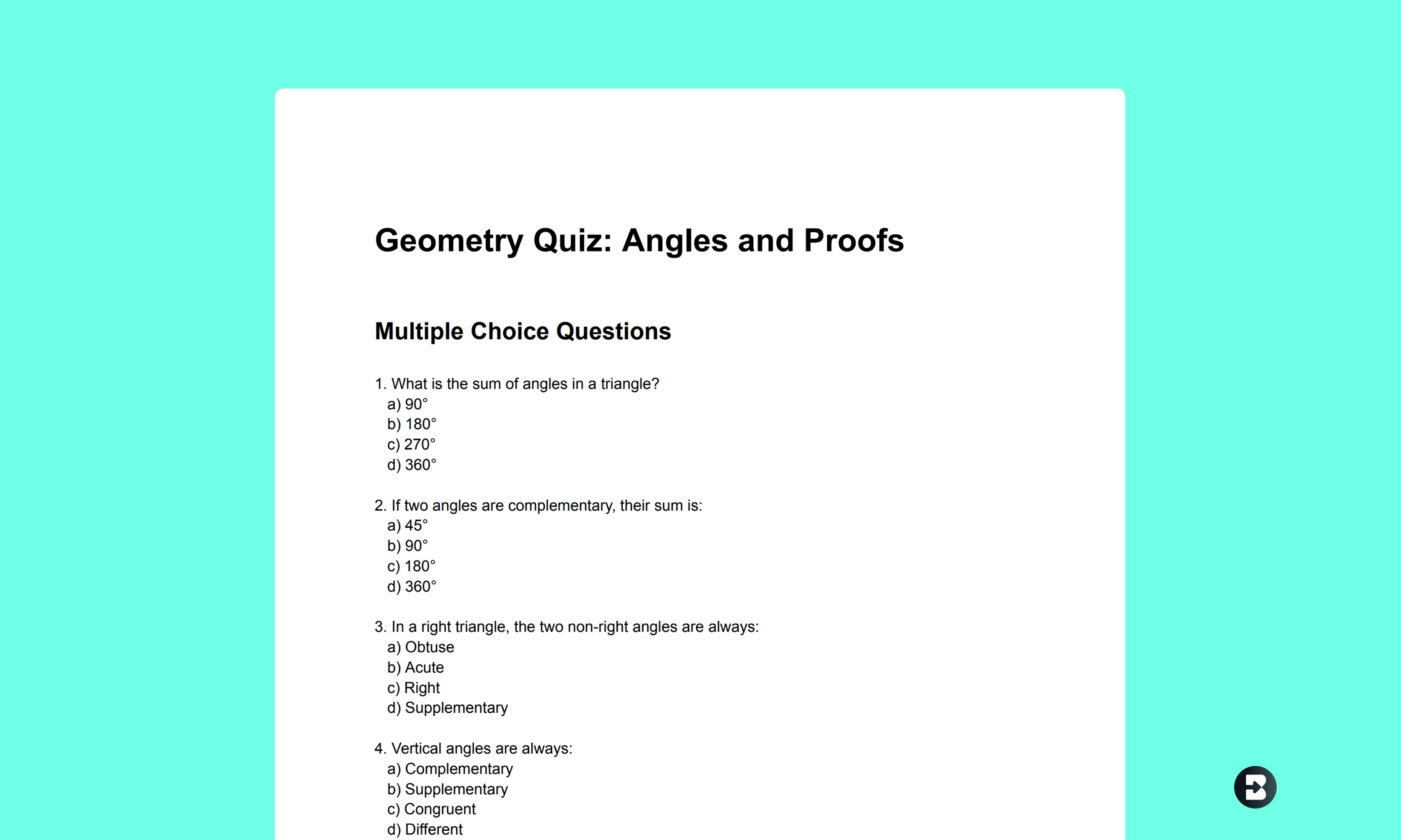
10th Grade Geometry Quiz on Angles and Proofs
Create a quiz to evaluate student understanding of core geometry concepts, complete with varied question formats.
See sample resourceWant something completely custom? Create Anything can handle it.
Get time back in your day with Brisk's Create Anything tool. Just enter your prompt, hit "Brisk It", and watch as your custom resource gets created in seconds.
Brisk Teaching FAQ’s
Do I need to create an account to use Brisk?
Yes, you’ll need to create an account to use Brisk. Go to app.briskteaching.com/get-started to create your free account today.
有问题吗?
我们希望收到你的来信!给我们发电子邮件 hello@briskteaching.com 取得联系。