.webp)
.webp)
Make any lesson listenable in seconds
No mic, no editing, no stress. Brisk transforms your content into professional-quality audio podcasts with synced transcripts — instantly accessible for every learner.
Works with any content — articles, videos, PDFs, or your own ideas
Includes synced transcripts so students can read while they listen
Translates into 50+ languages for multilingual classrooms
Turn any resource into audio — instantly
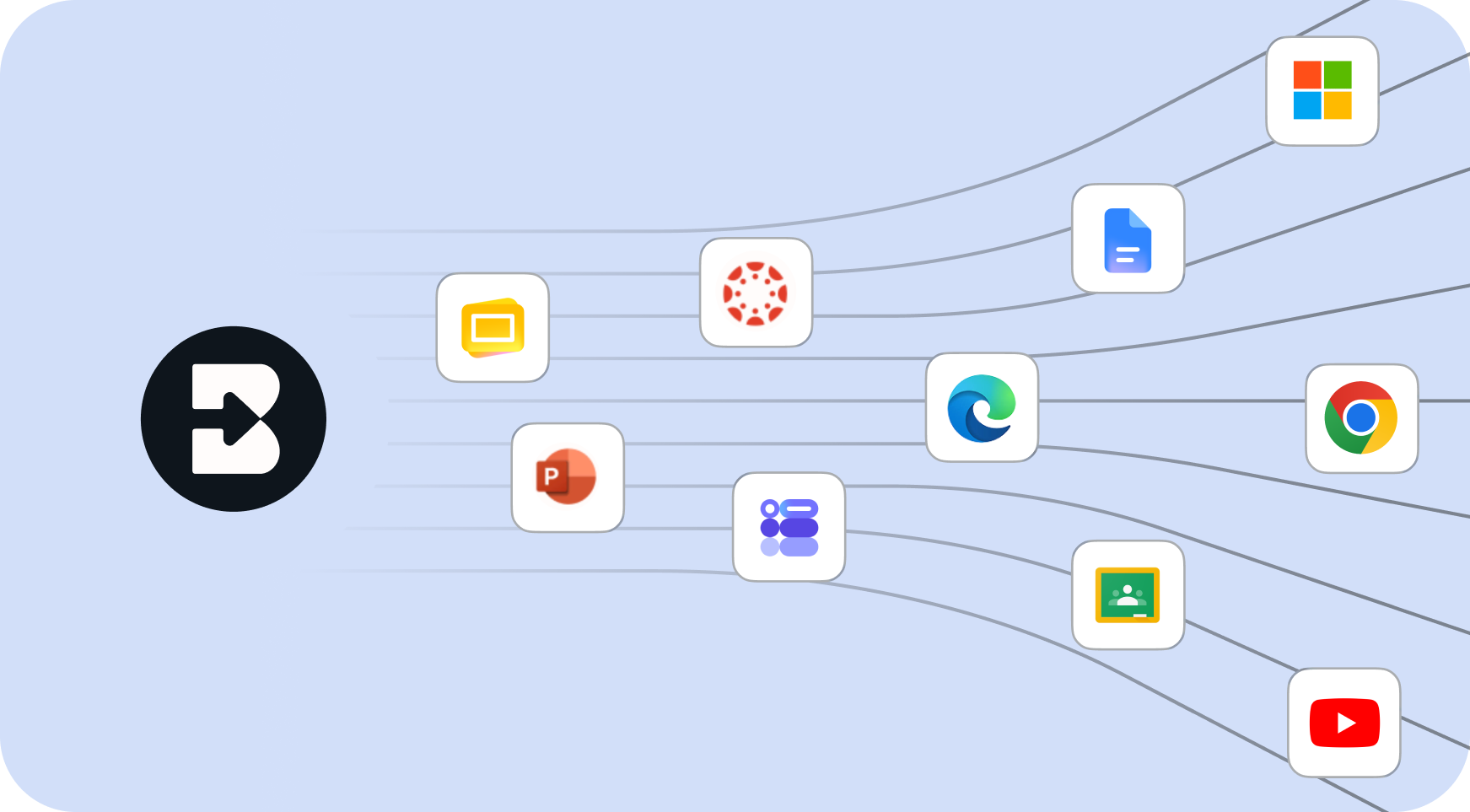
Already have an article, video, or lesson plan? Brisk converts it into a podcast in seconds. Or just describe what you want and Brisk creates the audio from scratch. Works right from wherever you're teaching — no uploads, no new platforms.

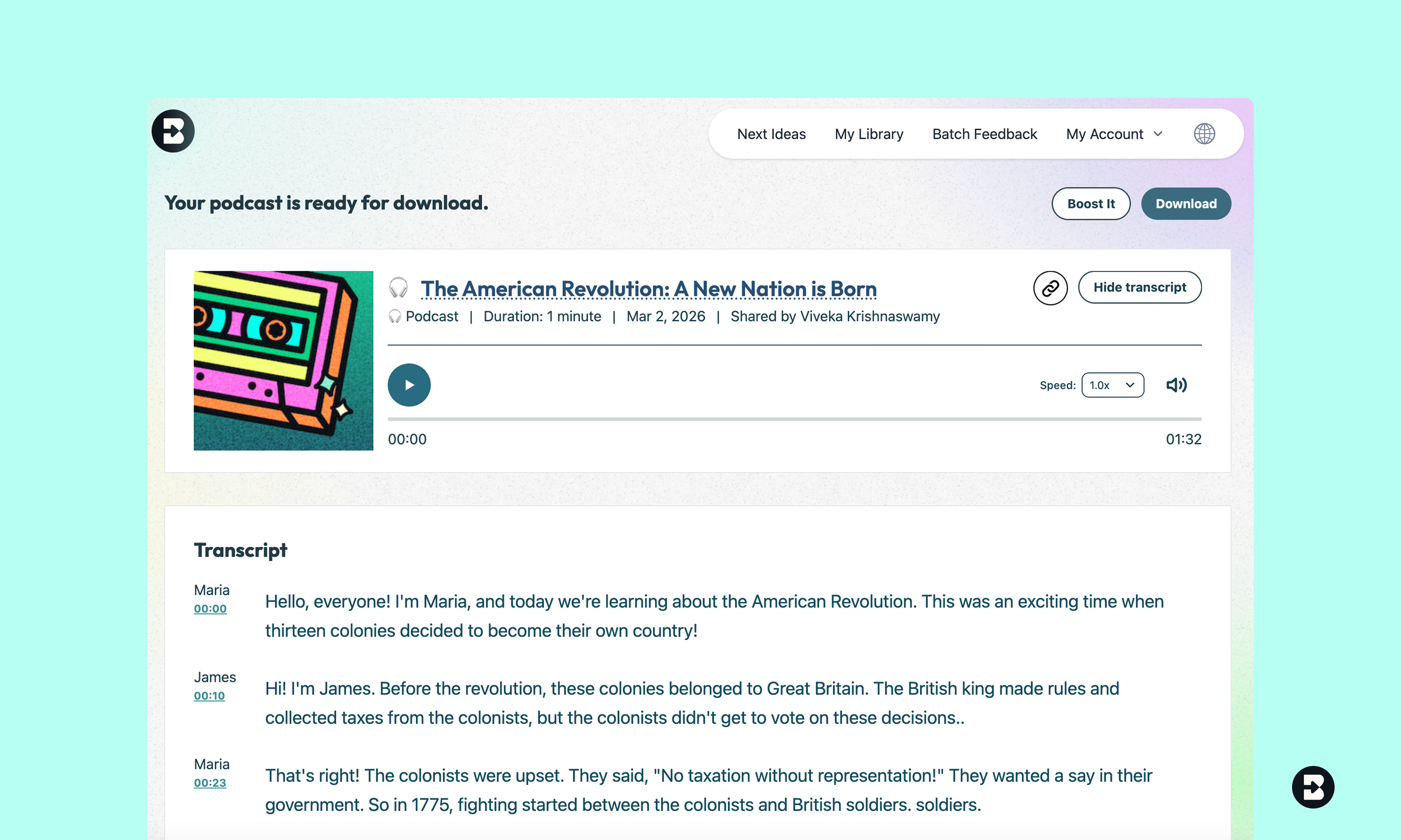
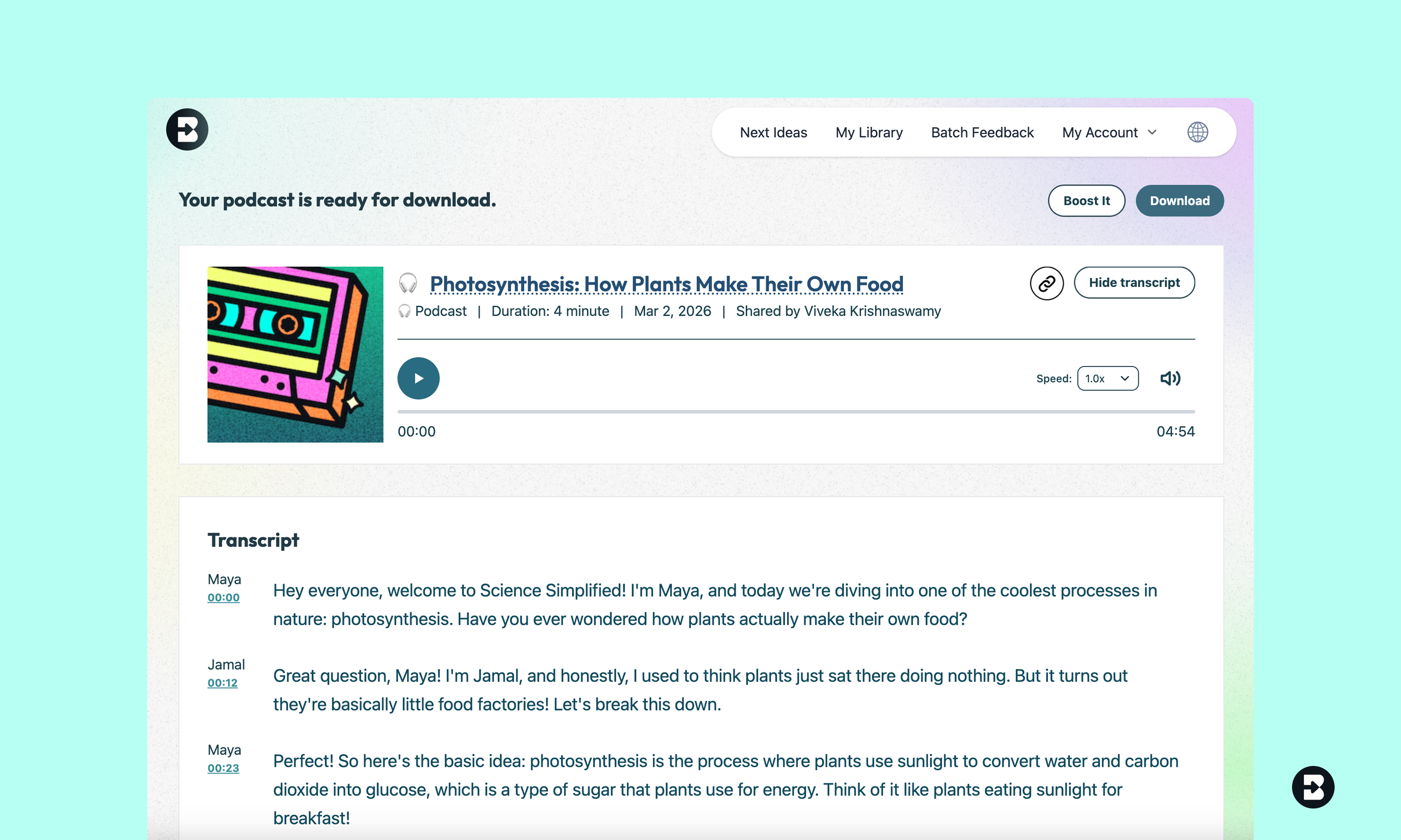
Synced transcripts make learning accessible
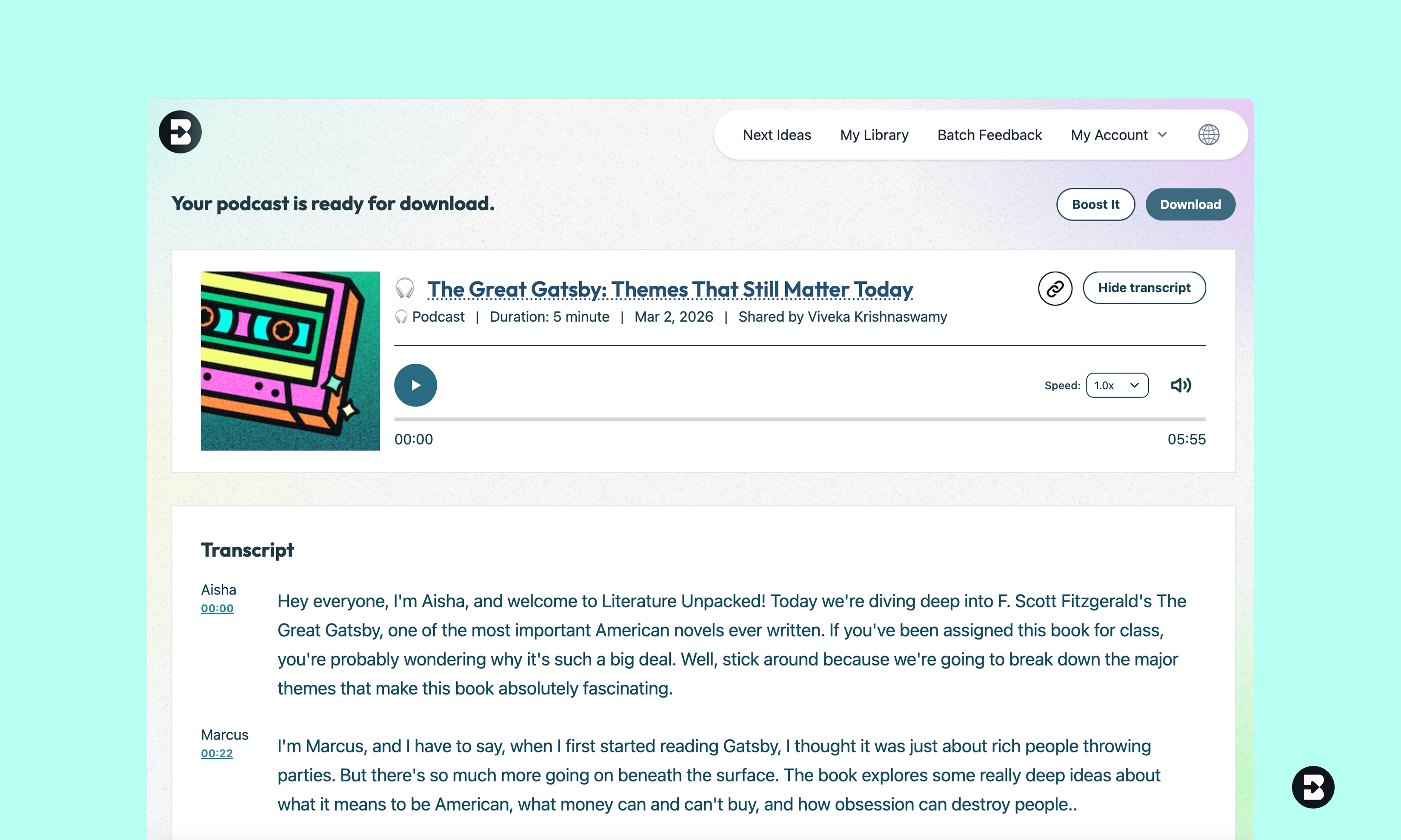
Every podcast comes with a full transcript that highlights in sync with the audio. Students can listen, read along, or do both — perfect for diverse learners, language support, and comprehension. Translates into 50+ languages.
Share with a link or download for offline use
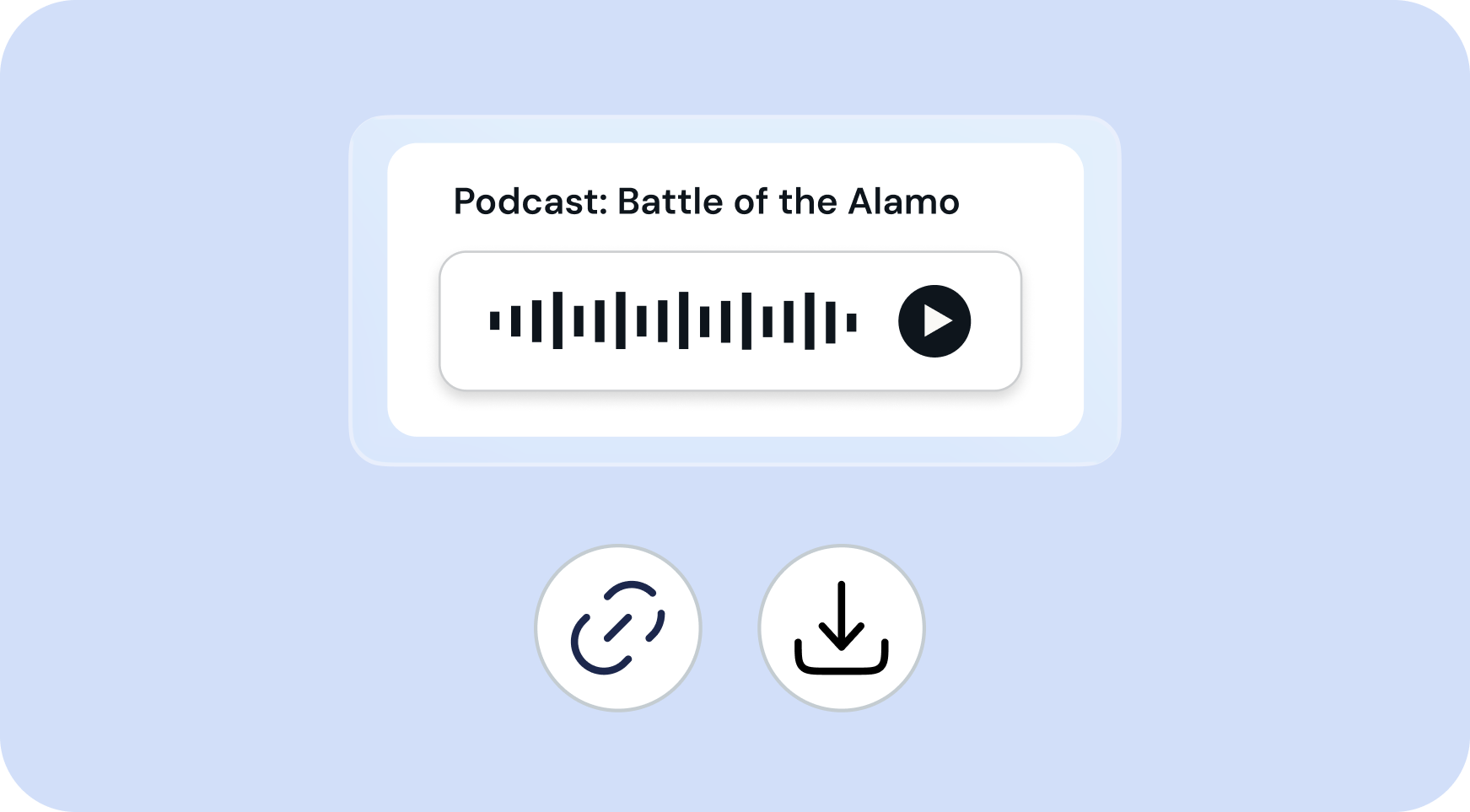
Podcasts are easy to distribute — share a link with your class or download the audio file. Students can listen on their phones, at home, on the bus, or anywhere they learn best. No special apps required.
1. Open any resource
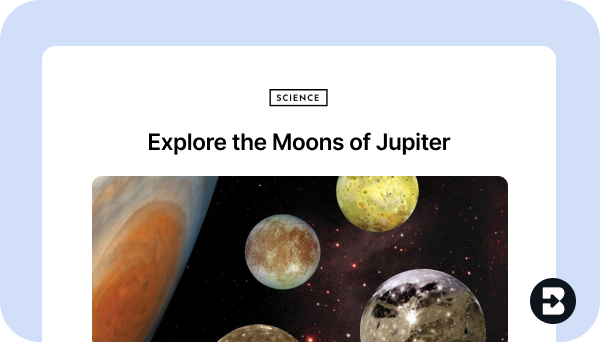
Open the webpage, PDF, Google Doc, or video that you want to generate a podcast from. Or, open Brisk from anywhere to create from scratch.
2. Search for “podcast”
Open Brisk, type “podcast” into the search box, and select the Podcast Generator from the search results.
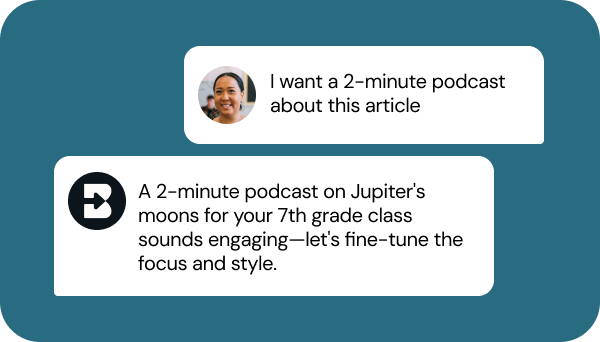
3. Tell Brisk what you need
Share some specifics about grade level, subject, topic, length, and any special requirements. Then, answer a few quick questions from Brisk.

4. Adjust until it’s perfect
Chat back and forth with Brisk to fine-tune the podcast by adjusting the length, translating the synced transcript, or aligning it with your priorities.
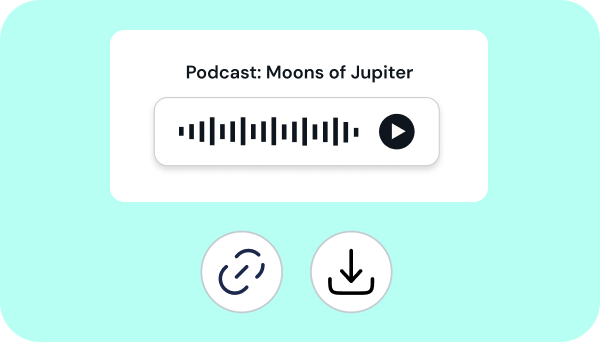
5. Share or download
Send the podcast link to students, download the audio file, or post the podcast in your LMS.
Make your lessons accessible to every learner
Give students the flexibility to learn on their own terms. Create engaging, accessible audio content in seconds — no recording equipment, no editing, just instant podcasts ready to share.
Brisk Teaching FAQ’s
How do I save a podcast?
Podcasts are saved to your My Podcast section of your home page. You can also download podcasts or share links for others to access.
Can I Boost a podcast?
Absolutely! Once you create a Podcast, select Boost Student Activity, and Brisk It from there.
Can I create any resource using a podcast?
Yes! Once you create a Podcast, click on the Brisk B and select ‘Create.’ From there, you can generate a quiz, inquiry worksheet, or anything you need to supplement your lesson.
How long can my podcasts be?
Podcast length depends upon your Brisk plan:
- Free plan: Up to 2 minutes
- Educator Pro: Around 4-5 minutes
- Schools & Districts: Up to 10 minutes
Compare plans here, or request a demo of Brisk's Schools & Districts plan.