.webp)
.webp)
Brisk gives you tools to return high-quality feedback on assignments the same day — saving hours without lowering the bar.
Save Time - Everywhere You Work
Brisk Teaching fits seamlessly into your Chrome workflow.
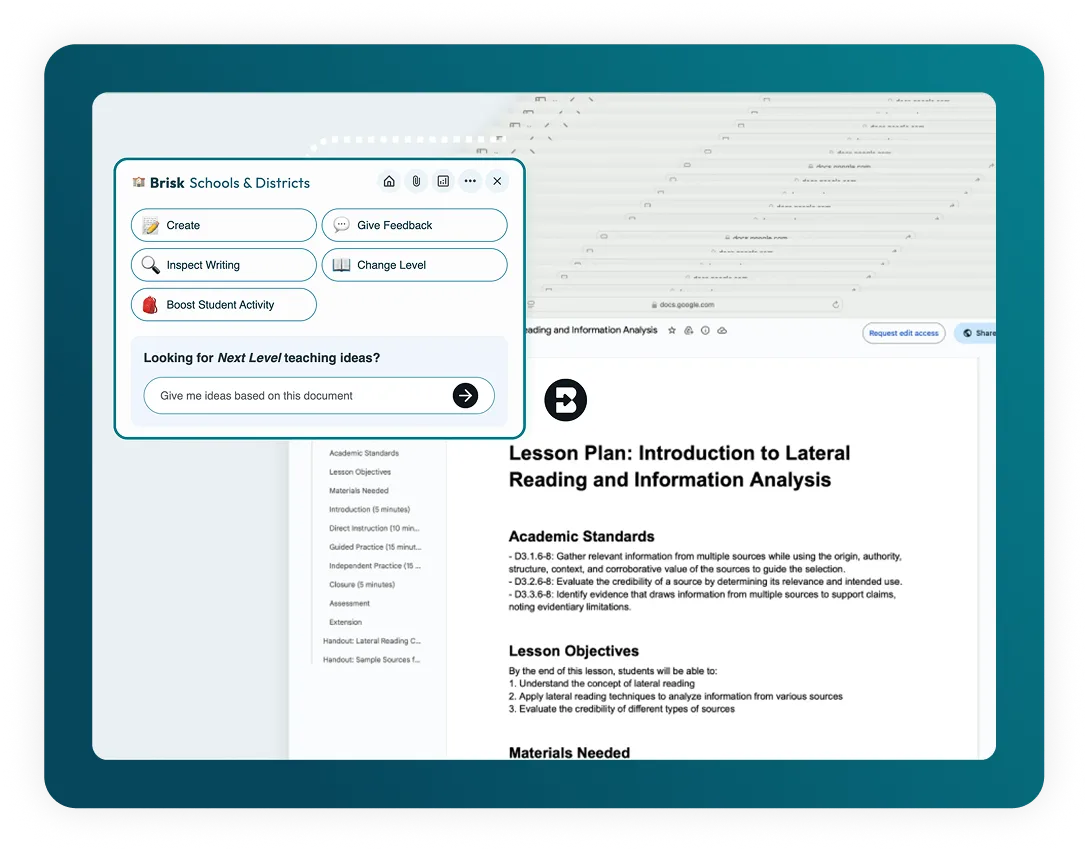
Pin Brisk to your Chrome toolbar for quick, easy access. Once you have the extension installed, Brisk works wherever you are, so no more jumping between apps - stay focused and productive.
Works with Your Favorite Tools
Open resources like YouTube videos, web articles, or PDFs in your Chrome browser, and instantly generate and manage instructional materials in Google Docs, Slides, Forms, or Classroom.
Automatic Google Drive Sync
Everything you create with Brisk saves directly to Google Drive, with no exporting or copying needed.
📊 Criador de questionários de IA
Create quizzes in Google Forms and Docs, with embedded answer keys.
Feedback sobre as próximas etapas
Provide 'Next Steps' instructional feedback to outline the next phase of students' work.
✨ Feedback sobre Glow & Grow
Offer 'Glow & Grow' feedback to highlight strengths and areas for growth.
💻 Criador de apresentações de IA
Craft Google Slides presentations from any idea, article, website, or video.
Brisk Boost (Chrome Extension)
With Brisk's student-facing Boost Chrome extension, available exclusively to Schools and Districts partners, students can generate detailed, targeted feedback on their own work.