.webp)
.webp)
Ready...for back to schoolfor Monday morningfor first periodfor the math exit ticketfor the student who finished earlyfor the parent emailfor tomorrow’s bellringerfor the week aheadfor whatever today brings
Ready feels good. Brisk gets you there.
This school year, whatever you're getting ready for, start with Brisk. Create lessons, give feedback, differentiate, answer the unexpected, and keep your day moving — all from where you're already working.

READY... for Monday.
Teachers who build a Brisk routine save more time, give better feedback, and head into the weekend with Monday already handled. Here’s what a Brisk routine looks like.

Sunday
Open the Brisk extension. Type what you need. Build the week's lessons, worksheets, and quizzes in one go.
Wednesday
Adjust the level of a reading, engage students with interactive activities, and provide timely feedback. Bookmark Brisk so you can do this on the fly.
Friday
Check Brisk Next to see what needs reinforcement and what’s up next. Draft Monday’s plan before the weekend.
READY... for a brand new experience.
This year, Brisk has a brand new experience designed to help you move even faster.
Whatever you need, just a convo away
Create lessons, worksheets, and quizzes by having a natural conversation with Brisk — no more searching through menus or filling out forms. Just say what you need, and Brisk will build it.
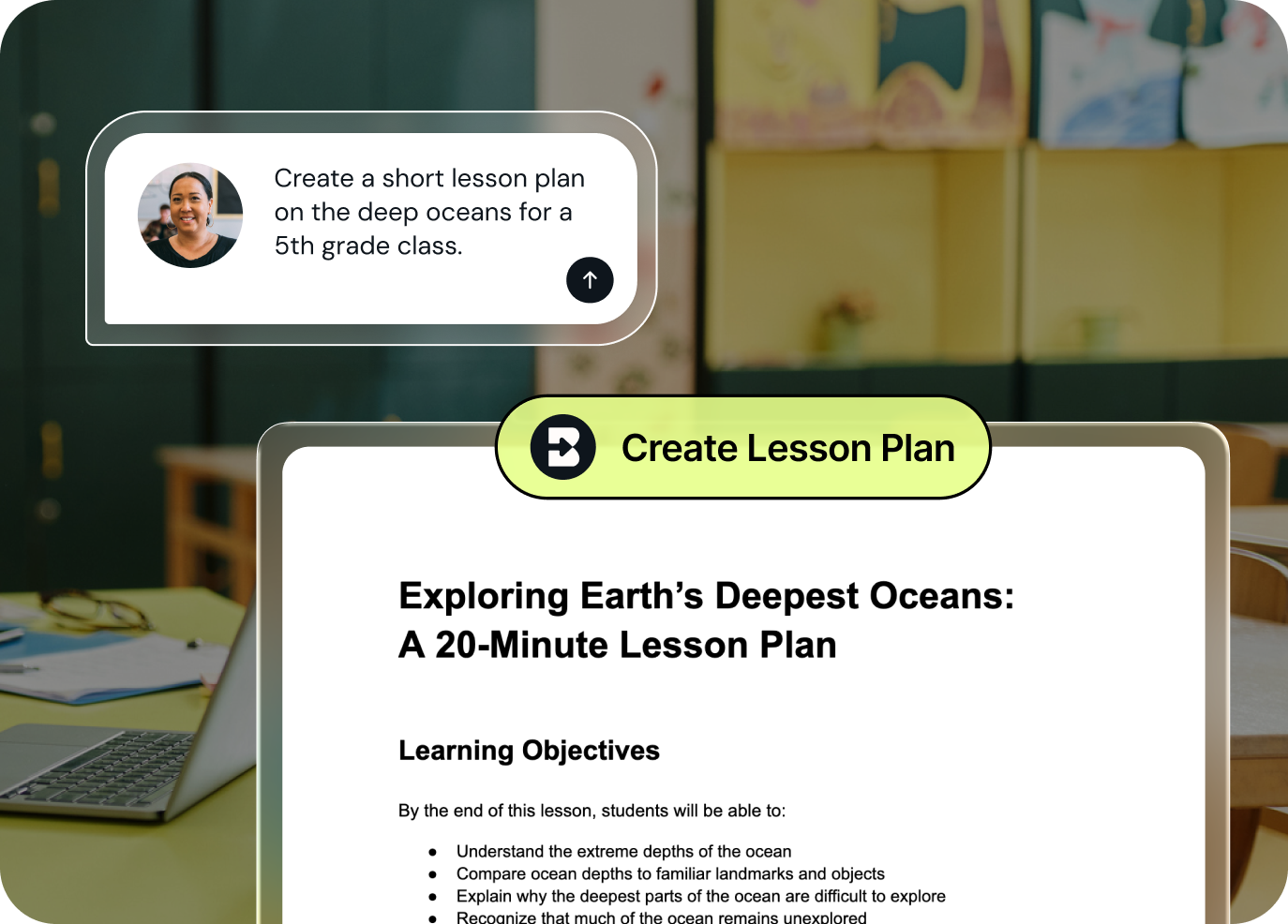

Align every resource with your curriculum
Put a library of vetted, pre-built resources at your teachers’ fingertips and ensure every custom resource teachers create is grounded in your adopted curriculum, scope, pacing, and instructional priorities.
Build resources without leaving your AI chat
Put together an interactive activity, quiz, or podcast without leaving your Claude chat, then export it anywhere with one click.


Give feedback and review writing — all within Word
See how your students put together their writing step-by-step and generate personalized feedback that appears right in their Word docs.
READY... to hit the ground running.
Whether you're brand new to Brisk or you've been using it for years, we've put together everything you need for a great start.

See what's changing in Brisk
Already a Brisk user? Learn what's changing in Brisk, what's staying the same, and how real teacher feedback shaped the new experience.

Lead a training
Ready to support others in getting started with Brisk? Use this PD deck to support workshops, coaching, or team learning.

Watch a quick tutorial
Our Getting Started series walks you through each Brisk feature step-by-step — from installing the extension to creating lessons, giving feedback, differentiating content, and building interactive student activities.
Whether you're brand new to Brisk or want a quick refresher, start here.
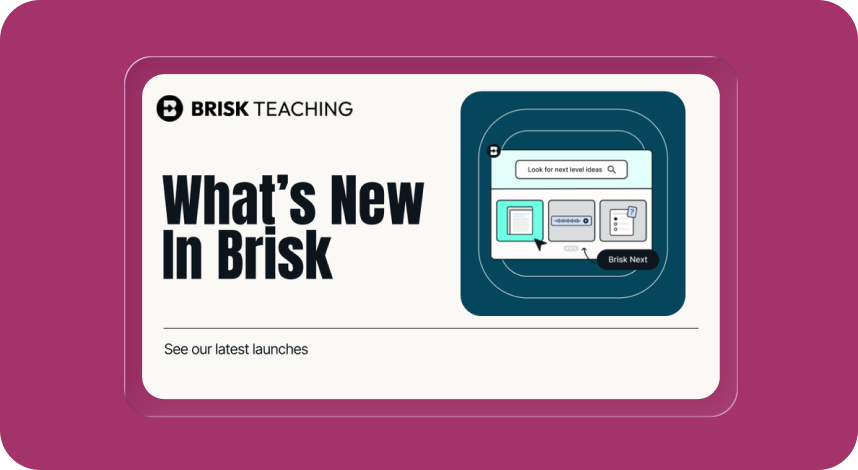
Stay up-to-date on what's new
Never miss a Brisk launch. Whether you’re leading PD, sharing Brisk with a teammate, or presenting at a conference, this deck is designed to make it easy to show What’s New.
READY... to help another teacher.
Back to School is better when you're not doing it alone. Know another educator who's getting ready? Share Brisk with a teammate, department, or friend so they can save time this year too.
READY... with the essentials.
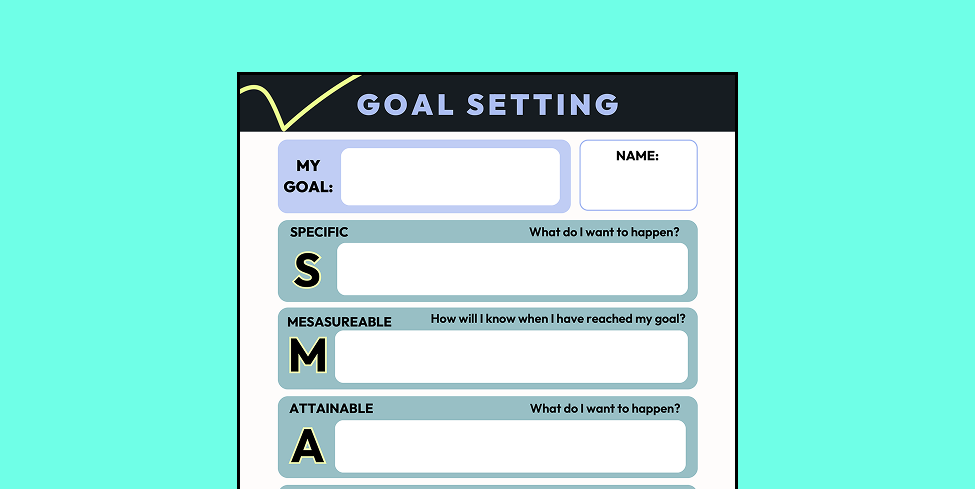
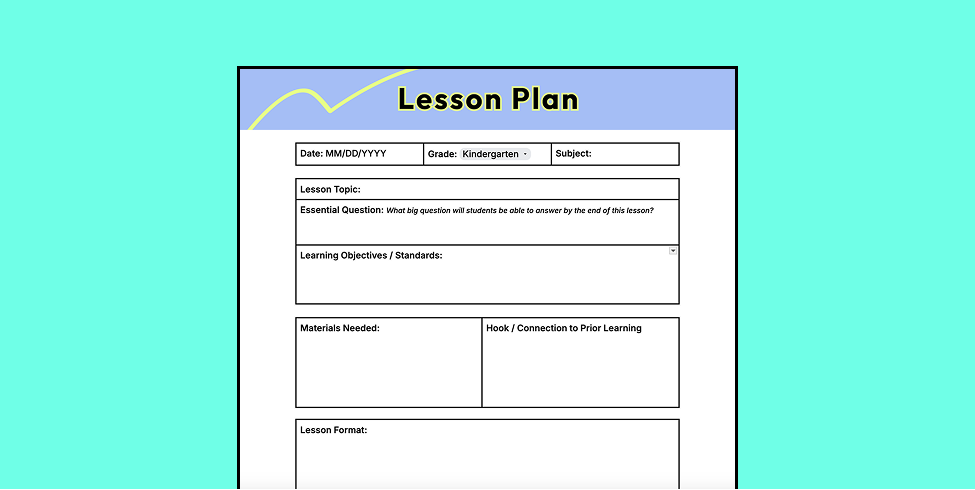
Free back-to-school printables, lesson starters, and teaching tips for the new school year.
Printables
Teaching Tips

.png)


READY FEELS GOOD.
BRISK GETS YOU THERE.
Every day brings something new. Another lesson. Another email. Another student who needs something different.
You can't predict what's coming. But you can feel ready with Brisk.